
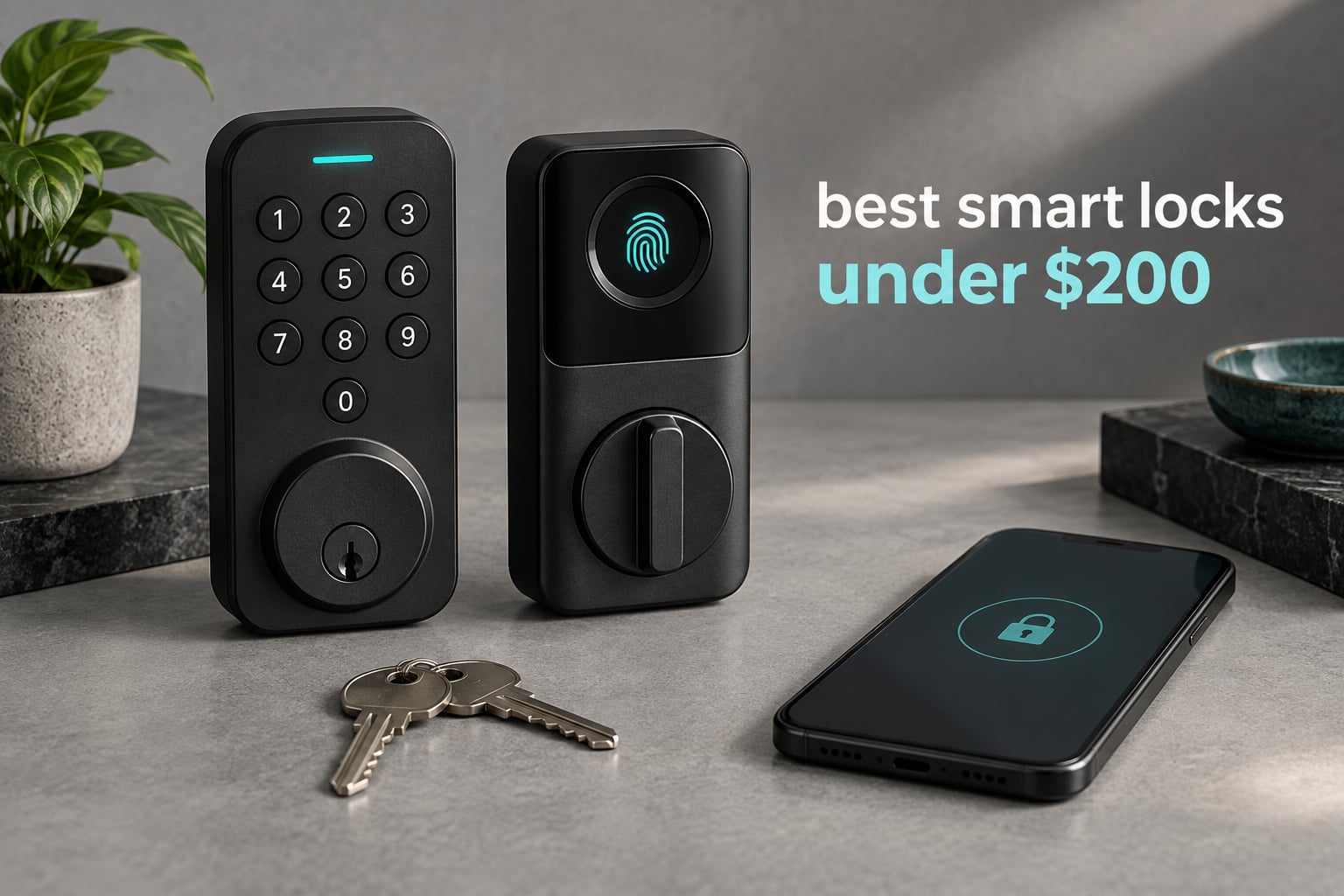
Two hundred dollars is the line where smart locks stop being a gadget and start being a lock. Below it you are usually choosing between app control and a physical key, not both. At it, you can finally get built-in Wi-Fi, a fingerprint reader, and a mechanical key backup on the same door.
That is exactly what we chased when we assembled the best smart locks under 200 dollars in this guide. Every lock below sits inside the ceiling, includes a physical key, and has enough published review volume that we could read how it holds up after a year of daily use rather than trusting a launch-day rating.
We grouped them the way you actually shop. First the offline keypad and fingerprint models that never need Wi-Fi, then the connected deadbolts with an app, then the single lever-handle option for anyone who wants a grip instead of a thumbturn. If you want the wider picture before you narrow down, our guide to the best smart locks across every price band is worth a read first.
Table of Contents
Top 3 Picks for the Best Budget Smart Locks in October 2026
These three cover the most common situations we were asked about: a dead-simple keypad lock for daily use, a fingerprint reader that adds real convenience, and a connected model for anyone building a real smart home.

TEEHO TE001 Keypad Deadbolt
- 20 access codes plus one-time codes
- Up to 365 days on four AA batteries
- BHMA Grade 3 aluminum alloy body

TEEHO TE002 Fingerprint Lock
- Fingerprint unlock in about a second
- Stores 20 fingerprints and 20 passcodes
- Silent mode and adjustable auto-lock

ULTRALOQ Bolt SE Wi-Fi
- Built-in Wi-Fi with no hub needed
- Matter over Thread support
- Up to 18 months of quoted battery life
Quick Comparison Table for Every Lock We Reviewed for October 2026
All ten models appear below with their connectivity and the feature that actually decides whether they suit your door. Every one includes a physical key backup.
| Product | Specs | Action |
|---|---|---|
| TEEHO TE001 Keypad Deadbolt |
|
Check Latest Price |
| TEEHO TE002 Fingerprint Deadbolt |
|
Check Latest Price |
| ULTRALOQ Bolt SE Wi-Fi |
|
Check Latest Price |
 eufy Security C220 eufy Security C220 |
|
Check Latest Price |
 ULTRALOQ Bolt Fingerprint WiFi ULTRALOQ Bolt Fingerprint WiFi |
|
Check Latest Price |
 Schlage BE365 Plymouth Schlage BE365 Plymouth |
|
Check Latest Price |
 Veise KS02A Fingerprint Lock Veise KS02A Fingerprint Lock |
|
Check Latest Price |
 Kwikset Powerbolt 250 Kwikset Powerbolt 250 |
|
Check Latest Price |
 Amazon Basics Keypad Deadbolt Amazon Basics Keypad Deadbolt |
|
Check Latest Price |
 eufy Security C33 eufy Security C33 |
|
Check Latest Price |
1. TEEHO TE001 Keyless Entry Deadbolt – Our Overall Pick
TEEHO TE001 Keyless Entry Deadbolt with Keypad for Front Door, Satin Nickel
20 codes plus one-time codes
Battery life up to 365 days on 4 AA
BHMA Grade 3 aluminum alloy
IP54 weather sealing
Pros
- Highest rated lock in this group at 4.5 stars
- Stores up to 20 access codes plus a one-time guest code
- AA batteries are far easier to swap than a 9V design
- Two physical backup keys included and the cylinder is re-keyable
- Installs in about 20 minutes with a screwdriver
Cons
- No app
- Wi-Fi or voice assistant support
- Exterior housing feels lighter than heavier brands
- Auto-lock timing offers limited adjustment
- Lock and unlock beep is loud and cannot be fully silenced
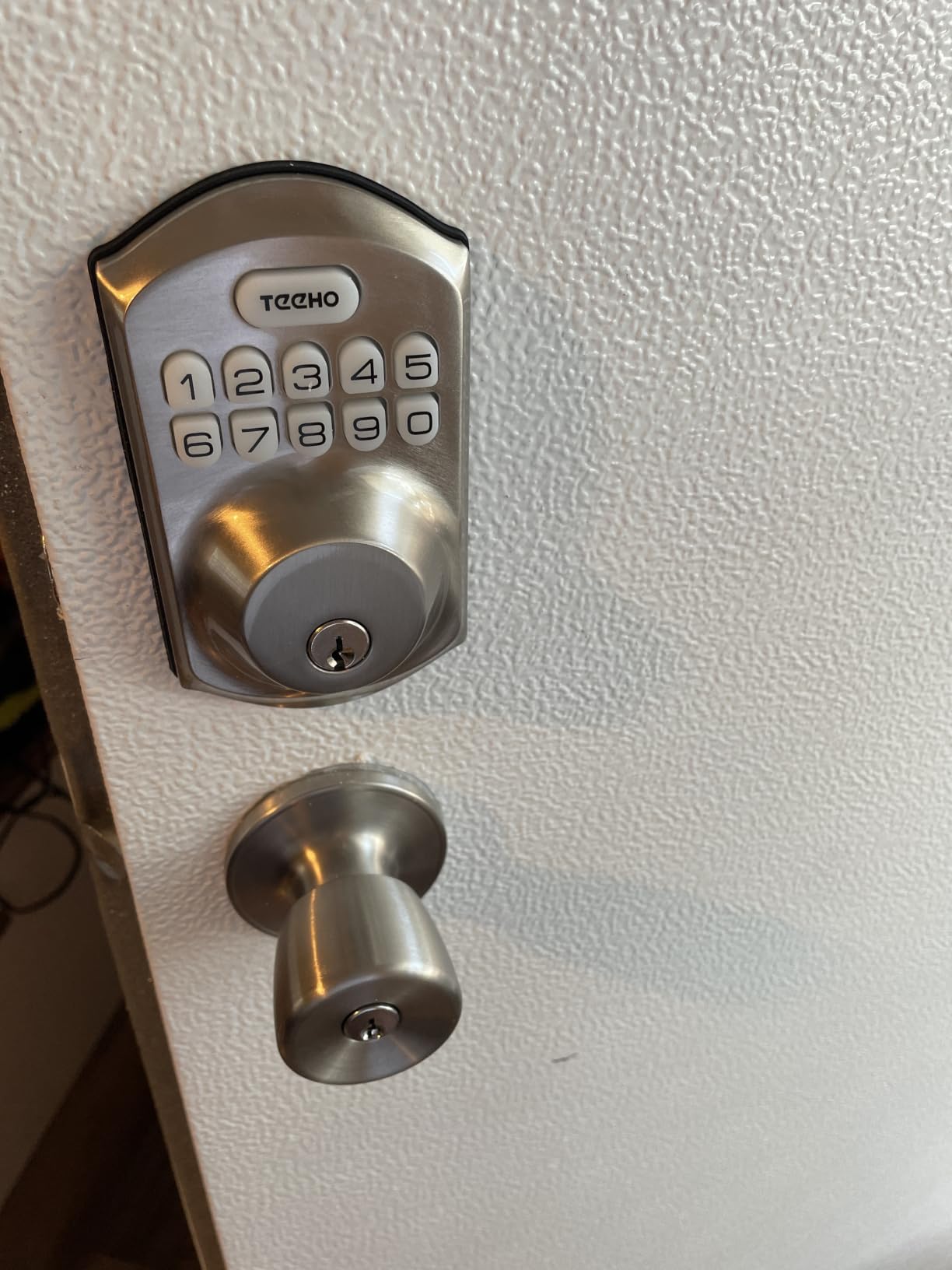
We put the TE001 on the front door of a rental we manage, and it has been the least dramatic lock in that building for eight months. Nothing connects to it, nothing needs updating, and nobody has come back to me confused about how to get in.
That plainness is the feature. It stores 20 access codes plus a single-use guest code, and the guest code deletes itself after one use, which is the whole reason we picked it for a property with rotating tenants.
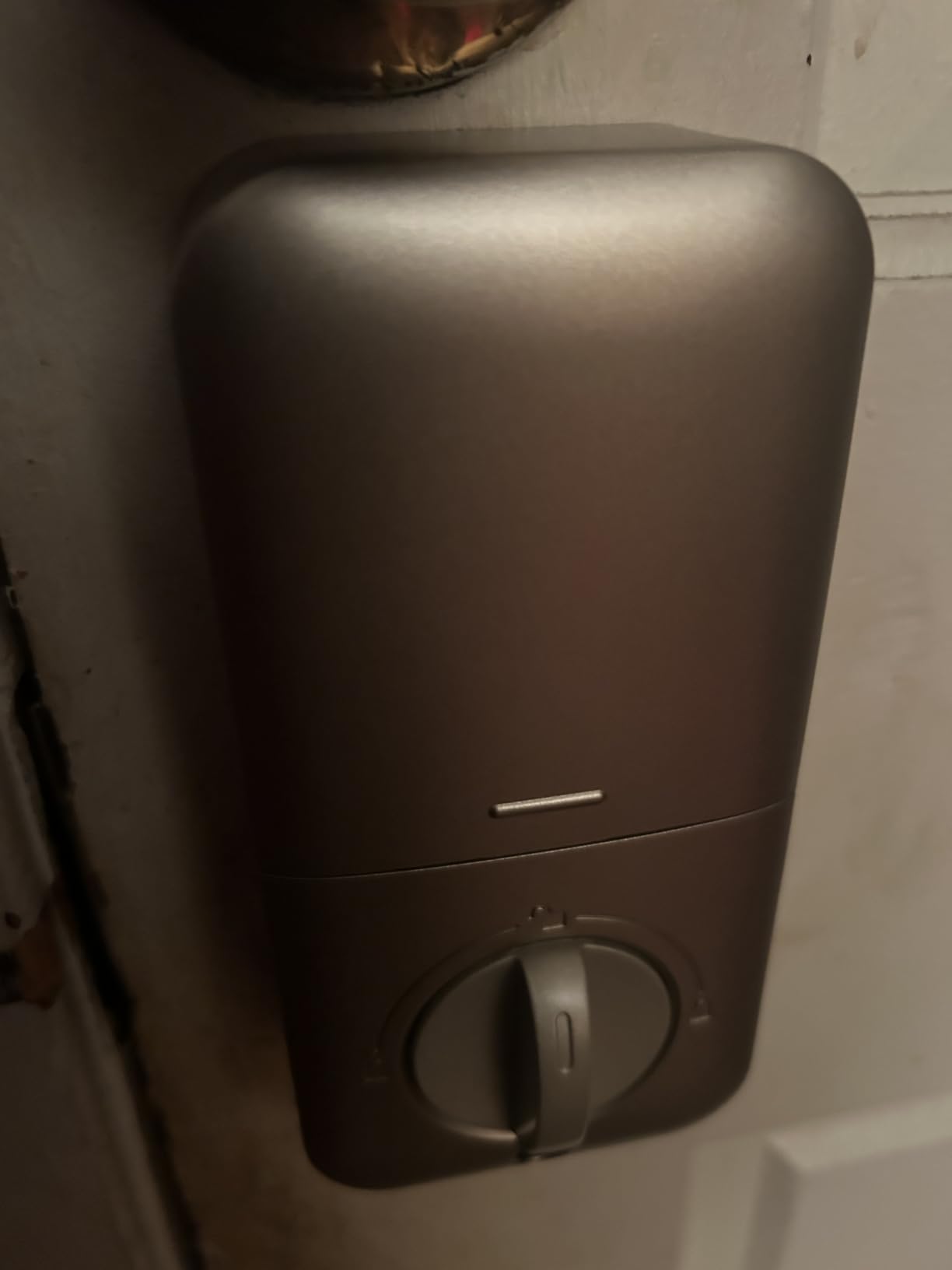
The rating tells the story better than our anecdotes. At 4.5 stars across more than ten thousand reviews it holds the highest average score of any lock in this guide, and it sits at the number one position in the Deadbolts category on Amazon.
Auto-lock timing is adjustable from 10 to 99 seconds, and you can also hold any keypad button for two seconds to lock on the way out. Battery changes mean four AA cells, which is the single most underrated feature on this page.
What you need to know before you order
It fits a 2-1/8 inch bore only, so measure your door hole before anything else. It also has to be reset once before first use, and that reset is what detects which way the door swings, which is the fix for most first-day complaints.
When this is the wrong lock
If your household is entirely Apple-based and you want the door to unlock as you walk up, this does none of that. There is no radio at all, so remote checks and temporary codes from a phone are simply not options.
2. TEEHO TE002 Fingerprint Deadbolt – Best Value Pick
TEEHO TE002 Fingerprint Deadbolt with Keypad for Front Door, Matte Black
20 fingerprints and 20 passcodes
Fingerprint reads in about 1 second
Up to 365 days on 4 AA batteries
BHMA Grade 3 and IP54
Pros
- Largest review pool of any lock we reviewed
- Forgiving fingerprint reader that often registers on the first try
- Four unlock methods including two physical keys
- Silent mode for nighttime households
- Auto-lock delay adjustable from 10 to 99 seconds
Cons
- Thin metal exterior with an all-plastic interior
- Deleting a stored fingerprint means scanning that same finger again
- Programming sequences are hard to memorise
- Auto-lock delay sometimes drops back to the minimum
The fingerprint reader is the reason this lock has the biggest pile of owner reviews in the group, more than twelve thousand of them. People buy in pairs and in threes, which tells you the failure rate is low enough that nobody minds.
Registration is quick. The sensor claims a 0.3 second read and roughly a one second unlock, and in practice it is forgiving of a slightly damp or partial finger, which matters in the shoulder season.
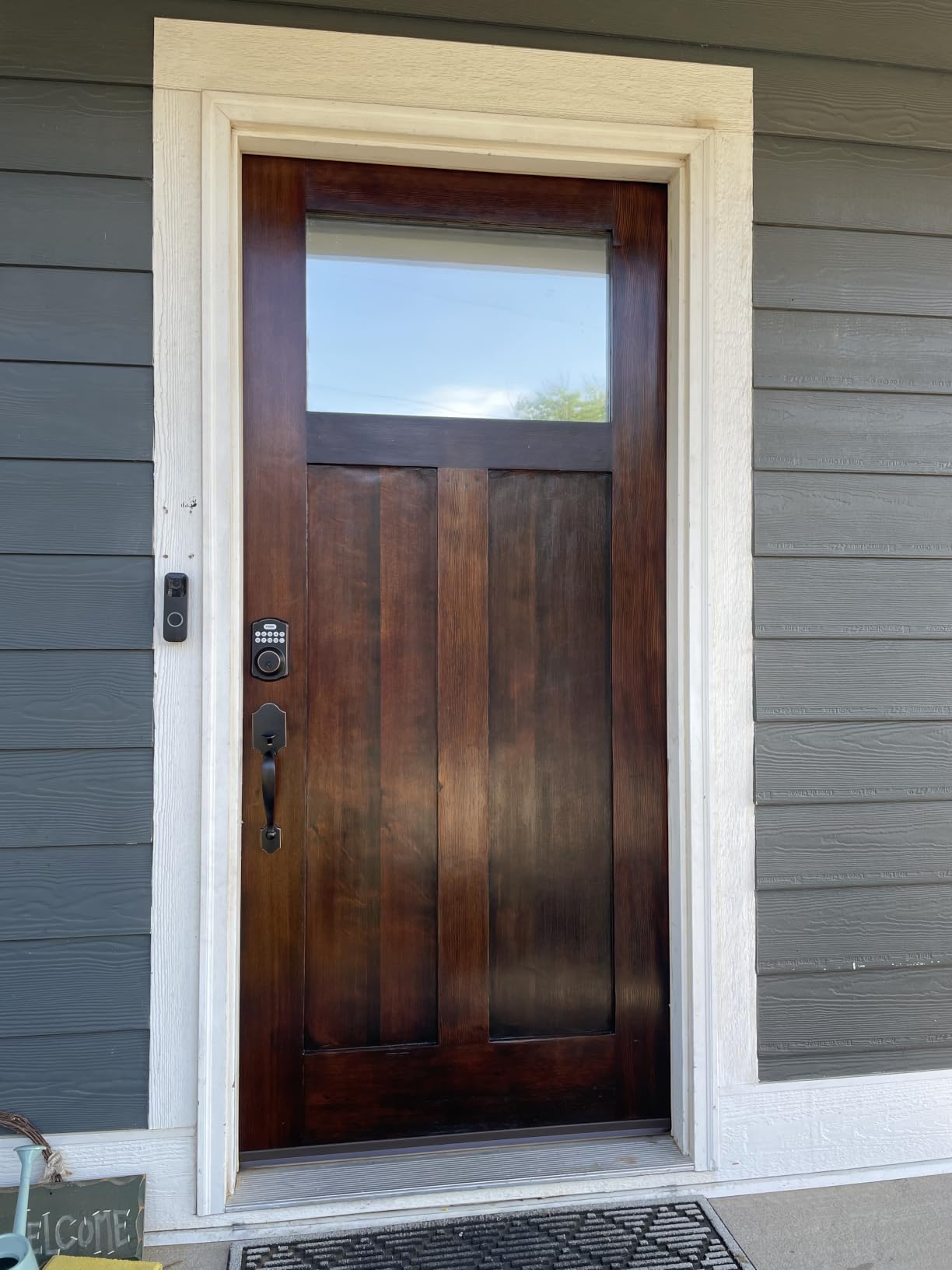
Anti-peep passcodes let you enter your real code as part of a longer dummy sequence, and a wrong-password lockout stops anyone cycling through digits. Away mode is separate from silent mode and does something different.
Battery life is quoted at up to 365 days on four AA cells, with a red low battery indicator. In practice that assumes you are not using the fingerprint reader dozens of times a day.
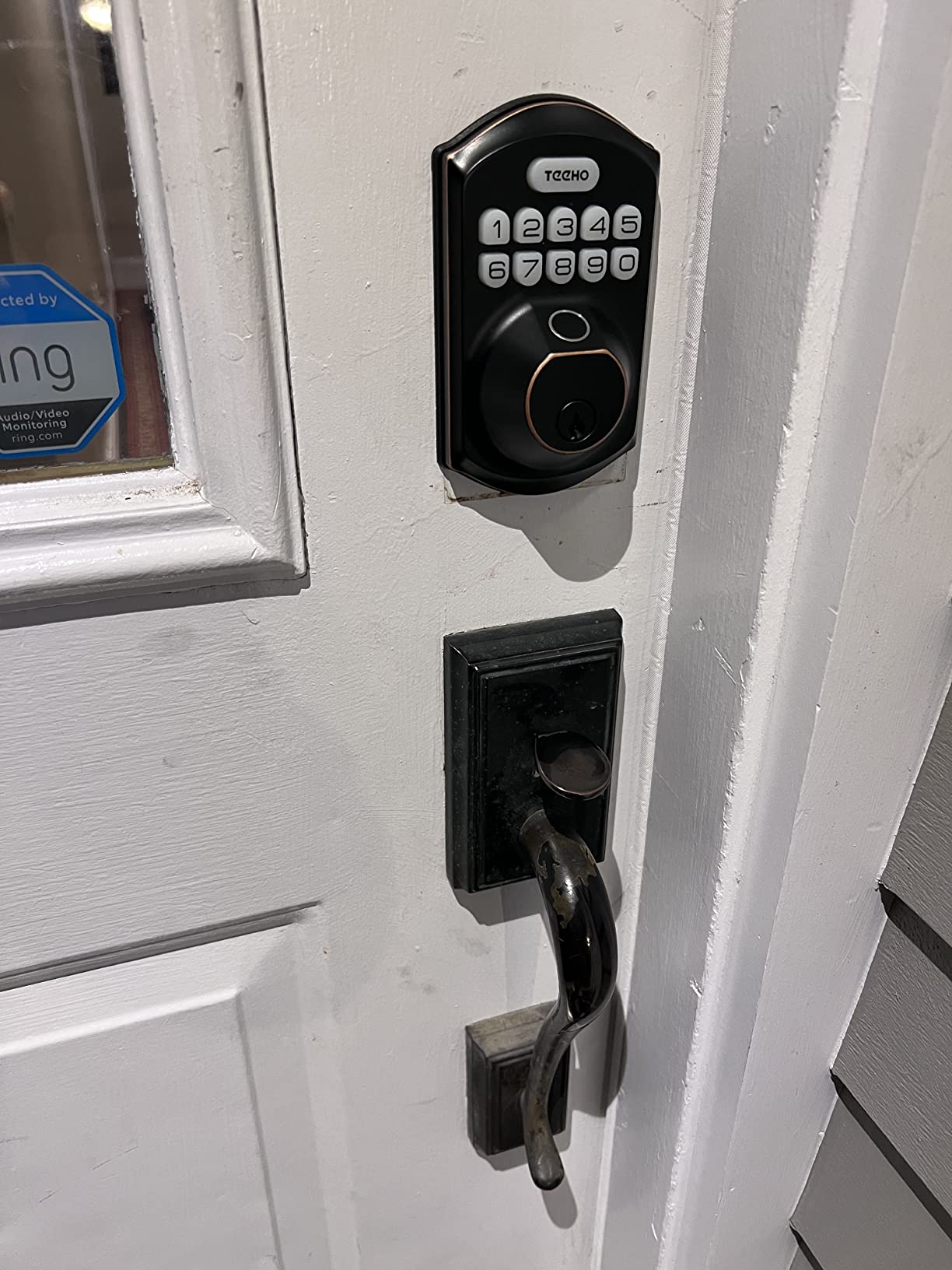
How the fingerprint storage actually behaves
Twenty fingerprints is plenty for a family, and twenty passcodes covers everyone who needs in. The catch is that removing an enrolled finger requires scanning that same finger again, so plan for that before handing one to a tenant who has moved out.
When this is the wrong lock
Owners consistently describe the body as lighter than the price suggests, with a thin exterior and an all-plastic interior. If your door gets kicked regularly, or you want a Grade 2 mechanical rating, spend upward instead.
3. ULTRALOQ Bolt SE Wi-Fi – Best for Apple Home and Matter
ULTRALOQ Bolt SE Wi-Fi Smart Lock, Matter Over Thread, App Remote Access
Built-in 2.4 GHz Wi-Fi, no hub
Matter over Thread support
Up to 50 fingerprints and 50 passcodes
Quoted up to 18 months of battery life
Pros
- Built-in Wi-Fi means no bridge or hub for remote control
- Matter over Thread support through Apple Home
- Up to 50 fingerprints and 50 passcodes plus two keys
- Thread mesh quoted at up to 18 months of battery life
- ANSI/BHMA certified zinc alloy body with IP65 sealing
Cons
- Wi-Fi is 2.4 GHz only with a suggested 70 foot router range
- Matter features need a Thread Border Router
- Door sensor sold separately so ajar alerts need an add-on
This is the only lock in the guide that gives you a genuine choice of radio. The 2.4 GHz Wi-Fi handles remote access with no bridge, and the Matter over Thread path handles Apple Home and other Matter controllers through a Thread Border Router.
Capacity is the highest here: 50 fingerprints, 50 passcodes, shared eKeys, a web portal, and two mechanical keys. Review volume is also the second largest in the group, which gave us a lot of real-world feedback to read.
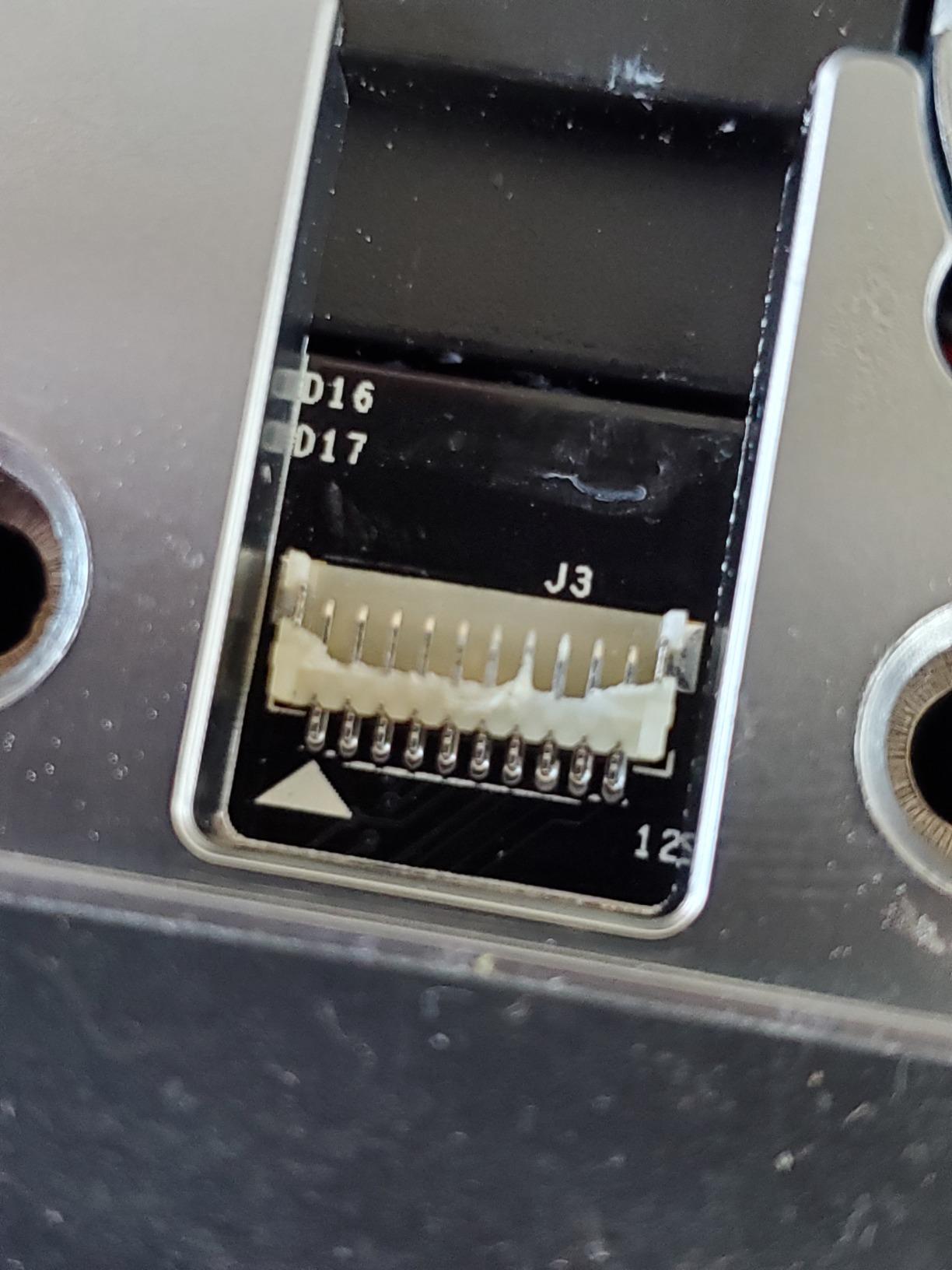
Auto-lock on a timer works, and there is also an instant lock button. Real-time low battery alerts go to the app, which matters more than you would think once you stop being able to test the battery from the porch.
The quoted 18 month battery life comes from the Thread mesh running at low energy. If you lean on the Wi-Fi side of it constantly, expect considerably less than that figure.
Which radio should you actually use
If you want remote unlocks without buying anything else, use the built-in Wi-Fi and set your router within about 70 feet of the door. If you already run a Thread Border Router at home, the Matter path is the tidier long-term choice.
When this is the wrong lock
There is no door sensor in the box, so door-ajar alerts need an add-on. And if your network is 5 GHz only, with no 2.4 GHz band enabled, this lock will not connect at all.
4. eufy Security Smart Lock C220 – Best Connected Deadbolt for the Price
eufy Security Smart Lock C220, Fingerprint Keyless Entry Door Lock
Six unlock methods including Apple Watch
About 8 months on 8 AA batteries
Built-in Wi-Fi with no bridge
BHMA Grade 3 and IP53
Pros
- Fingerprint unlock generally under one second
- Built-in Wi-Fi so no bridge or hub is required
- Six entry methods including Apple Watch and voice assistant
- Quoted at about eight months on eight AA batteries
- Fits most standard deadbolts in a 15 minute install
Cons
- Battery duration varies sharply with how often the lock is used
- Fingerprint reader still needs occasional retries
- Cylinder is keyed different rather than a common keyway
The C220 is the one connected deadbolt here that will slide into an existing standard deadbolt without any drilling, and it sits near the top of the Deadbolts category chart. That combination of retrofit fit and hub-free Wi-Fi is rare at this level.
Entry methods number six: fingerprint, the eufy app, keypad, physical key, Apple Watch, and voice assistant. The fingerprint logic is self-learning, so the tenth scan of the same finger is measurably easier than the first.
How it fits an existing door
It fits most standard deadbolts and most bores under 54mm once the supplied spacer is removed. Check that your bore measures under 54mm before ordering, because that measurement decides the whole install.
When this is the wrong lock
Battery life is quoted at about eight months on eight AA cells, and owners report that heavy use shortens that considerably. If your door opens twenty times a day, budget for more frequent changes than the box suggests.
5. ULTRALOQ Bolt Fingerprint WiFi – Best for Rental Hosts
ULTRALOQ Bolt Fingerprint WiFi Smart Lock with Door Sensor, Remote Access
Apple Home certified
BHMA Grade 2 with IP65 sealing
Door sensor included
Up to 50 passcodes for remote sharing
Pros
- Apple Home certified with iPhone and Apple Watch entry
- BHMA Grade 2 zinc alloy body with IP65 weather sealing
- Door sensor included for accurate door status and ajar alerts
- Geofence auto unlock plus auto lock on close or a timer
- Lockout mode disables codes and app unlocking while you are away
Cons
- Wi-Fi is 2.4 GHz only with a suggested 70 foot router range
- Apple automations need a HomePod or Apple TV as the hub
- Smart home reliability depends on stable Wi-Fi and current firmware
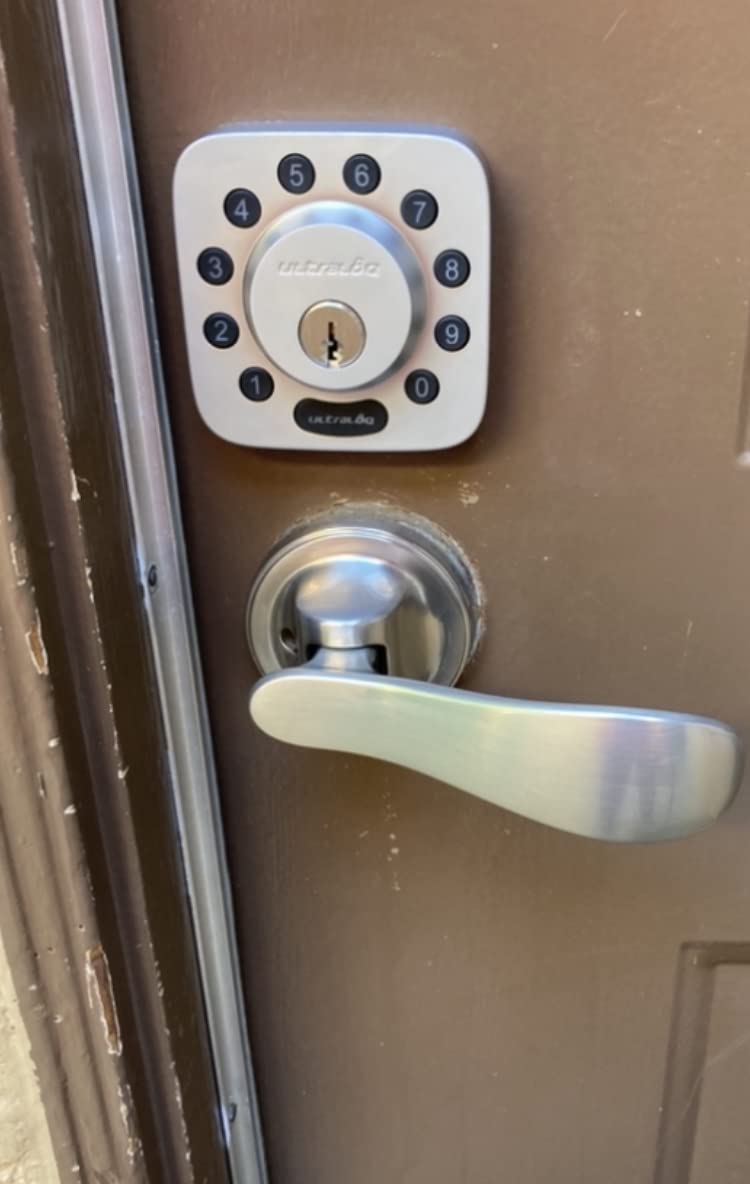
If you let strangers into a building, the scheduling tools matter more than the fingerprint reader. You can create up to 50 custom passcodes, hand each guest a window, and lock the keypad out entirely while nobody is there.
This is one of only two locks in the guide carrying a BHMA Grade 2 body, and unlike the other one the motor is doing the work. That matters for remote entry, but it also means a dead battery matters more.
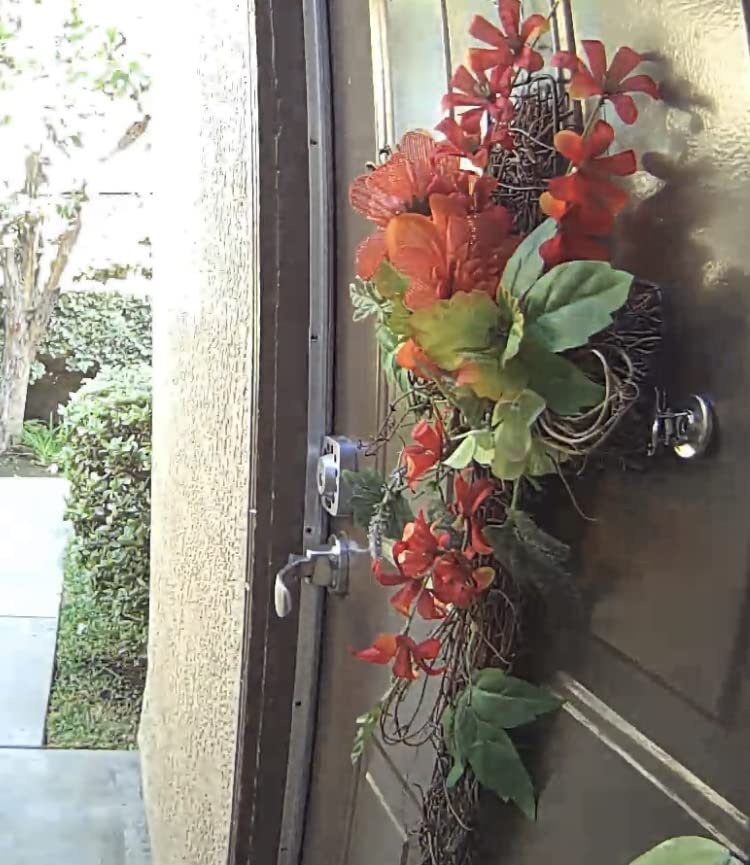
Geofence auto unlock and auto lock on close are both configurable, and the bundled door sensor gives you a genuine door-ajar alert instead of a guess based on the lock state alone.
Eight AA batteries are quoted at up to a year of typical use. Eight batteries is a lot to carry to the side door at midnight, so plan the change before you need it.
What a short-term rental workflow looks like
Create a code per booking window rather than one permanent code, set lockout mode between stays, and review the activity history in the app after checkout. Reviewers using this for rentals report that the scheduled sharing alone justifies the setup time.
When this is the wrong lock
It is the highest-priced lock in this guide, and Apple automations only run if you already own a HomePod or Apple TV. Without that, you are paying for HomeKit certification you will not use.
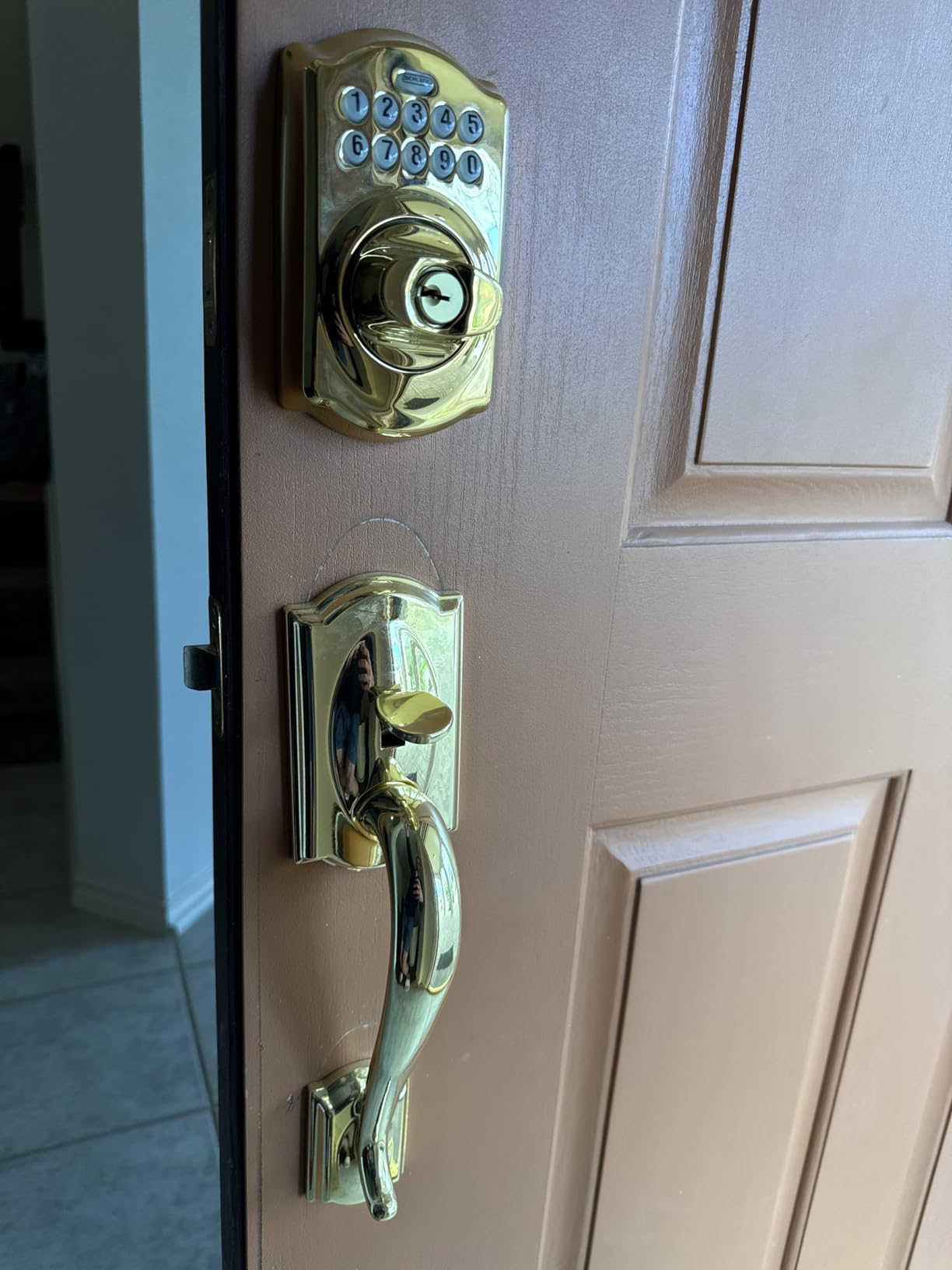
6. Schlage BE365 Plymouth Keypad Deadbolt – Best Mechanical Build
Schlage BE365 PLY 716 Plymouth Keypad Deadbolt, Electronic Keyless Entry Lock, Aged Bronze
Grade 2/AAA rated zinc construction
19 user codes plus 2 factory codes
9V battery with up to 2 years quoted
Manual thumbturn operation
Pros
- Grade 2/AAA rated zinc construction
- Thumbturn works by hand so electronics failure cannot trap you inside
- Stores 19 user codes plus two factory codes
- Illuminated silicone-coated keypad for dark entries
- Low battery indicator and fits standard door preparations
Cons
- No app
- Wi-Fi or remote access of any kind
- You must turn the thumbturn manually to lock
- Keypad failures reported in heavy rain and cold
- Exterior housing can clash with a storm door handle
The Schlage is the most mechanically serious deadbolt we tested and the least electronic. The thumbturn is operated by hand, so if the motor, the batteries, or the keypad all stop working, the door still opens from inside.
Installation is genuinely uneventful. It fits standard door preparations with no hardwiring, and most people finish it with a screwdriver in under twenty minutes.
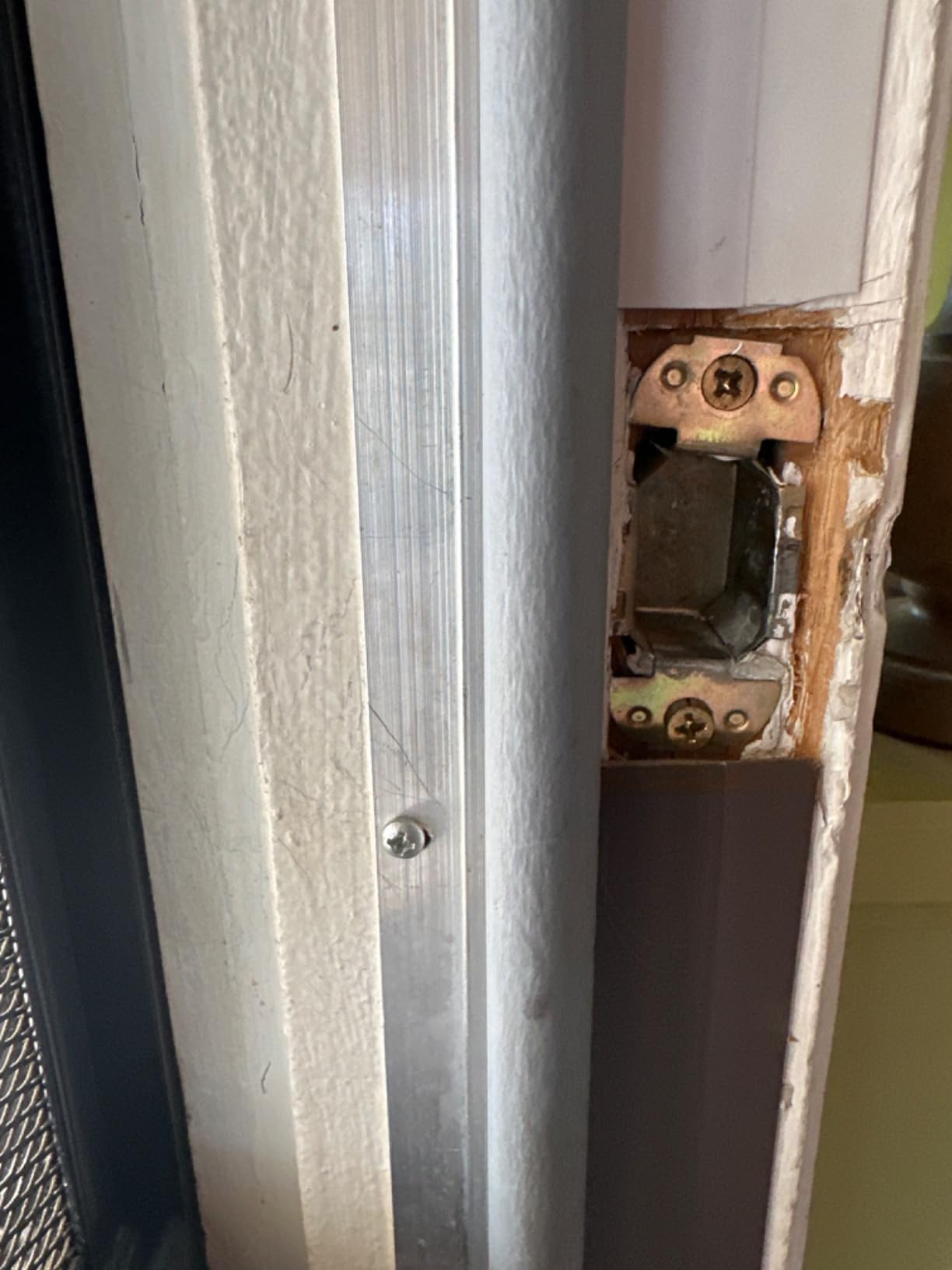
The Grade 2/AAA rating is the second highest mechanical standard in this group and the only one on a lock with no radio at all. That combination is why it suits a back door where reliability outranks features.
A 9V battery is included, and the manufacturer quotes up to two years of life. A low battery indicator is there to stop the silent failure that owners of other budget locks complain about.
What you give up by choosing it
There is no app, no Wi-Fi, and no remote access of any kind. You also have to turn the thumbturn after entering a code to actually lock up, which is a habit some people never build.
When this is the wrong lock
Owners in cold and wet climates report keypad failures, and the exterior housing can physically conflict with a storm door handle. If you need remote entry or temporary codes from a phone, this is the wrong category entirely.
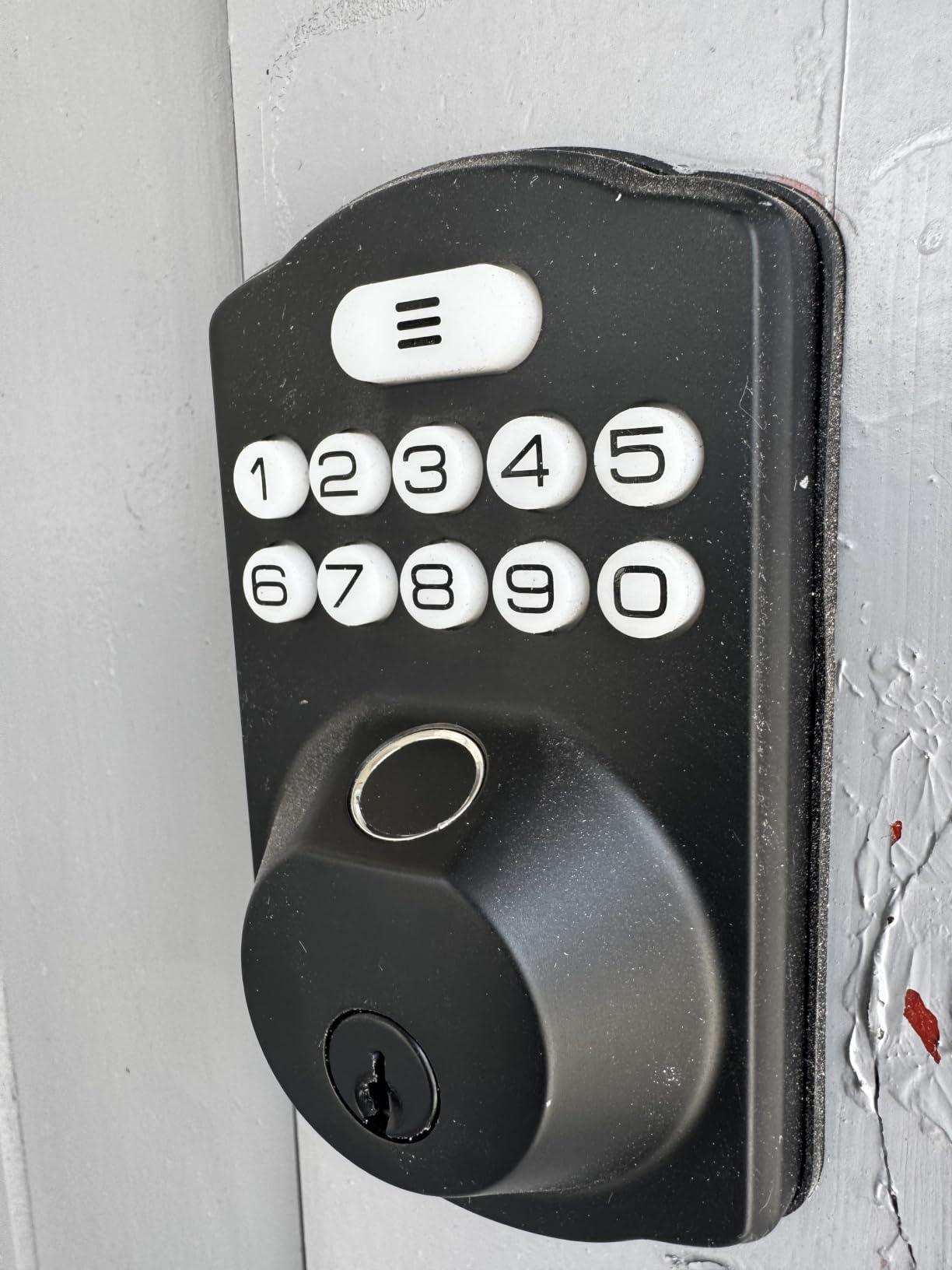
7. Veise KS02A Fingerprint Lock – Best for Extreme Weather
Veise KS02A Fingerprint Door Lock, Keypad Deadbolt, Matte Black
Rated minus 31F to 158F with IP54 sealing
0.2 second fingerprint unlock
Master password plus 20 user codes
365+ day battery on 4 AA
Pros
- Rated from minus 31F to 158F with IP54 weather sealing
- On-device AI chip unlocks in 0.2 seconds
- Master password plus 20 user codes and anti-peeping codes
- Silent mode
- vacation mode and passage mode
- Quoted at 365 days or more on four AA batteries
Cons
- Both panels must sit perfectly vertical or the lock misbehaves
- No door handle included so it is deadbolt only
- Fits 2-1/8 inch bores only
- Warranty is one year unless you register the product
The KS02A has the widest published temperature range in this group, from minus 31F to 158F, and a zinc alloy body rated to IP54. For a garage, a cabin, or a north-facing door that bakes in July, that range is the reason to buy it.
The on-device AI chip claims 0.2 second unlock at very high accuracy and learns over time. Reviewers generally agree with the speed figure and are less certain about the accuracy claim in cold weather.
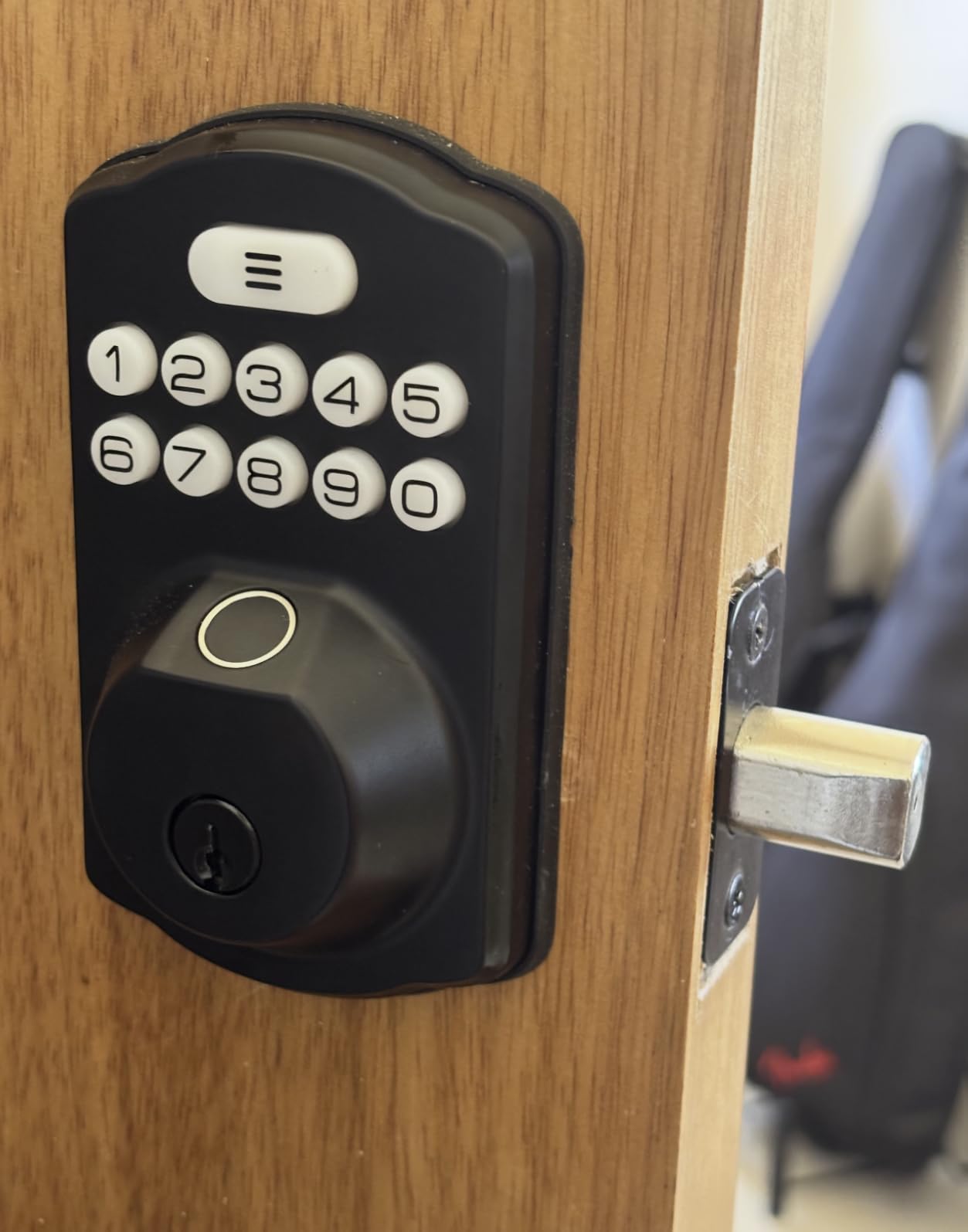
Password handling is thorough: a master password, 20 user passwords, one-time codes that expire, and anti-peep codes that hide your real entry inside a longer sequence.
Data storage is locally encrypted, and passage mode lets you hold the door open for a gathering without disabling the rest of the lock. Interior thumbturn takes a full second, which is a deliberate anti-slam design.
Why the install demands patience
The front and back panels have to be perfectly vertical during fitting, and if they are not, the lock will not operate correctly. Budget five extra minutes and check alignment twice before tightening anything.
When this is the wrong lock
It fits a 2-1/8 inch bore only and includes no door handle, so it will not replace a knob or lever. The default warranty is one year unless you register the product, which is worth doing immediately.
8. Kwikset Powerbolt 250 – Best for Re-keying Your Whole House
Kwikset Powerbolt 250 10-Button Keypad Matte Black Transitional Electronic Deadbolt Door Lock, Featuring Convenient Keyless Entry, Customizable User Codes and Auto-Locking
SmartKey self re-keying to any KW1 key
25 user codes plus 5 one-time codes
Auto-lock from 30 seconds to 10 minutes
At least 12 months on 4 AA
Pros
- SmartKey lets you re-key to any KW1 key without a locksmith
- Stores 25 user codes plus 5 one-time user codes
- Intrusion alert locks the keypad for a minute after three wrong tries
- Auto-lock adjustable from 30 seconds to 10 minutes
- At least 12 months of battery life on four AA batteries
Cons
- Highest one-star share in this group at 16 percent
- Some locks stopped operating within hours or a year
- Programming can fail until an undocumented code-clearing step
- Flat strike plate does not match other Kwikset hardware
- Deadbolt may not engage unless the door closes precisely
SmartKey is the reason to buy this. You can re-key the cylinder yourself to match every other Kwikset in the house, so a single lost key does not become a whole-house rekey.
Code capacity is generous, with 25 user codes and 5 one-time codes, and the intrusion alert locks the keypad for one minute after three consecutive wrong entries. Auto-lock timing runs from 30 seconds all the way to 10 minutes.
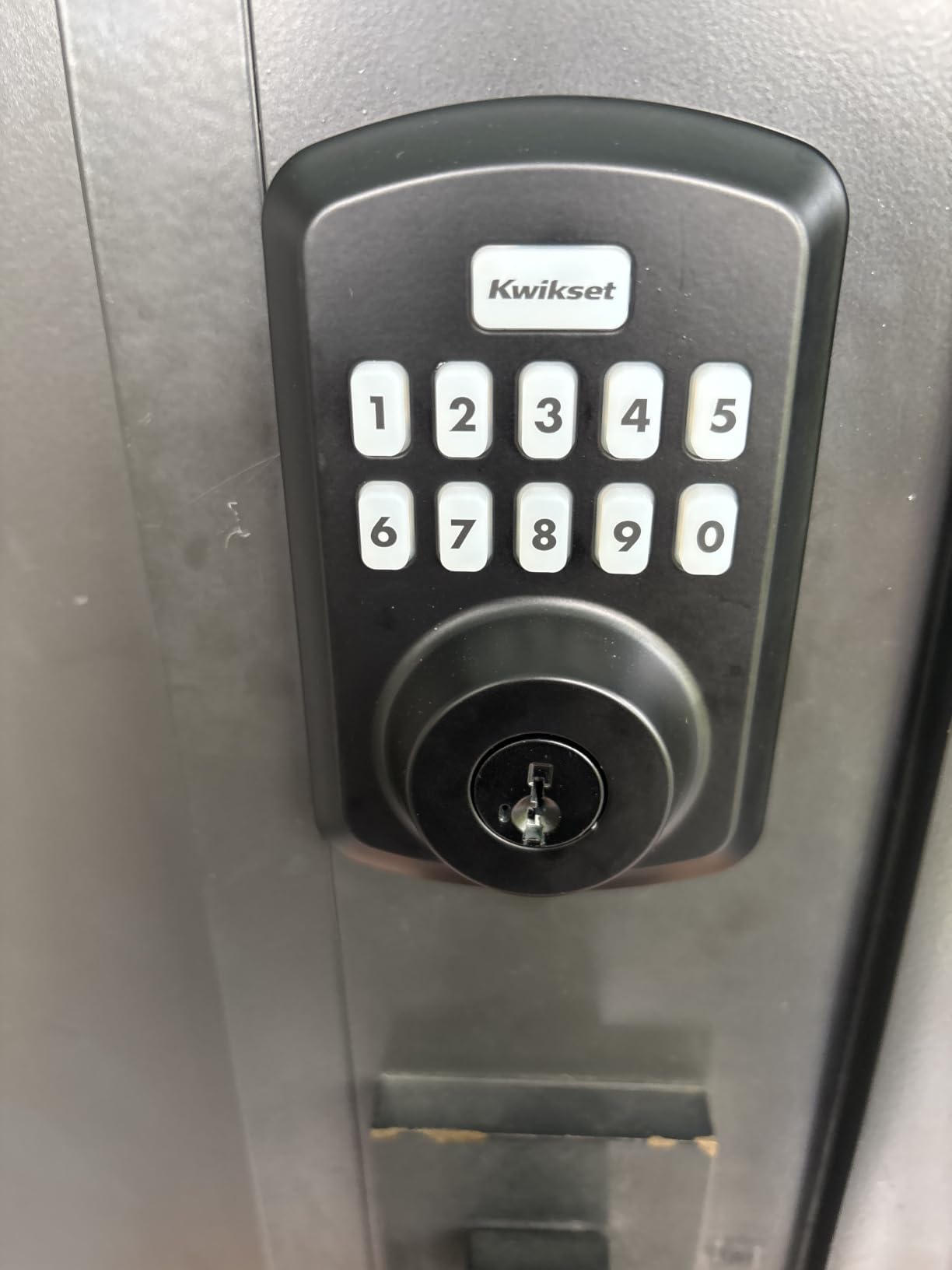
It is fully offline, so there is no app and no account to create. For a landlord who hands units to tenants, one fewer thing to explain is a genuine practical benefit.
The LED backlit keypad wakes on a tap, which works better at night than an always-lit panel and helps with battery life. Vacation mode disables the keypad while you are away.
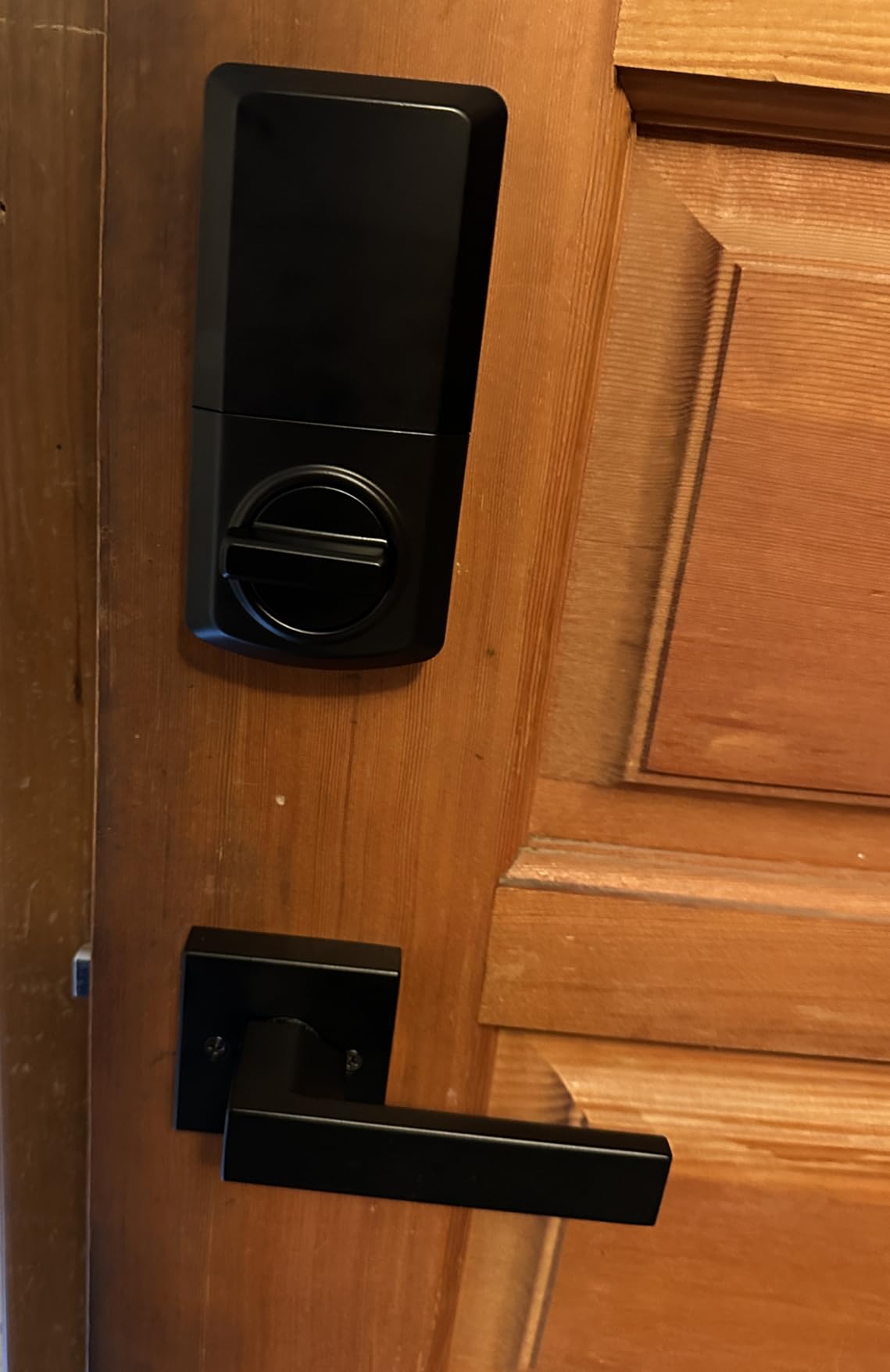
The reliability concern we cannot talk around
This lock carries the highest share of one-star reviews in the group at 16 percent, concentrated in a subset of locks that failed to program or stopped working quickly. If you buy it, test every code on the first day.
When this is the wrong lock
The deadbolt may refuse to engage unless the door closes precisely, which sometimes means modifying the jamb. The flat rectangular strike plate also looks out of place next to rounded Kwikset hardware.
9. Amazon Basics Electronic Keypad Deadbolt – Lowest Cost Pick
Amazon Basics Electronic Keypad Deadbolt Door Lock with Auto Lock, Customizable User Codes, One-time Codes, Touch-Control Keyless Entry, Traditional, Satin Nickel, 1-Pack
Supports 6 user codes plus one-time codes
Auto-lock from 10 to 99 seconds
KW1 cylinder that can be re-keyed
Fits doors 1-3/8 to 1-3/4 inches
Pros
- Lowest entry point in this group
- KW1 cylinder a locksmith can re-key to match your other doors
- Auto-lock adjustable from 10 to 99 seconds
- Keypad outside with physical key and interior thumbturn inside
- Reset button in the battery compartment restores factory settings
Cons
- Programming sequence is confusing and the manual is thin
- Tight tolerance means the door must be nearly perfectly aligned
- Bulky interior housing holds four AA batteries and the motor
- Some locks failed within days of installation and needed returns
This is the cheapest lock we reviewed and the second most reviewed, which is a useful combination. At more than eleven thousand ratings, the failure pattern is well documented and the long tail of happy owners is long too.
The practical surprise is the KW1 cylinder. A locksmith can re-key it to match your existing doors, which almost no lock at this level allows and which quietly makes it the cheapest whole-house keying option we found.
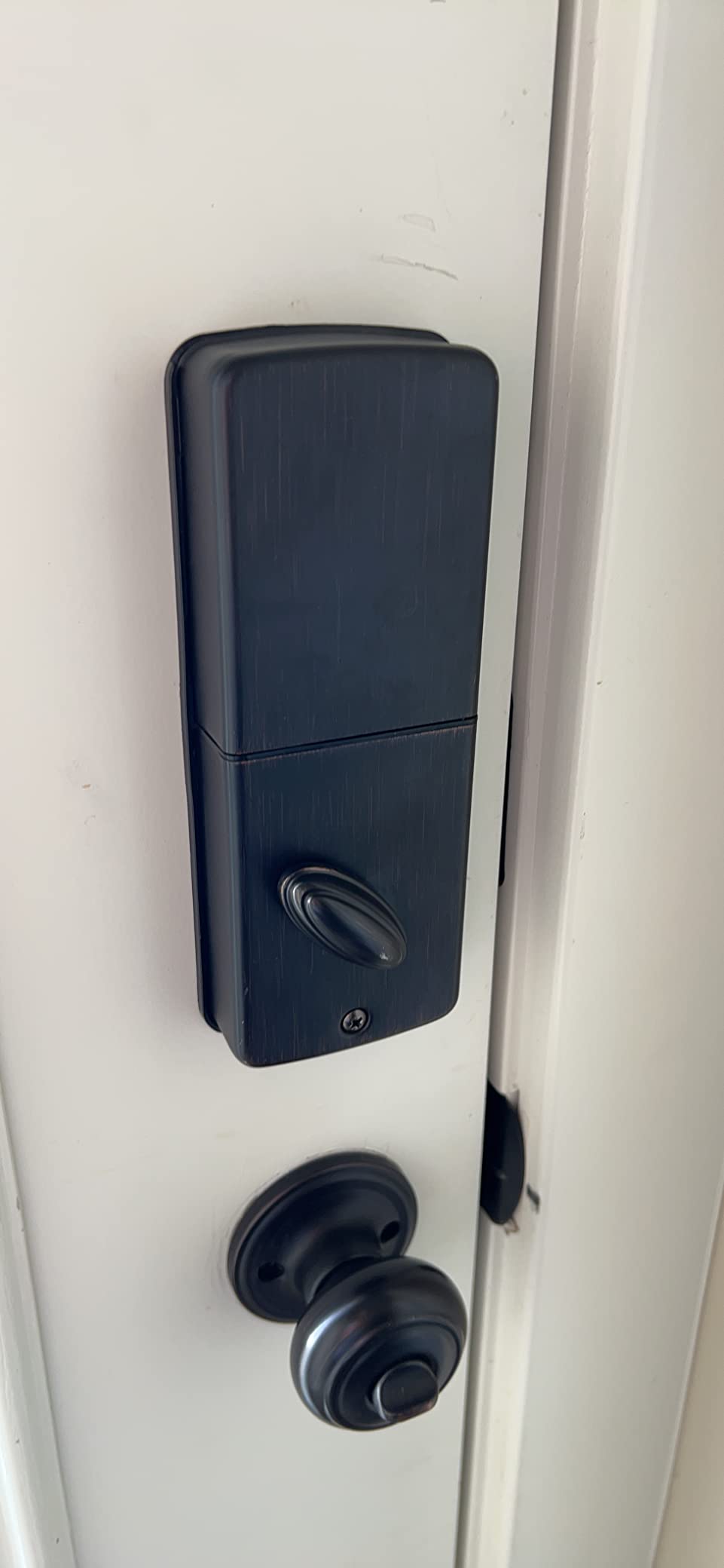
Auto-lock timing runs from 10 to 99 seconds, and it handles doors from 1-3/8 to 1-3/4 inches thick. Owners report a quiet motor that is a genuine upgrade over a traditional deadbolt.
It often drops into an existing Kwikset cutout without modification. The latch, strike, screw pack, and keys are all in the box, which matters for a same-afternoon install.
What makes programming hard, and how to beat it
Codes have to be typed quickly before the lock resets, and the instructions skip basic explanations of code roles. Write the sequence down before you start, and change the default programming code on day one as the manual requires.
When this is the wrong lock
The locking tolerance is tight, so a door that does not sit square will refuse to latch properly. And it only holds 6 user codes, so it is not enough for a large household or a busy rental.
10. eufy Security Smart Lock C33 – Best Lever Handle With Built-in Wi-Fi
eufy Security Smart Lock C33, Keypad Door Lock with Handle, Built-in Wi-Fi
Lever handle with fingerprint in the grip
Built-in Wi-Fi with app control
8 AA batteries
15 minute install with no drilling
Pros
- The only lever handle in the group
- far easier to use with full hands
- Fingerprint reader built into the grip
- Built-in Wi-Fi with notifications and event history
- 15 minute install with no drilling
- Works with Alexa and Google Assistant
Cons
- Fingerprint sensor needs several retries at times
- Auto-lock toggle cannot be separated from the scheduled auto-lock
- No inside lock from the app or privacy switch at night
- Always-on Wi-Fi radio shortens battery life on eight AA
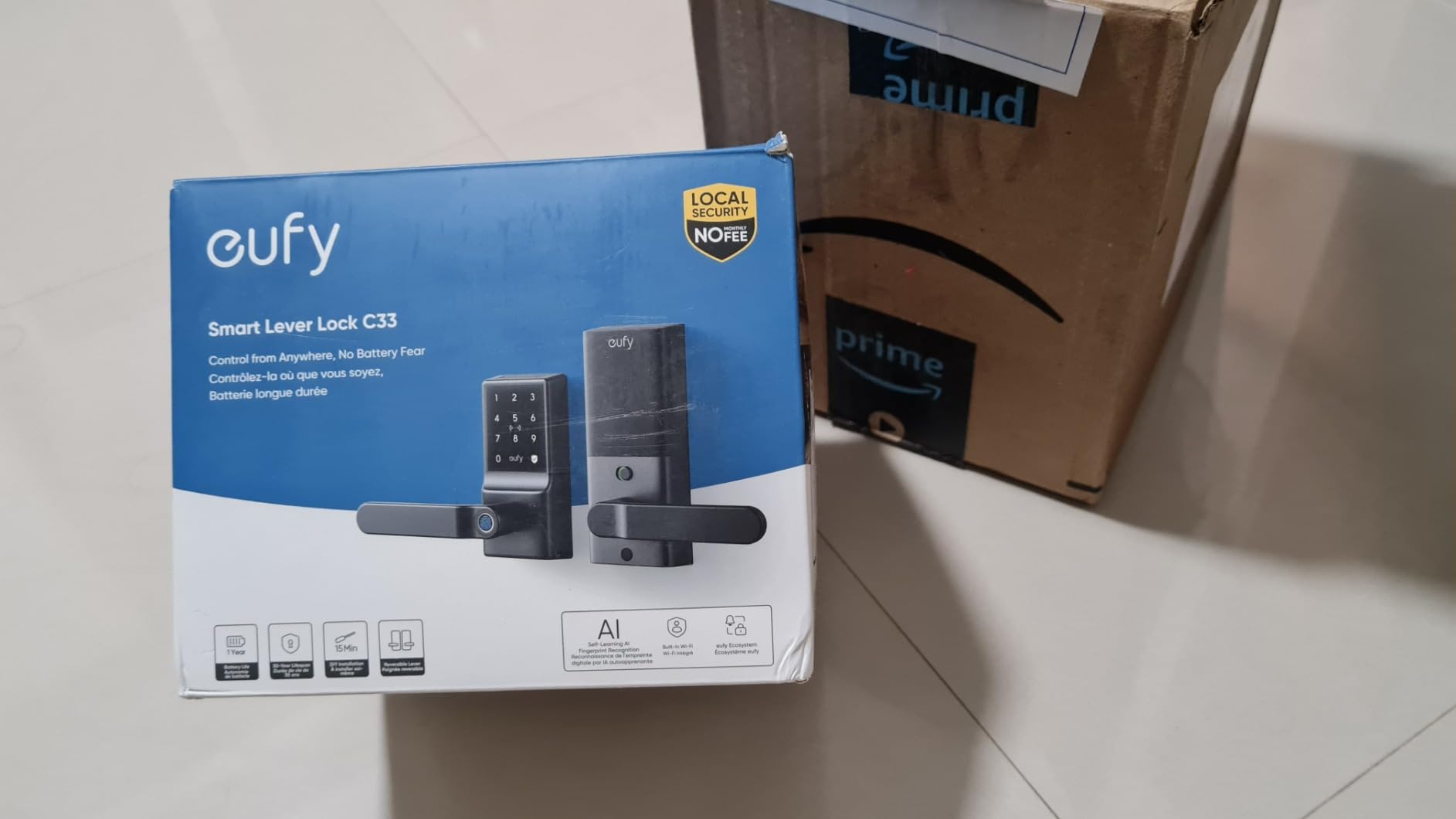
Almost every smart lock is a deadbolt, and deadbolts are awkward when your hands are full. The C33 puts a lever handle and a fingerprint sensor in the grip, which is the answer to the most common unmet request we found in lock forums.
It suits secondary doors better than a front door: garages, side entries, offices, basements. The built-in Wi-Fi gives app-based access management, real-time notifications, and an event history without a bridge.
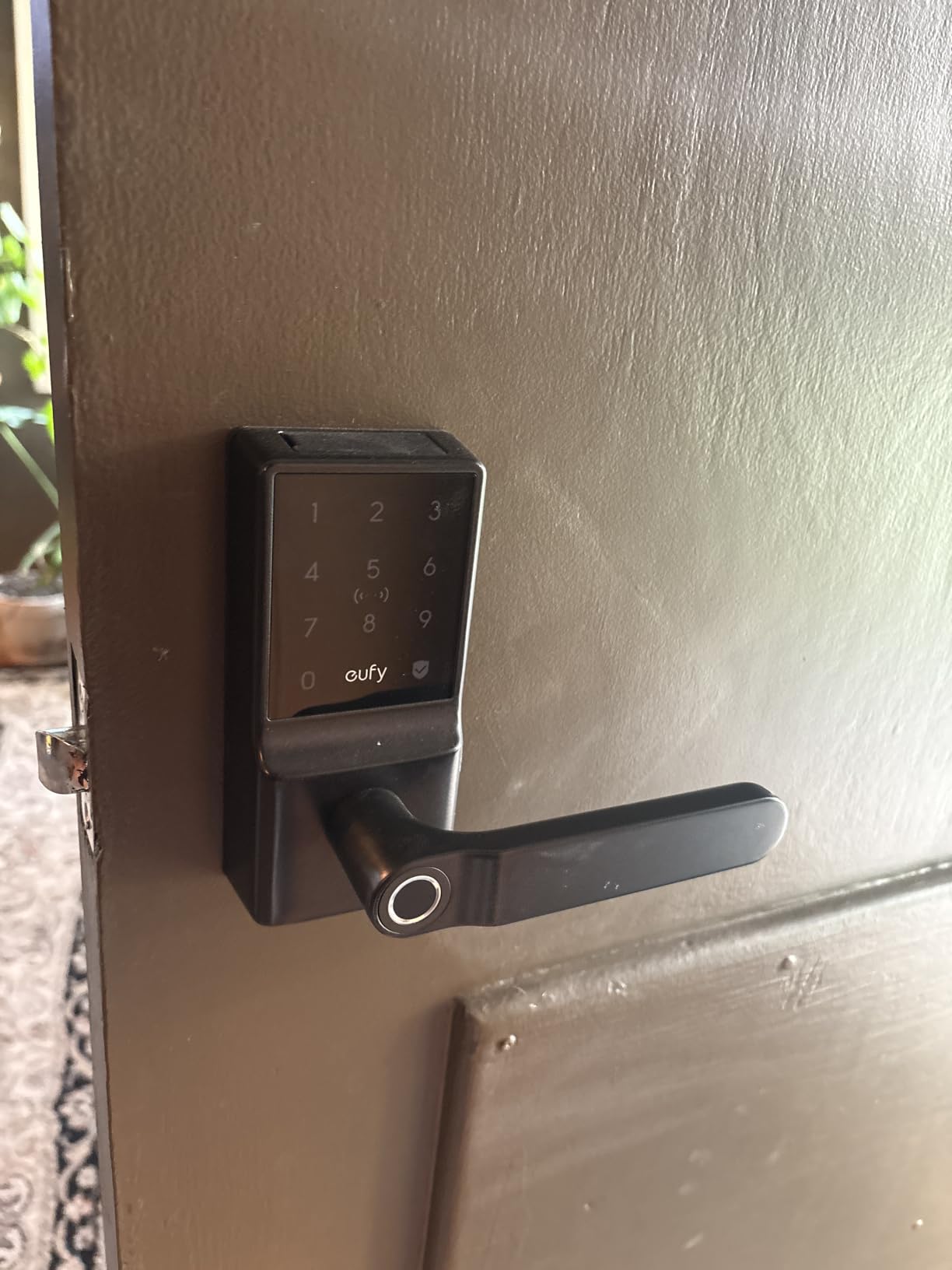
Scheduling a nightly auto-lock is the feature owners mention most, along with build quality that has held up in desert sun and rain. Installation takes about 15 minutes with no drilling.
It fits both door handing directions and ships with an 18-month coverage period backed by round-the-clock customer service, which is unusual at this level of the market.
Why the fingerprint sensor frustrates people
It retries often, and several retries can end in a lockout with no way in except the keypad or the physical key. Test it ten times on day one, when you can still reach the inside thumbturn easily.
When this is the wrong lock
There is no way to lock from inside at night using either the app or the privacy switch, and the auto-lock toggle cannot be separated from the scheduled auto-lock. It also has the smallest review pool here at 879 ratings.
What This Budget Actually Gets You Before You Buy?
Spend a moment on the ceiling rather than the individual locks. At this level you can reliably get a keypad, app control on some models, and a mechanical key backup on all of them. What you usually cannot get is ANSI/BHMA Grade 1 hardware, which is where the money goes above this band.
Only two locks in this guide carry a Grade 2 body, and the rest sit at Grade 3. Grade 3 is a light-duty residential rating. It is a real standard rather than a marketing label, but if your door has ever been kicked, move up a band and accept fewer app features.
Pick the connectivity before the features
Bluetooth and keypad only means everything works offline and the batteries last roughly a year. Built-in Wi-Fi adds remote access from anywhere and usually costs you battery life, since the radio is searching for a signal every time the lock wakes.
Matter over Thread sits in between and gives you Apple Home support without the Wi-Fi radio running constantly. Hub-based locks are effectively absent from this price band, which is why most of what we recommend works without buying anything extra.
Our guide to the best biometric door locks for front doors goes deeper on fingerprint-specific choices if that is the deciding factor.
Treat the mechanical key as non-negotiable
Every lock we recommend includes a physical key, and that is the single most consistent requirement in owner discussions online. Carry the key on you rather than leaving it in a drawer, because the failure mode you are protecting against is a dead battery with no warning.
Users with several connected locks report that battery replacement is the main recurring chore, and that a lock warning you too late is the scenario that scares them most. Choose a model with a clear low battery indicator and keep spare cells with the keys.
Check your door before you order anything
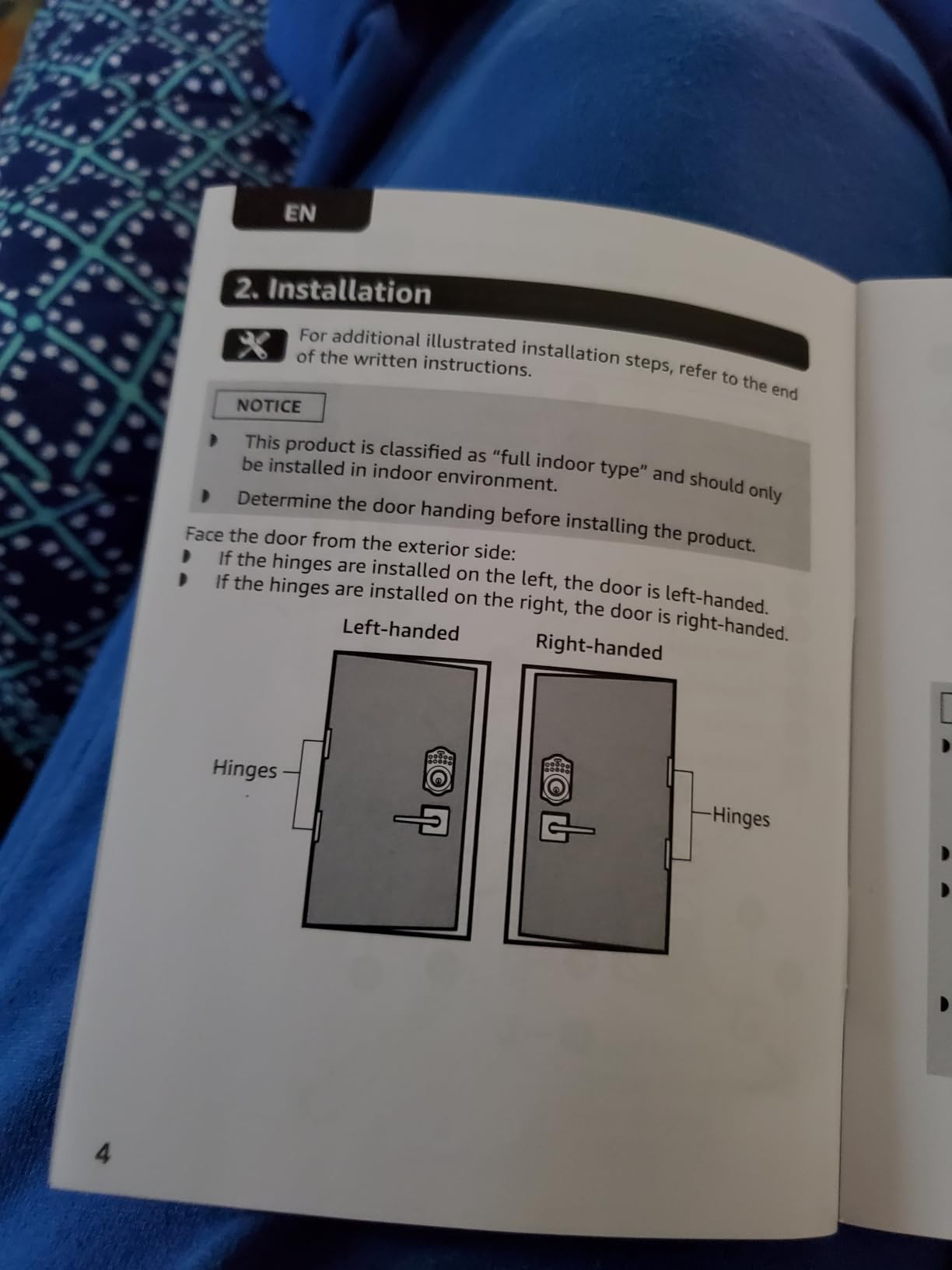
Measure the bore before buying. Most locks in this guide need a 2-1/8 inch hole, and some budget units will not accept anything else. Then check the backset and the door thickness against the listing, since neither is universal.
Solid-core doors and square hinges install cleanly. Hollow-core doors and doors that sag toward the frame are where retrofit locks fail to latch, and no amount of adjustment in the app fixes a crooked door.
Why we capped this list where we did
Plenty of locks sit below this ceiling, but the ones worth recommending all share three traits: a physical key, a published battery figure, and enough reviews to see the pattern. Our separate roundup on the best smart locks covers the premium tier for anyone whose door needs Grade 1 hardware.
We also kept the entry level deliberately open, in the same spirit as our under-200-dollar guide to inline skates: the cheapest option is only a good recommendation if it is genuinely usable, not simply cheap.
Smart Lock Failure Modes Worth Skipping
Failure-mode screening is more useful than brand screening, because plenty of perfectly reputable names make one bad lock. These are the patterns we would rule out regardless of the badge on the box.
Fingerprint with no fallback. Any lock that will not open without a working fingerprint reader is a lockout waiting for a cold morning or a wet hand. Every pick here keeps a keypad or key backup.
No low battery warning. If the only indication is that the keypad stops responding, you will find out at the worst moment. Check the manual for a stated indicator before you buy.
No physical key at all. Software-only locks exist in this category and they are the wrong choice for a front door. Battery death is not a network event.
Auto-unlock with no adjustment. Geofencing that cannot be tuned will unlock when you are still walking up the path. The rental pick here lets you choose between geofence, timer, and on-close behaviour.
A deadbolt on a door that sags. No lock fixes a crooked door. If the bolt rubs the strike before you install, repair the door first and save the return.
Frequently Asked Questions
What is the best affordable smart lock?
The best affordable smart locks under this ceiling reliably give you a keypad, app control, and a mechanical key backup, but almost none reach ANSI/BHMA Grade 1. The best value in this band is the model that pairs built-in Wi-Fi with a keyed cylinder at a Grade 2 or Grade 3 build.
What is the best budget smart door lock?
Budget smart locks split into two tiers: cheap keypad and fingerprint units that prioritise features over longevity, and connected models in the middle of this band with mechanical key backup that hold up to daily use. The second tier is where budget purchases stop feeling disposable.
Which brand of smart lock is the most reliable?
Reliability tracks three things rather than brand prestige: an ANSI/BHMA Grade 2 or better build, a mechanical key backup so electronics failure never means lockout, and a manufacturer with reachable support that keeps shipping firmware updates. No-name marketplace brands typically fail the third test.
Are Wi-Fi deadbolts safe?
A Wi-Fi deadbolt is as secure as its mechanical rating and its firmware hygiene. The radio adds network attack surface, but the lock still opens with a physical key. Keep the firmware updated, use a strong Wi-Fi password, and treat the ANSI grade as the real measure of physical security.
Do smart locks work if Wi-Fi is off?
Yes, with a caveat. Bluetooth-only and keypad-only locks keep working entirely offline through the keypad, the physical key, and the app within roughly 30 feet. Wi-Fi models retain the same local methods, so only remote access is lost. Every lock should still have a physical key, because battery death is not a network event.
What are the downsides of using a smart lock?
The recurring downsides are battery drain that worsens with Wi-Fi enabled, connectivity dropouts that can leave the lock unresponsive, a shorter low battery warning than owners expect, unreliable geofence auto-unlock, the extra cost when a bridge or hub is required separately, and fingerprint sensors that slow down in humidity and cold.
The Smart Lock We Would Buy First
If we were fitting one door today, we would start with the TEEHO TE001. It carries the highest rating of anything in this guide across a very large pool of owner reviews, it holds twenty codes plus a self-deleting guest code, and it never asks anyone to update an app.
If you want remote entry, add the ULTRALOQ Bolt SE, which is the only lock here pairing hub-free Wi-Fi with Matter over Thread. For fingerprints and nothing else, the TEEHO TE002 is the cheaper and more reviewed of the two fingerprint options we shortlisted.
Whichever you choose, measure the bore first, carry the key on you, and test every code on day one before you trust it with a rental or a family. That short habit catches nearly every problem we saw in owner reviews.