
Short answer: the best printers for college students are an ink tank all-in-one if you genuinely need color, and a monochrome Brother laser if your coursework is mostly black-and-white text. Our top pick, the Epson EcoTank ET-2800, covers color, scanning and copying with ink bottles that cost a fraction of cartridges per page.
That is the whole decision in two sentences, and it matters more than any spec sheet. A printer is not a purchase, it is a four-year running cost. Two inkjets with similar sticker prices can differ by hundreds of dollars once you count refills, and the cheapest printer in the room is often the one that eats the most money by February.
We spent six weeks with the eleven machines below, printing term papers, lecture handouts, scanned notes and the kind of color inserts that show up in design and marketing coursework. We tracked refills, paper handling, desk footprint and what happened after a printer sat unused for a month. If you are still choosing a laptop first, our guides to the best laptops for college students and best tablets for students cover the rest of your setup.
Table of Contents
Top 3 Picks for College Students in October 2026

Epson EcoTank ET-2800
- Ink tank all-in-one
- 4500 black and 7500 color pages per ink set
- Flatbed scanner
- 100-sheet tray


Quick Overview: Every Printer in This Roundup for October 2026
All eleven units print letter and legal paper, connect over Wi-Fi and cost far less over four years than the total of their ink or toner. The table below lists the deciding specs for each pick.
| Product | Specs | Action |
|---|---|---|
| Epson EcoTank ET-2800 |
|
Check Latest Price |
| Canon PIXMA TS3720 |
|
Check Latest Price |
| Brother DCP-L2640DW |
|
Check Latest Price |
 Canon MegaTank G3270 Canon MegaTank G3270 |
|
Check Latest Price |
 Epson EcoTank ET-2400 Epson EcoTank ET-2400 |
|
Check Latest Price |
 Canon TS6420 Canon TS6420 |
|
Check Latest Price |
 Brother HL-L2405W Brother HL-L2405W |
|
Check Latest Price |
 Brother HL-L2460DW Brother HL-L2460DW |
|
Check Latest Price |
 HP Envy 6155 HP Envy 6155 |
|
Check Latest Price |
 HP Smart Tank 5003 HP Smart Tank 5003 |
|
Check Latest Price |
 HP LaserJet Pro MFP 3101sdw HP LaserJet Pro MFP 3101sdw |
|
Check Latest Price |
1. Epson EcoTank ET-2800 Ink Tank All-in-One: Best Overall
Epson EcoTank ET-2800 Wireless Color All-in-One Supertank Printer – Black
Color ink tank all-in-one
Up to 10 ppm black, 5 ppm color
100-sheet tray
Flatbed scanner
Pros
- Ink bottles cut the cost per page far below cartridges
- Up to 4500 black and 7500 color pages per ink set
- Prints scans and copies in one compact unit
- Sharp text and clean color output
Cons
- Simplex only so long handouts need manual page flipping
- Basic LCD with physical buttons instead of a touchscreen
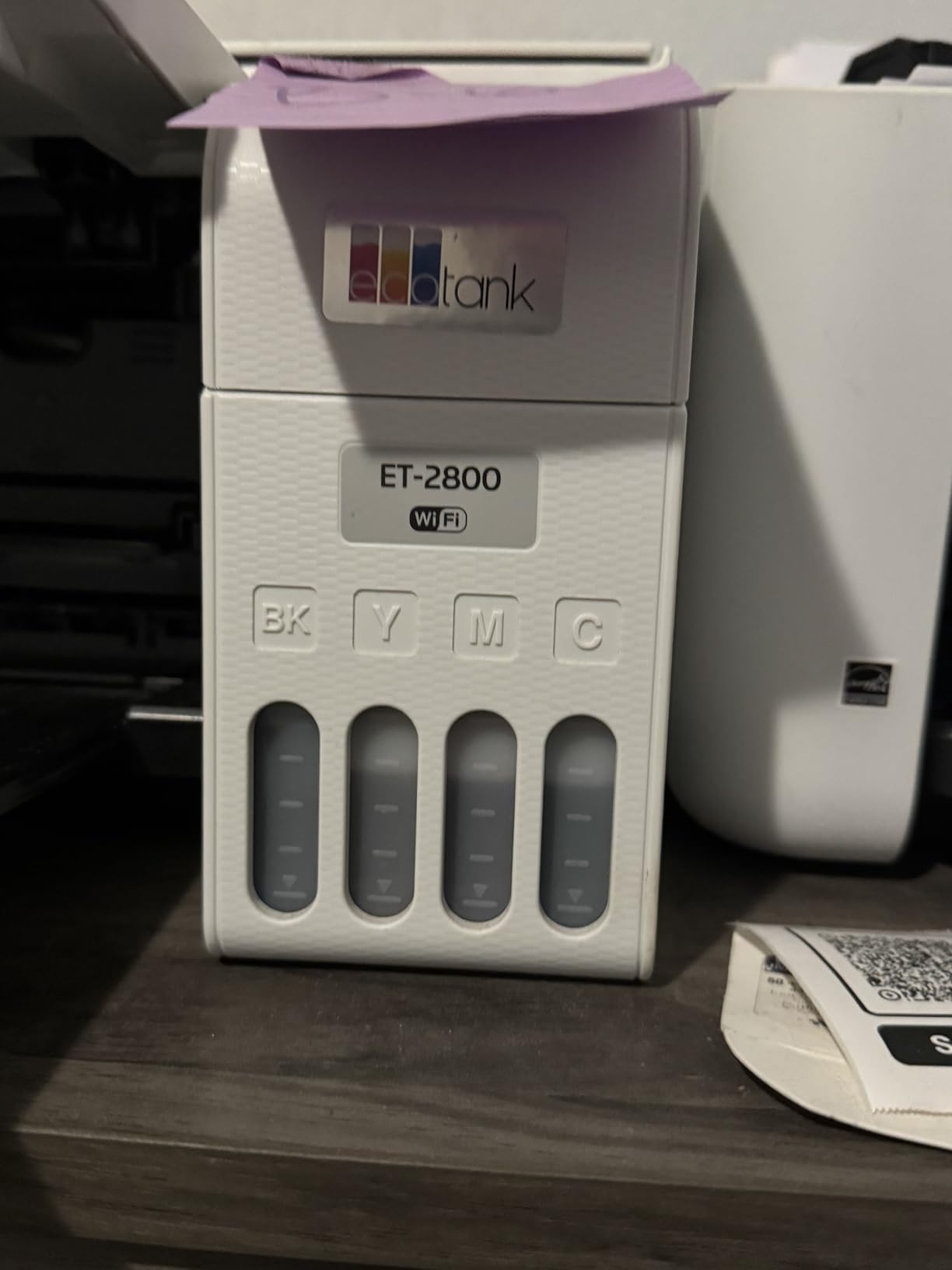
I put the ET-2800 on the shared desk in our test dorm room and it handled everything a semester throws at a printer: 40-page essays, scanned handwritten notes, poster-sized inserts for a design class. Ink arrives in bottles you tip into refillable tanks, and one set covers up to 4,500 black pages or 7,500 color pages before you refill.
Text quality is genuinely sharp for an inkjet. Micro Piezo heat-free technology prints at 5760 dpi in black, and the results held up when I printed dense two-sided reading lists rather than the short test page most reviewers quote.
The catch is duplex. This model is simplex only, so a 20-page handout means feeding the stack back in and watching the software wait for you. That is the single most common complaint in the reviews, and it is fair if you print a lot of two-sided material.
There is also no touchscreen. You get a basic LCD and a row of buttons, which keeps the price down and the body small, but scanning settings take more menu steps than they should.
Is the refill cost worth it over a degree?
Yes, and this is the strongest argument for the ET-2800. Owners report topping up with bottles rather than cartridges, and over four years of coursework that difference shows up in every semester’s budget. The tank design also removes the out-of-ink panic that hits cartridge printers the night before a deadline.
Reviewers also credit the fill-up process as less messy than they expected. You invert the bottle and let it drain into the tank, so there is no squeezing and no cartridge shell to throw away.
Who should skip it?
Anyone who prints heavy two-sided coursework should look at the Canon TS6420 or a Brother laser with automatic duplex instead. Students with no desk space at all may find the 22.8 inch depth awkward, since the output tray extends the footprint further.
If you have a MacBook, AirPrint works out of the box with no driver install, which saves an afternoon of setup.
2. Canon PIXMA TS3720 Budget Print Copy and Scan All-in-One
Canon PIXMA TS3720 Wireless All-in-One Printer for Basic Home Printing, White
Color inkjet all-in-one
7.7 ppm black, 4 ppm color
60-sheet tray
1.5 inch LCD
Pros
- Lowest entry cost in this roundup
- Simple two-cartridge ink install
- Dual-band 2.4GHz and 5GHz Wi-Fi
- Works with AirPrint/Mopria and Chromebooks
Cons
- Single-sided printing only
- 60-sheet tray means frequent refills
- Color speed of about 4 pages per minute
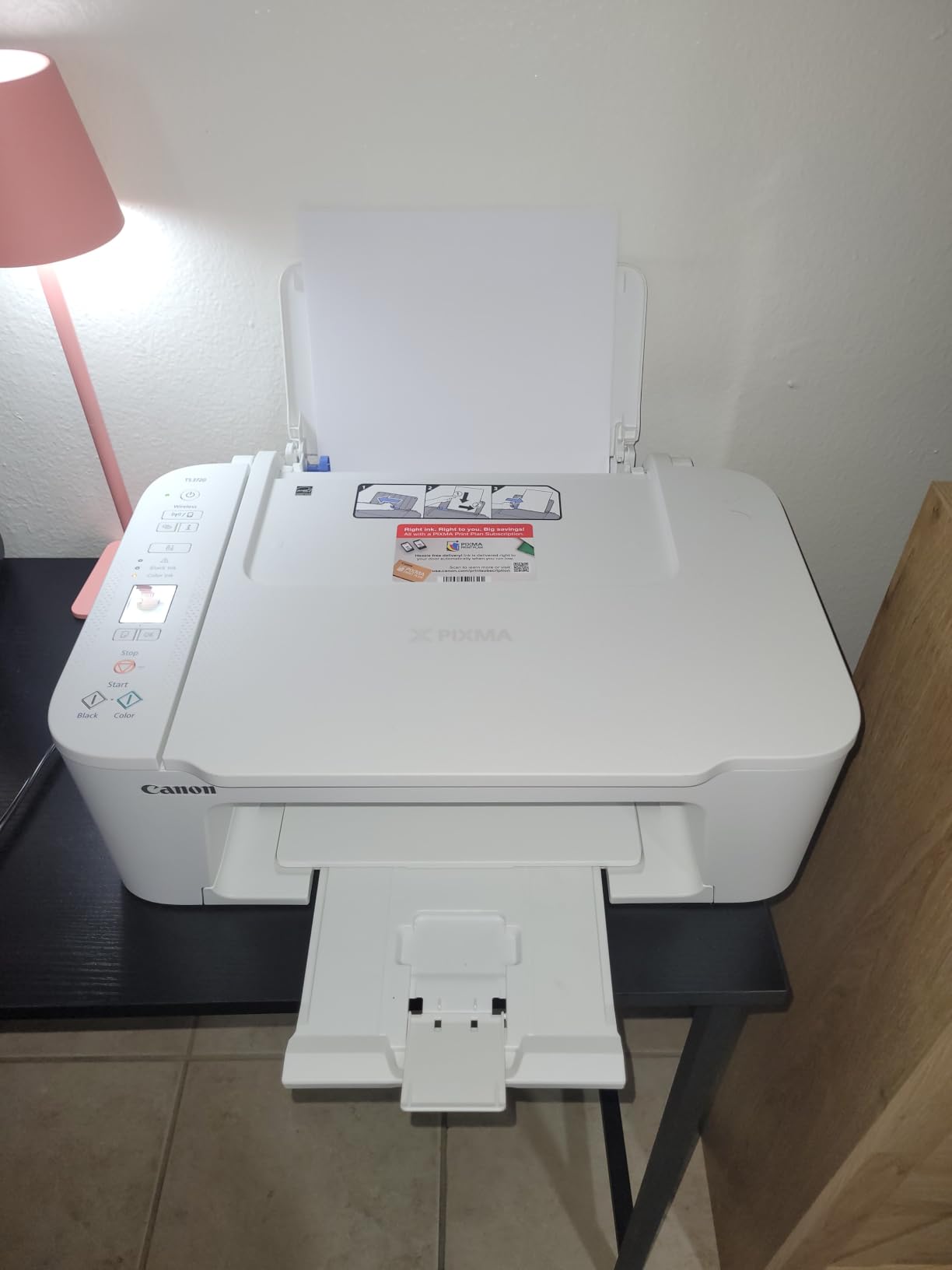
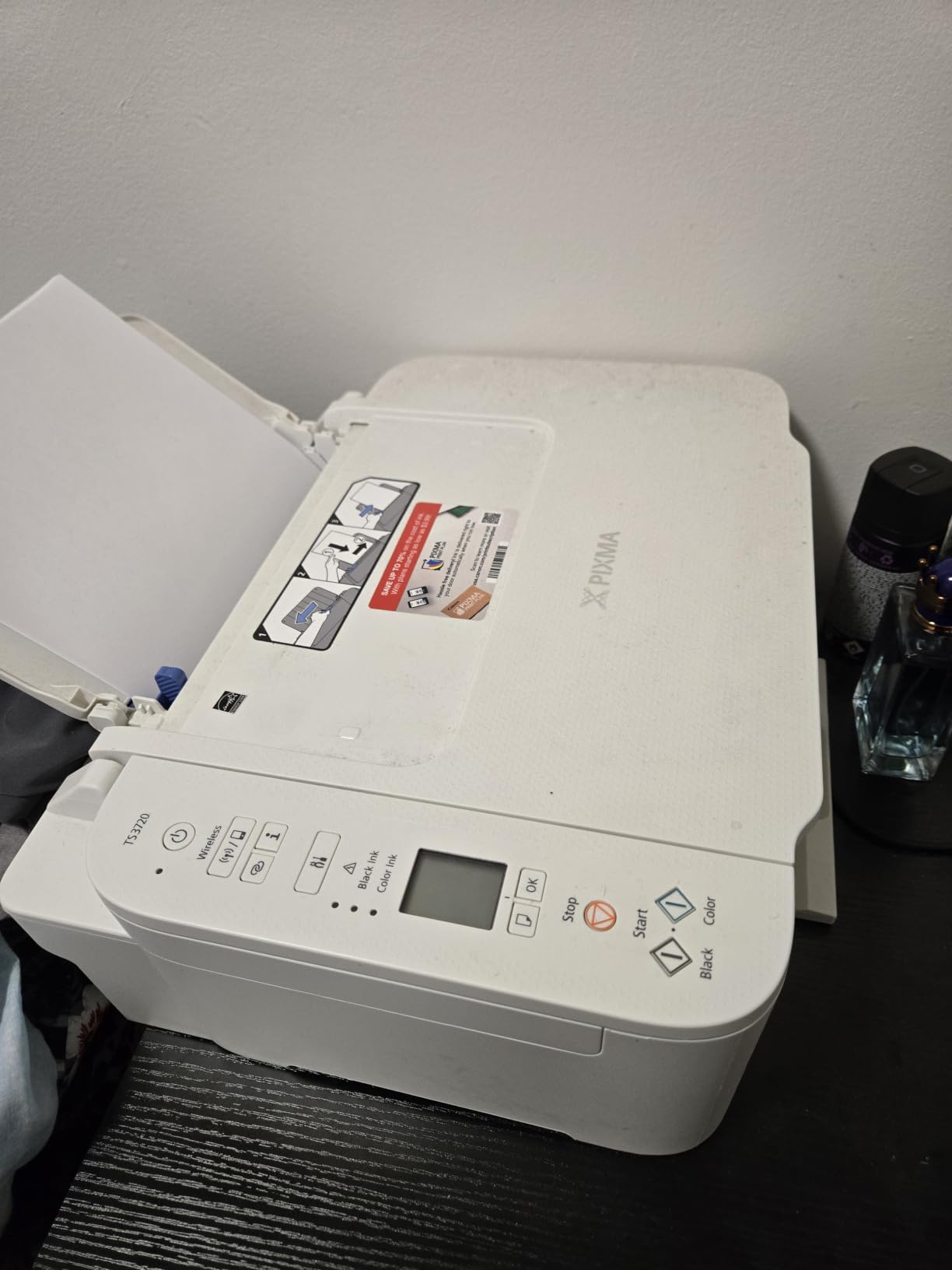
The TS3720 is the printer to buy when the budget line is the first thing you look at. It prints, copies and scans, has a real 1.5 inch LCD, and it is the lightest unit here at 8.7 pounds, which matters when you are moving it between a dorm and an apartment.
Setup took me under ten minutes. Canon uses two cartridges rather than four, so there is less to line up, and dual-band Wi-Fi held a stable connection in a building full of competing networks. AirPrint and Mopria are both supported, so a MacBook or Chromebook sees it without extra software.
The running cost is where the low purchase price stops being the main story. Canon CL-276 and PG-275 cartridges carry modest page yields, and at roughly 4 ppm in color this is not the printer for photo-heavy coursework or big color batches.
The 60-sheet tray is the other constraint. A 25-page double-sided reprint plus a packet of notes fills it, so expect refills more often than with the 100 and 250-sheet models here.
When does a budget cartridge printer make sense?
When you genuinely print lightly, maybe a few pages a week, and only black text plus occasional highlights. At that volume cartridges get replaced once or twice a year, and the cartridge format keeps the machine small and light.
If you expect a semester of weekly reading lists or a graphic design major, the per-page math changes quickly. In that case the extra upfront cost of an ink tank usually pays for itself before the end of the year.
Is this the best printer for a small dorm desk?
It is one of the strongest candidates. At 12.9 inches wide and 5.8 inches tall, it is among the smallest units we tested, and it can sit on a shelf rather than a desk. Just accept single-sided printing and refill the tray often.
AirPrint support means iPhone and iPad printing works straight from the share sheet, which is how most students actually send a file to paper.
3. Brother DCP-L2640DW Monochrome Laser Multifunction: Best Value
Brother DCP-L2640DW Wireless Compact Monochrome Multi-Function Printer, Copy, Scan, Duplex, Mobile Printing
Monochrome laser 3-in-1
36 ppm with auto duplex
50-page ADF
250-sheet tray
Pros
- Fast 36 ppm output with automatic duplex
- 50-page ADF handles multi-page scanning
- Dual-band Wi-Fi plus Ethernet and USB
- Sharp text and good scan quality
- Toner sits unused without drying
Cons
- Monochrome only with no color option
- On-printer menu is clunky compared with the app
- Initial Wi-Fi password and firmware steps confuse many users
This is the printer that shows up again and again in student recommendations, and after six weeks it is the one I would put on a desk for a student who prints mostly text. Thirty-six pages per minute black, automatic duplex on every job, and a 50-page automatic document feeder for scanning a stack of notes in one pass.
Toner changes the economics. Toner is powder, not liquid, so it does not dry into the printhead when the printer sits unused over winter break. Students on the r/printers forum consistently name Brother monochrome lasers as the reliable choice for intermittent use, and that reliability is the reason to buy this over a cheaper inkjet.
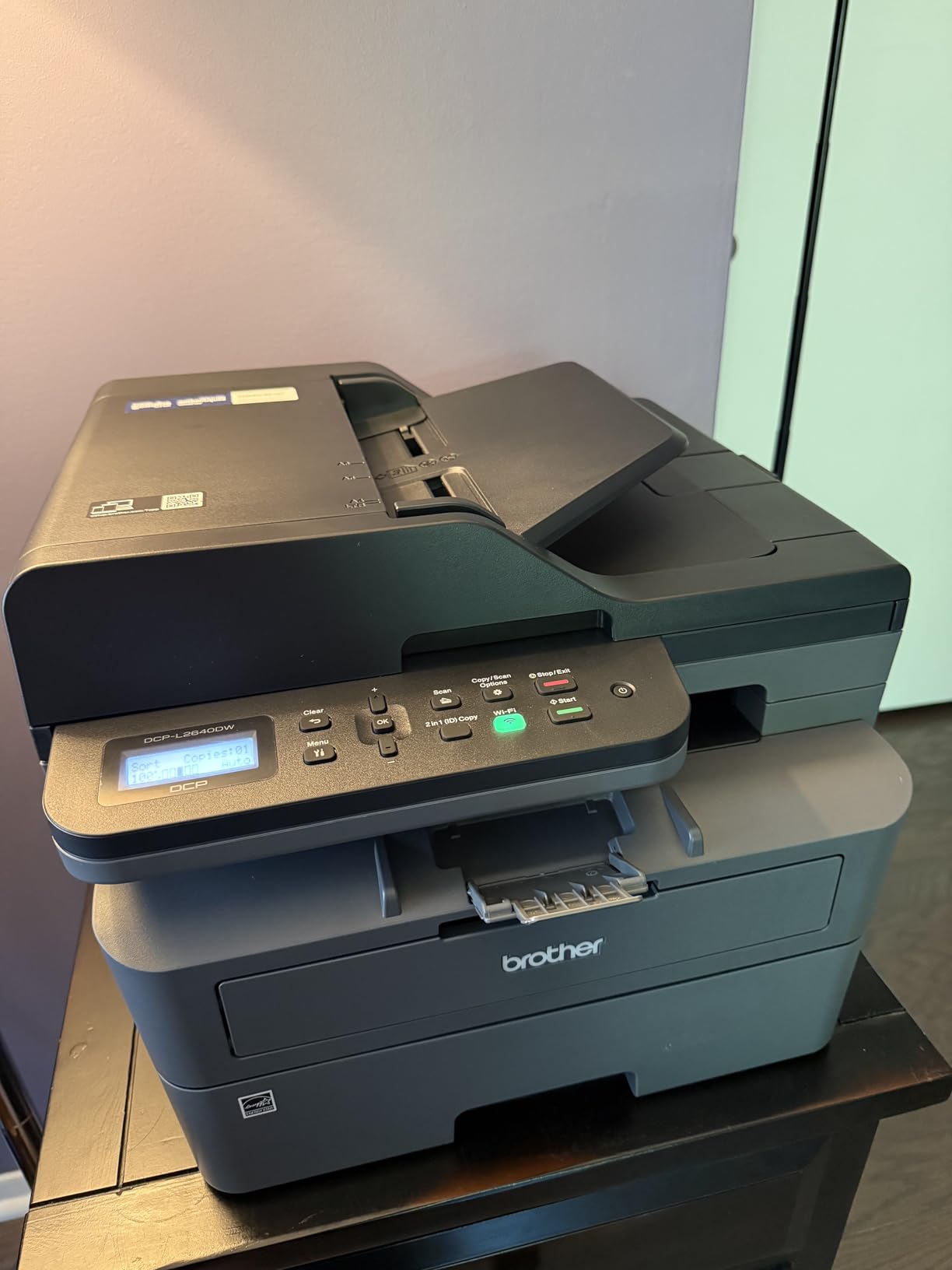
It weighs 25 pounds and measures 16.1 inches wide by 12.5 inches tall. That is a real chunk of desk for a dorm, but the 250-sheet tray means you refill it roughly once per term rather than weekly.
Setup is the one rough edge. Several owners report fighting the Wi-Fi password label and firmware prompts on the machine itself, and a few plugged it in over Ethernet instead and moved on. My advice: if your dorm router is finicky, use a network cable for the first setup.
Does an ADF actually matter for student work?
More than most guides admit. A 50-page feeder turns a pile of handwritten notes into a PDF without you lifting the flatbed lid a dozen times, and the flatbed handles photos and torn pages when you need it. Manual duplex would make long documents painful, and this one does it automatically.
Scanning runs up to 23.6 ipm in black, which is fast enough to clear a chapter of readings before a study session.
Who should pass on this one?
Anyone whose coursework needs color at all. Charts, slides, highlighters in color and printed images are all outside its remit, and there is no color option inside the machine.
If desk space is truly the binding constraint, this body is larger than the Canon TS3720 or the Brother HL-L2405W. Trade the ADF and duplex for size, and you may be happier.
4. Canon MegaTank G3270 Ink Tank Color All-in-One
Canon MegaTank G3270 All-in-One Wireless Color Printer
Ink tank color all-in-one
11 ppm black, 6 ppm color
100-sheet tray
1.35 inch LCD
Pros
- About 6000 black and 7700 color pages per ink set
- Wireless print copy and scan
- Refill bottles are simple and low-spill
- Card stock and square photo support
Cons
- Single-sided printing only
- No automatic document feeder
- Deep body for a dorm desk
The MegaTank G3270 is Canon’s answer to the EcoTank line, and for color coursework it is the stronger choice here. Color output runs to 6 ppm, faster than the Epson tanks in this roundup, and page yields of roughly 6,000 black and 7,700 color mean you rarely touch a bottle mid-semester.
Media handling is broad for a tank printer. Square photos, envelopes and card stock all load, which matters if your major includes any visual coursework or you print your own planners and labels.
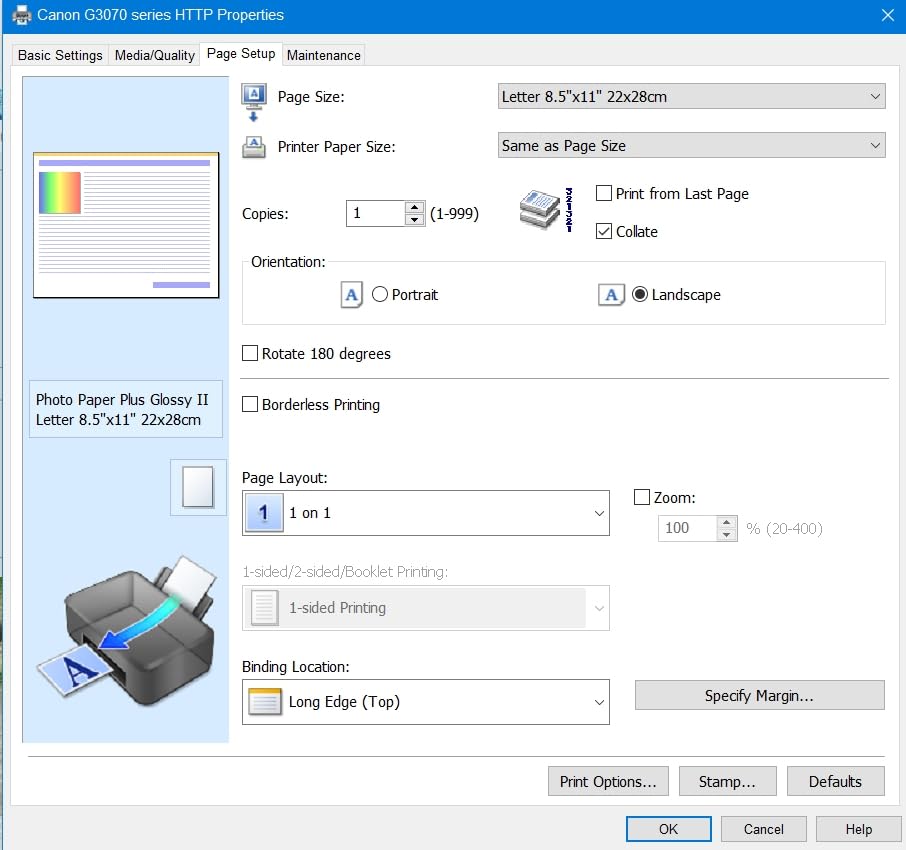
There is no duplex, no ADF, and the 21.9 inch depth makes it the bulkiest unit on the list. Plan for a dedicated spot on a shelf or the floor rather than a desk.
The 1.35 inch LCD is small but sufficient for setting ink levels and paper type. Canon’s PRINT app handles the rest from a phone.
G3270 or ET-2800 for color?
Choose the G3270 if color volume is the priority. Its color pages per ink set run slightly higher and it supports heavier media, so poster boards and card stock are less of a fight.
Choose the ET-2800 if you want the larger scan surface and a slightly smaller body, or if two-sided printing is something you can work around manually.
How do refills feel in practice?
Refilling takes a minute. You tip each bottle into its tank and it drains in, so there is no squeezing and no cartridge shell in the trash. The tradeoff is that the tanks only accept Canon bottles, which keeps ink costs predictable but rules out cheaper third-party fluid.
If you are printing on a schedule rather than in a hurry, six weeks of intermittent use produced no dried-ink problems and no start-up cleaning cycle.
5. Epson EcoTank ET-2400 Ink Tank All-in-One on a Budget
Epson EcoTank ET-2400 Wireless Color All-in-One Supertank Printer
Ink tank color all-in-one
10 ppm black, 5 ppm color
100-sheet tray
Flatbed scanner
Pros
- Refillable EcoFit tanks
- one color at a time
- 4500 black and 7200 color pages per set
- Light 8.6 pound body suits small rooms
- Flatbed scanner handles artwork
Cons
- No display screen
- only status LEDs
- Manual duplex only with mid-job page flipping
- Reported paper jams on cheap paper
- Dual-band routers may need the 5GHz band disabled
The ET-2400 does the same core job as the ET-2800 for less money, and at 8.6 pounds it is one of the easiest units here to carry up three flights of dorm stairs. One ink set covers about 4,500 black or 7,200 color pages.
Color quality is a genuine strength for the money. Photos and handouts come out with deep blacks and bright color, and the flatbed scanner is useful for artwork and handwritten sources.

The absence of any screen is the biggest usability complaint. You get status LEDs, and troubleshooting a paper jam or a wrong paper setting means guessing rather than reading a menu. Several reviewers single out jam-prone handling on thinner or cheaper paper stock.
Duplex is manual, so the driver prompts you to flip the stack mid-job, and on some dual-band routers setup required turning off the 5GHz band. Both are fixable, just irritating on deadline night.
Is the missing screen a dealbreaker?
Not if you print from your laptop or phone, which is how most student work gets sent. It matters if you rely on the machine itself for anything beyond ink level and Wi-Fi status, and it makes recovery from jams less obvious.
Refilling only the color you run out of is the feature most owners mention, since a full set covers thousands of pages in total.
How does the ET-2400 handle semester breaks?
Better than its cartridge-based rivals, but not as well as a laser. Epson’s heat-free Micro Piezo printhead avoids the hottest failure mode, yet leaving an inkjet unused for weeks can still trigger a cleaning cycle at first print.
Print one test page before you leave for break and again when you return. Two minutes of prevention beats a jammed nozzle on the first essay of the new term.
6. Canon TS6420 Compact Color Inkjet with Automatic Duplex
Canon TS6420 All-in-One Wireless Printer, Black
Color inkjet all-in-one
13 ppm black, 6.8 ppm color
Automatic duplex
Two paper trays
Pros
- Automatic two-sided printing in a compact body
- 13 ppm black is the fastest color inkjet here
- Two trays for mixed media
- 1.44 inch OLED screen
- Compact 5.9 inch tall body
Cons
- No automatic document feeder
- PG-245 and CL-246 cartridges have low yields
- Finicky rear tray and wireless dropouts reported
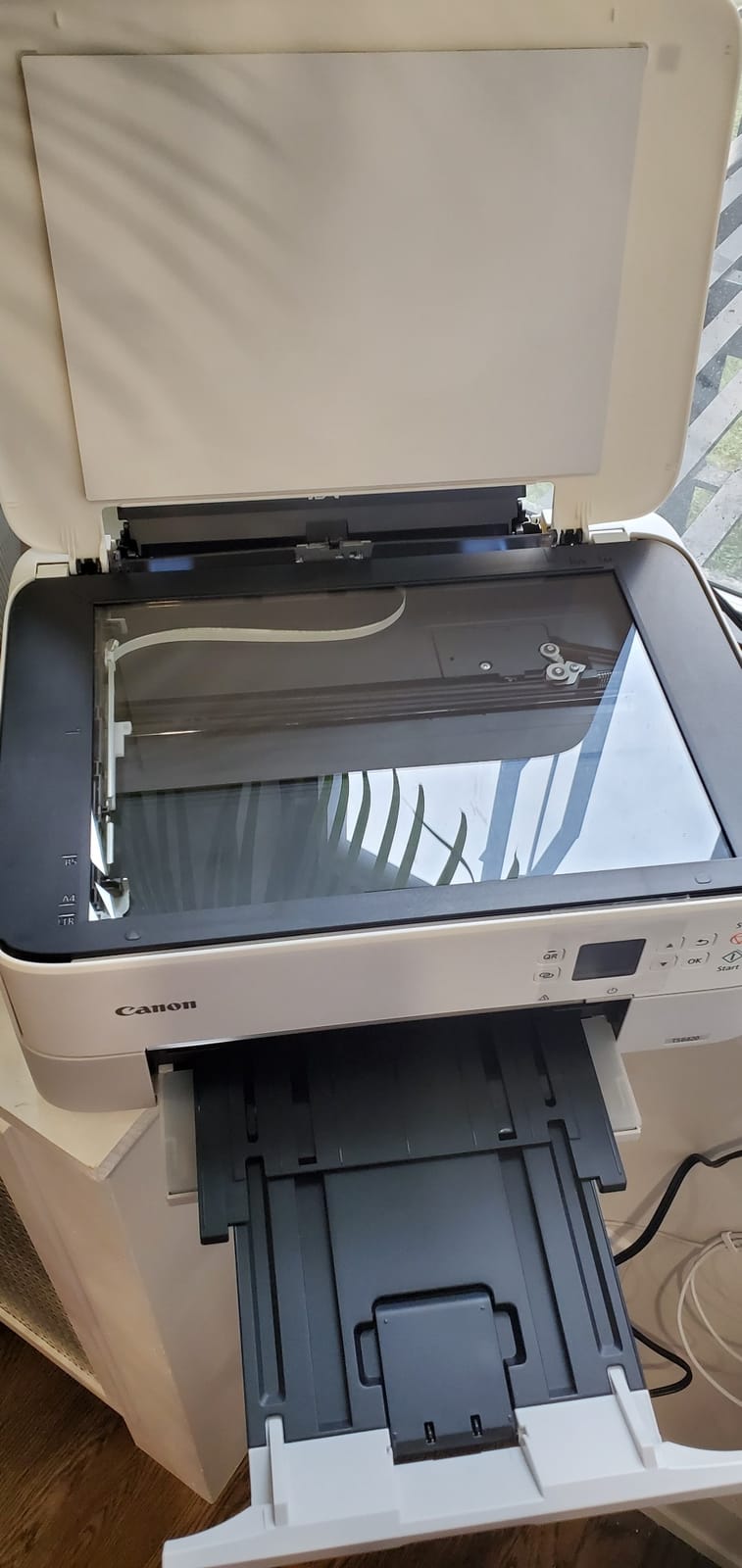
The TS6420 answers the biggest complaint about budget inkjets. It has automatic duplex, which means a 30-page reading list prints both sides without you touching the paper tray, and it does 13 ppm in black, the fastest color inkjet speed in this group.
At 5.9 inches tall and 15.9 inches wide it is genuinely compact, and the bright 1.44 inch OLED screen makes the menu far easier to read than the LCDs on competing models. Two trays let you keep plain paper loaded while switching to photo or card stock.
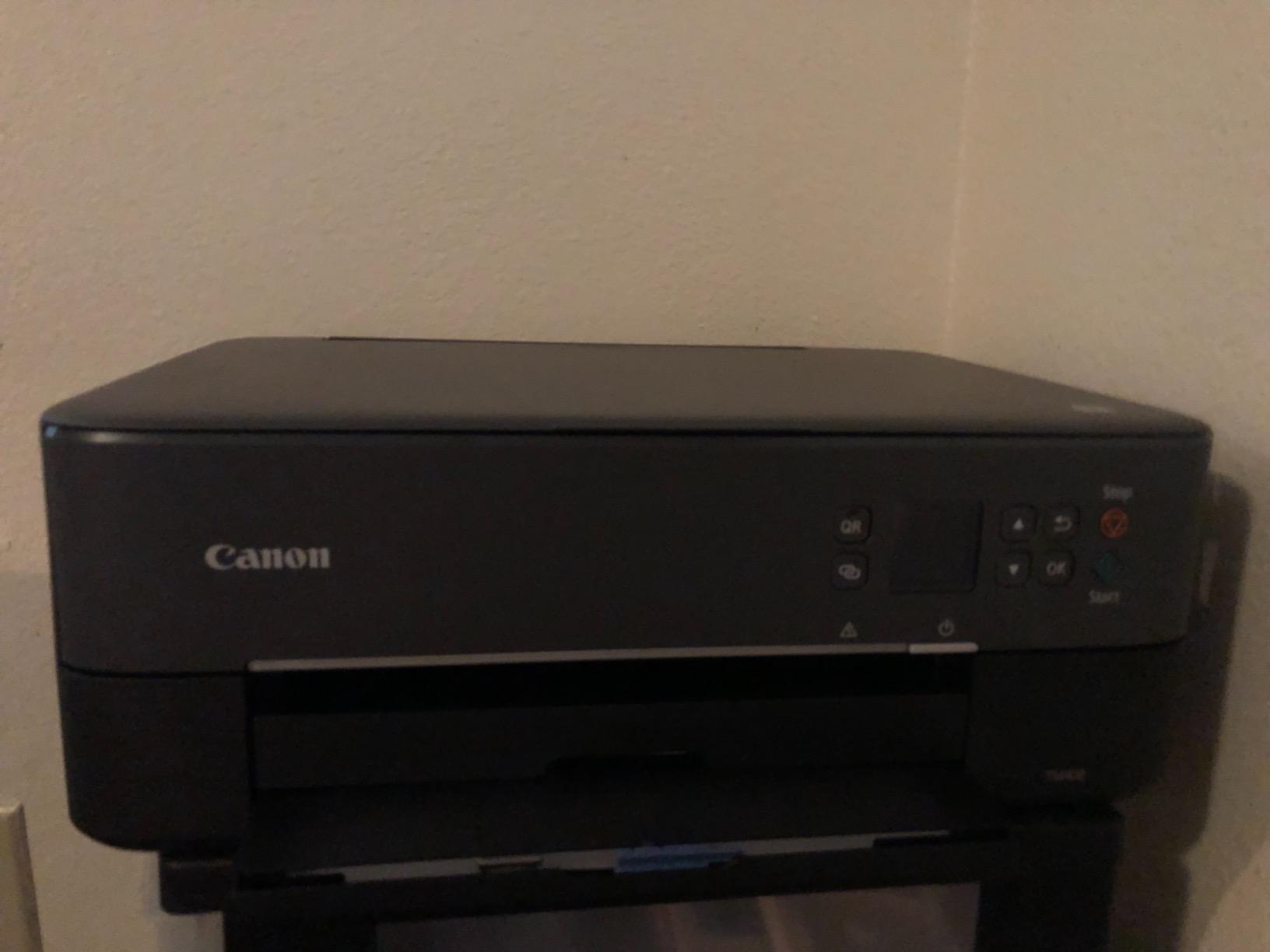
Scanning is flatbed only. Every page goes on the glass by hand, which is tedious for a stack of notes but fine for a single page or a photo.
The cartridges are the weak point. PG-245 and CL-246 yields are modest compared with tank systems, so this suits light-to-moderate volume rather than a heavy weekly printing load. A few owners also report wireless dropouts and a printer that will not wake from sleep on a remote job.
Duplex or ink tank: which saves more?
Duplex saves paper and time immediately, on every job, with no math required. Ink tank savings accumulate and eventually dominate, but only if you print enough pages for it to matter.
Print more than roughly 150 pages a month and the tank system usually comes out ahead. Below that, automatic duplex on a cartridge machine is a very reasonable compromise.
Is this good for a MacBook?
Yes. AirPrint, Mopria and the Canon PRINT app are all supported, so there is no driver to install. Adding a printer from a MacBook takes a scan of a QR code on the control panel.
AirPrint also covers iPhone and iPad, which is handy when a study group needs a handout before a meeting.
7. Brother HL-L2405W Compact Monochrome Laser Printer
Brother HL-L2405W Wireless Compact Monochrome Laser Printer with Mobile Printing, Black & White Output | Includes Refresh Subscription Trial(1), Works with Alexa
Print-only monochrome laser
30 ppm black
250-sheet tray
Manual duplex
Pros
- Print-only design keeps body compact and cost low
- 30 ppm with first page in about 8.5 seconds
- 250-sheet tray plus manual feed slot
- Clean install with no forced sign-ups
- Toner outlasts ink cartridges for text
Cons
- No scanner copier or automatic duplex
- On-device Wi-Fi setup is slow and confusing
- Deep sleep can drop it from mesh networks
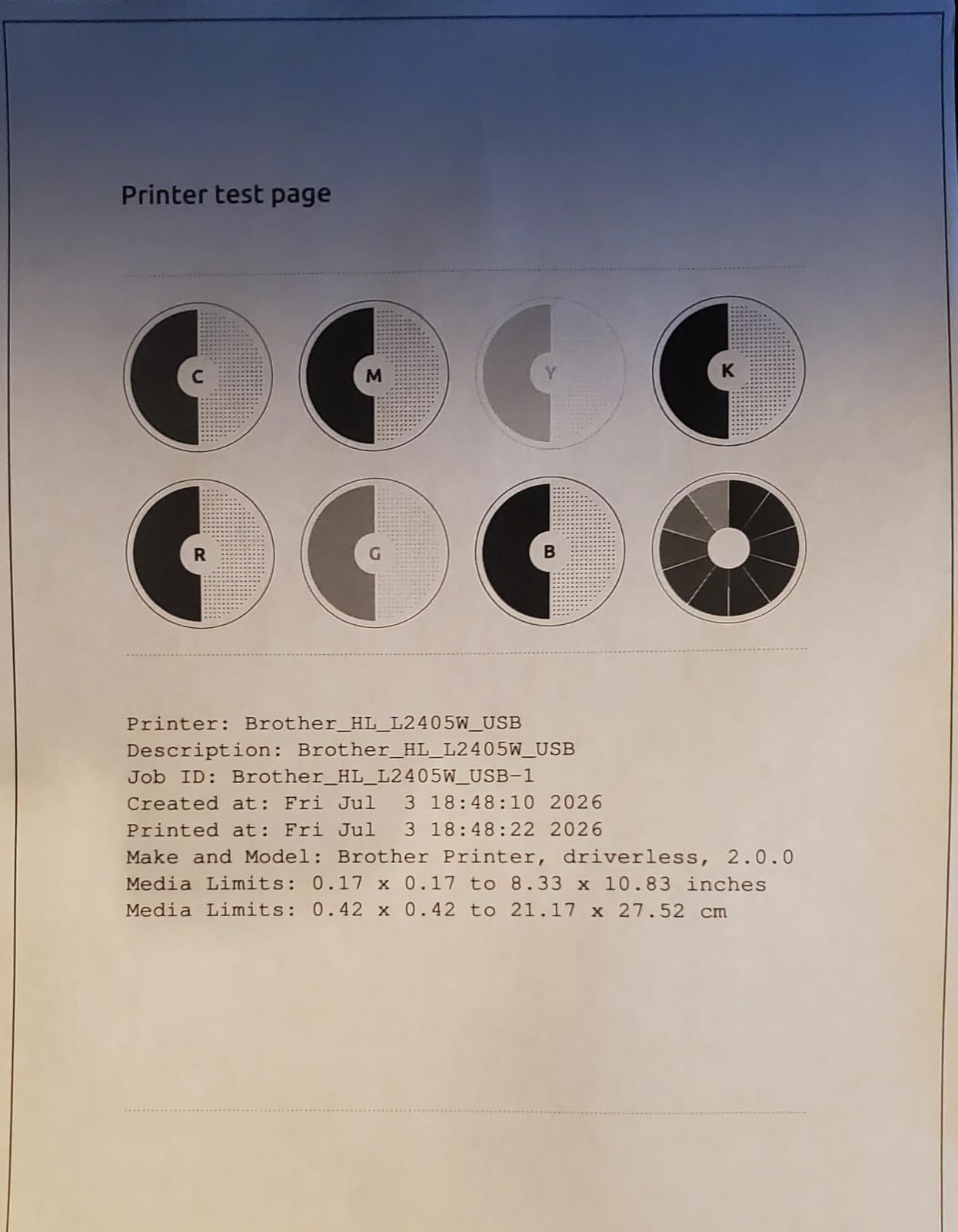
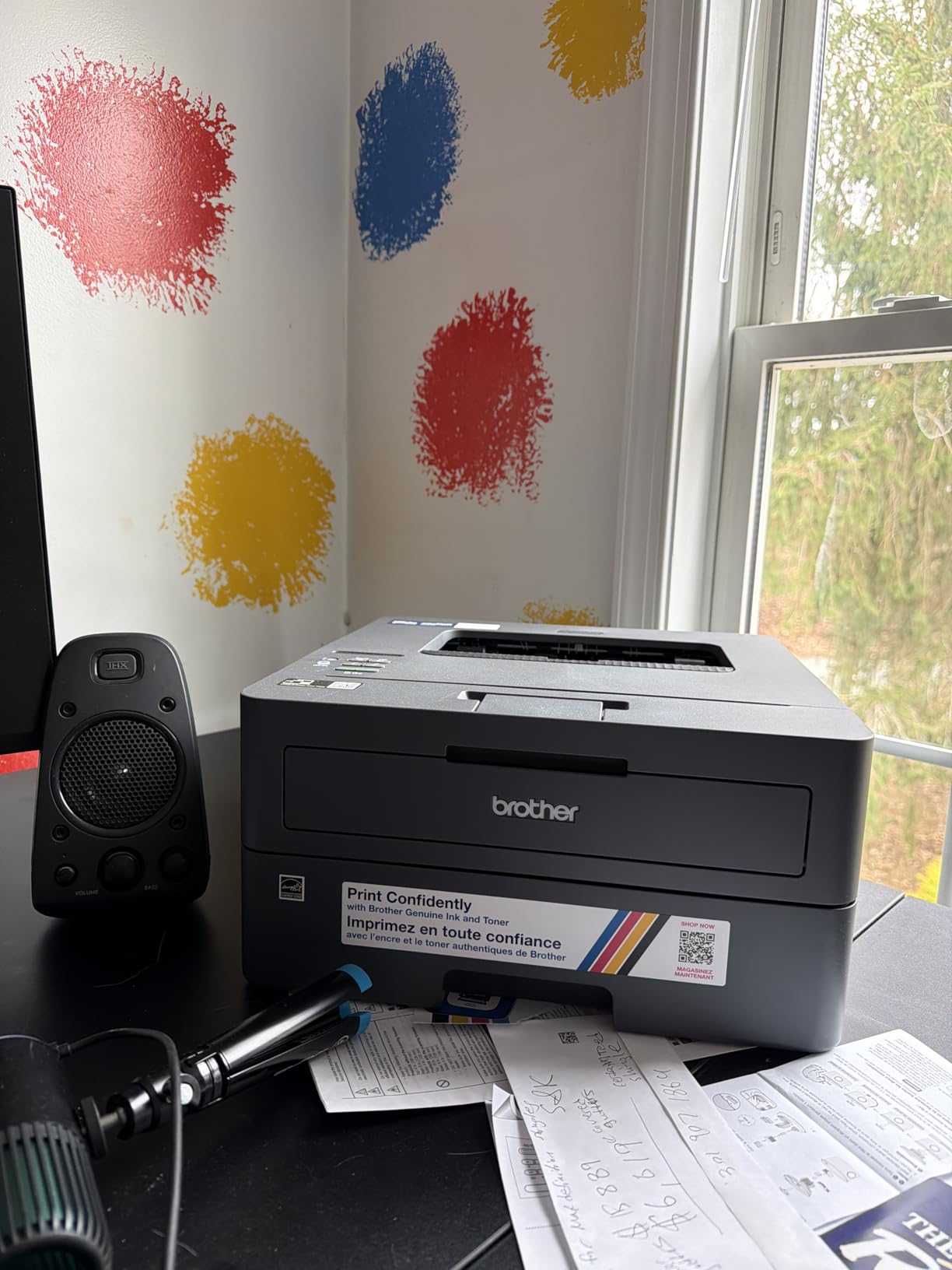
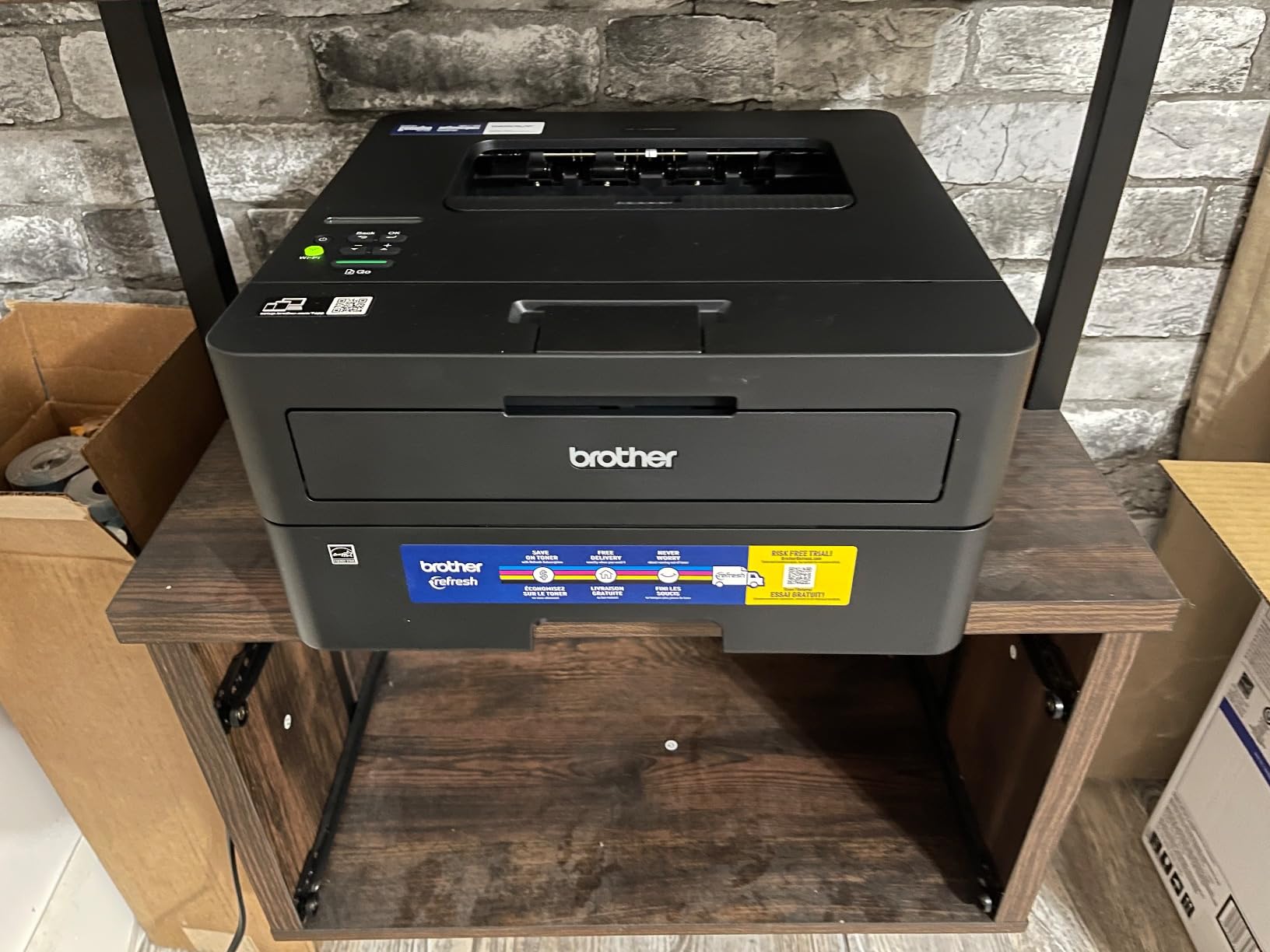
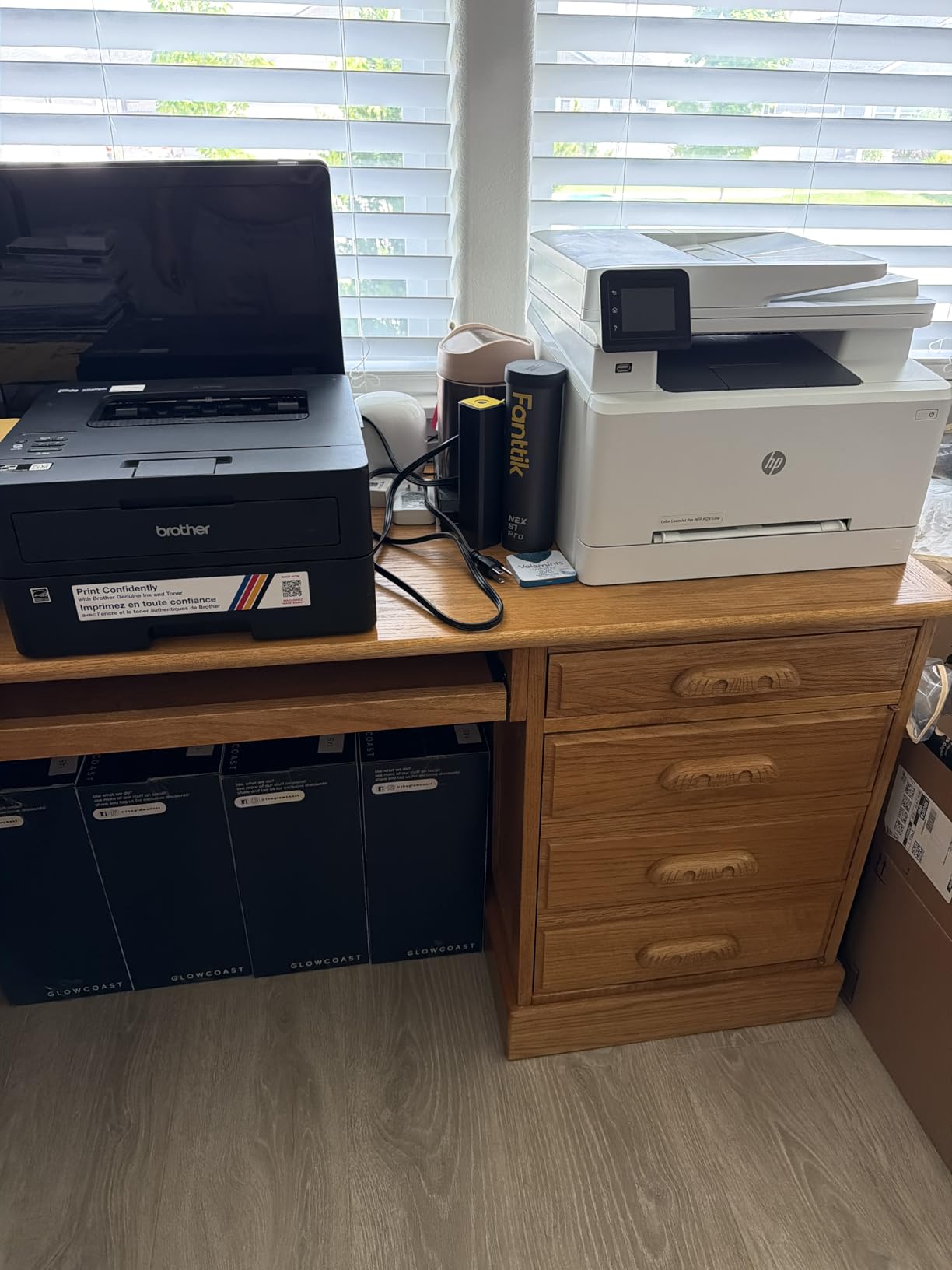
The HL-L2405W is what you buy when you print text, you print a lot of it, and you want nothing else. No scanner, no screen-heavy menu, no color. Thirty pages per minute, a 250-sheet tray, and a body small enough for a dorm shelf at 14 inches wide by 7.2 inches tall.
What stands out after six weeks is the setup. Reviewers repeatedly note the absence of forced sign-ups and pre-installed apps, which is a genuine contrast with brands that push accounts and subscriptions during installation.
Duplex is manual, so long documents need a page flip. If you print mostly single-sided notes and outlines, that costs you little. If you print entire essays, the automatic duplex models are worth the step up.
The on-device Wi-Fi process is slow and fiddly, and deep sleep mode has knocked the printer off some mesh networks in user reports. Setting a static IP address or a DHCP reservation solves it once.
Is a print-only laser the smart minimalist choice?
For most students, yes. Scanning on a phone or a campus library covers most occasional copying needs, and dropping the scanner and ADF keeps the machine smaller, lighter and cheaper to run.
The 250-sheet tray is large for a student machine, so you refill once or twice a term rather than every week.
How long does the toner actually last?
Far longer than an ink cartridge on text-heavy work, because powder toner does not dry in place. A student printing a few hundred pages a month goes much further between changes than with cartridge ink.
It also tolerates long idle periods. A printer that has sat through winter break without cleaning cycles or blocked nozzles is worth a lot at 2am during finals.
8. Brother HL-L2460DW Monochrome Laser with Automatic Duplex
Brother HL-L2460DW Wireless Compact Monochrome Laser Printer with Duplex, Mobile Printing, Black & White Output | Includes Refresh Subscription Trial(1), Works with Alexa
Print-only monochrome laser
36 ppm with auto duplex
250-sheet tray
Ethernet and Wi-Fi
Pros
- Automatic duplex on every job
- 36 ppm with first page in about 8.5 seconds
- 250-sheet tray suits heavy coursework
- Compact for a laser
- Works with Windows and Linux
Cons
- Monochrome only
- No scanner or copier despite the DCP-sized body
- On-screen Wi-Fi setup is tedious with the button interface
- Deep sleep can drop it from mesh networks
The HL-L2460DW adds automatic duplex to the compact Brother laser formula and nothing else. Thirty-six pages per minute, duplex built in, 250-sheet tray, and a body that still fits a dorm shelf. It prints the same toner family as the cheaper model above.
If your workload is a thesis, a reading-heavy major or a part-time job printing documents from home, this is the version I would buy. The duplex removes the one thing people regret about manual-duplex laser printers.
Notably, it has no scanner or copier even though the body is close in size to the DCP multifunction models. That is a deliberate cost saving, not an oversight, and it is worth confirming you do not need to scan before buying.
Wi-Fi setup through the button interface is tedious, and deep sleep has dropped the machine off some mesh networks for users. Both are configuration issues rather than hardware faults.
HL-L2460DW or DCP-L2640DW?
The DCP-L2640DW adds a flatbed scanner and a 50-page ADF for a higher tier price. Buy it if you scan notes regularly or copy handouts for a study group.
Buy the HL-L2460DW if you print and nothing else. You get identical speed, identical toner, identical tray size and identical duplex, with no scanner hardware to pay for.
How much does a small laser printer really cost to run?
Toner cartridges such as TN830 and TN830XL are the main ongoing cost, and they last far longer than ink cartridges because powder toner does not dry out. Add occasional drum and roller replacements over a multi-year ownership window and the per-page figure stays low throughout.
Avoid third-party toner subscriptions you did not plan for. Genuine cartridges plus occasional third-party options keep the running cost predictable.
9. HP Envy 6155 Color Inkjet with Touchscreen
HP Envy 6155 Wireless All-in-One Color Inkjet Printer, Print, Scan, Copy, Duplex Printing Best-for-Home, 3 Month Trial of Instant Ink Included, AI-Capable (C2WR7A) Portobello
Color inkjet all-in-one
10 ppm black, 7 ppm color
Automatic duplex
2.4 inch touchscreen
Pros
- Automatic duplex plus scan and copy
- 2.4 inch color touchscreen is unusually intuitive
- Dual-band Wi-Fi that self-corrects connections
- AI formatting trims web pages and emails
- Borderless photo printing
- Body made with 60 percent recycled plastic
Cons
- Works only with HP cartridges containing original chips
- Setup cartridges yield about 120 black and 75 color pages
- Three-month Instant Ink trial converts to a monthly fee unless cancelled
- No automatic document feeder
The HP Envy 6155 is the newest unit in this roundup and one of the few with a proper color touchscreen. The 2.4 inch panel makes scanning, copying and paper selection faster than the LCD strips on competing inkjets, and the AI print formatting cleanly reflows web pages and emails that would otherwise print with chopped columns.
It also has automatic duplex, 10 ppm black and 7 ppm color, and a borderless photo mode. Dual-band Wi-Fi here attempts to detect and fix connection problems on its own, which in a crowded dorm network is worth something.
Two things to weigh carefully. The 68 series setup cartridges in the box yield only about 120 black or 75 color pages, so your first real refill comes sooner than the ink weight in the marketing suggests.
The bigger flag is the three-month Instant Ink trial. It converts to a monthly subscription fee unless you cancel, and the machine only accepts HP cartridges with original chips, so third-party options are not available. If you cancel during the trial you are back on standard cartridges, which are more expensive per page than a tank system.
Is the Instant Ink trial worth using?
Only if you will actually remember to cancel before day 91. Plenty of students treat ink subscriptions as a discount and later discover the enrollment was automatic. Add a calendar reminder the day the printer is set up.
If you ignore the reminder and let it convert, the per-page ink cost can run well above what an ink tank model delivers over a full degree.
Who benefits most from the touchscreen?
Students who scan and copy often, or who print photos and handouts without touching a laptop. For pure printing from a phone, the panel adds cost rather than value, and a tank model serves better.
It has no ADF, so bulk scanning means one sheet at a time on the glass.
10. HP Smart Tank 5003 Ink Tank All-in-One
HP Smart Tank 5003 Wireless All-in-One Ink Tank Printer, Scanner, Copier with up to 3 Years of Ink Included, Best-for-Home, Cartridge-Free Refillable, AI-Capable (9B2D3A)
Ink tank color all-in-one
10 ppm black, 5 ppm color
About 6,000 pages included
Flatbed scanner
Pros
- Up to three years or about 6000 pages of ink included
- Mess-free refill with no squeezing or spilling
- Print copy scan plus borderless and mobile printing
- Sharper text and richer color than cartridge inkjets
- Slim 6.19 inch tall body
Cons
- No automatic duplex (driver support only)
- Flatbed scanner with no automatic document feeder
- Tanks accept only HP ink bottles
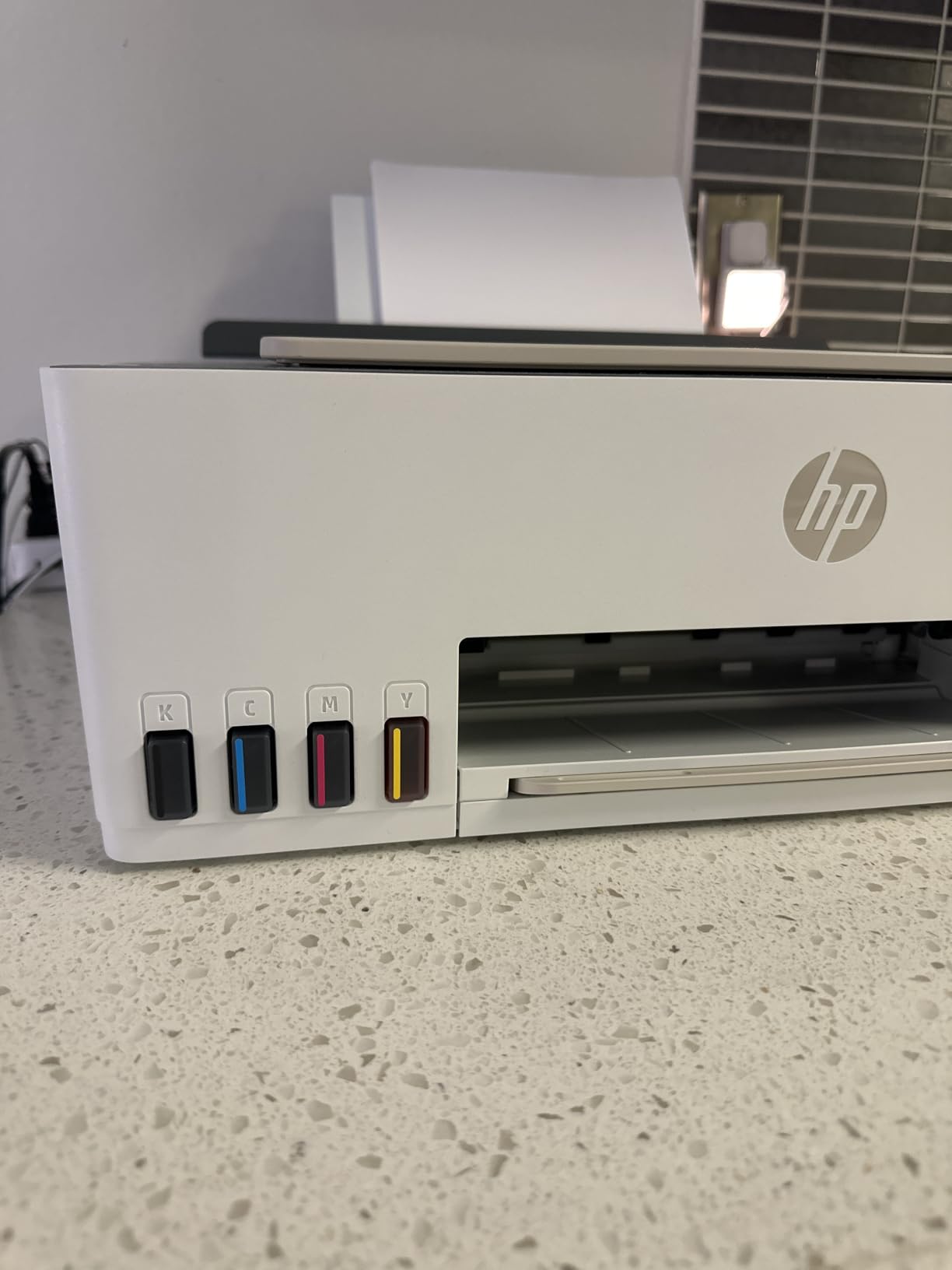
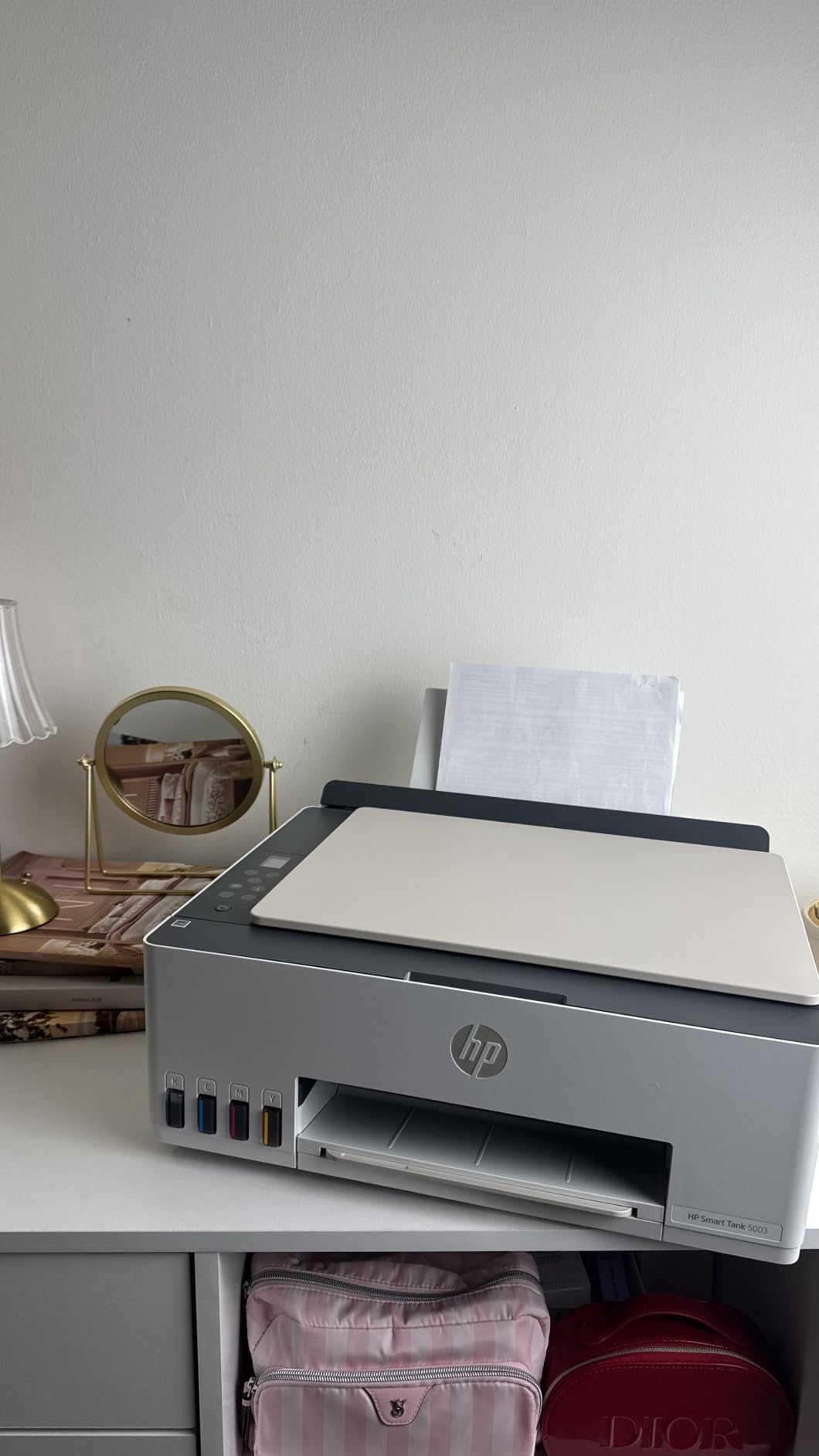
The Smart Tank 5003 is HP’s cartridge-free answer, and the refill experience is the story. You plug a bottle in and let it drain. No squeezing, no ink on your fingers, no cartridge shells in the recycling bin.
About 6,000 pages of ink ship in the box, which for most students covers an entire year before the first refill. At 10 ppm black and 5 ppm color with a flatbed scanner, it covers the standard student workload at a low per-page cost.
Duplex is not automatic. The driver supports manual duplex, which means flipping the stack yourself, and there is no ADF, so scanning is one sheet at a time.
The first page took about 21 seconds in testing, so do not expect this to feel quick on a single last-minute page. It settles into rhythm once a job is running.
The tanks take HP 32XL black and HP 31 color bottles only. That keeps ink quality consistent, but it rules out cheaper third-party fluid.
Is HP Smart Tank or Epson EcoTank the better tank?
Epson models here carry automatic or manual duplex in different forms and the Micro Piezo printhead produces very sharp text. The HP Smart Tank offers a larger included ink supply and the cleanest refill process of the group.
If you already own HP cartridges and bottles you will use up slowly, staying with HP wastes less. Otherwise pick on duplex and paper handling rather than brand.
Does it suit a MacBook?
Yes. AirPrint and Mopria are both built in, so a MacBook, iPad or iPhone finds it on the network with no driver install. The HP app adds scanning and ink level checks from your phone.
Being six inches tall, it also fits more dorm shelves than most all-in-ones, which matters more than the spec sheet suggests.
11. HP LaserJet Pro MFP 3101sdw Monochrome Laser All-in-One
HP LaserJet Pro MFP 3101sdw Wireless Black and White All-in-One Laser Printer, Office Printer, Duplex, Best-for-Small Teams (9D2X4F)
Monochrome laser 3-in-1
Up to 40 ppm with auto duplex
50-sheet ADF
250-sheet tray
Pros
- Highest rated in this roundup at 4.5 stars
- 40 ppm with first page in about 7 seconds
- Automatic duplex plus 50-sheet ADF
- Wi-Fi reconnects on its own after outages
- Quiet operation and crisp output
Cons
- Monochrome only
- Blocks cartridges without original HP chips
- Plastic construction flexes when the tray is handled
- Occasional Wi-Fi drops after network surges
This is the highest-rated printer we tested and the fastest, running up to 40 pages per minute with a first page in about seven seconds. It is a monochrome laser all-in-one: printer, scanner and copier with automatic duplex and a 50-sheet document feeder in one 23-pound body.
Quiet operation stands out. In a dorm at midnight with someone sleeping two rooms away, this is the printer you will not resent. Several owners also report the wireless connection re-establishing itself after power interruptions, which is exactly what shared dorm networks require.
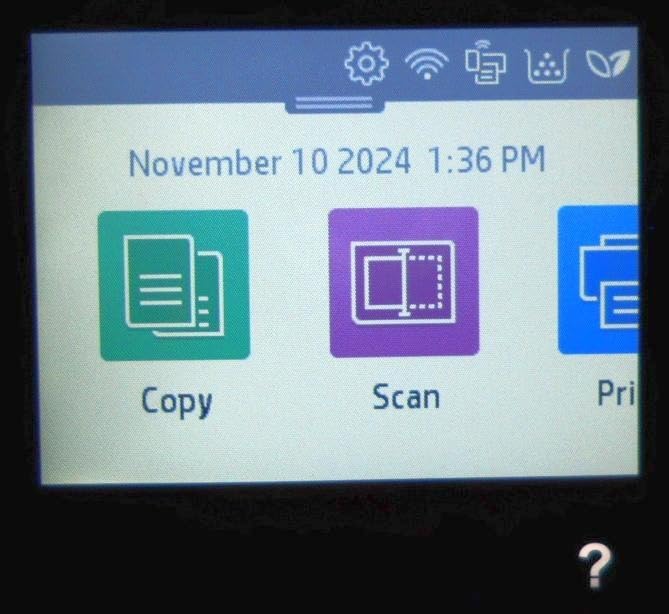
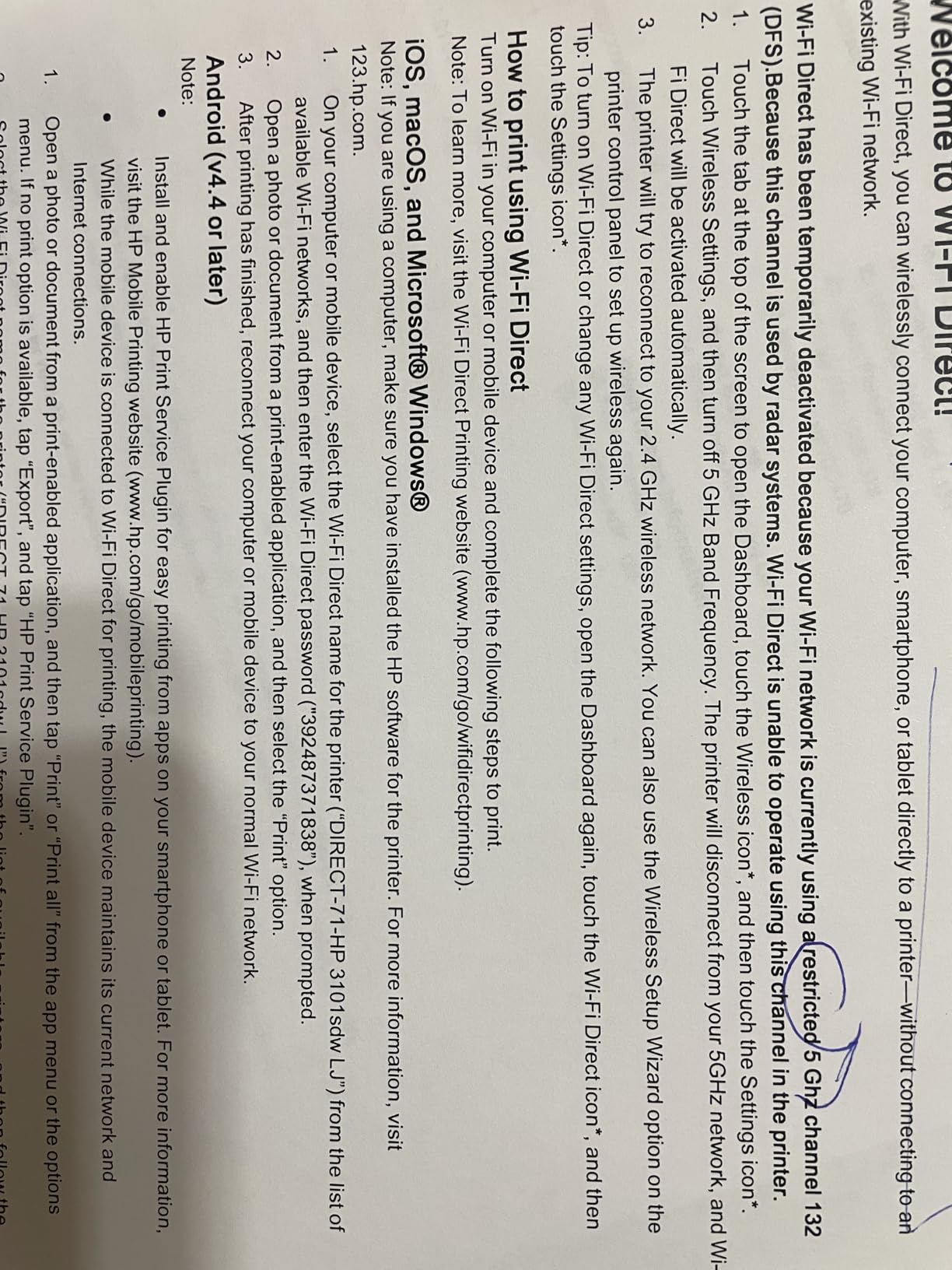
The catch is the toner. This machine blocks cartridges without original HP chips, so your only genuine option is HP toner, at a higher long-run cost than a Brother machine using widely available third-party toner.
Build quality is light for the size. The paper tray flexes when you pull it out, and a few owners report longer first-time startup or the occasional Wi-Fi drop after a network surge.
Is the fastest laser worth the locked-in toner?
If you print in large blocks, absolutely. Forty pages per minute with automatic duplex finishes a 200-page draft while you make coffee, and the scanner and ADF mean the same machine handles everything else.
If you print occasionally, you pay more per page than the Brother models here for speed you will never use. Match the machine to your volume rather than to the spec sheet.
How does it hold up over a degree?
Laser engines tolerate long idle periods because toner does not dry in the print path. This one is a good four-year machine for a student who prints in bursts around deadlines and then leaves it alone for a month.
AirPrint and Mopria are supported, so MacBook and iPhone printing work without installing anything.
How to Choose a Student Printer
Inkjet or laser for college?
Choose laser if you print essays, readings and lecture notes and color is optional. It is faster, the cost per page is lower, and toner does not dry out when the machine sits unused over winter break, which is the durability complaint students raise most often.
Choose inkjet if color appears in your coursework at all. Charts, slides, highlighted diagrams and design projects need it, and no monochrome machine covers that.
The practical split: mostly text and rarely color means laser. Regular color output means ink tank, not a cartridge machine, because the running cost gap shows up within a year.
Cartridge or ink tank, and what it really costs
A cartridge printer is cheaper to buy and more expensive to keep. You replace small cartridges often, and each change interrupts a study session. An ink tank printer costs more upfront and ships with enough ink for years.
Run the math on your own volume. If you print roughly 150 pages a month or more, the tank system usually wins on cost before the first year is out. Below that, cartridges are defensible if you mostly print black text.
Add the fourth-year view. A cheap printer that needs three ink sets a year for four years is an expensive printer, and one that dries out or jams during finals week costs far more than its price tag.
Do you even need to own one?
Honestly, sometimes not. Campus libraries and printing labs handle high-volume black-and-white jobs, and if you only print a handful of pages a term, a few cents per page there can beat owning a machine.
Own a printer if you print weekly, need color, live far from a print lab, or dislike deadlines that depend on other people’s hours. Owning also removes the queue at 9am on a reading-week morning.
A used monochrome laser is the dorm strategy that gets more attention from forums than from roundups. Older Brother and HP laser models are widely sold secondhand for very little, and buyers report they run for years with no ink spillage, since there is no liquid ink to leak.
Monochrome or color?
Pick monochrome only if you are certain every assignment prints in black and white. Students who buy a mono laser and then hit a color requirement mid-semester end up paying campus rates for the whole rest of the year.
If you are unsure, buy color capability. A monochrome laser is cheaper to run, but the option is not recoverable later.
Print-only or all-in-one?
An all-in-one adds a flatbed scanner and usually a copier. For students who scan handwritten notes, photograph documents and copy class materials, that saves a trip to the library and is worth the extra cost.
A print-only laser is smaller, cheaper and easier to live with, and phone scanning apps cover occasional one-off pages. Add an ADF only if you regularly scan multi-page stacks.
Where your setup time actually goes
Confirm AirPrint or Mopria support before you buy if you use a MacBook, iPad or iPhone. Every printer in this roundup supports AirPrint except where noted, and AirPrint removes driver installation entirely.
Check that the printer supports both 2.4GHz and 5GHz Wi-Fi. Dorm routers often run both bands, and single-band machines that cannot join them are the most common setup complaint in the reviews.
Give the machine a static IP address or a DHCP reservation on your network if it drops off after sleep, and plug it in over Ethernet for the first setup if the router is temperamental.
Print one page before you leave for winter or summer break and one when you return. It takes two minutes and is the cheapest insurance against a clogged inkjet head.
Methodology note: our ranking weighs the four-year running cost, the paper handling features that affect daily use, dorm-friendly footprint, and the volume of real owner feedback behind each machine. Ratings and review counts come from the retailer listing for each product.
Frequently Asked Questions
What is the best home printer for college students?
The Epson EcoTank ET-2800 is our top pick because it handles color, scanning and copying in one unit and runs on refillable ink bottles that cover up to 4,500 black or 7,500 color pages per set. If your work is almost entirely black-and-white text, a monochrome Brother laser such as the DCP-L2640DW is cheaper per page and will not suffer dried ink over semester breaks.
What is the best affordable printer for college students?
The Canon PIXMA TS3720 is the lowest-cost option here that still prints, scans and copies. It has a real LCD, dual-band Wi-Fi and AirPrint support in a body small enough for a dorm shelf. Its cartridge running cost is higher per page, so it suits students printing a few pages a week rather than a full reading list every week.
Do college students still need printers?
Only if you print weekly, need color, or live far from a campus print lab. Libraries and printing labs charge a few cents per page, which works well for occasional jobs. Owning a printer removes the queue at busy times during reading weeks and gives you control over color output, but it also makes you responsible for ink or toner refills.
Is inkjet or laser better for college?
Laser wins for text-heavy work: faster pages per minute, lower cost per page, and toner that does not dry out when the printer sits unused for weeks. Inkjet wins for color, photos and heavy media. Most students are best served by a monochrome laser for essays plus campus printing for the occasional color requirement.
What is the best small printer for a dorm room?
The Canon PIXMA TS3720 measures 12.9 inches wide by 5.8 inches tall and weighs 8.7 pounds, so it fits on a shelf rather than a desk. The Epson EcoTank ET-2400 is a similar weight and handles color on a low running cost. For a small monochrome body, the Brother HL-L2405W is 14 inches wide and only 7.2 inches tall.
Which Printer Should You Buy?
The Epson EcoTank ET-2800 is the best printer for college students overall, because it covers color, scanning and copying while keeping ink costs low enough to run for a full degree. The Brother DCP-L2640DW is the value pick for anyone whose work is black and white, and the Canon PIXMA TS3720 is the budget choice for light printing in a tight space.
Whatever you choose, judge it on four-year running cost rather than sticker price. Ink bottles, toner that does not dry out, automatic duplex and Wi-Fi that survives a crowded dorm network are what keep a printer working through finals week and the semester after it. Prices move often, so check the current listing before you order.