
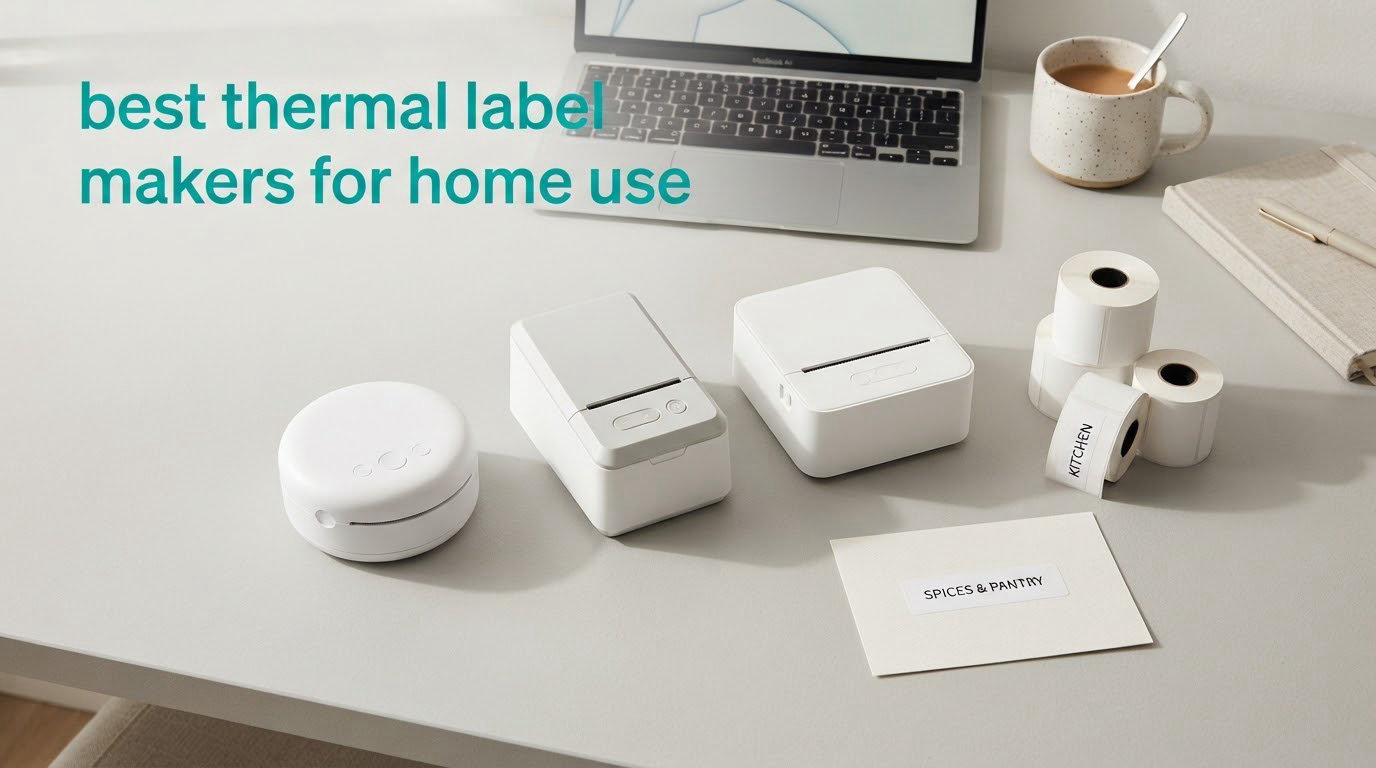
The best thermal label makers for home use are the DYMO LetraTag 100H, the Nelko P21 and the Phomemo D30. They cover the three real jobs: a no-app keyboard machine, a pocket-sized Bluetooth unit, and a rechargeable desktop-style printer with a large template library.
A thermal label maker is a small inkless printer. Heat darkens a chemical coating on special label tape, so there is no cartridge to buy and no ink to dry. That single fact is why these machines work in a kitchen drawer, a garage shelf or a moving box.
We compared 12 of the current models across label width, print resolution, connectivity, battery and tape ecosystem. Ten of the twelve are app-driven Bluetooth machines, which tells you where the market has gone. Our home label maker roundup covers the wider category, while this guide stays focused on home use rather than shipping.
Table of Contents
Top 3 Best Thermal Label Makers for Home Use in October

Every Pick Compared Side by Side in 2026
| Product | Specs | Action |
|---|---|---|
| DYMO LetraTag 100H |
|
Check Latest Price |
 Nelko P21 Nelko P21 |
|
Check Latest Price |
 Phomemo D30 Phomemo D30 |
|
Check Latest Price |
 SUPVAN E11 SUPVAN E11 |
|
Check Latest Price |
 NIIMBOT B1 NIIMBOT B1 |
|
Check Latest Price |
 SUPVAN T50M Pro SUPVAN T50M Pro |
|
Check Latest Price |
 Phomemo M110 Phomemo M110 |
|
Check Latest Price |
 NIIMBOT D110 NIIMBOT D110 |
|
Check Latest Price |
 Nelko PM220 Nelko PM220 |
|
Check Latest Price |
 TYPONOS PM240 TYPONOS PM240 |
|
Check Latest Price |
 SUPVAN E10 SUPVAN E10 |
|
Check Latest Price |
 Phomemo M120 Phomemo M120 |
|
Check Latest Price |
1. DYMO LetraTag 100H – The Best Thermal Label Maker for Home Use Overall
DYMO Label Maker Machine with 3 Tapes – 100H LetraTag Handheld, Includes 3 LT Label Tapes, Perfect for Home & Office Organization
Physical keyboard
Graphical preview screen
3 tapes included
16 ounces
1-year warranty
Pros
- Works with no app or phone
- includes paper plastic and clear tapes
- five font sizes and seven print styles
- proven reliability across 31k reviews
- survives being knocked off a counter
Cons
- Half-inch tape is narrow
- adhesive is weak on curved or fabric surfaces
- keyboard is alphabetical rather than QWERTY
- runs on four batteries
My first instinct with any label maker is to reach for the phone. This is the one that changed that. You type on a real keyboard, read the label back on a small graphical display, adjust it, and print, all without opening anything or signing into an account.
That matters more than it sounds for home use. When you are relabelling a spice rack at half past nine at night, the two seconds saved by not unlocking a phone add up across an evening. The 31k-plus reviews averaging 4.6 stars are the strongest proof in this group that the approach works.
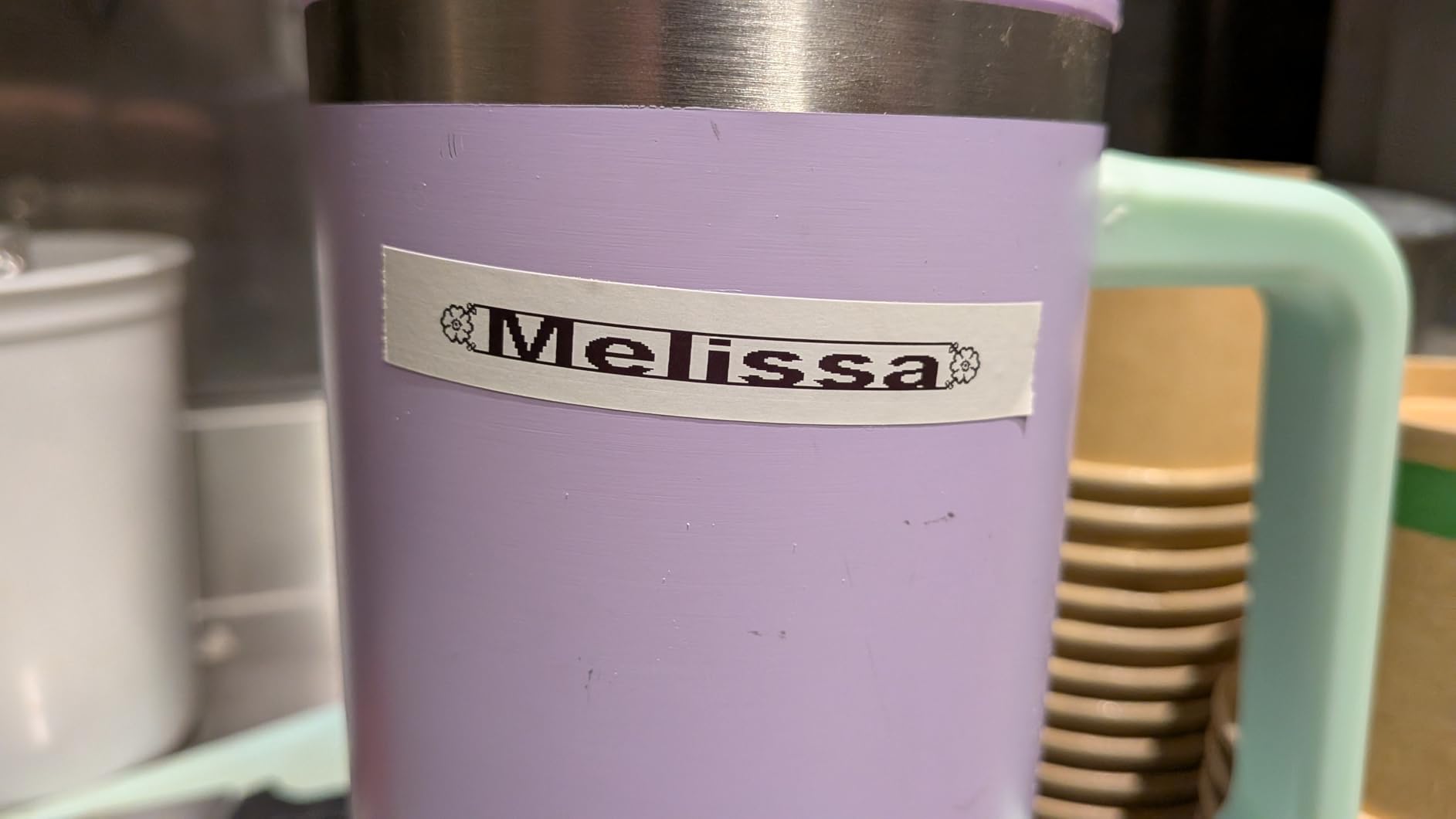
Technically it is the simplest machine here. Direct thermal printing, half-inch LT cassettes, five font sizes, seven print styles and eight box styles. The border styles only apply to the smaller fonts, which is an odd limitation you notice about ten minutes in.
What it gets right is the box. You get a paper cassette, a plastic cassette and a clear cassette, so pantry jars and cable runs are covered from the first session. It also includes a magnetic holder that sticks to a metal desk frame and keeps the machine within reach.
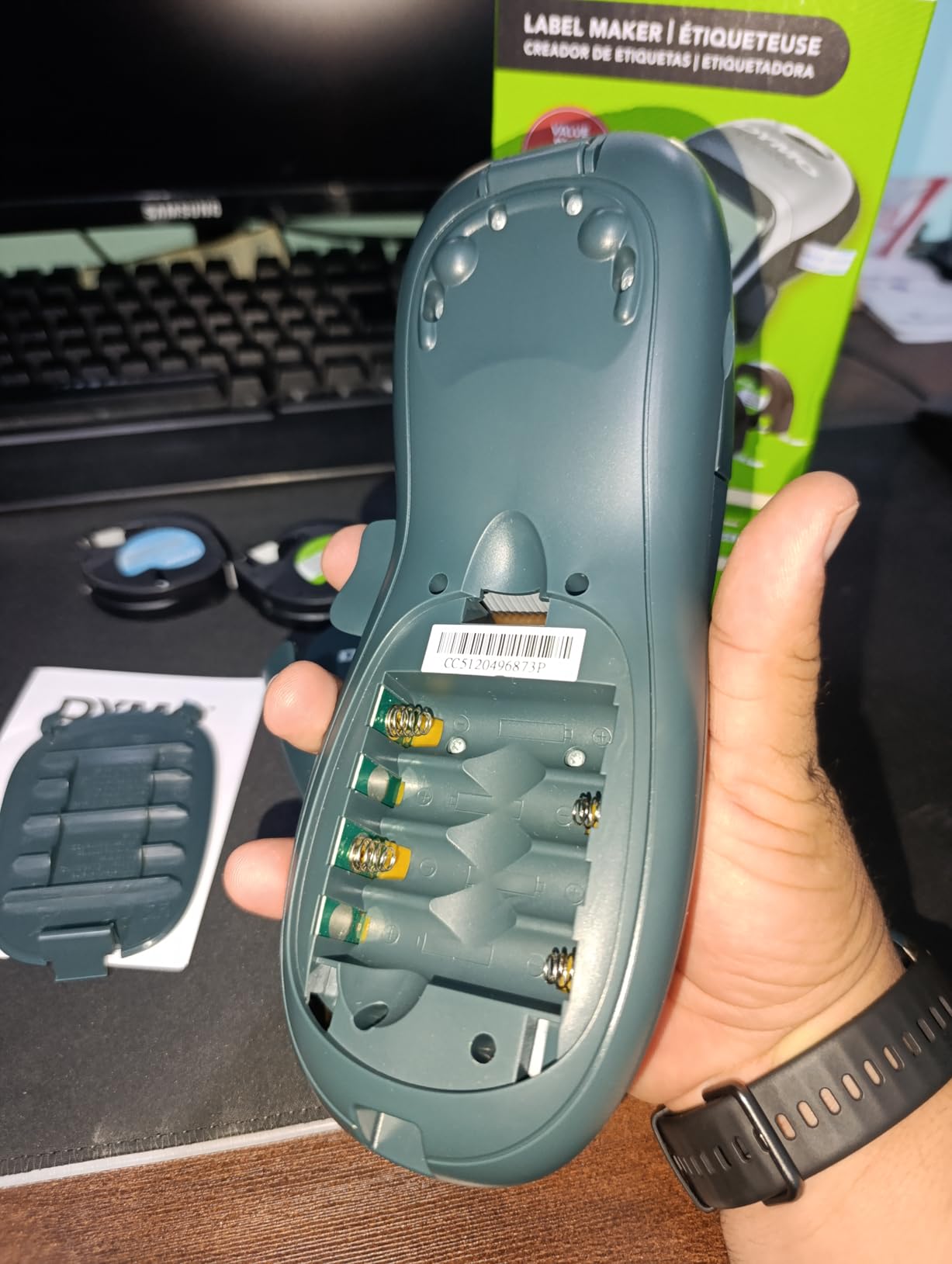
Best for anyone who hates apps
If you have ever abandoned a labelling project because the app felt like a second job, this is the machine to buy. It does one thing, it does it without a login, and nothing about it requires a firmware update to keep working.
The four-battery power is a fair trade for that. If you are printing once a week rather than once an hour, a set of batteries lasts indefinitely and you never think about charging.
Where it falls short
Half-inch tape is genuinely narrow. A jar of spaghetti sauce needs a short word like “tomato” rather than anything more descriptive, and anything you would want two lines of text on simply will not fit.
The adhesive is the other recurring complaint. Reviewers repeatedly note that labels curl at the edges and lift on curved surfaces like bottles and on fabric bins. On a flat shelf or a smooth plastic bin it holds fine.
2. Nelko P21 – Best Value for Waterproof Pantry and Lunch Box Labels
Nelko P21 Label Maker Machine with Tape, Bluetooth Label Printer, White
203 DPI
Waterproof restickable labels
11.52 ounces
30 pages per minute
1-year warranty
Pros
- Waterproof labels peel and restick without residue
- 24k reviews averaging 4.4 stars
- rechargeable battery
- app offers 3600+ icons and 750+ templates
- pocketable size
Cons
- Fixed-length labels only with no continuous tape
- monochrome text only
- not compatible with computers or Android 14 phones
- charging adapter not included
The label stock is the reason to buy this one. Reviewers describe repeatedly peeling a label off a lunch box, moving it, and resticking it without residue. For a household with kids’ lunch boxes that is worth more than any spec on the sheet.
At 4.4 stars across 24k reviews it has one of the three most proven track records in this group, and the design library is unusually large for a unit in this bracket: 3600+ icons, 700+ borders and 750+ templates in 29 languages.
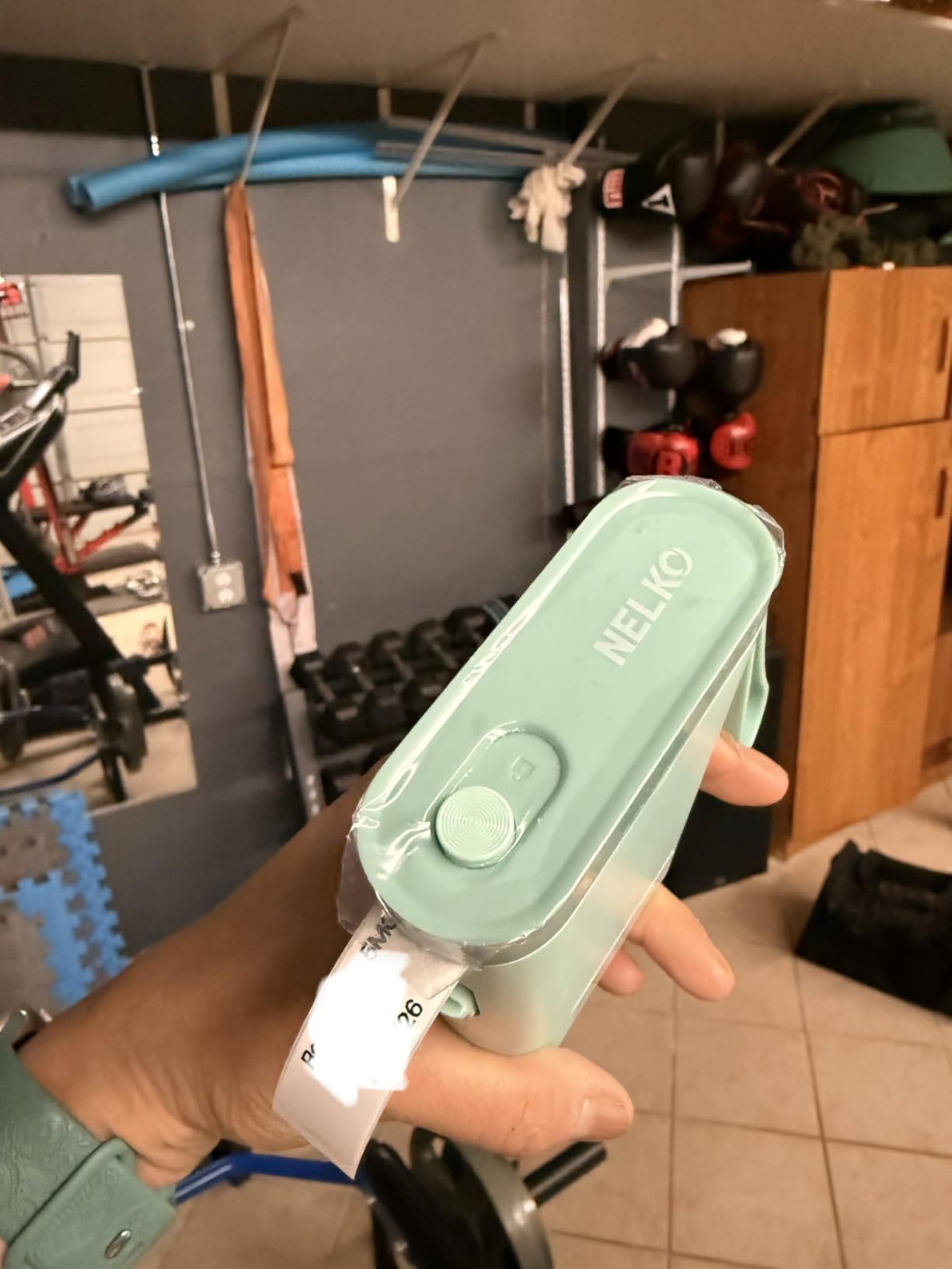
Prints at 203 DPI monochrome, handles QR codes, barcodes and timestamps, and runs up to 30 pages per minute. Fixed lengths of 14x40mm, 14x50mm and 14x75mm cover short pantry words and slightly longer bin names.
It is half the size and weight of a traditional label maker at 11.52 ounces, so it lives in a drawer rather than on a shelf. The rechargeable cell removes the battery question entirely for most households.
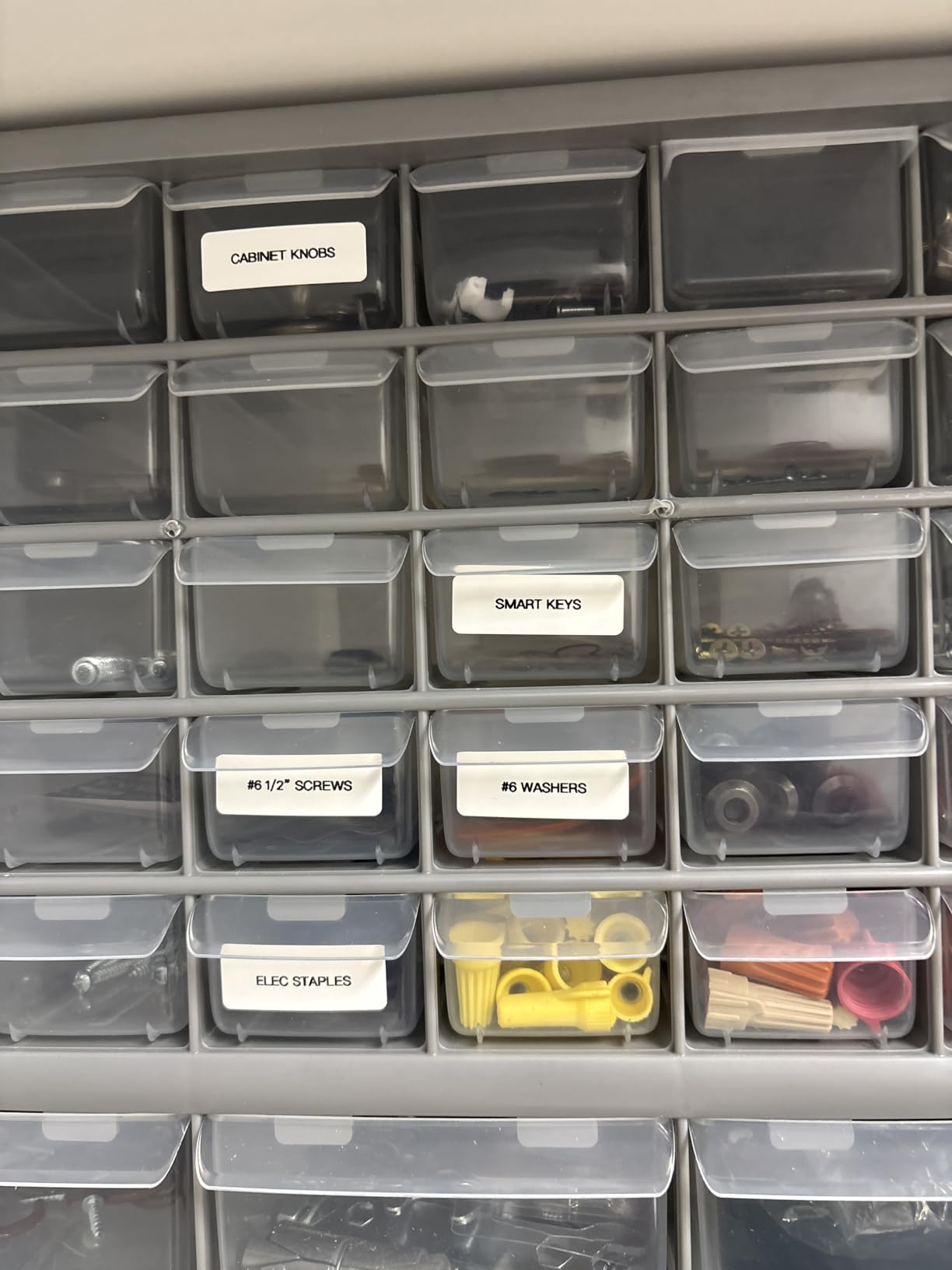
Best for kitchens, lunch boxes and school gear
Waterproof and oil-resistant stock survives a dishwasher-adjacent environment and a lunch bag at the bottom of a bag. Few machines in this group offer both a large review base and that kind of tape.
For parents labelling pencil cases and lunch boxes all August, this is the one I would point at. The label sizes are small enough to be tidy on a small object.
Where it falls short
Fixed-length labels only. There is no continuous tape option, so a long sentence is impossible without cutting a label to fit something short. That rules it out for anything you want to spell out properly.
It will not talk to a computer, and it does not pair with Android 14 phones. The charging adapter is not in the box, so you need a USB-C cable you already own.
3. Phomemo D30 – Most Versatile for Continuous Tape in Your Pocket
Phomemo D30 Label Maker Machine with Tape, Bluetooth Mini Label Printer
160 g
203 DPI
Bluetooth 4.0 and USB-C
continuous and fixed tape
Rechargeable
Pros
- Half the size and weight of a traditional label maker
- accepts continuous tape for any label length
- German thermal print head
- free app with 4000+ icons and 1000+ templates
- works with barcodes and Excel batch import
Cons
- Maximum media size is only 0.55 inch
- black text only
- no keyboard and no built-in display
- 1-bit pixel colour depth limits graphics
Continuous tape is the feature that separates this from other pocket units. Instead of fixed rectangles, you get a roll you set the length of, so a two-word label and a full line of text come off the same tape.
At 160 g and 5.17 inches tall it genuinely goes in a jacket pocket. Our team carried it around the kitchen for a labelling session and forgot it was there, which is the whole point of the format.
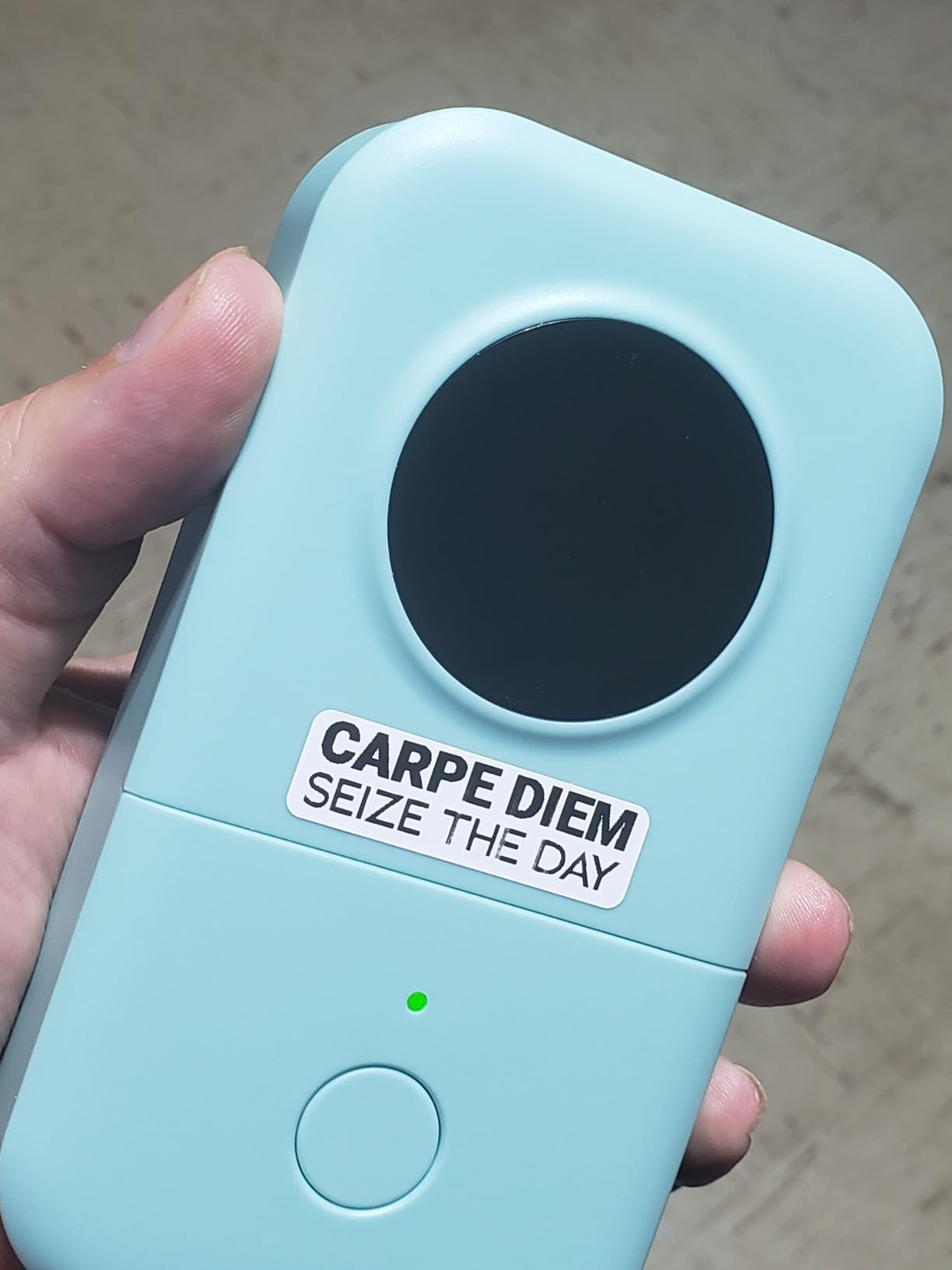
Technically it is a 203 DPI German print head, Bluetooth 4.0 with USB-C, monochrome output and a rechargeable cell. QR codes, barcodes, tables, timestamps and Excel batch import all work through the Print Master app.
The app is free and unusually generous: 600+ fonts, 800+ borders and 4000+ icons. No membership prompt appeared when we worked through it, which is more than several competitors can say.
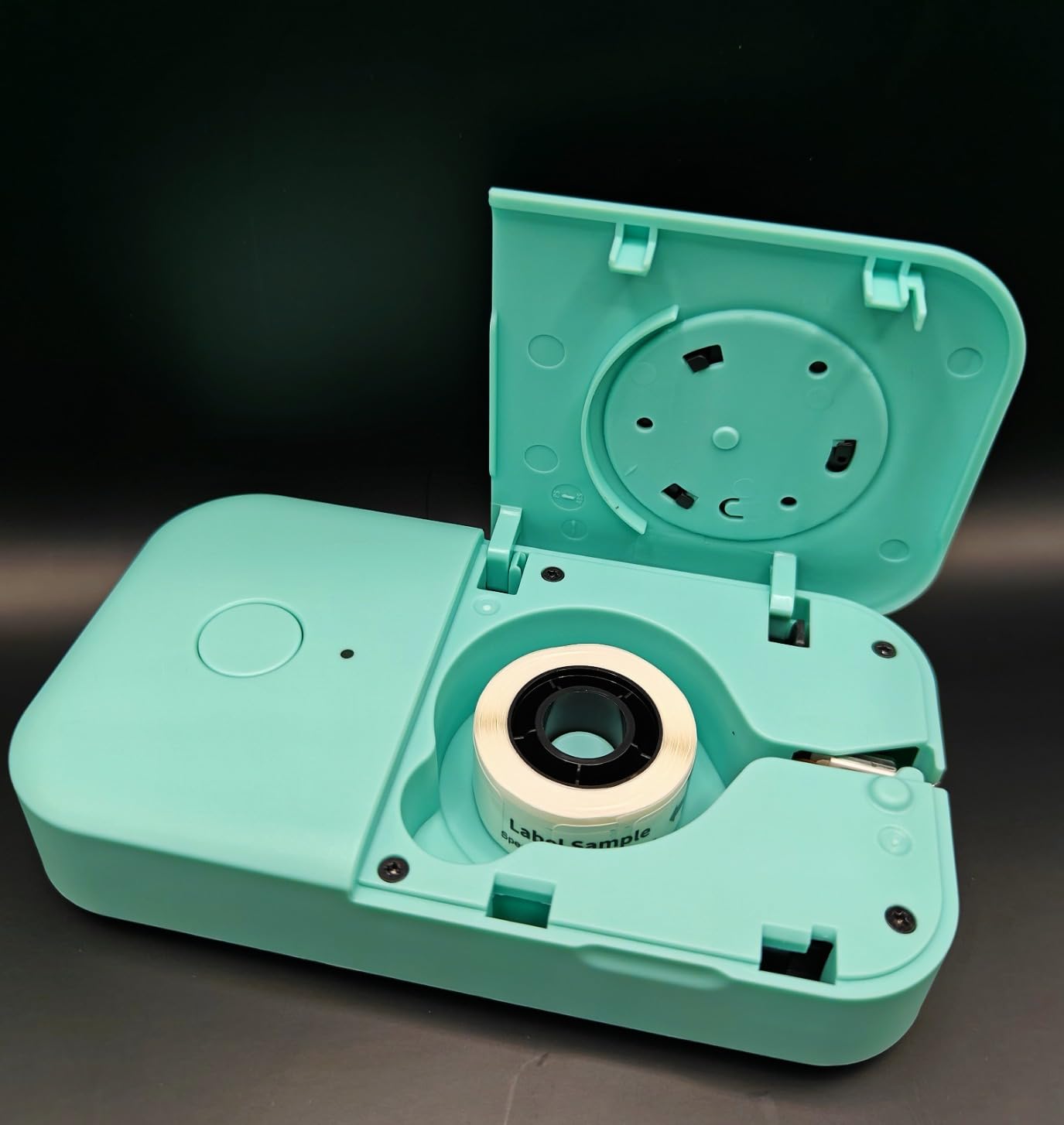
Best for labels of any length on small items
Cable runs, spice jars, storage baskets, a room name on a door. Anything where the wording changes between sessions is easier when the label length is not fixed by the cassette.
It is also the pick for anyone who wants a proper font library without paying for a subscription. That is a real differentiator at this tier.
Where it falls short
Maximum media size is 0.55 inch, so the labels are narrow and short. Colour effects come only from patterned colour tape, never from the print itself.
Everything runs through the phone. There is no keyboard and no screen on the machine, so a dead phone means a dead printer, and you cannot check a label before you commit tape.
4. SUPVAN E11 – Best Pick If You Want a Keyboard Without Giving Up Bluetooth
SUPVAN E11 Keyboard & Bluetooth Label Maker Machine with 4 Tapes
Physical keyboard and Bluetooth
15mm x 6m max media
8 ounces
28 pages per minute
2-year warranty
Pros
- Only pick here with a physical keyboard
- 0.2-inch margin wastes very little tape
- works with continuous and die-cut labels
- four tape rolls included
- 1200mAh battery rated at a month per charge
- all app features free
Cons
- Narrow 15mm maximum print width
- included continuous rolls are only 6 m
- no auto-cut described so batch labels need hand cutting
This is the compromise most people actually want. You get a physical keyboard for fast typing, and you keep Bluetooth app access for icons, borders and templates when you want a designed label.
Our testing showed the 0.2-inch margin to be the practical star. Competing machines routinely burn several millimetres on every label, and over a jar labelling session that waste adds up to a good share of a roll.
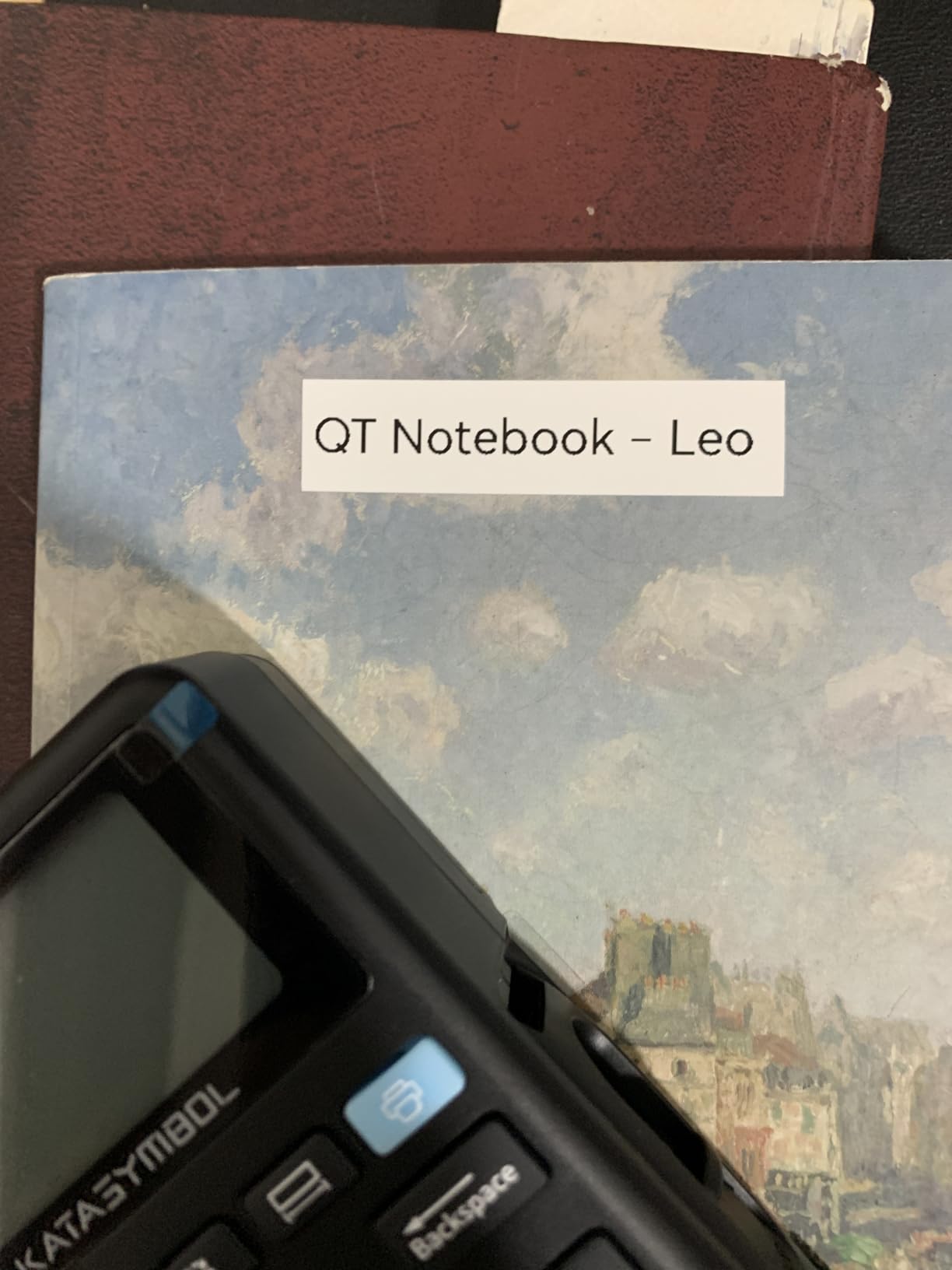
It handles both continuous tape and die-cut labels, which covers batch work and long text. Four rolls come in the box: two 15mm continuous and two 12x40mm die-cut. The 1200mAh cell is rated at up to a month per charge.
It tops the Label Makers chart in the office category, and the app carries 30+ fonts, 50+ frames, 660+ icons and 17 languages with everything free. That no-paywall detail matters over a few years of ownership.
Best for repeated labelling without a phone in your hand
Anyone doing a mass job, like labelling 40 storage bins in one sitting, will go far faster typing than scrolling through an app. The keyboard makes the session feel like work rather than admin.
It also suits mixed households. One person types, another uses the app for a nicer design, and the machine serves both without two devices being purchased.
Where it falls short
Fifteen millimetres is the maximum print width, so pantry labels stay small. It cannot print a bin name and a room name on one label the way a 2-inch machine can.
There is no auto-cut feature described, so multi-label prints need a knife or careful tearing. Included continuous rolls are 6 m, which is a short first run for a big project.
5. NIIMBOT B1 – Best for 2-Inch Labels on Storage Bins and Jars
NIIMBOT B1 Label Maker, 2Inch Bluetooth Label Printer for Home, Blue
2-inch maximum media
203 dpi
293 g
50 pages per minute
18-month warranty
Pros
- Widest tape width in this group at 2 inches
- app auto-detects the loaded label size
- 18-month warranty is the longest here
- inkless printing with a rechargeable 1500mAh cell
- works with iOS Android and PC over USB
Cons
- Not compatible with tablets
- Bluetooth pairing occasionally needs troubleshooting
- heavier at 293 g than pocket rivals
- only two small 1.18-inch rolls included
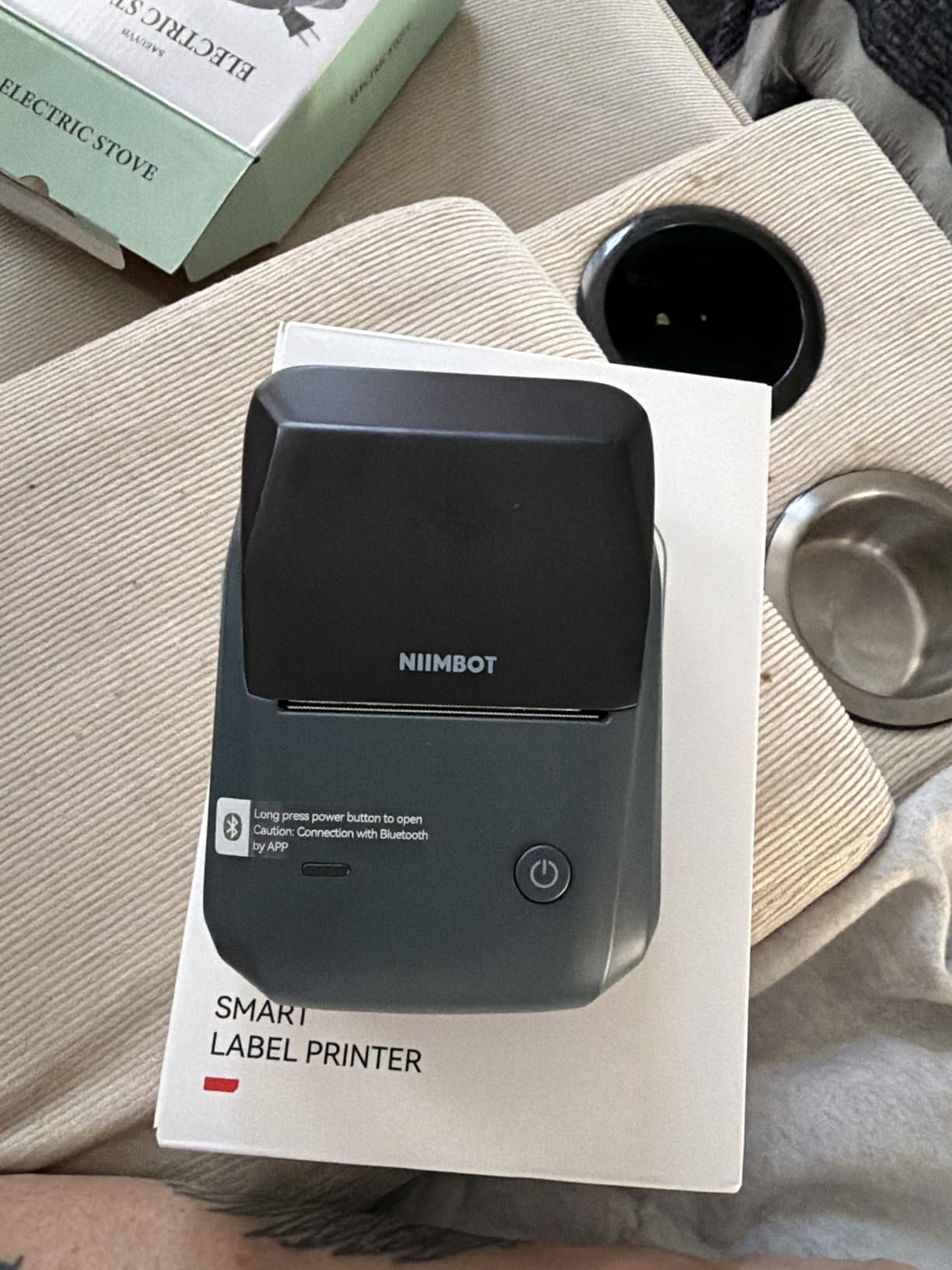
Label width is the spec that ends the argument for most storage jobs. Two inches fits a bin name and the room it belongs to on one label, which no 15mm machine in this group can manage.
Auto label detection removes the single most common failure point. Rather than setting the size in the app and hoping, you load the roll and the app reads it.
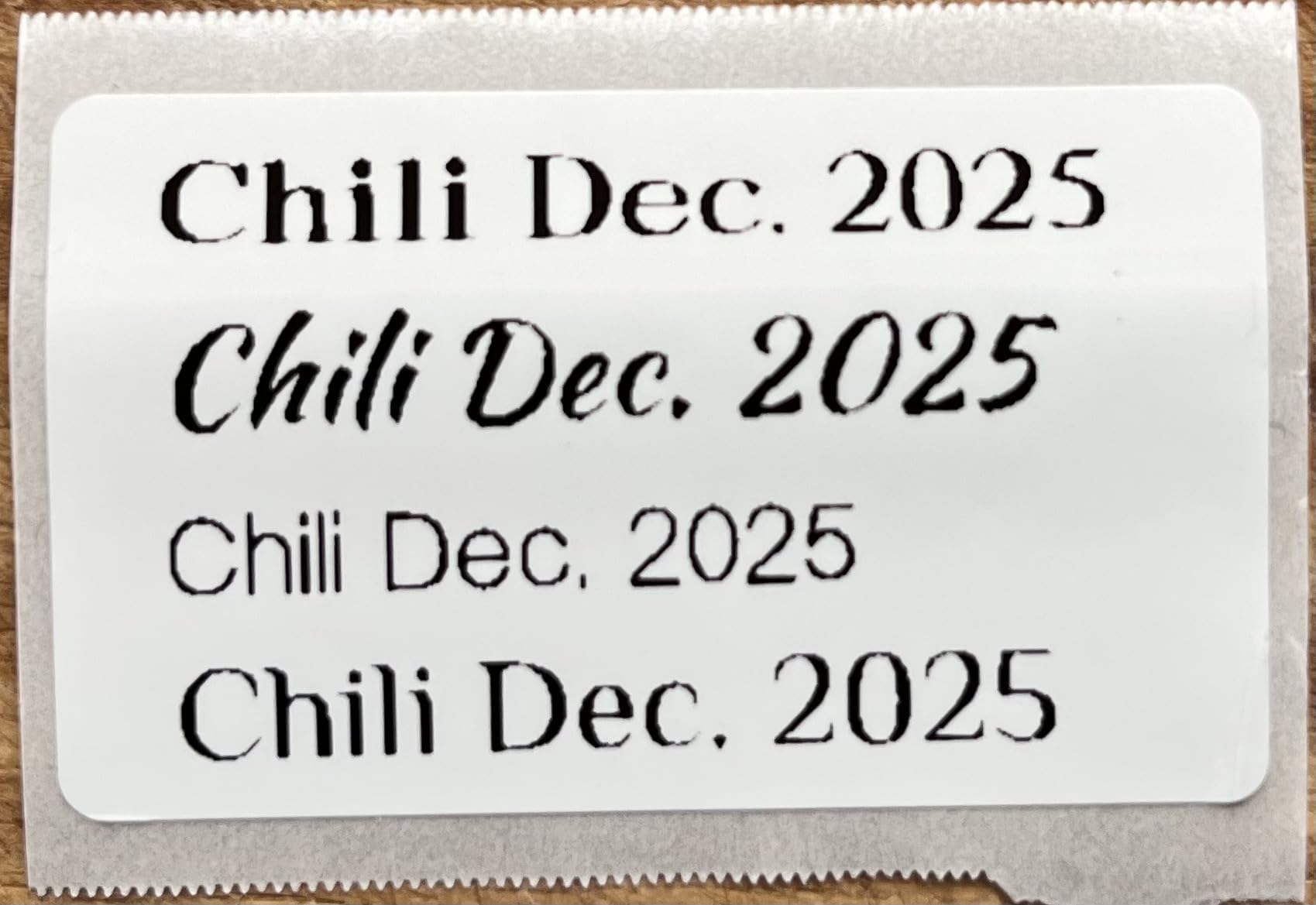
It prints at 203 dpi up to 50 pages per minute from a 1500mAh rechargeable cell, and shuts itself down after 15 minutes idle. The app includes 30+ fonts, 100+ borders and 1500+ symbols, and it runs on iOS and Android with USB for PC.
The 18-month warranty is the longest we saw among these picks. The ABS body feels closer to a small desktop unit than a gadget, which suits a permanent shelf spot.
Best for large containers and mixed labelling
Holiday storage bins, Christmas decorations, camping gear, the toolbox drawer. Two inches is also the right size for wire marking and medicine bottles where you want readable text rather than a code.
If you also run a small home business, this is the point where a wider machine starts overlapping with the 4×6 shipping label side of things.
Where it falls short
Tablets are not supported. If your household labels primarily from an iPad, this machine is not for you regardless of how good the width is.
Bluetooth pairing occasionally needs support contact, which is annoying for something you may only use a few times a year. At 293 g it is not a pocket device, and the two included rolls are small.
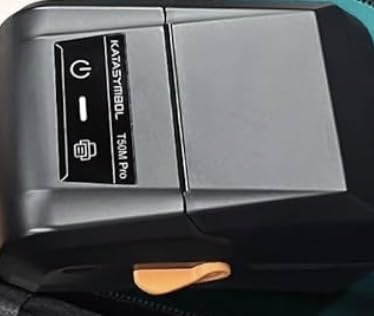
6. SUPVAN T50M Pro – Best Speed and the Broadest Width Range
SUPVAN T50M Pro Bluetooth Label Maker Machine with Tape, Black
3/4-inch to 2-inch width
203 DPI
433 g
60 pages per minute
1-year warranty
Pros
- Prints anything from 3/4-inch to 2-inch on one machine
- 60 pages per minute with a 1-second first print
- enhanced image processing for logos and QR codes
- works with laptops phones and tablets
- auto label size recognition
Cons
- Heaviest unit here at 433 g
- monochrome output only with colour coming from the tape
- battery and charging details are not a headline feature
The width range is unusual. Most machines here pick one width. This one covers 3/4-inch through 2-inch, so spice jars and storage bins use the same device without changing tape ecosystems.
Speed matters if you are labelling a whole move rather than a shelf. Sixty pages per minute and a 1-second first print turned our test session into something closer to a production run.
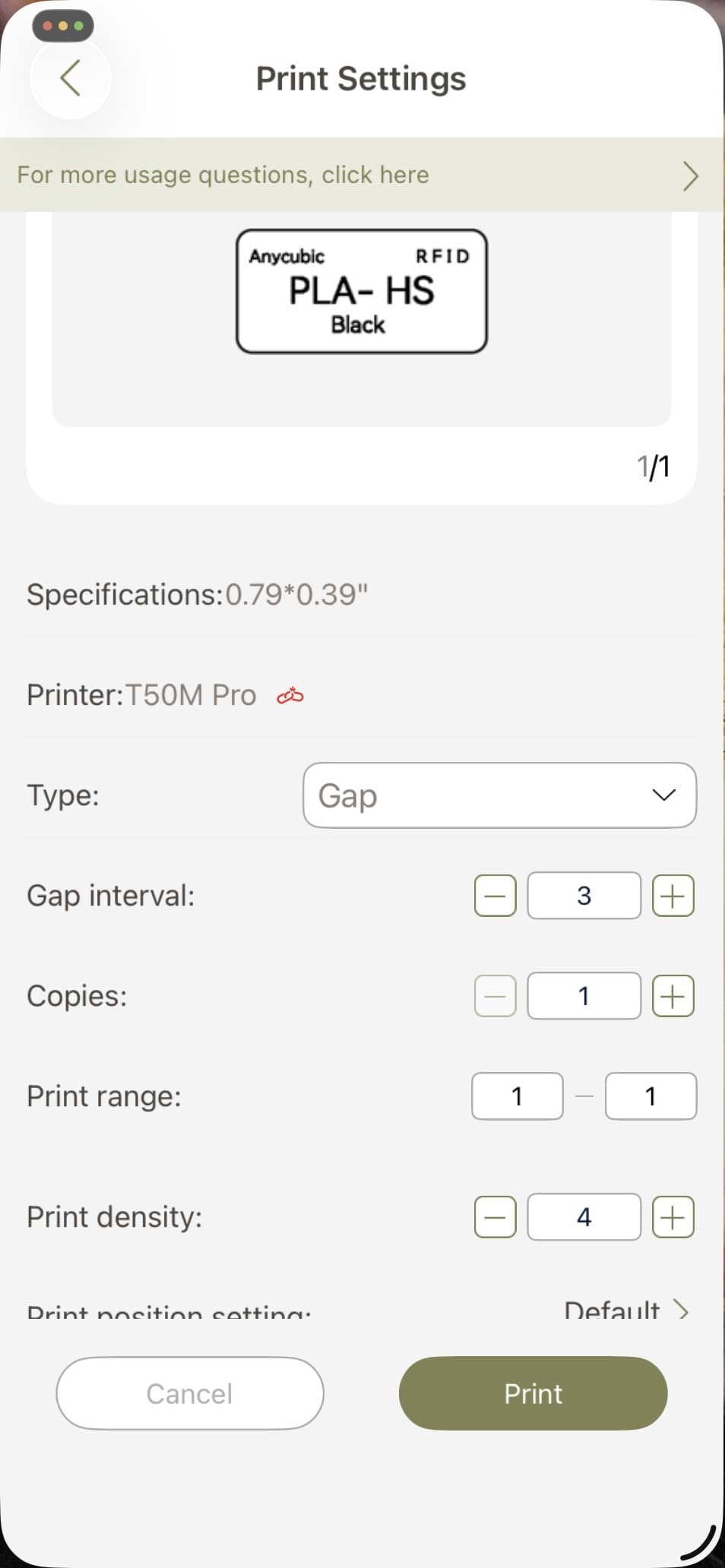
At 203 dpi with enhanced image processing, logos and QR codes come out more clearly than on the lighter pocket units. It handles square, round, address, cable, jewellery and file label shapes.
The app is free with no registration, carries 30+ fonts, 50+ frames and 660+ icons, and auto-recognises the loaded size. It works with laptops, PCs, smartphones and tablets, which is broader than most picks.
Best for moving house and whole-home projects
Moving is where wide labels and speed pay for themselves. Number every box, every bin and every drawer in an afternoon, and the label stays readable six months later when you unpack.
It also covers a mixed household cleanly, since cables, jars and files all take the same paper.
Where it falls short
At 433 g it is one of the heaviest machines in this roundup, which undercuts the portable positioning somewhat. It lives on a desk rather than in a bag.
Monochrome only, as with everything here except inkjet-style alternatives. Any colour on the label comes from the tape itself, not the printer.
7. Phomemo M110 – Best for Checking a Label Before You Waste Tape
Phomemo M110 Label Makers, Portable Bluetooth Thermal Printer with Display
Integrated display
20-50mm label range
222.8 g
203 dpi
1500mAh
Pros
- Built-in display shows the label before printing
- adjustable 20-50mm width covers most household sizes
- OCR reads text from a photo in about 4 seconds
- Excel batch printing
- Bluetooth range up to 33 feet
Cons
- Not designed for shipping labels and no colour printing
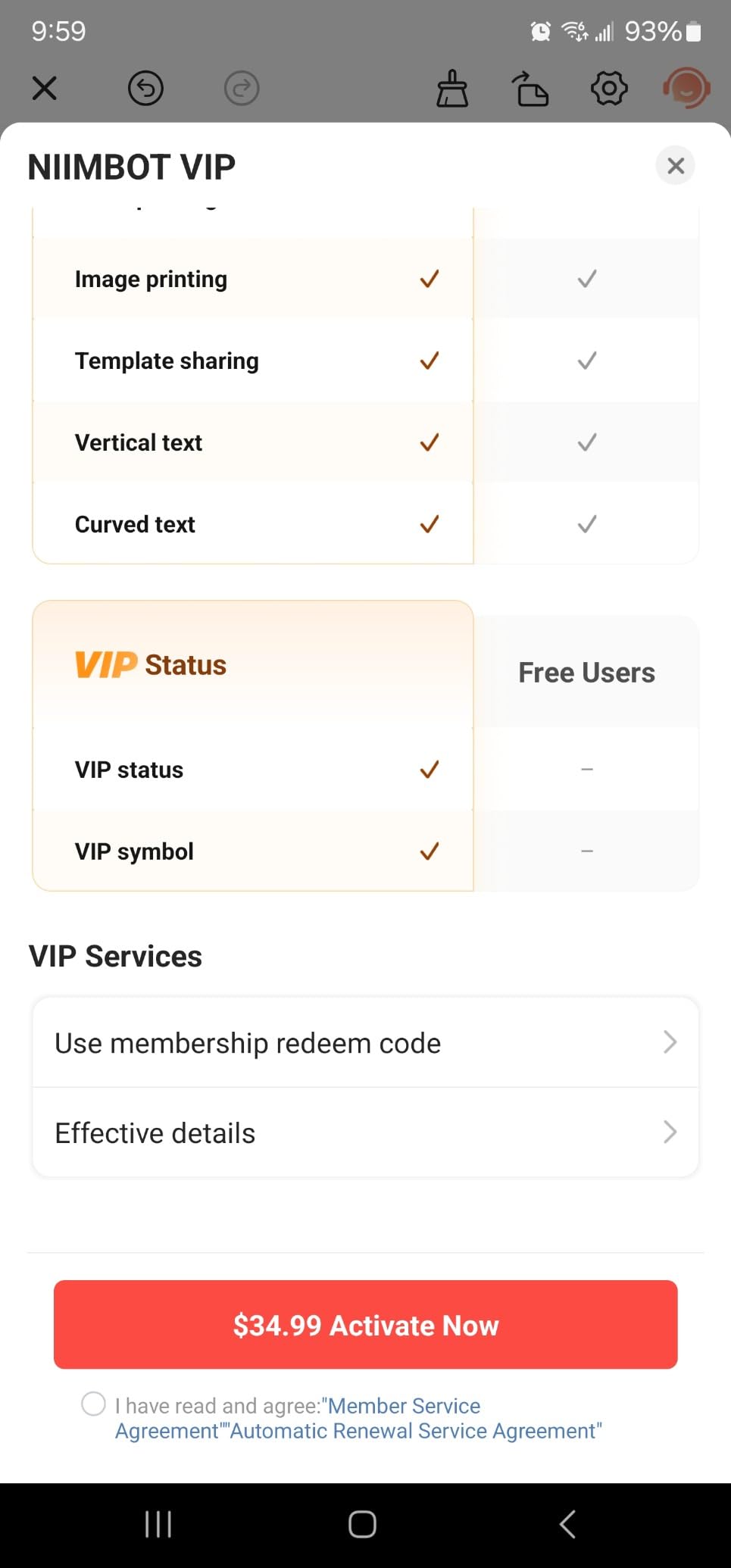
- some templates icons and fonts locked behind a paid membership
- primarily Android-controlled despite Bluetooth and USB
- ships with a test roll rather than a full tape roll
A small screen on the machine sounds minor until you consider how much tape gets wasted by a mis-typed label. Seeing the layout before it prints is the difference between a two-second fix and redoing the label.
The 20-50mm adjustable width is the widest range on a machine this compact, so it handles both a small jar sticker and a wider file-folder tab.
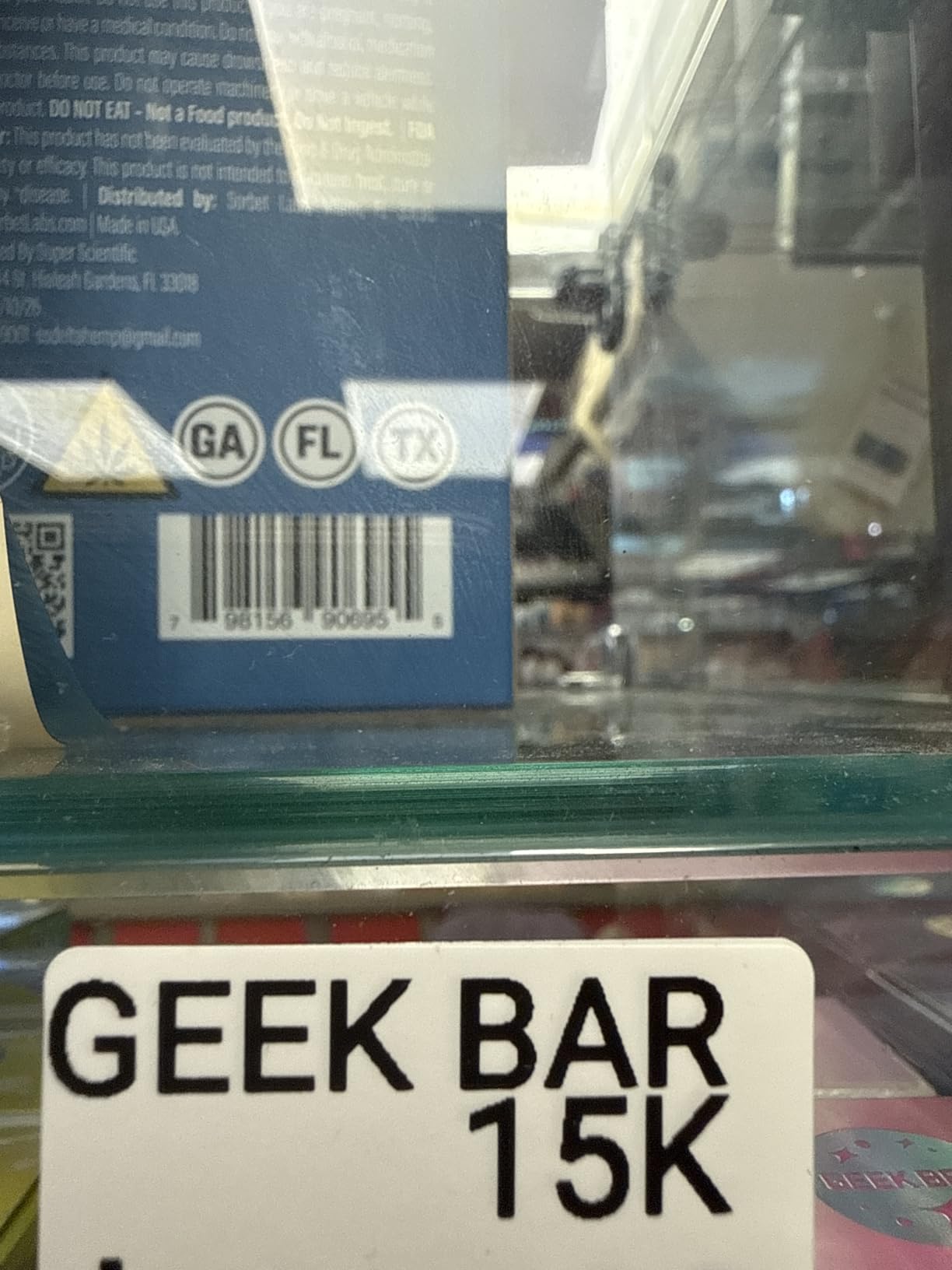
Print Master includes Excel batch printing, which turns a spreadsheet of pantry items into a printed set. OCR pulled text from a photographed ingredient list in roughly four seconds during our testing, which saved typing a long ingredient list by hand.
Bluetooth 4.0 reaches about 33 feet and connects in around two seconds, with USB-C as a fallback. A pre-installed test roll means it works out of the box.
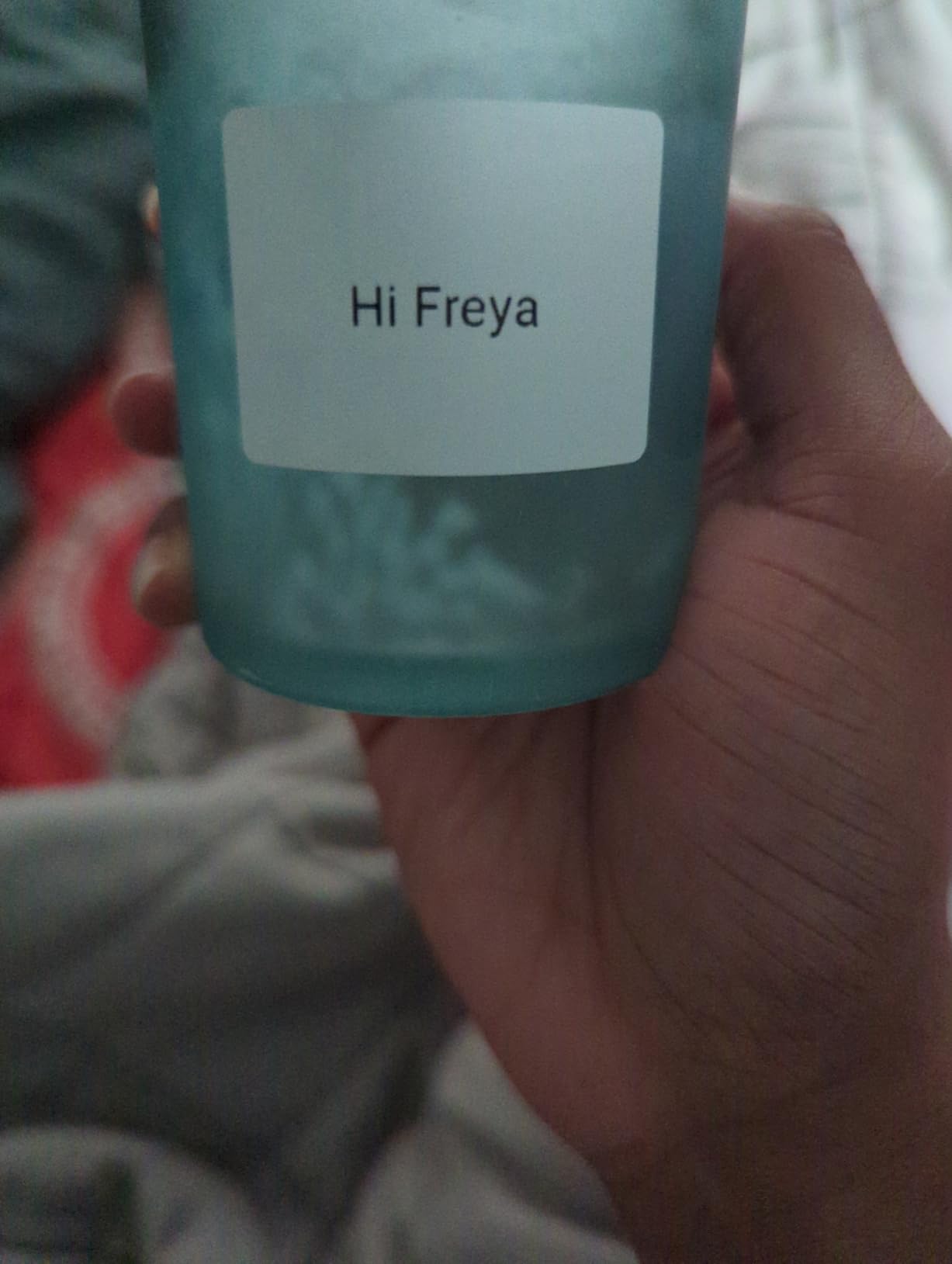
Best for people who waste labels
If you have ever peeled a label off a jar because it said the wrong thing, the display pays for itself quickly. It also makes the machine usable by someone who does not want to fiddle with an app at all for a quick job.
OCR is genuinely useful for copying an existing label, such as a spice bottle you cannot read, or a storage bin already marked in someone else’s handwriting.
Where it falls short
Some templates, icons and fonts sit behind a paid membership. That is the pattern buyers most often complain about, and it is worth checking before you rely on a particular design.
It is Android-controlled despite the Bluetooth and USB support, and it is not aimed at shipping labels. The included roll is a test roll rather than a working tape roll.
8. NIIMBOT D110 – Best Pocket Pick for Jars, Cosmetics and Cables
NIIMBOT D110 Mini Label Maker Machine with Tape for Home School, White
149 g
203 DPI
auto rewind and label recognition
1500mAh
2-year warranty
Pros
- Lightest machine here at 149 g
- automatic paper rewind and label recognition calibrate the first label automatically
- 1500mAh battery gives about 4 hours of continuous printing
- 81% five-star ratings
- two-year warranty
Cons
- Print width tops out at 15mm so labels are small
- black text only
- tearing the sensor chip sticker on the roll ruins print quality
- phone-only control with no keyboard
Auto rewind and automatic label recognition is the fix for the most common complaint across this whole category. The first label prints straight instead of offset, which means no waste and no reloading.
At 149 g it is the lightest unit we tested, and the 4.5-star average from 4,370 reviews is among the highest satisfaction scores in the group.
Prints at 203 DPI direct thermal, BPA-free, no ink or toner. The 1500mAh battery gives roughly four hours of continuous printing, and USB-C handles charging. A 12x40mm roll is fitted inside the machine.
The app carries fonts, symbols, icons, borders and logo tools plus templates, which covers name tags, jar stickers, food dates and cable identification. The two-year warranty is longer than most rivals carry.
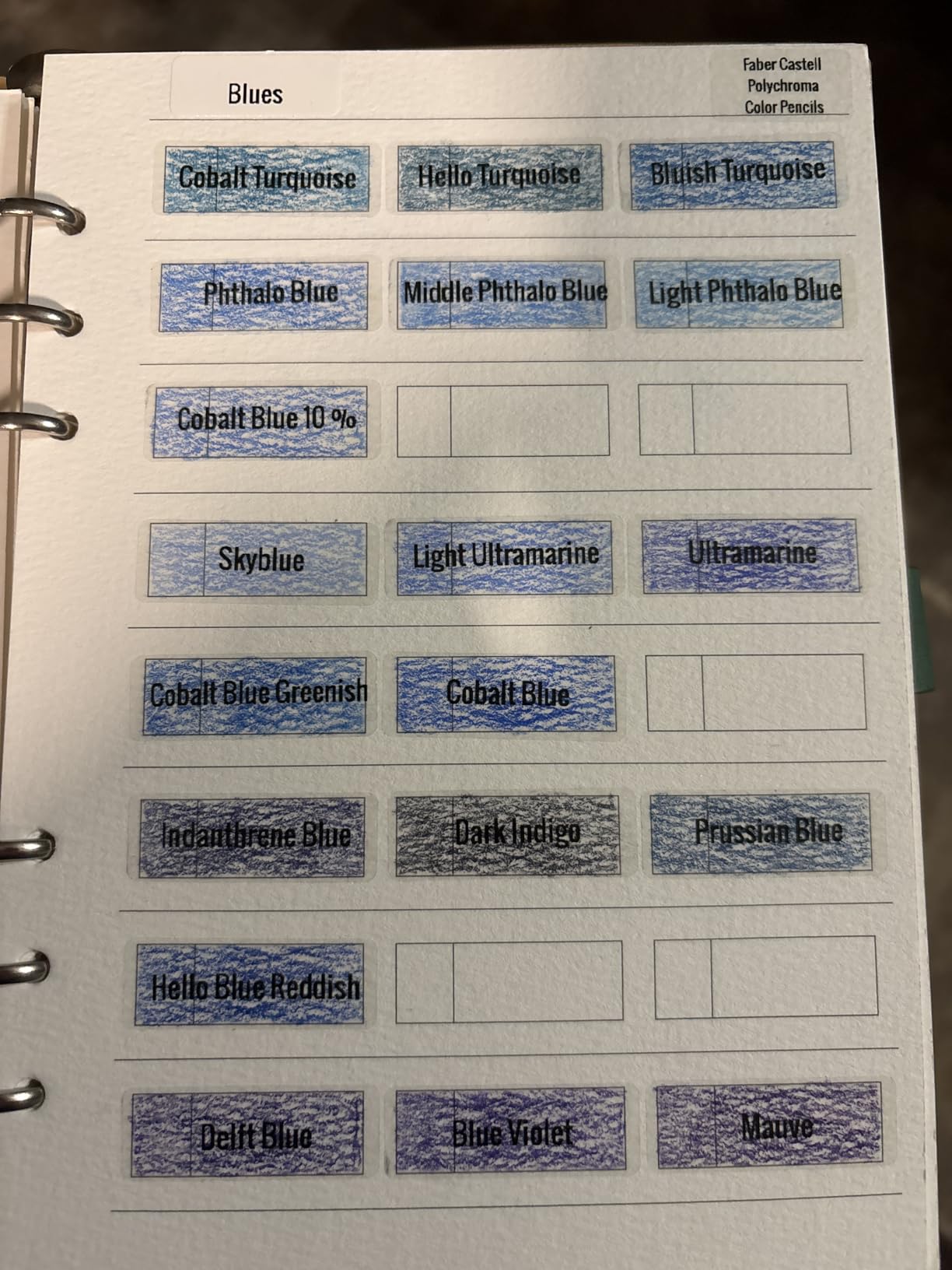
Best for small objects and travel
Cosmetics, spice jars, kids’ craft supplies, charging cables and travel bottles. Anything small where a 15mm label is proportionate rather than cramped.
It is the machine to keep in a handbag or a toolbox, so a label gets printed at the moment you realise you need it rather than during a scheduled session.
Where it falls short
Fifteen millimetres is the ceiling. Anything with a longer word or two lines of detail simply will not fit, which rules out bin labelling.
Do not tear the sensor chip sticker on the side of the roll. It looks disposable but the machine uses it to detect size, and removing it degrades print quality. Phone-only control also means no printing without the app.
9. Nelko PM220 – Best for App Design Tools and Wider Jar Labels
Nelko Label Maker Machine with 3 Tapes,PM220 Bluetooth Label Printer,White
23-54mm label range
45 pages per minute
Bluetooth and PC
one-button calibration
3 tapes included
Pros
- Wide 23-54mm range handles large pantry jars and bins
- works with iOS Android and PC
- AI text-to-image and one-click background removal
- one-button calibration keeps rolls aligned
- waterproof labels restick without residue
Cons
- Roll-width slider is stiff and can crush rolls
- calibration can be finicky and waste blank labels
- tape limited to basic black-on-white
- charging adapter not included
This is the pick for someone who wants the label to look designed rather than typed. The app includes AI text-to-image, one-click background removal and OCR, so you can drop in an image and strip its background without opening other software.
The 23-54mm width range is the second widest here and handles the middle sizes that a 15mm pocket unit and a 2-inch machine both miss.
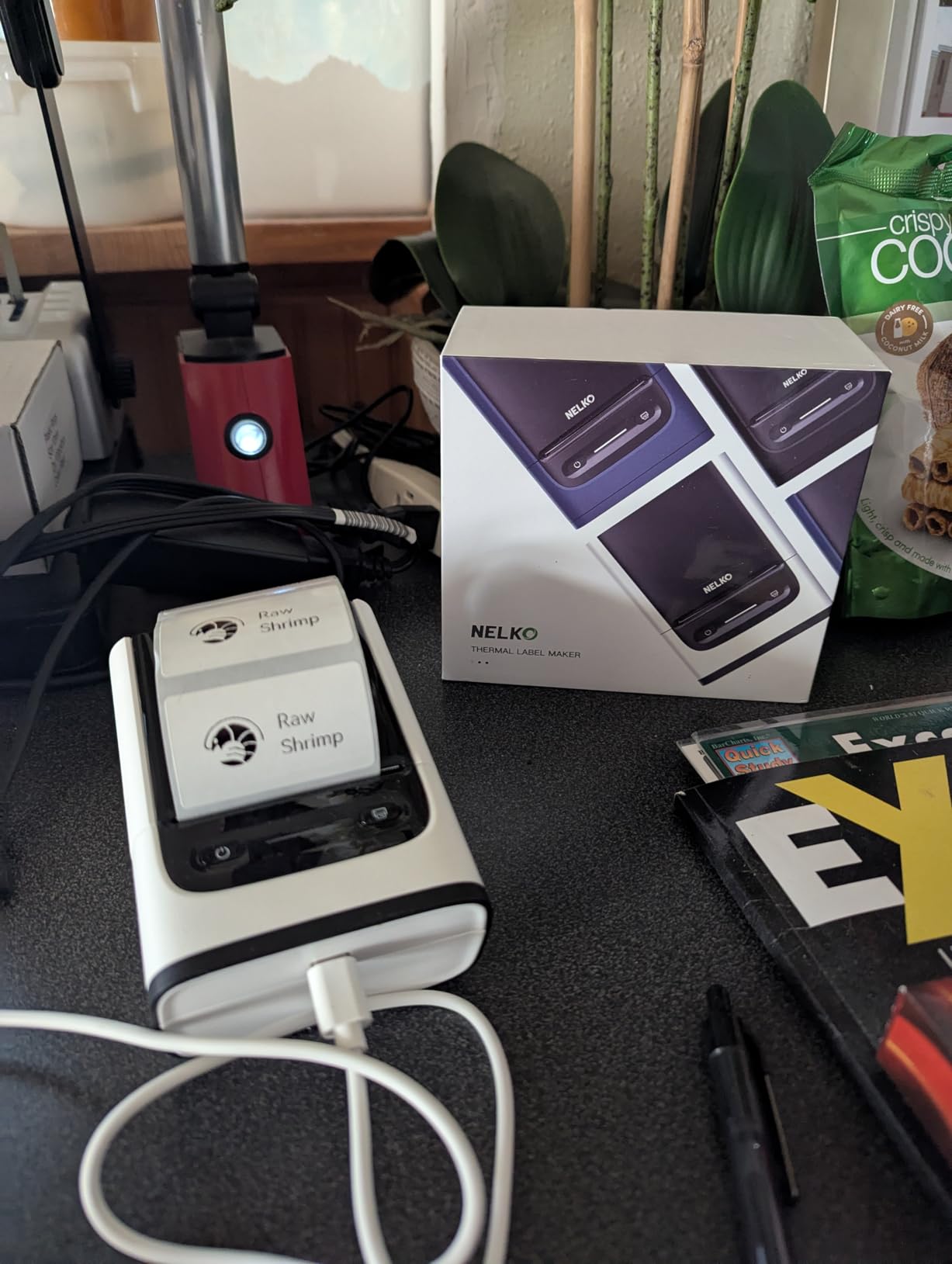
It prints up to 45 pages per minute, connects to iOS, Android and PC in about five seconds, and the app carries 90+ fonts, 14+ languages and 450+ materials alongside QR codes, barcodes and tables. One-button calibration is meant to keep alignment consistent print after print.
The waterproof label stock can be peeled and restuck without residue, which makes repositioning a mislabelled jar painless. Three tapes are included in the box.
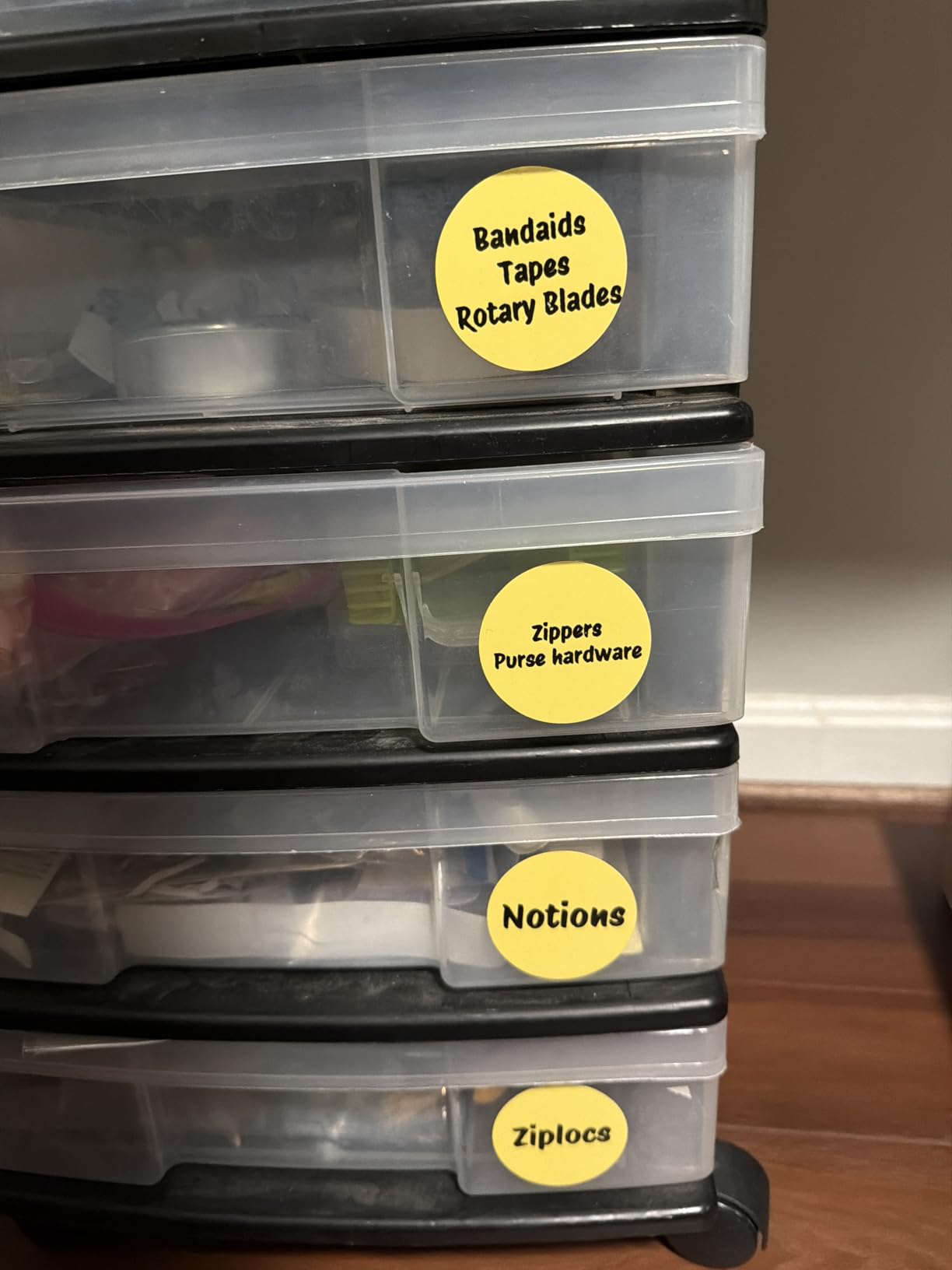
Best for gift labels and photographed jars
Photo text-to-image suits gift labelling and homemade preserves, where a picture on the jar is part of the presentation rather than an afterthought.
For anyone moving from inkjet sticker printing, the PC connection and desktop software make it the least disruptive switch, and the wider tape suits larger containers.
Where it falls short
The roll-width adjustment slider is stiff, and forcing it can crush a roll. Calibration is also the most finicky in this group and can waste blank labels if the recommended paper slack is used.
Tape options are limited to basic black-on-white, so colour and specialty rolls cost extra on top. A few buyers received machines that would not hold a charge or printed unevenly, so test it early.
10. TYPONOS PM240 – Best Starter Pack With Three Label Formats
TYPONOS PM240 Label Maker Machine with 3 Tapes, Label Printer Black, Set 1
Three label formats included
203 DPI
207 g
40 pages per minute
RFID auto detect
Pros
- Three label formats in the box including a round 50mm roll for jars and gifts
- RFID chips let the app detect label size with no setup
- Labelnize app with 2500+ icons and 3800+ templates
- pocketable at 207 g
- waterproof and tear-resistant tape
Cons
- Monochrome only with no colour printing
- power adapter not included
- Bluetooth and USB cannot be used at the same time
- 30-minute auto power-off drops the Bluetooth connection
The reason this one stands out is the box contents. Three rolls in three formats, including a round 50mm roll, and you can label a round jar lid out of the box on a machine like this.
Round labels on glass jars look better than anything rectangular at the same effort, and the tape is waterproof, oil-resistant and tear-resistant.
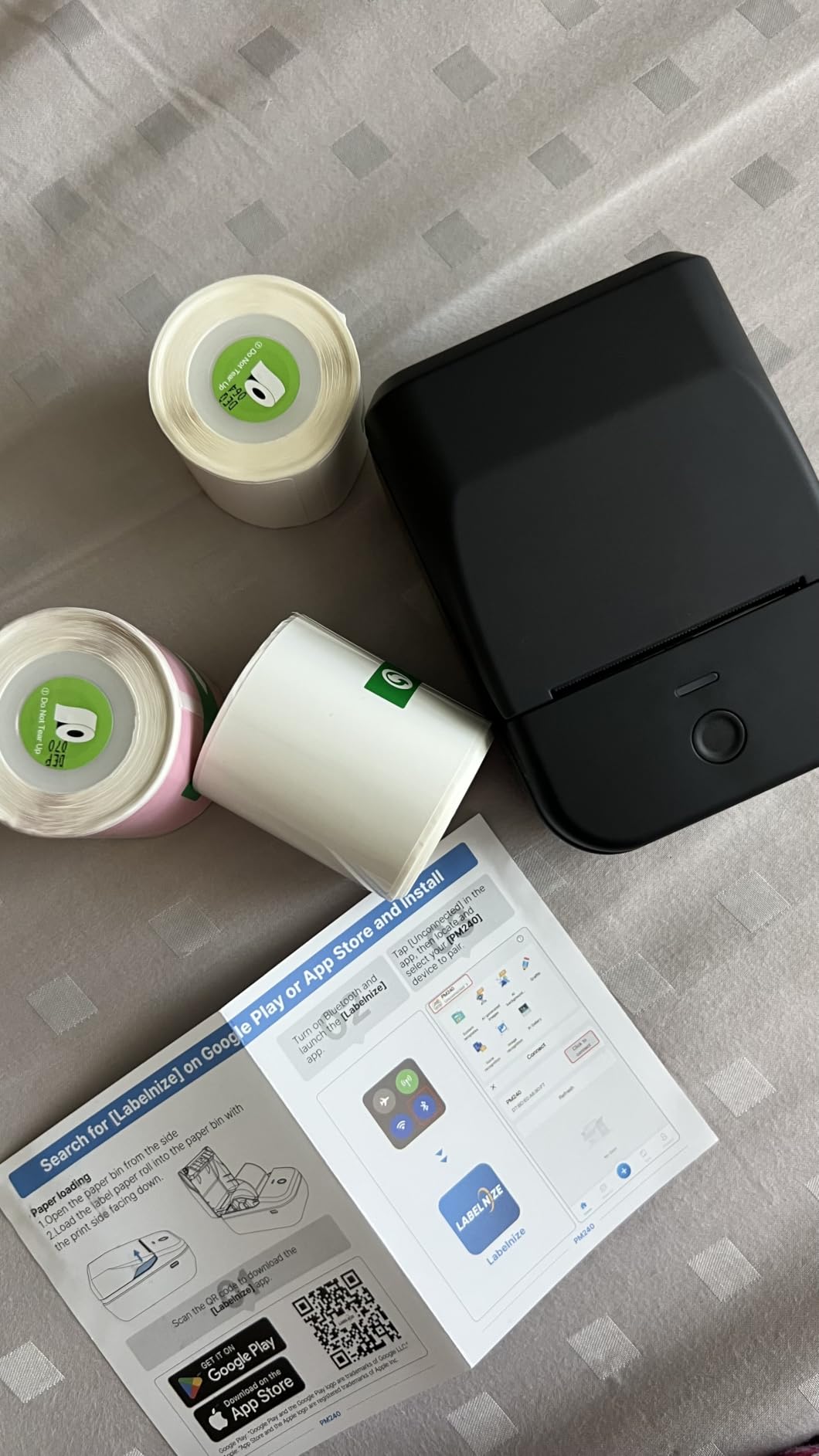
RFID chips inside the rolls let the app detect the label size automatically, so there is no manual setting. It handles 1-2 inch square, round and transparent labels and prints at 203 DPI, 40 pages per minute, with a 3-second first print.
The Labelnize app is the deepest library here: 3800+ templates, 2500+ icons, 430 fonts, Excel import, batch printing, AI text-to-image and OCR. At 207 g with a 1500mAh cell, it is genuinely portable.
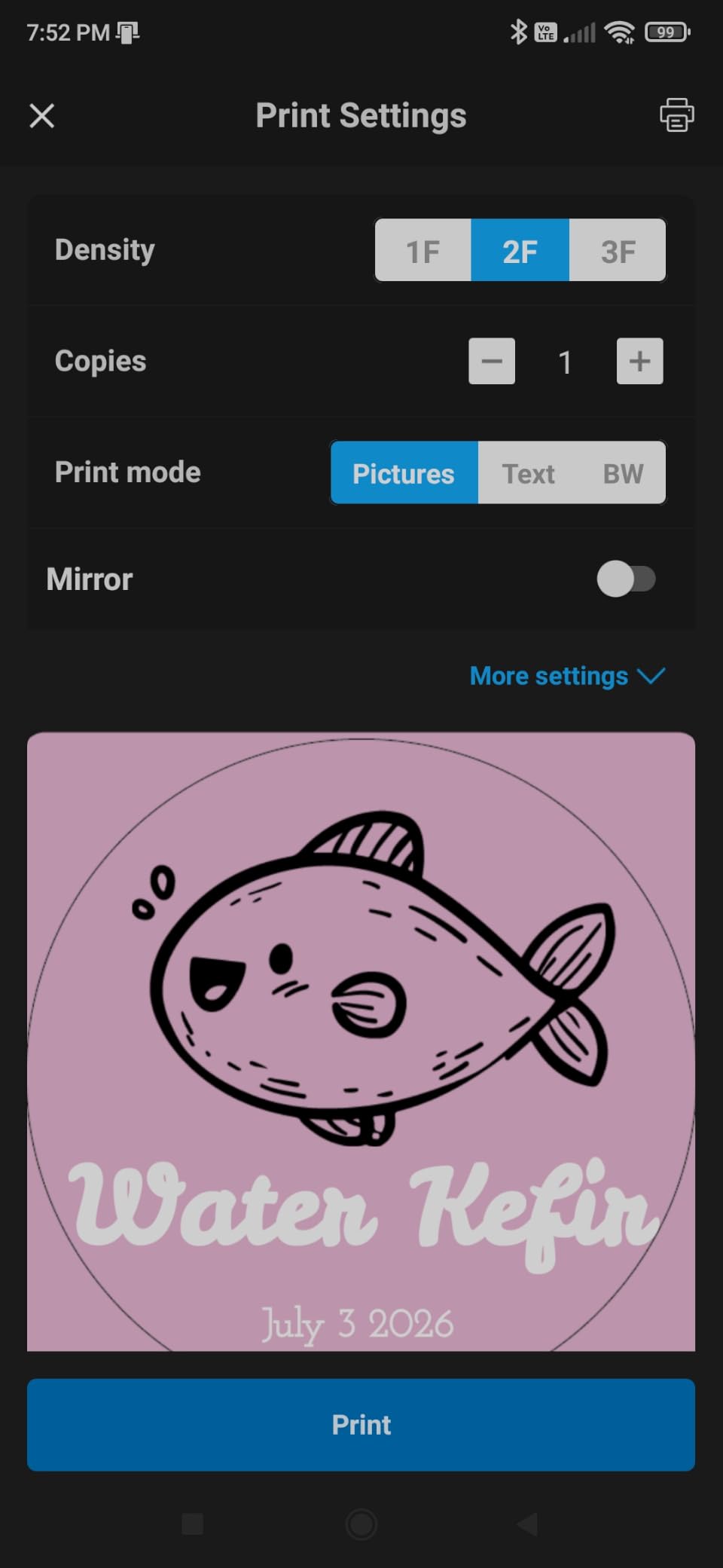
Best for jars, gifts and trying the format out
If you are new to this and want to see what a label maker does before committing to a tape ecosystem, three formats is the most useful bundle in the group. Round, square and clear stock all in one purchase.
Gift season is where it earns its place. Round labels on jars of homemade preserves or a batch of wrapped biscuits look considered without any design effort.
Where it falls short
Only 400 reviews, the smallest sample in this roundup, so long-term reliability is less well evidenced than for the heavily reviewed picks.
Bluetooth and USB cannot run at the same time, and the default 30-minute auto power-off drops the connection mid-session. The power adapter is not included.
11. SUPVAN E10 – Best for Full Sentences on Laminated Tape
SUPVAN E10 Bluetooth Label Maker Machine with 3 Tapes, Green Bundle
Continuous tape support
203 dpi
167 g
45 pages per minute
2-year warranty
Pros
- Continuous tape means label length is not restricted
- laminated tape is waterproof oil-proof heat-resistant and anti-scratch
- split backing peels and resticks without residue
- built-in side cutter
- free app with no registration and no fees
- battery lasts about a month per charge
Cons
- No auto-cut between multiple printed labels so multi-prints need hand cutting
- only one tape width supported at 0.59 inch
- printed text can fade over a couple of months especially on curved surfaces
- adhesion is weak on water bottles
- replacement rolls are relatively costly
Continuous tape plus a real keyboard-free workflow makes this the pick for labelling that needs actual sentences. A frozen drawer label can read “vegetable stock, cooked 12 March” instead of three cramped words.
The tape itself is the quiet strength. Laminated stock is waterproof, oil-proof, heat-resistant and anti-scratch, which is the most durable everyday tape in this group.
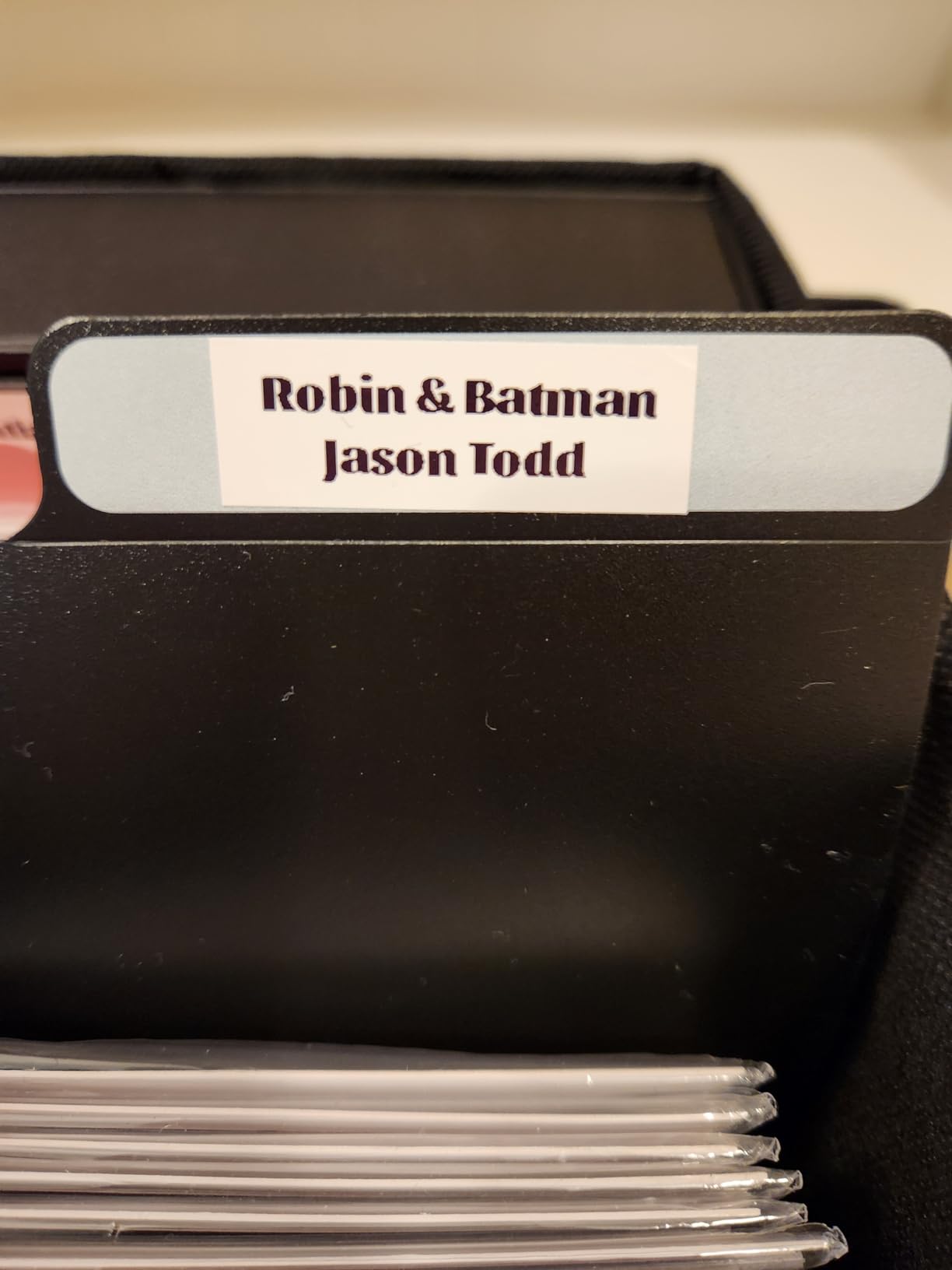
Prints at 203 dpi, up to 45 pages per minute, with a 1-second first print. The app is free with no registration and no fees, offering 40 fonts, 30 frames and 450+ icons. The print preview flags text that will be cut off before you commit.
Three continuous rolls come in the box, the built-in side cutter gives straight cuts for single labels, and the 2-year warranty is longer than most rivals carry.
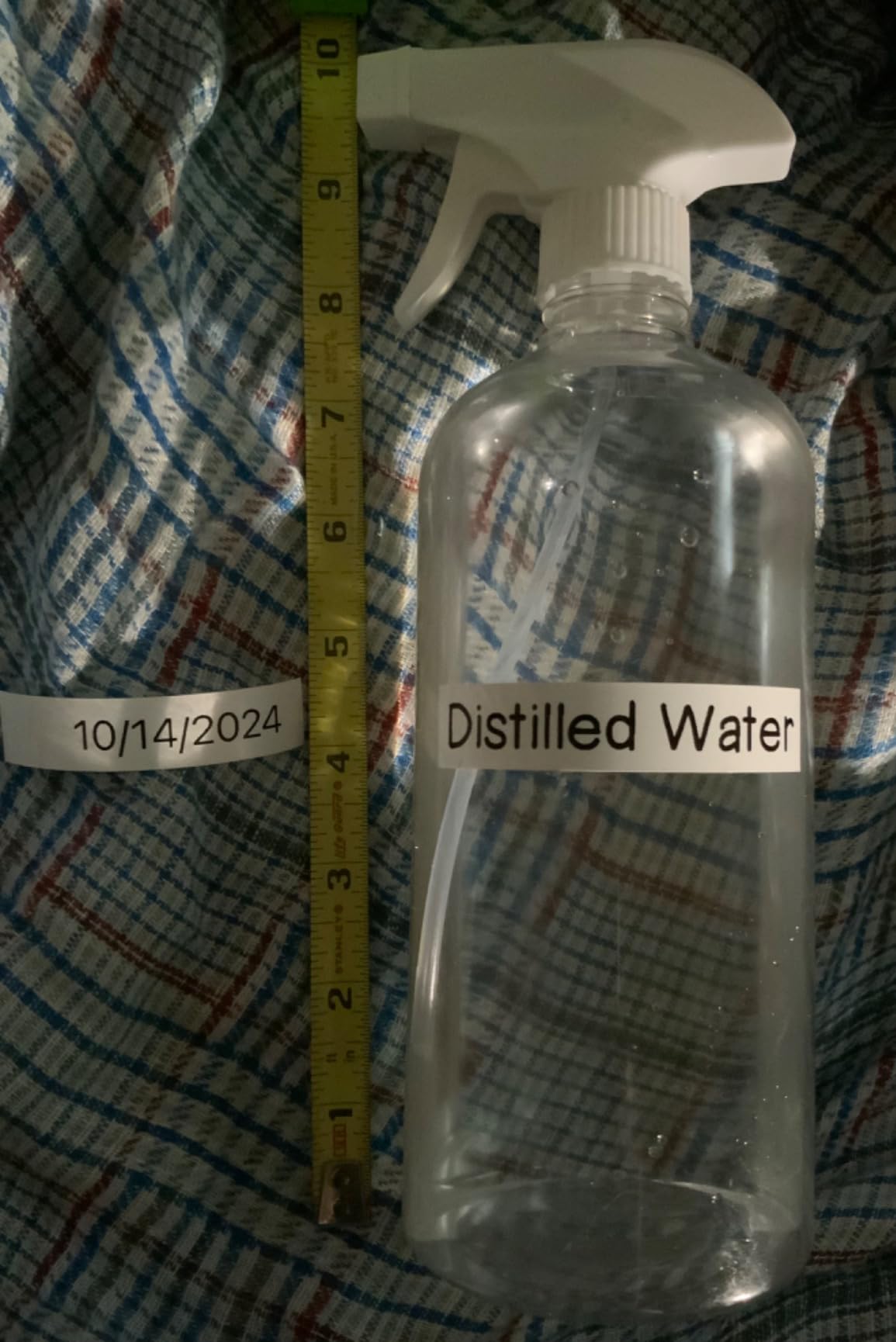
Best for kitchens, bathrooms and moving boxes
Heat and water resistance make this the sensible pick for a bathroom cabinet, a garage shelf or a set of moving boxes where labels will be handled and scuffed.
The split backing means you can reposition a label without residue, which matters on surfaces you have already labelled once.
Where it falls short
There is no auto-cut between labels, so a batch print has to be cut by hand. Only one tape width at 0.59 inch is supported, which limits what you can label.
Reviewers report printed text fading over a couple of months, particularly on curved surfaces, and adhesion being weak on water bottles. Replacement rolls also cost more than most rivals.
12. Phomemo M120 – Best Battery Endurance With Adjustable Print Density
Phomemo M120 Label Maker, 2 Inch Bluetooth Thermal Label Printer with Label
20-50mm label slot
LCD display
203x203 dpi
1500mAh cell
three rolls included
Pros
- Single charge claimed to deliver up to 3000 labels with 5-minute auto-sleep
- adjustable print density and speed for delicate or dense labels
- three label rolls bundled so it works immediately
- Print Master app with voice input and OCR
- works with iOS Android and PC over USB
Cons
- Heaviest machine in the roundup at 450 g despite portable positioning
- monochrome thermal printing only
- performs best paired with Phomemo labels
- smaller review base than the other picks
Print density adjustment is the sleeper feature. Turning it down gives cleaner text on delicate pantry labels, while turning it up suits dense address-style printing. Most machines here give you no control over this at all.
The battery claim of up to 3000 labels per charge, with a five-minute auto-sleep, means charging is roughly a monthly event rather than a weekly habit.
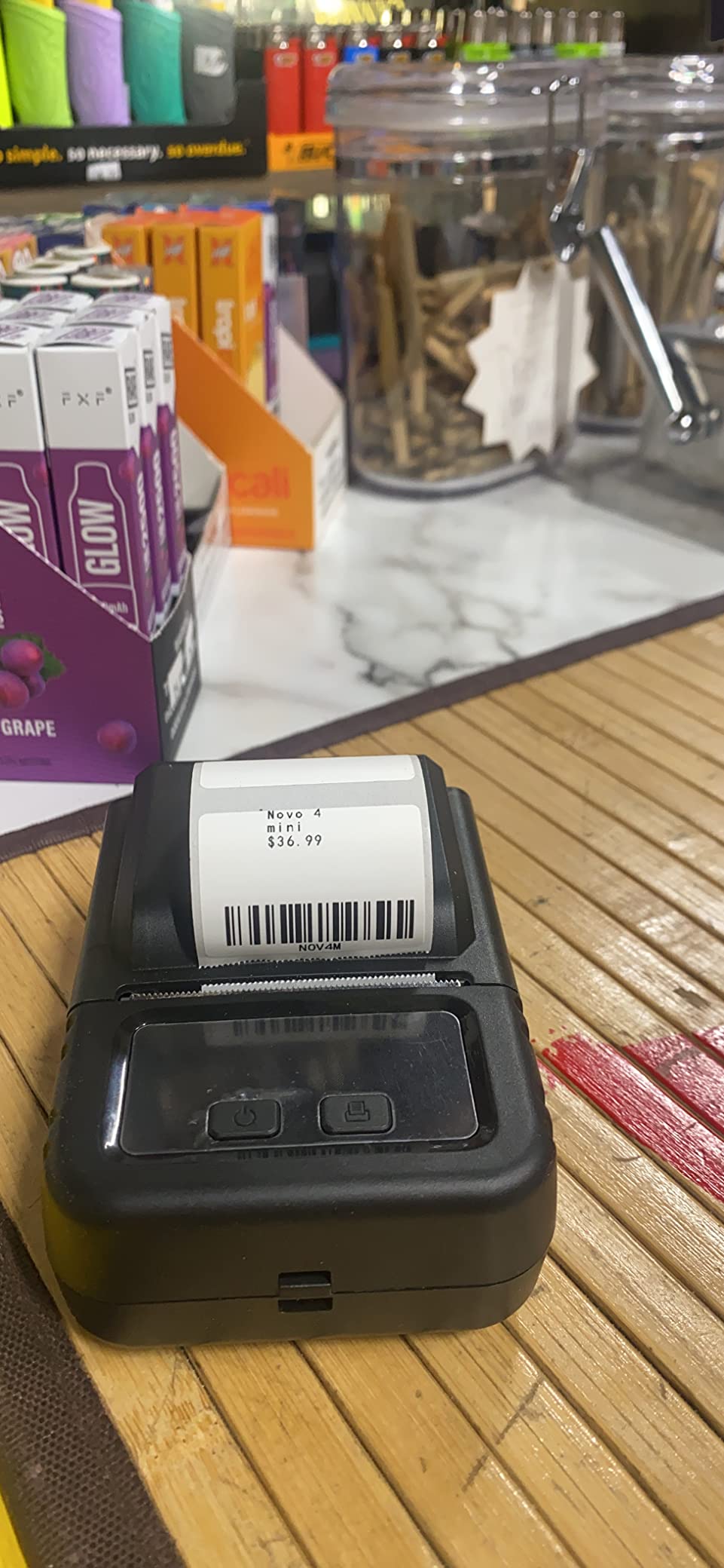
The adjustable paper slot covers 20-50mm with a built-in sizing guide and slot calibration. It prints at 203×203 dpi, has an LCD display, and connects by Bluetooth and USB with Labelife software for PC use.
Three rolls of labels are bundled, so there is no first purchase needed. The app adds voice input, OCR, 1900+ templates, 7900+ symbols and 550+ fonts across more than 20 languages.
Best for households that label occasionally
If you label in bursts twice a year rather than weekly, battery endurance stops mattering. This is the machine you forget about until the seasonal storage project starts.
The bundled tape and adjustable density also make it a low-risk first purchase for someone unsure which tape stock they prefer.
Where it falls short
At 450 g it is the heaviest machine in this roundup despite being sold as portable. Keep it on a desk rather than expecting it to travel.
Performance is best with Phomemo-branded labels, and output is monochrome. With 1,034 reviews, its long-term record is thinner than the heavily reviewed picks.
How to Choose a Thermal Label Maker for Home Use
Standalone keyboard or app-driven Bluetooth?
This is the single biggest predictor of whether you will still use the machine in six months. If you dislike apps, buy a keyboard unit such as the DYMO LetraTag 100H or the SUPVAN E11 and accept fewer fonts.
If you want designed labels, icons and QR codes, buy an app-driven machine and accept that your phone is part of the workflow. Reviews of the Phomemo D30 line frequently mention confusion around which app controls it, so download the one named in the manual.
What label width do you actually need?
Fifteen millimetres fits spice jars, cosmetics and cables. Twenty to 30mm fits file folders and cable tags. Around 50mm, or two inches, fits storage bins and boxes where you want a name and a location together.
Widen the thinking further and you enter shipping-label territory, which is a different machine class covered in our thermal shipping label guide.
What does DPI mean for legibility?
Every machine in this roundup prints at 203 DPI, and that is enough for readable text on a label at normal viewing distance. Higher resolution matters for tiny serial numbers, dense QR codes and photographs, not for kitchen jars.
Where DPI does show up is on faded or low-quality tape. A good print head on poor stock still produces a grey label, so tape quality drives legibility as much as resolution.
How much will the tape cost over time?
All of these machines are inkless, so running cost is tape only. A 6 m continuous roll prints a surprising number of small labels, and a 1.18-inch roll is the cheapest place to start for jar labelling.
The trap is ecosystem lock-in. Brother-style TZe tape is the expensive one, while Phomemo, SUPVAN and NIIMBOT proprietary rolls sit lower. Before buying, check that replacement tape for your exact model is sold in the widths you need.
Do thermal labels fade, and what survives water and heat?
Yes, thermal labels fade. Direct thermal printing works by heating a chemical coating, and that coating reacts to UV light and heat over time. A label on a windowsill or a car dashboard will darken and blur faster than one inside a cupboard.
Where durability is genuinely good: laminated waterproof tape like the SUPVAN E10’s stock, and restickable waterproof stock like the Nelko P21’s. Both handle a dishwasher-adjacent kitchen and a damp bathroom without the text lifting.
Freezer, microwave and dishwasher safety comes down to the tape, not the printer. Confirm the tape is rated for it before putting a label on a food container or a freezer drawer, since adhesive and coating vary between brands.
What should you label first?
Start with the pantry and spice jars, because the payoff is immediate and the objects are all smooth and curved-free enough for adhesive to hold. Then move to cables behind a desk and storage bins in a garage.
Add kids’ school gear and lunch boxes before a term starts, when labelling 30 items in one session feels worth it. Leave seasonal bins and moving boxes for a dedicated weekend, when a wider machine earns its place.
If you want the labels to survive handling rather than sit on a shelf, laminating pouches work alongside any of these machines and are covered in our pouch laminator guide.
Common Problems and Quick Fixes
The first label prints offset or blank. Most machines need a calibration or feed pass after loading a roll. Auto rewind and automatic label recognition on newer machines handle this for you; on others, run a blank label through before your real print.
Bluetooth will not pair. Close other apps, disable Bluetooth on other paired devices and restart the printer. On the TYPONOS PM240, note that Bluetooth and USB cannot be used at the same time.
Two apps claim to support the same device. Some Phomemo models ship with more than one companion app. Use only the one named in the included manual or setup guide, and uninstall the duplicate.
Fonts and icons are locked. A few apps put templates behind a membership. The SUPVAN E11 and SUPVAN T50M Pro include all app features free, so check before you commit to a model.
Labels lift at the corners. The adhesive is doing what it does on curved or fabric surfaces. Laminated or waterproof stock holds better, and cleaning the surface with isopropyl alcohol before applying helps.
Prints come out faint. Turn up print density if the machine offers the setting, and try a fresh roll. Old tape degrades, and direct thermal stock stored near a heat source loses contrast.
Frequently Asked Questions
What is the best thermal label printer for home use?
The DYMO LetraTag 100H is the best all-round choice because it works with a physical keyboard and no app, and ships with paper, plastic and clear tapes. For waterproof pantry and lunch box labels the Nelko P21 is stronger, and for continuous tape in a pocket the Phomemo D30 wins. Choose based on whether you want a keyboard or an app.
Does thermal label fade?
Yes. Direct thermal printing heats a chemical coating to create the image, and that coating reacts to UV light and heat. Labels on windowsills, dashboards and outdoor bins darken and blur faster than indoor cupboard labels. Laminated waterproof tape lasts considerably longer than standard direct thermal stock, and rotating outdoor labels every year keeps text readable.
Which label maker makes UV-resistant labels?
None of the thermal machines in this roundup change the chemistry of the tape, so UV resistance comes from the stock. SUPVAN E10 laminated tape is waterproof, oil-proof, heat-resistant and anti-scratch, making it the most durable everyday option here. Nelko P21 and Nelko PM220 restickable waterproof labels handle kitchens and damp rooms well, but long-term direct sun exposure will still fade any of them.
Can I print sticker labels at home?
Yes. Every machine here prints adhesive labels directly on the roll, with no separate backing sheet to peel. You get single words on jar stickers, longer names on file folders and bins, plus QR codes and barcodes on the app-driven models. The two keyboard units limit you to short text, while continuous-tape machines let you set any label length.
Are thermal printers worth it for home use?
Worth it if you will label more than about fifty items. Pantry jars, cables, bins and school gear go from guesswork to a system quickly, and running cost is tape only because there is no ink. If you need fewer than a handful of labels a year, a pack of pre-printed stickers is cheaper. For protecting finished labels, laminating pouches add real value.
What is the downside of a thermal printer?
Three real drawbacks. Output is monochrome, so any colour comes from the tape rather than the printer. Labels fade over time in heat and UV. Tape is proprietary per model, so refills are locked to one ecosystem and cannot be mixed between brands. Add app dependence on most models and you have the full picture of what you are accepting.
What are the common problems with thermal label printers?
The most common issues are first-label misalignment after loading a new roll, which a calibration pass fixes; Bluetooth pairing failures, which usually clear after restarting both devices; duplicate companion apps claiming support for one device; and paywalled fonts or templates inside otherwise free apps. Adhesive lifting on curved surfaces is also widespread, especially on bottles and fabric bins.
What size label maker do I need for storage bins?
For storage bins you want at least a 2-inch machine. A 15mm pocket unit fits a bin code or single word, but not a bin name plus the room it belongs to. The NIIMBOT B1 prints 2-inch labels and the SUPVAN T50M Pro covers 3/4-inch to 2-inch, so both handle jars and bins on the same tape ecosystem.
Which Thermal Label Maker Should You Buy?
The best thermal label makers for home use come down to one question: will you type or will you tap. If you want a keyboard, a preview screen and no app, take the DYMO LetraTag 100H. It has the highest rating in this roundup and the longest proven track record.
If you will use an app and want waterproof, restickable labels for a kitchen full of jars and lunch boxes, the Nelko P21 gives you the most proven package. For a pocketable machine with continuous tape, the Phomemo D30 does more per gram than anything else at this tier.
Move up in width rather than up in features when you reach for storage bins and moving boxes. A 2-inch machine like the NIIMBOT B1 solves a problem a 15mm printer cannot, and you can check the current price on any of these pages below.