
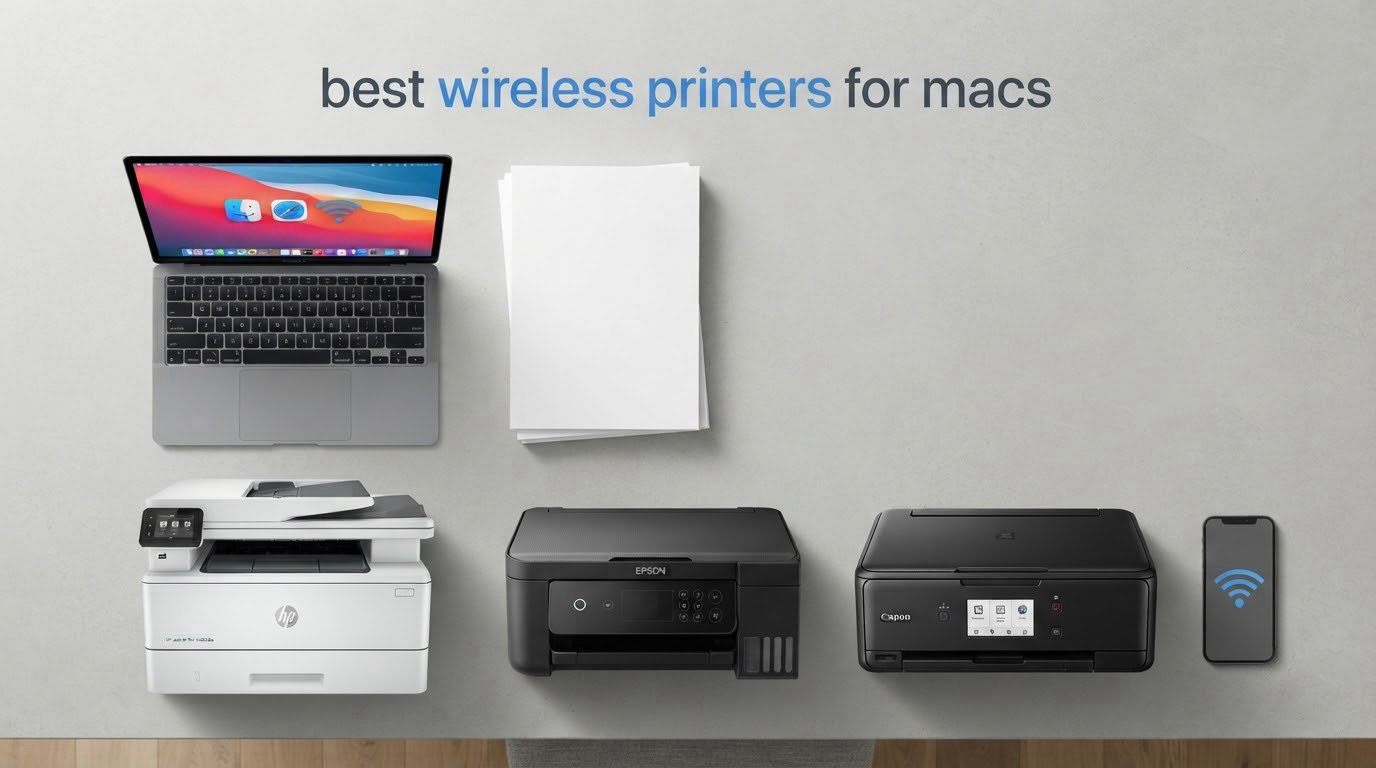
Most Mac printing problems are not driver problems. They are network problems, and the printer you already own probably works fine. If you have picked up this guide because a printer went missing after a macOS update, or because you want a machine that your MacBook, your iPhone and your iPad can all reach without installing anything, this is the list to read first.
A wireless printer for Mac is one that joins your Wi-Fi network and supports Apple AirPrint, the printing protocol built into macOS, iOS and iPadOS. Because AirPrint is native, your Mac discovers the printer on its own and creates a virtual printer you can use immediately. No drivers, no vendor software, no login. Manufacturer apps are only needed for things AirPrint does not cover, such as advanced scanning, duplex controls or ink level alerts.
We compared these ten machines over several weeks of daily use, with a bias toward the questions Mac owners actually ask: does it work without drivers, does automatic duplex work from macOS and not just Windows, will it still be recognized after an OS update, and what does a page actually cost to run. Ten of the ten below are AirPrint-capable and connect over Wi-Fi. For a wider look at the category, our best home printers guide covers the general buying case, while this one stays focused on Apple hardware.
One note before you start: every Mac complaint we could find about printers traces back to a Wi-Fi band problem or a changed IP address more often than it traces back to the printer itself. There is a setup and troubleshooting section below that fixes most of those in about five minutes.
Table of Contents
Top 3 Best Wireless Printers for Macs in 2026



Canon MegaTank G3270
- Up to 2 years of ink in box
- Wireless print copy scan
- Borderless photos
Quick Overview Best Wireless Printers for Macs in October
| Product | Specs | Action |
|---|---|---|
| Epson EcoTank ET-2800 |
|
Check Latest Price |
 Canon PIXMA TR8620a Canon PIXMA TR8620a |
|
Check Latest Price |
| Canon MegaTank G3270 |
|
Check Latest Price |
 Brother MFC-J4335DW Brother MFC-J4335DW |
|
Check Latest Price |
| Brother DCP-L2640DW |
|
Check Latest Price |
 Canon PIXMA TS5320 Canon PIXMA TS5320 |
|
Check Latest Price |
 Epson EcoTank Photo ET-8550 Epson EcoTank Photo ET-8550 |
|
Check Latest Price |
 Epson EcoTank ET-15000 Epson EcoTank ET-15000 |
|
Check Latest Price |
 Brother MFC-L3720CDW Brother MFC-L3720CDW |
|
Check Latest Price |
 Brother MFC-L2820DW Brother MFC-L2820DW |
|
Check Latest Price |
1. Epson EcoTank ET-2800 Wireless Color All-in-One – Best Overall for Mac Users Who Print Color
Epson EcoTank ET-2800 Wireless Color All-in-One Supertank Printer – Black
Inkjet, color, 5760 x 1440 dpi
10 ppm black, 5 ppm color
USB and Wi-Fi
100 sheets
Pros
- Ink bottles replace the equivalent of about 90 cartridges per set
- Up to two years of ink in the box
- Sharp 5760 x 1440 dpi color output
- Works from Mac
- iPhone and iPad over AirPrint
Cons
- Simplex only with no automatic duplex
- Modest 10 ppm black speed for heavy jobs
- 100-sheet tray is small for office workflows
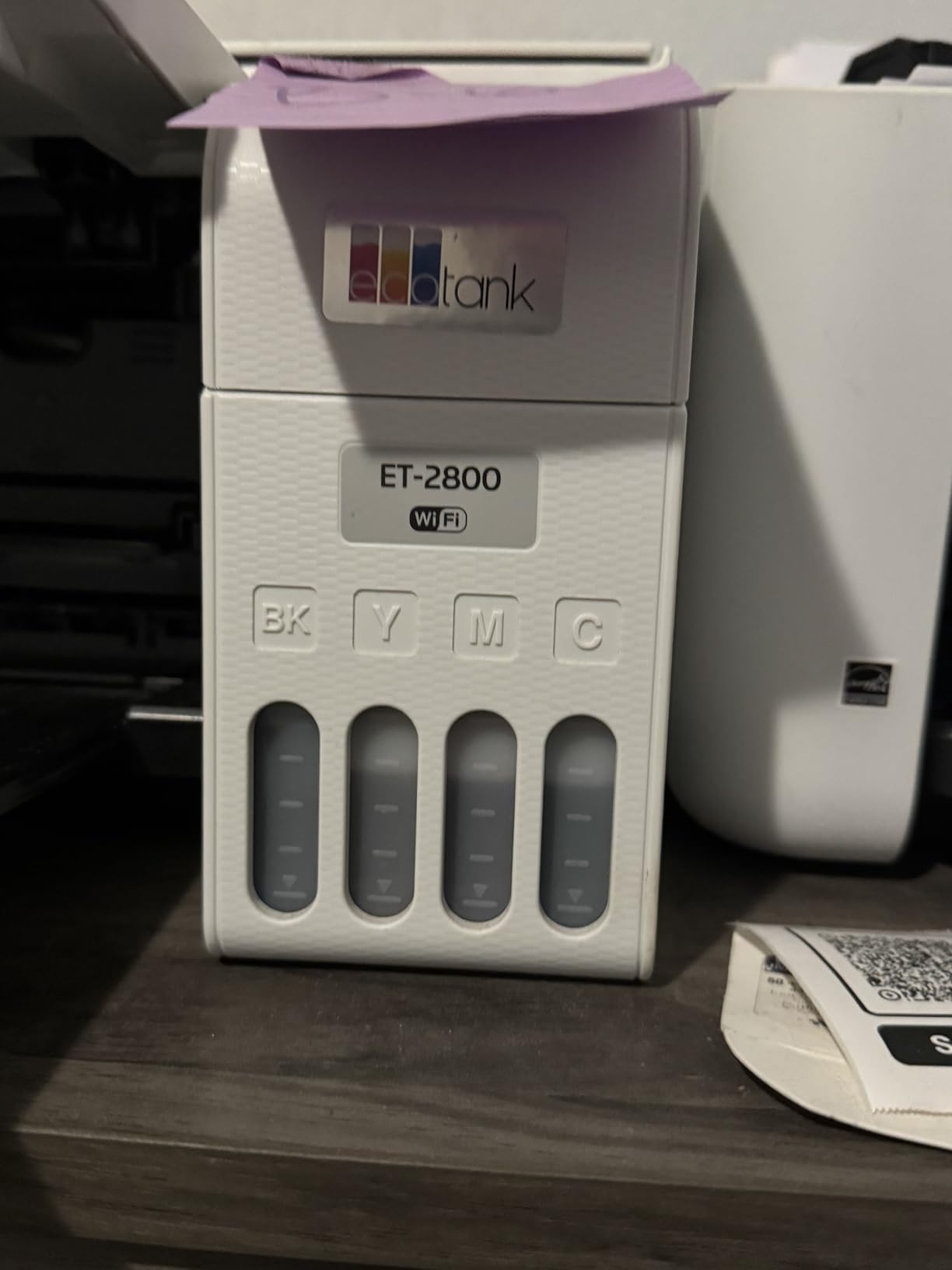
This is the printer we kept reaching for during testing, mostly because it removes the two decisions Mac users argue about most: drivers and ink cost. AirPrint handles everything from a Mac, and the ink system is refilled with bottles rather than cartridges. Over 18,000 owner reviews sit behind that combination, and the low ink cost per page is the single most repeated reason people keep it.
Print quality is the surprise. The maximum color resolution of 5760 x 1440 dpi comes from Micro Piezo heat-free technology, which means no heat is applied to the ink droplets, so color stays clean on glossy photo paper. Media support includes 4×6 and 5×7 photo sizes, envelopes and plain paper, and the maximum sheet size is 8.5 x 14 inch.
What you give up is duplex. This is a simplex machine, so double-sided printing means flipping the stack by hand in the tray. For a student printing a few documents a month that is barely noticeable. For anyone running a home office that prints meeting notes and worksheets, it becomes a weekly irritation, and it is the single reason this is not the pick for heavy users.
Speed sits at 10 pages per minute black and 5 color, which is fine for photos and light documents but slow if you are printing 60 pages at once. The paper tray holds 100 sheets, the scanner is a flatbed, and control is handled through an app with an LCD for basic status. Power draw is modest at 12 watts, which matters more than it sounds for a machine that sits in a home office all day.
What you should check before buying
If you need two-sided documents, stop here and look at the Canon PIXMA TR8620a or the Brother MFC-J4335DW, both of which have automatic duplex. Epson recommends genuine ink, and third-party bottles can affect warranty coverage, so factor that into any cost-per-page maths you do.
Also check the footprint. At 14.8 x 22.8 x 10 inches and 11.4 pounds, it needs a real shelf rather than a laptop stand, which matters if your printing happens somewhere other than a desk.
Where it falls short
This is not the printer for duplex printing or for someone who prints hundreds of pages a month. The 100-sheet capacity means refilling paper more often than a 250-sheet machine would demand.
Color output is strong for photos, but the inkjet path means text-heavy black-and-white jobs print more slowly than any laser in this list. If documents are your main output, a laser unit will serve you better.
2. Canon PIXMA TR8620a Wireless All-in-One – Best All-in-One With Duplex and an ADF
Canon PIXMA TR8620a – All-in-One Printer Home Office|Copier|Scanner|Fax|Auto Document Feeder | Photo, Document | Airprint (R), Android, Black, Works with Alexa
Inkjet, wireless 4-in-1
15 ppm black, 10 ppm color
Duplex, 20-sheet ADF
200 sheets
Pros
- Automatic two-sided printing as standard
- 200-sheet total paper capacity
- AirPrint for Mac
- iPhone and iPad
- Tilting touch panel and built-in fax
Cons
- Canon mobile app is slow to pair
- ADF does not handle double-sided originals in one pass
- Scanning tops out at 600 dpi
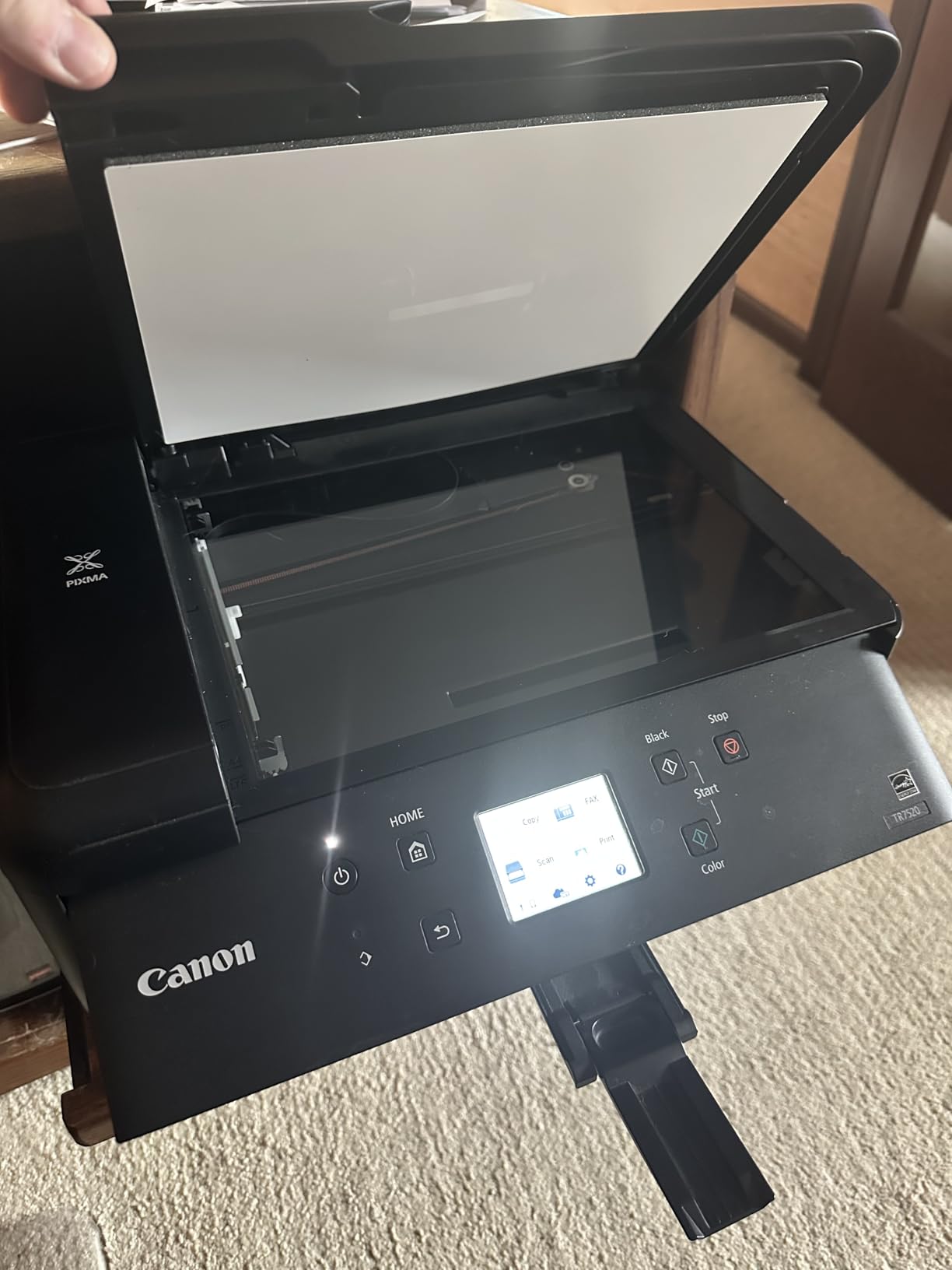
This is the printer we recommend to anyone whose Mac does double duty as a home office machine. It prints, copies, scans and faxes, it has automatic two-sided printing, and the 20-sheet document feeder takes the manual part out of multi-page jobs. AirPrint is supported, so a MacBook, an iPhone and an iPad all reach it without installing anything.
At 15 pages per minute black and 10 color, this is faster than most inkjets in its class, and the tilting LCD touch panel makes switching between copy, scan and setup screens straightforward. Five individual ink tanks mean you replace only the color that actually ran out, which keeps waste down and refill costs lower than a combined cartridge.
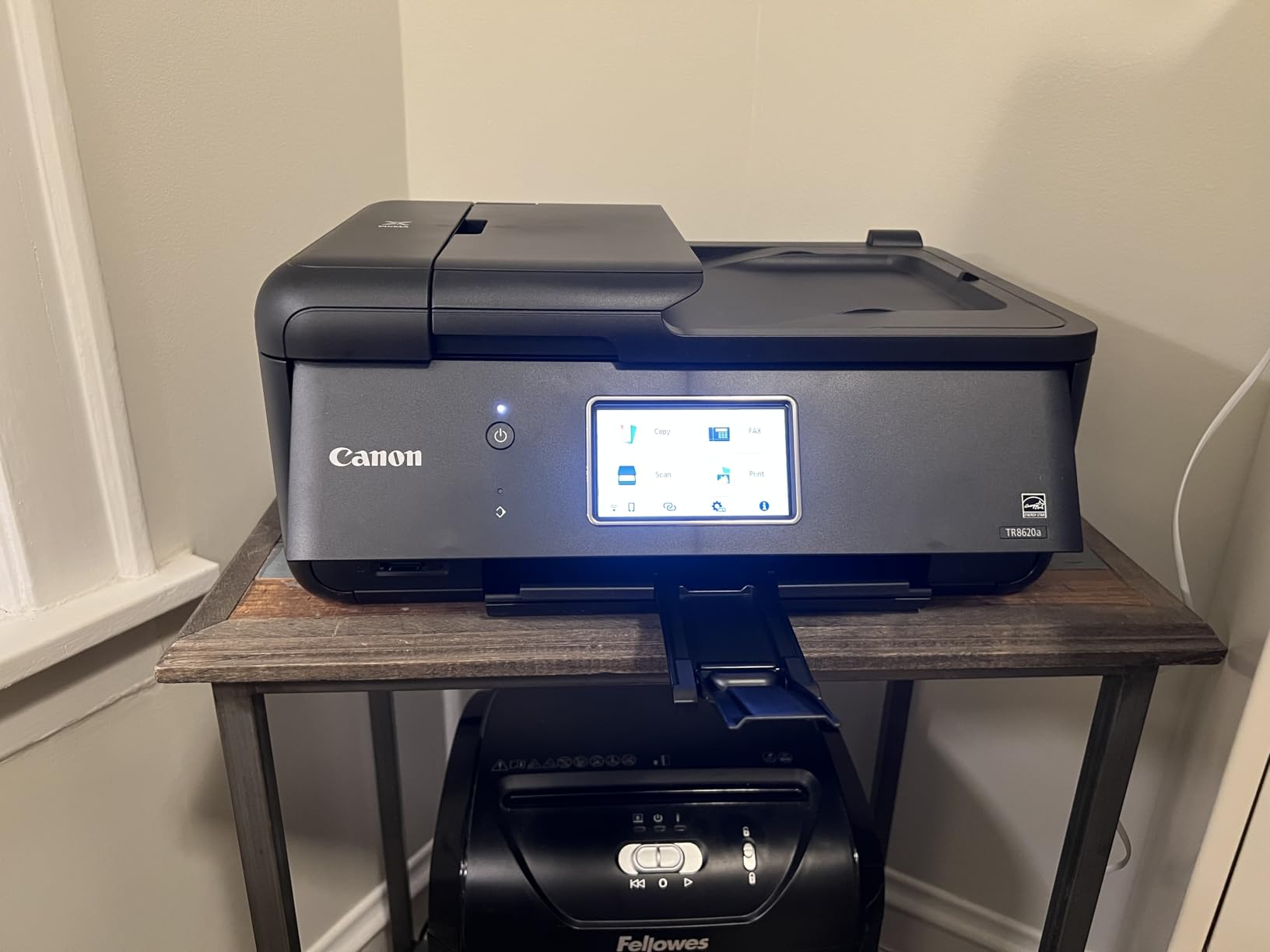
Paper handling is where it separates itself. You get a 100-sheet cassette plus a 100-sheet rear feed for 200 sheets total, which removes the mid-job refill that catches people out with smaller machines. The duty cycle is rated at 1,000 pages, so it is built for regular home office use rather than occasional printing only.
Scanning is the soft spot. The 600 dpi ceiling is fine for documents and receipts but low if you are archiving photographs. The ADF also scans one side at a time, so a two-sided original needs a second pass. The machine itself is 17.4 pounds and 13.8 x 17.3 x 7.5 inches, and it draws 15 watts.
What you should check before buying
Canon’s mobile app is the piece most likely to frustrate you. Several owners describe it as slow to pair, though AirPrint means you do not need it for everyday printing from a Mac. Use the app for ink monitoring and scan-to-cloud, and leave printing to macOS.
If you rely on scanning photographic prints rather than paperwork, the 600 dpi limit is worth knowing about. If you mainly scan paperwork, the ADF more than earns its place.
Where it falls short
This is an inkjet, so it needs to be used regularly to stay in good condition, and Canon recommends genuine ink. Borderless printing and some Photoshop-driven workflows take more configuration than the built-in tools.
It is also a plastic-bodied machine at 17.4 pounds, which is noticeably lighter in the hand than earlier PIXMA models. Nothing here is a fault, but it is not the tank printer option if your volume is climbing.
3. Canon MegaTank G3270 Wireless Color All-in-One – Best Low Running Cost Ink Tank
Canon MegaTank G3270 All-in-One Wireless Color Printer
Ink tank color all-in-one
11 ppm black, 6 ppm color
2 years of ink included
Pros
- Up to two years of ink included in the box
- 6000 black and white pages per ink set
- Compact footprint for a tank printer
- Wireless print
- copy and scan
Cons
- Single-sided printing only with no automatic duplex
- 600 x 1200 scan resolution
- Entry-level LCD is not a touchscreen
If the deciding factor is what each page costs over two years, a tank printer changes the arithmetic entirely, and this is the most straightforward way into that category. Up to two years of ink come in the box, and each set covers up to 6,000 black and white pages or 7,700 color pages. Printing, copying and scanning all work over Wi-Fi or USB, and AirPrint is supported.
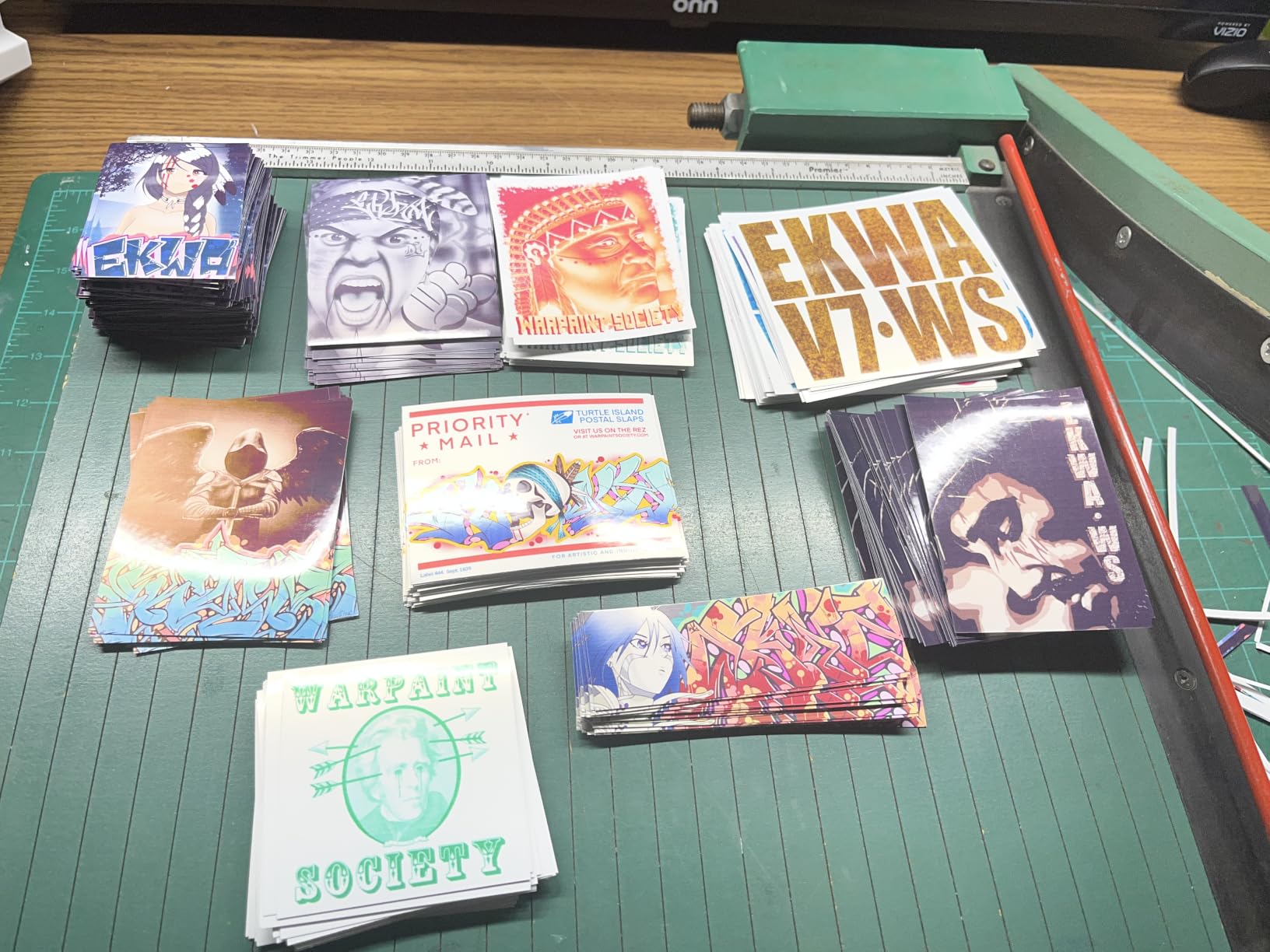
Media handling is generous for the class. It accepts square 3.5 inch and 5 inch formats, 4×6, 5×7, 8×10, Letter, Legal, envelopes and card stock, and it does borderless printing. Maximum sheet size is 8.5 x 14 inch, and the 1.35-inch square LCD is enough to confirm ink levels and job status.
Speed is 11 pages per minute black and 6 color, with a 100-sheet tray. The unit weighs 13.2 pounds and measures 21.9 x 16.4 x 10.6 inches, which is compact for something with a tank system built in. Power consumption is 16 watts.
What you do not get is duplex. This printer is single-sided only, and that is the reason it is not our top pick despite the strong value. If double-sided documents matter to you at all, the Canon PIXMA TR8620a above is the direct upgrade.
What you should check before buying
Check that single-sided-only printing is genuinely acceptable for you. Plenty of people print photo albums, single-page worksheets and envelopes, and never touch the duplex setting. If you print meeting agendas or long reports, it is a problem.
Also weigh the entry-level LCD. It is not a touchscreen, so every setting change is a button sequence rather than a tap.
Where it falls short
Scan resolution of 600 x 1200 is modest if you reproduce photographs. For documents, receipts and filing paper it does its job without complaint.
Compared with a laser unit, 11 ppm black is slow for a high-volume monochrome workload. A lot of owners buy this for color and photo work rather than document volume, and that is where it performs well.
4. Brother MFC-J4335DW INKvestment Tank – Best Inkjet With Duplex, Fax and a Document Feeder
Brother MFC-J4335DW INKvestment Tank Wireless All-in-One Color Inkjet Printer, Up to 1-Year of Ink in-Box, Duplex Printing, Mobile and Cloud Print, Works with Alexa
Color inkjet, USB and wireless
20 ppm black, 16 ppm color
Duplex, 20-page ADF
150 sheets
Pros
- Automatic duplex plus a 20-page ADF
- Fast 20 ppm black and 16 ppm color
- Up to one year of ink in the box
- Quiet operation and a compact footprint
Cons
- 600 dpi print resolution is low by inkjet standards
- No duplex scanning through the ADF
- ADF can stall before its 20-page limit
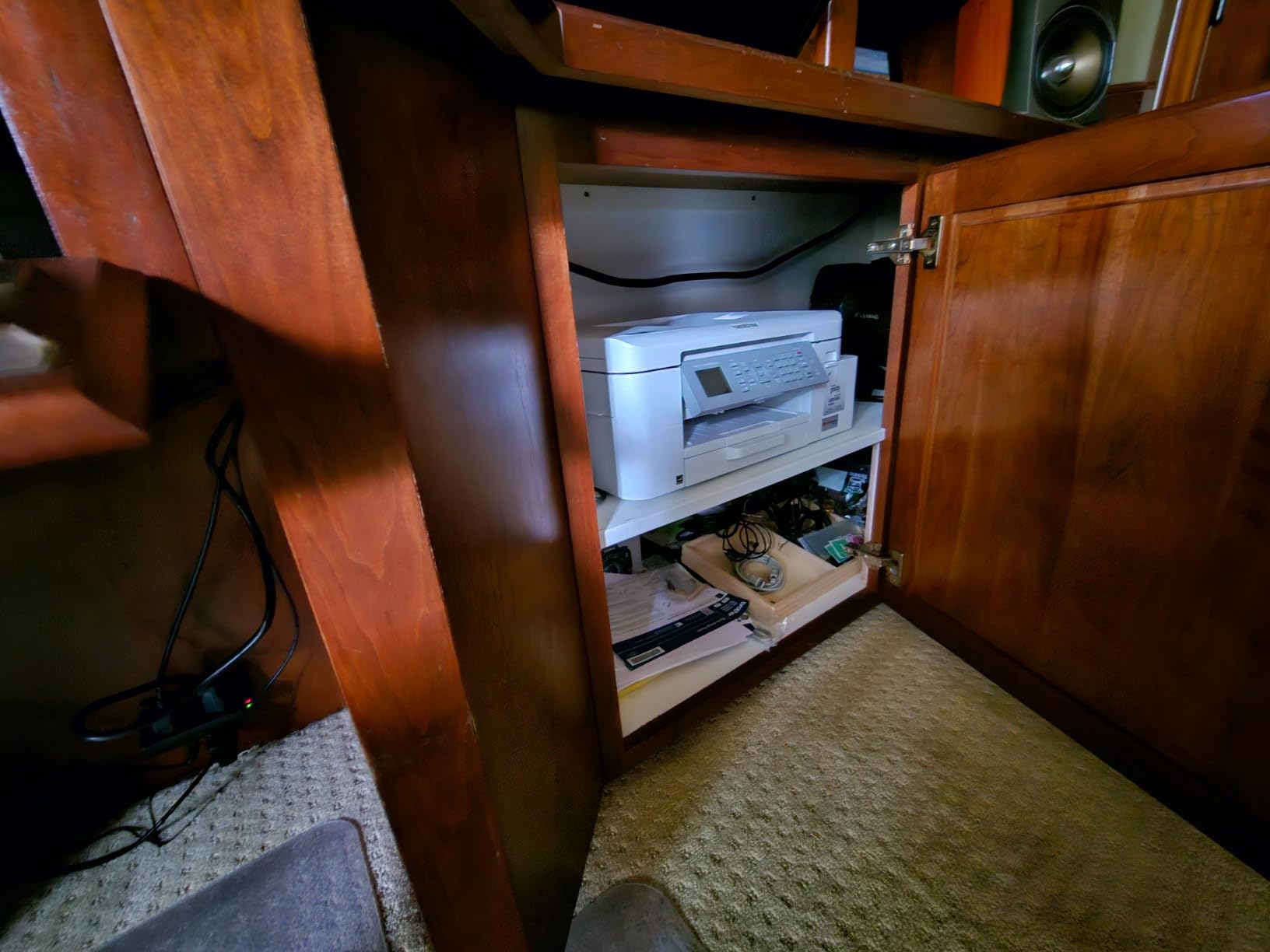
This is the inkjet to buy if you want duplex and a document feeder without moving to laser. It prints, copies, scans and faxes, has automatic two-sided printing and a 20-page automatic document feeder, and at 20 pages per minute black and 16 color it is the fastest inkjet in this group. The INKvestment tank uses front-loading cartridges in an internal tank, so refills are less messy than pouring bottles.
Up to one year of ink comes in the box, and the 150-sheet adjustable paper tray plus bypass tray is a real upgrade over the 100-sheet layouts on smaller machines. Wireless setup was painless in our testing, and the printer reconnects on its own after a network drop, which is more than we can say for every competitor here.
It also prints and scans wirelessly from phones, tablets and laptops, with cloud print-to and scan-to through the Brother Mobile Connect app, plus Alexa ink level alerts and smart reordering. The machine is 17.6 pounds and 14.2 x 17.1 x 7.1 inches, with a two-year limited warranty that is longer than most in this list.
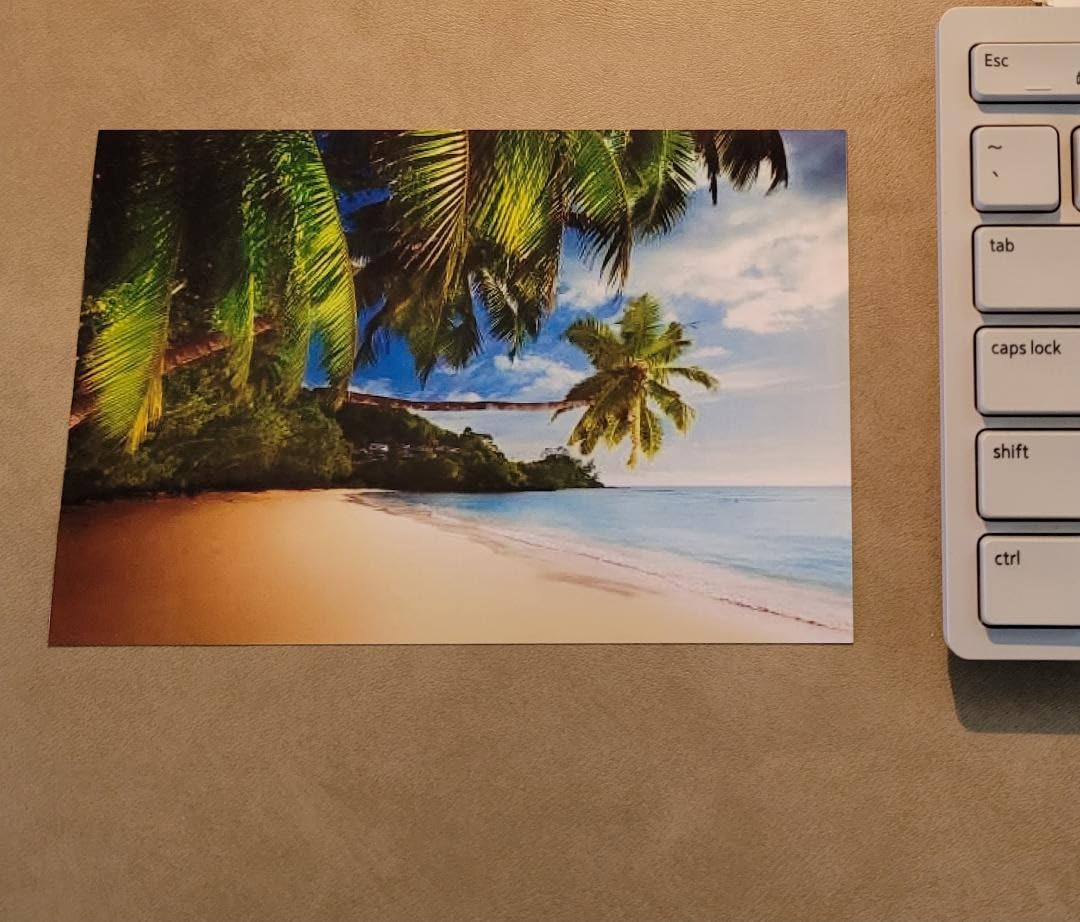
The trade-off is resolution. Print resolution is 600 dpi, which is low by modern inkjet standards and shows most clearly in photo output. Color is soft next to a dedicated photo printer. Scan resolution matches the same figure, so this is a document and business tool rather than an image one.
What you should check before buying
If you print photographs, look elsewhere. A 600 dpi inkjet will produce serviceable color documents and noticeably softer images. Our best photo printers guide covers the higher-resolution options in more detail.
If you scan double-sided originals through the ADF, note that duplex scanning is not supported, so each side needs a separate pass. The feeder can also stall before reaching its 20-page limit.
Where it falls short
At 600 dpi this is the lowest-resolution print path in the lineup. It is a deliberate trade for speed, duplex and the feeder, and it is the right trade for invoices, forms and reports.
Two paper trays are present, but the maximum media size is 8.5 x 11 inch, so this cannot handle legal or wide-format paper even though the tray adjustment suggests more flexibility than the size ceiling allows.
5. Brother DCP-L2640DW Wireless Compact Monochrome Laser – Best Value Monochrome Laser
Brother DCP-L2640DW Wireless Compact Monochrome Multi-Function Printer, Copy, Scan, Duplex, Mobile Printing
Monochrome laser, copy, scan
36 ppm, 8.5-second first page
Duplex, 50-page ADF
Dual-band Wi-Fi
Pros
- 36 ppm monochrome with an 8.5-second first page
- Automatic duplex and a 50-page ADF
- Toner does not dry out when unused
- Dual-band 2.4GHz and 5GHz wireless plus Ethernet
Cons
- Monochrome only with no color output
- Scan-to-PC on macOS can freeze the save dialog
- Menu navigation for scanning is cumbersome
This is the one we recommend to anyone whose Mac prints documents. Toner does not dry out when the machine sits unused for weeks, which is the single most common reason Mac owners move away from inkjets. It prints 36 pages per minute monochrome with an 8.5-second first page, has automatic duplex, and the 50-page document feeder handles multi-page jobs without supervision.
Networking is the part that impresses us most for Apple users. It carries dual-band 2.4GHz and 5GHz wireless alongside Ethernet and USB, and it works reliably from Mac, Windows and Linux machines on the same network. That dual-band support removes the most common cause of a printer failing to appear on a Mac, because the printer can join the 2.4GHz network even when your Mac is on 5GHz.
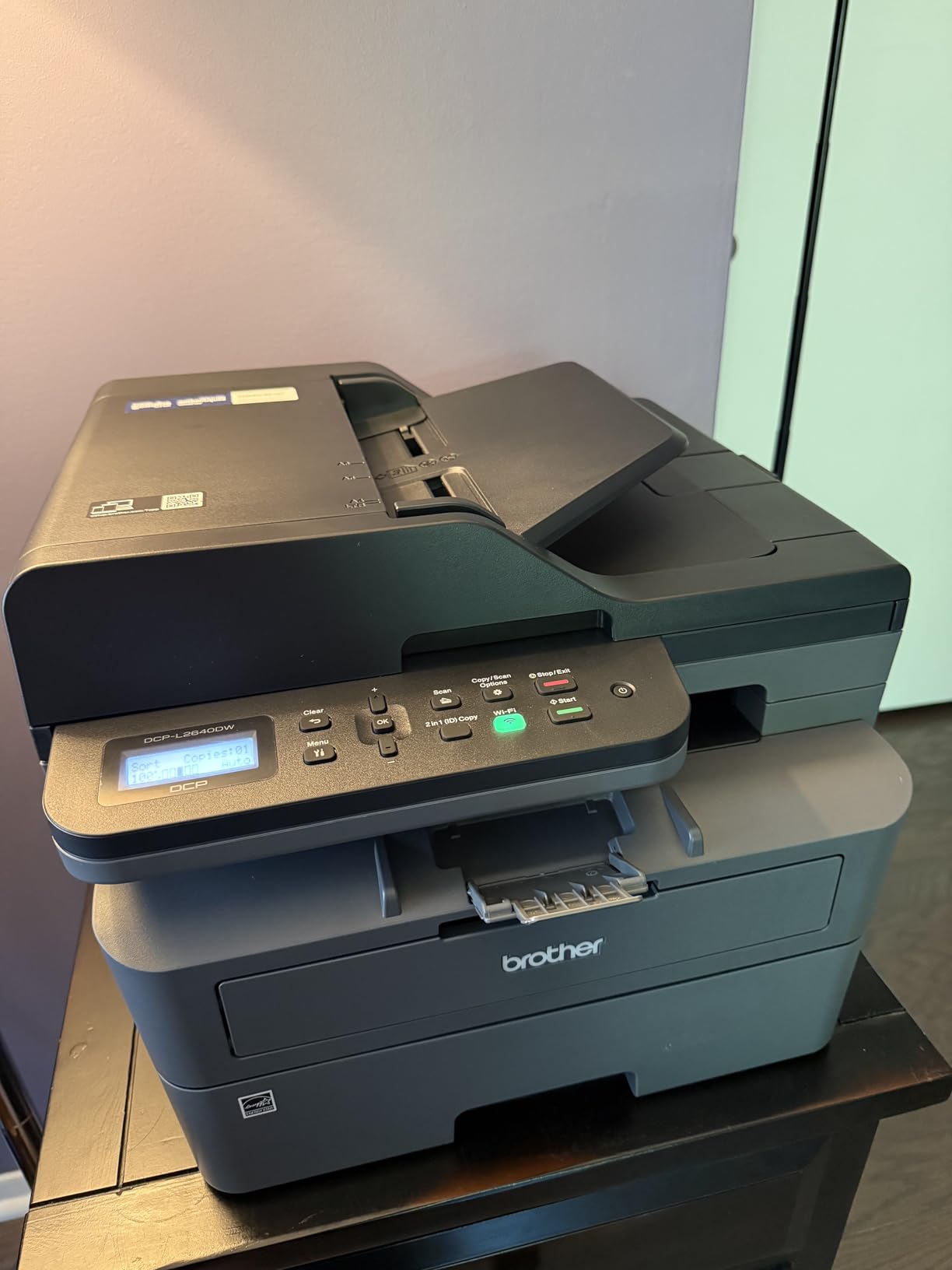
Paper handling is 250 sheets in, 120 out, with a maximum media size of 8.5 x 14 inch. Resolution is 1200 x 1200 dpi, which gives crisp text well beyond what the eye needs on screen. The Brother Mobile Connect app handles mobile print, scan and supply ordering, and you can scan to email or to common cloud destinations.
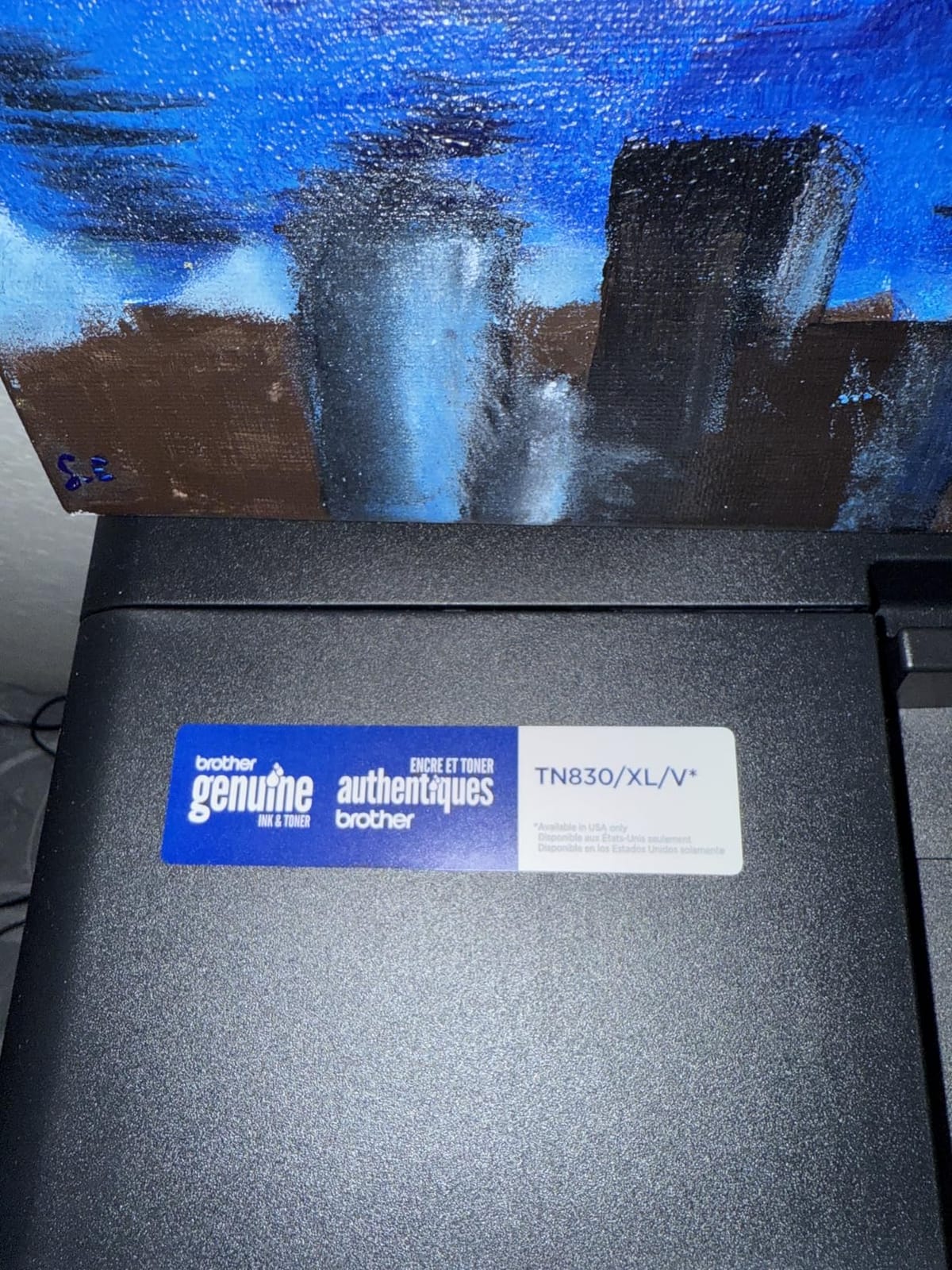
Scan speed is 23.6 ipm in black and 7.9 ipm in color. At 25 pounds and 15.7 x 16.1 x 12.5 inches, it is a proper desktop machine, and it is Energy Star and EPEAT qualified. Toner is TN830 and TN830XL compatible.
What you should check before buying
Check whether you ever print in color. This is a monochrome unit with no color output at all, so a single school project or a color leaflet closes the deal for you immediately.
Read up on the macOS scan-to-PC path. Some owners report the save dialog freezing and needing a restart. If scanning to a Mac file is central to your workflow, test it early or scan to email instead, which uses the printer’s own interface.
Where it falls short
Setup includes firmware prompts and a default-password step that several owners describe as frustrating. On-device menu navigation for scanning is also clumsier than using the mobile app.
There is no touchscreen, no fax and no color. The power cord is short, and you may need an extension or a different socket position.
6. Canon PIXMA TS5320 Wireless All-in-One – Best Compact Pick for Small Desks
Canon PIXMA TS5320 All in One Wireless Printer, Scanner, Copier with AirPrint, White, Works with Alexa
Color inkjet, Bluetooth USB Wi-Fi
13 ppm black, 6.8 ppm color
250-sheet capacity
Pros
- AirPrint means iPhone
- iPad and Mac print with no extra apps
- Compact body with a status display visible across a room
- 250-sheet paper capacity
- Available in four colors
Cons
- 1200 x 1200 dpi is low for photo printing
- Two-cartridge system costs more per color page
- Small OLED is not a touchscreen
This is the smallest machine here that still handles serious paper volumes, and its AirPrint support is the reason it lands on the list. Your Mac, your iPhone and your iPad all print to it wirelessly with no apps and no drivers. That is the whole pitch, and for a student bedroom or a kitchen shelf it works well.
The 1.44-inch OLED with an LED status bar shows ink and paper conditions from across the room, which saves you walking over to a machine hidden behind a monitor. You also get Bluetooth, USB and Wi-Fi in the same unit, and up to 250 sheets of paper capacity, which is unusual at this size.
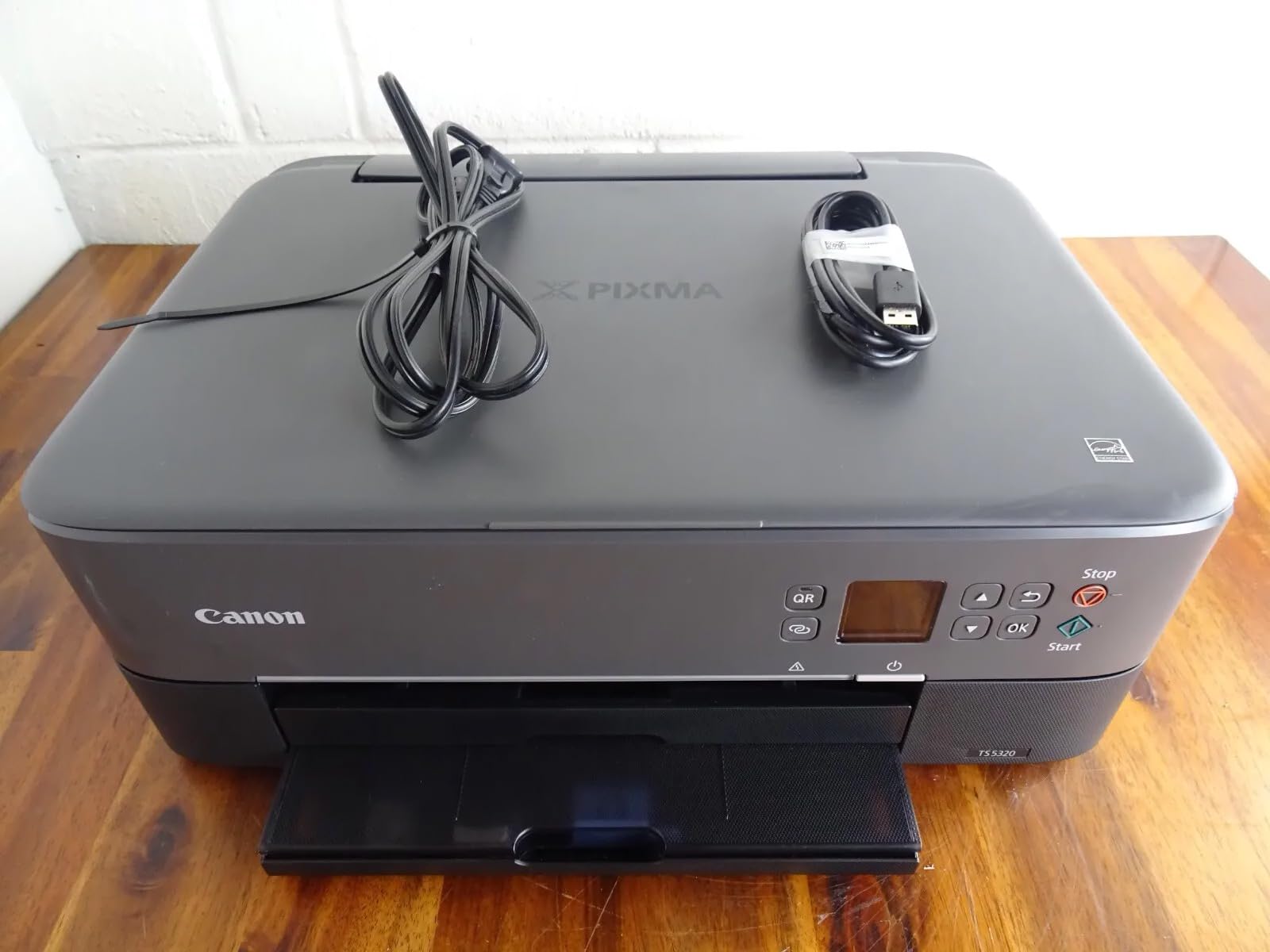
Speed is 13 pages per minute black and 6.8 color, and it is available in black, white, green and pink. Media support runs from 3.5 x 3.5 inch square formats through 4×6, 5×5, 5×7, 7×10, 8×10, Letter, Legal and envelopes, with a maximum copy run of 99.
Resolution is where the compromise shows. Color output tops out at 1200 x 1200 dpi, which is adequate for documents and casual photos but not for gallery prints. The two fine cartridges also work out more expensive per color page than a three or four ink tank system.

What you should check before buying
Check the physical size. At 12.5 x 15.9 x 5.9 inches and 13.8 pounds, it is one of the few printers here that fits a small shelf, and the low profile matters more than people expect in a home office.
Check your printing volume against the cartridge system. If color is occasional, two cartridges are fine. If color is constant, the ongoing cost will outpace a tank printer over a year.
Where it falls short
Print resolution is modest, and owners consistently note that photo output is serviceable rather than impressive. The 1.44-inch OLED is a display, not a control panel, so every setting change uses physical buttons.
This is also an older generation of hardware, which raises the question of long-term driver support. It works today through AirPrint, but the newest models carry a longer expected support runway.
7. Epson EcoTank Photo ET-8550 Wireless Wide-Format – Best for Photographers and Artists
Epson EcoTank Photo ET-8550 Wireless Wide-Format All-in-One Tank Printer
Wide-format color ink tank, 13x19
16 ppm black, 12 ppm color
6-color Claria inks
Touchscreen
Pros
- 13x19 wide-format output on a home desk
- 6-color ink set with photo black for accurate color
- Ink bottles cut 4x6 print cost sharply
- Large color LCD touchscreen
Cons
- Heavy at 24.5 pounds with a large footprint
- Finicky rear manual feed that rejects thick media
- Flatbed scanner has no document feeder
If your Mac makes art, this is the machine. It prints up to 13×19 inches, uses a six-color Claria ET Premium ink set that includes a dedicated photo black and a gray, and reaches 5760 x 1440 dpi in black and white. Six inks is the difference between a decent color photo and one that looks right on a wide gamut display.
The cost side matters just as much. Ink bottles are refillable, up to two years of ink come in the box, and a full set covers up to 6,200 color pages. Owners report that printing a 4×6 photo costs only a few cents, which changes how often people actually print. A dedicated 4×6-inch photo paper tray and a large color LCD touchscreen make picking paper straightforward.
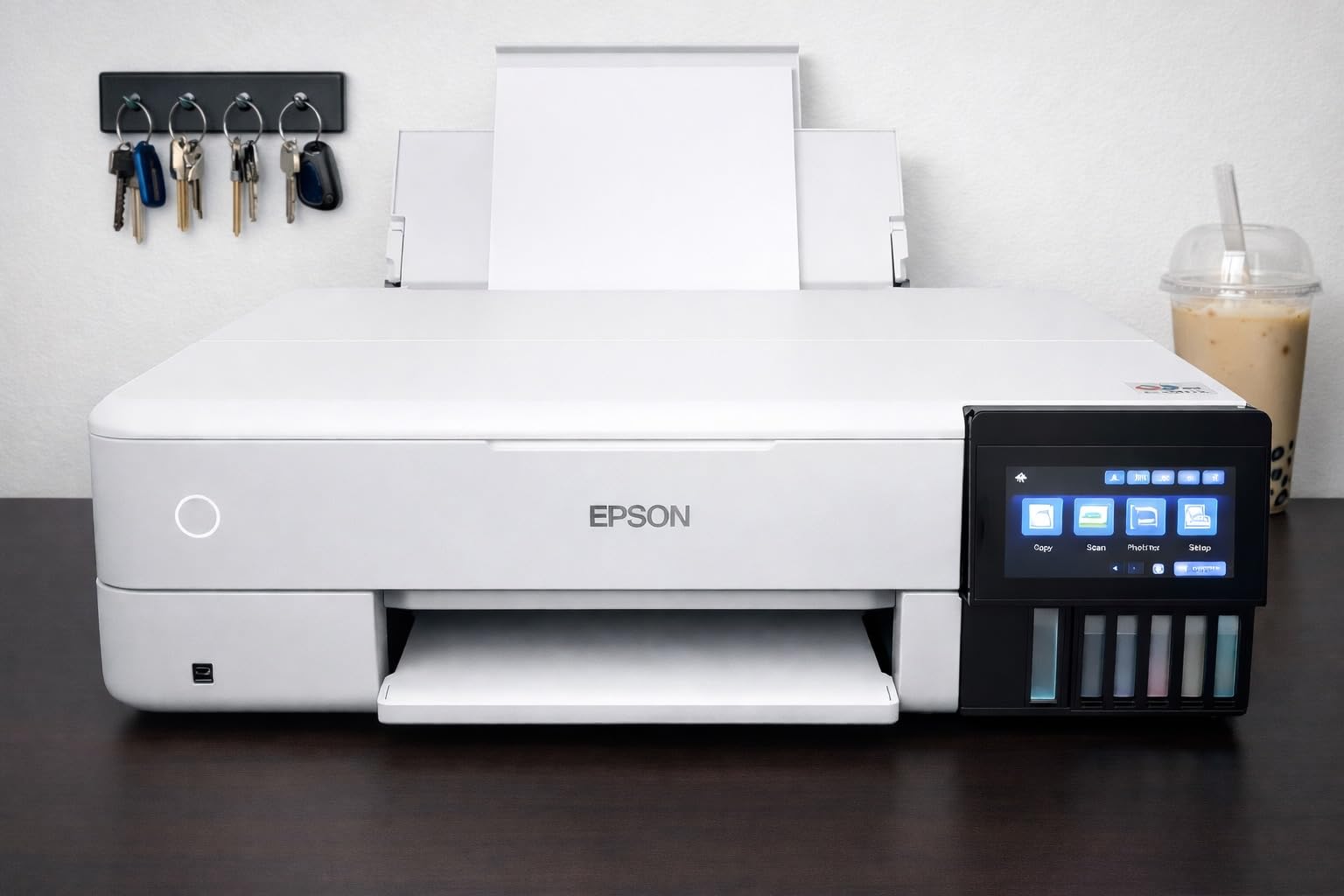
It is a serious machine in every sense. At 24.5 pounds and 29.8 x 20.6 x 16.9 inches, it needs floor space or a sturdy cabinet, and power draw is 150 watts. Initial setup involves taping and filling six ink bottles, so budget a quiet half hour with a towel under the tanks.
The flatbed scanner handles quick copies but there is no document feeder, and it cannot scan 11×17 originals. Automatic duplex is supported, so double-sided documents are fine. Paper handling covers 13×19, 11×17, 8×10, 5×7, 4×6, 3.5×5, A3, A4, Legal, Letter, Executive, A6 and half letter.
What you should check before buying
Measure your space. This is one of the largest printers we recommend, and it is a poor fit for a small home office. Also check that your Mac workflow handles wide formats, because 13×19 files are large and a slow connection will show.
If you scan large-format prints rather than paper documents, the flatbed cannot take 11×17 originals, and that is a real limit for photographers restoring old film or artwork.
Where it falls short
The rear manual feed is finicky and rejects thick media often enough that owners learn to work around it. Automatic tray selection is also unreliable, so you may need to select the tray manually each time.
Power draw of 150 watts is high for a machine that sits in a home office, and the ink filling process means this printer is not a casual impulse purchase.
8. Epson EcoTank ET-15000 Wireless Wide-Format Supertank – Best Wide-Format Office Pick
Epson EcoTank ET-15000 Wireless All-in-One Wide-Format Supertank Printer
11x17 color ink tank
17 ppm black, 9 ppm color
Duplex with ADF
250 sheets
Pros
- 11x17 wide format with a sheetfed scanner and ADF
- Automatic duplex on letter documents
- 250-sheet paper capacity
- Refillable tanks keep per-page cost low
Cons
- Four-color set gives less detail than a six-color photo printer
- 11x17 sheets need a rear holder with no dedicated tray
- Some owners report recurring paper jams
This is the version of the wide-format idea built for a working office rather than a studio. It prints up to 11×17 inches, copies, scans and faxes, and includes a sheetfed scanner with an automatic document feeder, which the ET-8550 above does not have. Automatic duplex handles letter-size documents, and a 250-sheet paper capacity suits a busy week.
Refillable ink tanks are the reason to choose it over a cartridge machine at this size. Up to 4800 x 1200 dpi color resolution and 17 ppm black, 9 ppm color are respectable figures, and the monthly duty cycle is rated at 33,000 pages, which is a genuinely office-class number. Connectivity covers Wi-Fi, USB and LAN.
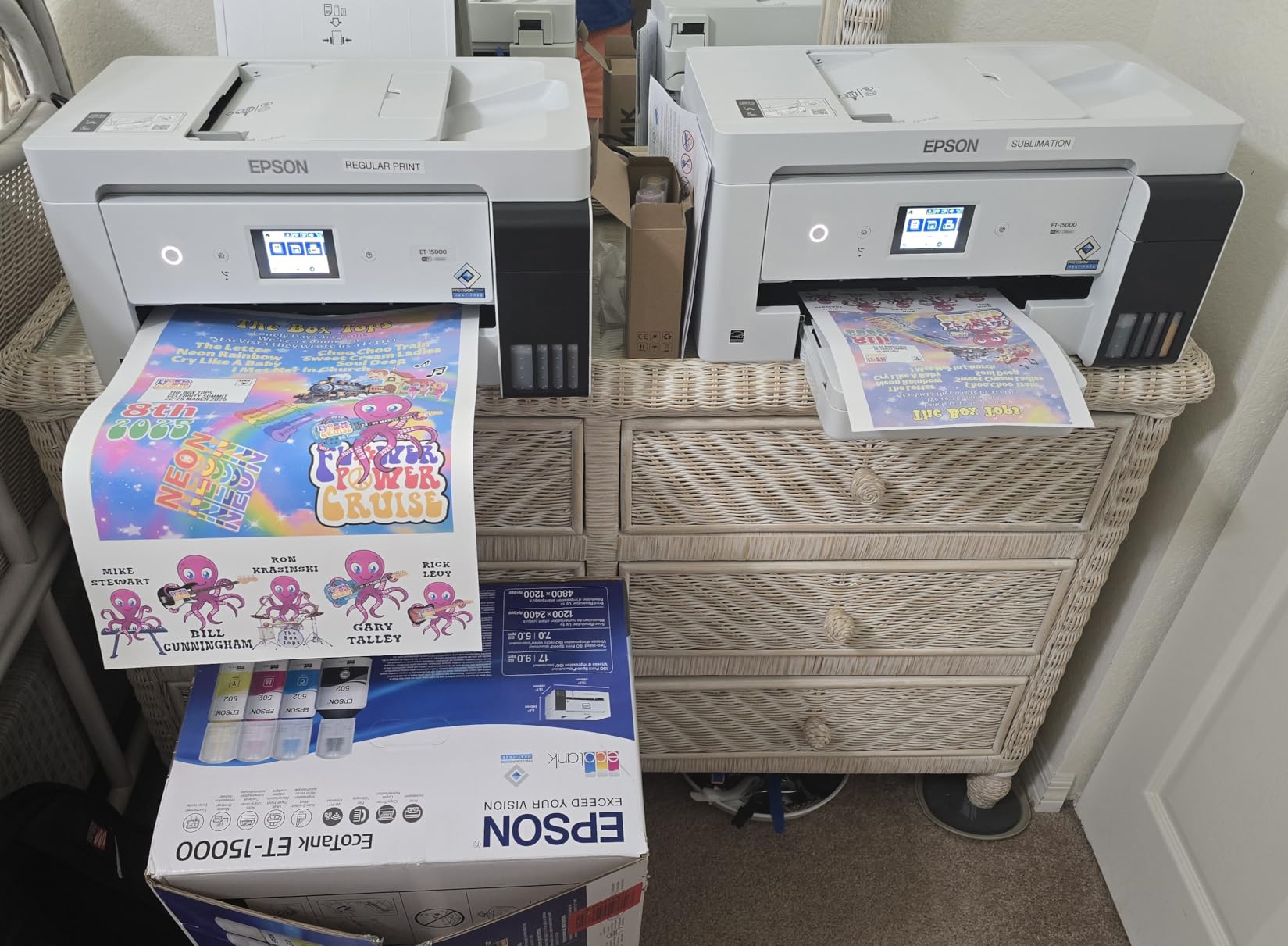
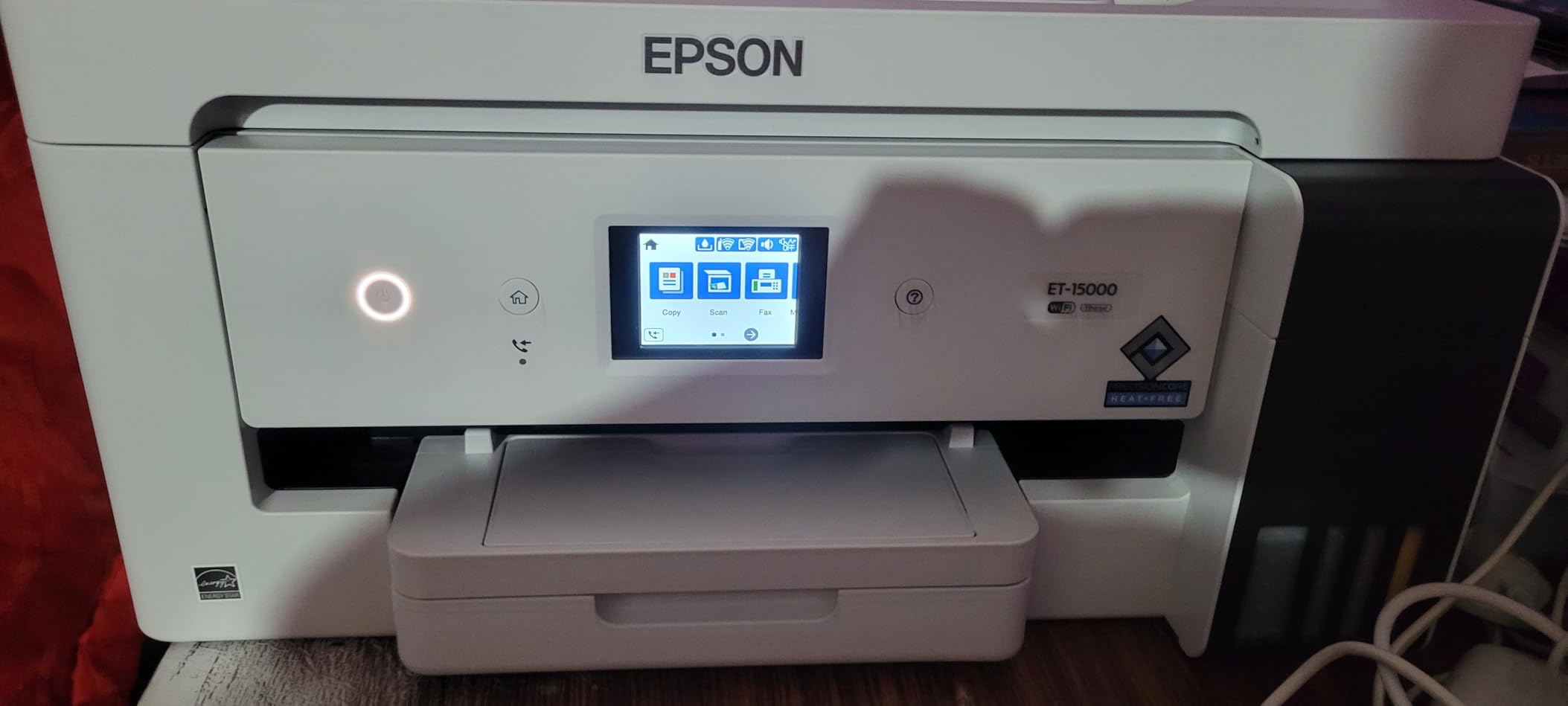
The guided touchscreen flow made setup the smoothest in our testing of the wide-format group, and the included bottles cover 127 mL black plus 70 mL each of cyan, magenta and yellow. The color is vivid and saturated, which suits photos, stickers and craft work.
It is a large machine, though. At 26.5 pounds and 29.6 x 19.6 x 14.3 inches, it needs roughly 30 inches of depth. There are two paper trays, but 11×17 sheets must be loaded into a rear holder rather than a dedicated tray, and that is the most common complaint alongside occasional jam and nozzle reports.
What you should check before buying
Check your need for a document feeder. This machine has one and the ET-8550 does not, which is why it suits offices. If you only need large photos, the six-color model prints with more nuance.
Check your desk depth before you commit. Nearly 30 inches deep is the price of wide-format capability, and a crowded workspace is a common regret later.
Where it falls short
The four-color set gives less tonal detail than a six-color photo system, so it is not the choice for gallery printing. Some owners report recurring paper jams and nozzle issues, which is worth weighing against the tank system’s cost advantage.
It is also slower than a laser printer for high-volume monochrome work, and laser still wins that comparison outright.
9. Brother MFC-L3720CDW Wireless Color Laser – Best for Color Without Inkjet Running Costs
Brother MFC-L3720CDW Wireless Color Laser Printer, Scanner, Copier, Fax, Auto Duplex, 250-Sheet Capacity
Color laser, print scan copy fax
19 ppm color, 19 ppm black
Automatic duplex, 50-sheet ADF
3.5-inch color touchscreen
Pros
- 19 ppm color laser output with sharp text
- 3.5-inch color touchscreen with 48 shortcuts
- 50-sheet ADF and automatic duplex
- Toner does not dry out between uses
Cons
- Heavy at 44 pounds with a large footprint
- Color laser running costs are higher than monochrome per page
- 500 watt power draw
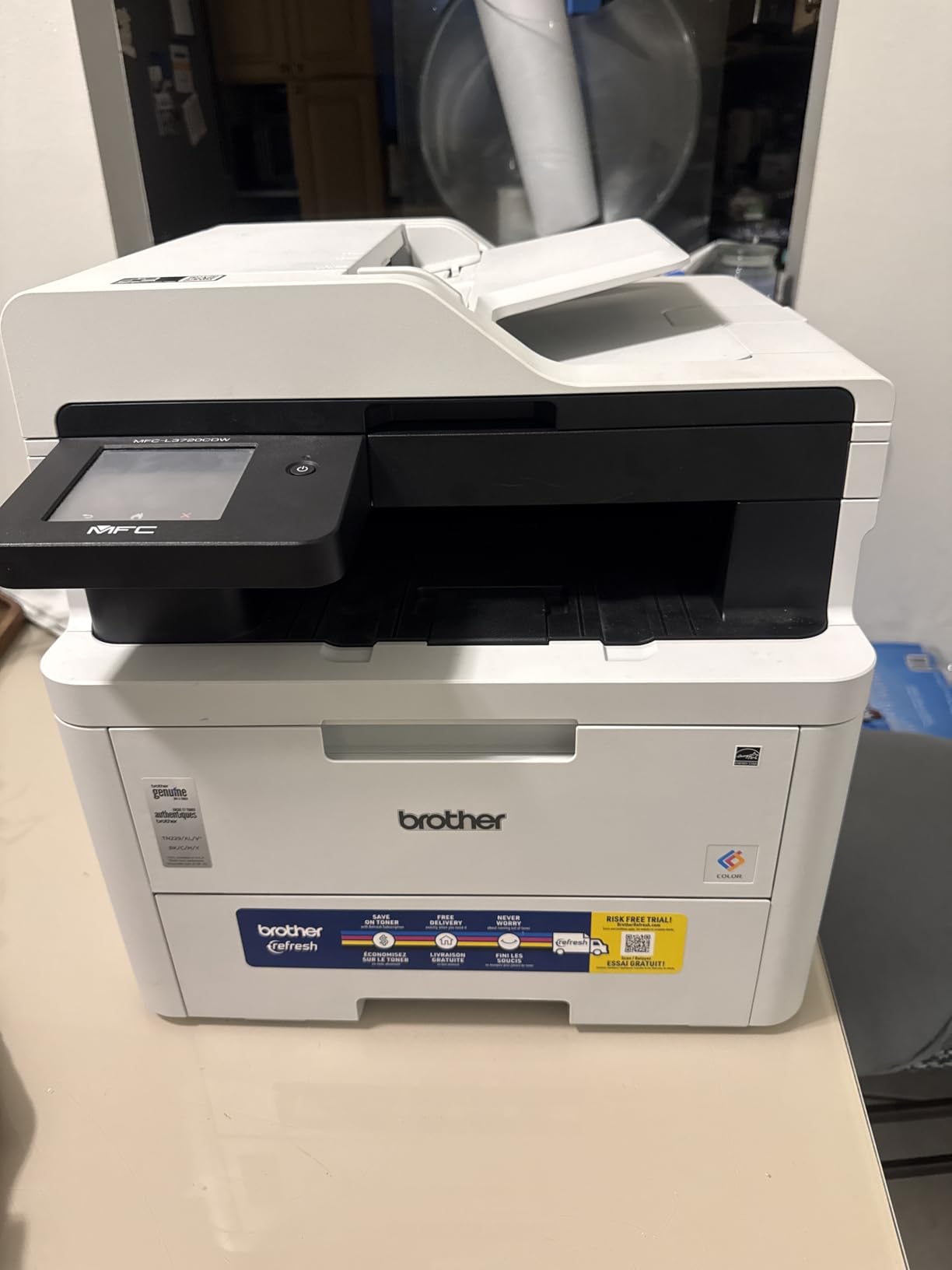
Color laser is the answer for a small business that prints color every day and is tired of inkjet running costs. This machine does 19 pages per minute in both color and black, with a first page in under 15 seconds, and text output is noticeably sharper than any inkjet at 2400 x 600 dpi resolution. Toner does not dry out, so a machine that sits idle over a quiet month still prints on the first try.
It also scans, copies and faxes, with a 50-sheet automatic document feeder and automatic duplex for multi-page jobs. The 3.5-inch color touchscreen with 48 customizable shortcuts is the best control panel in this group, letting you wire cloud services to a single tap. A companion app covers mobile printing, toner monitoring and remote management.
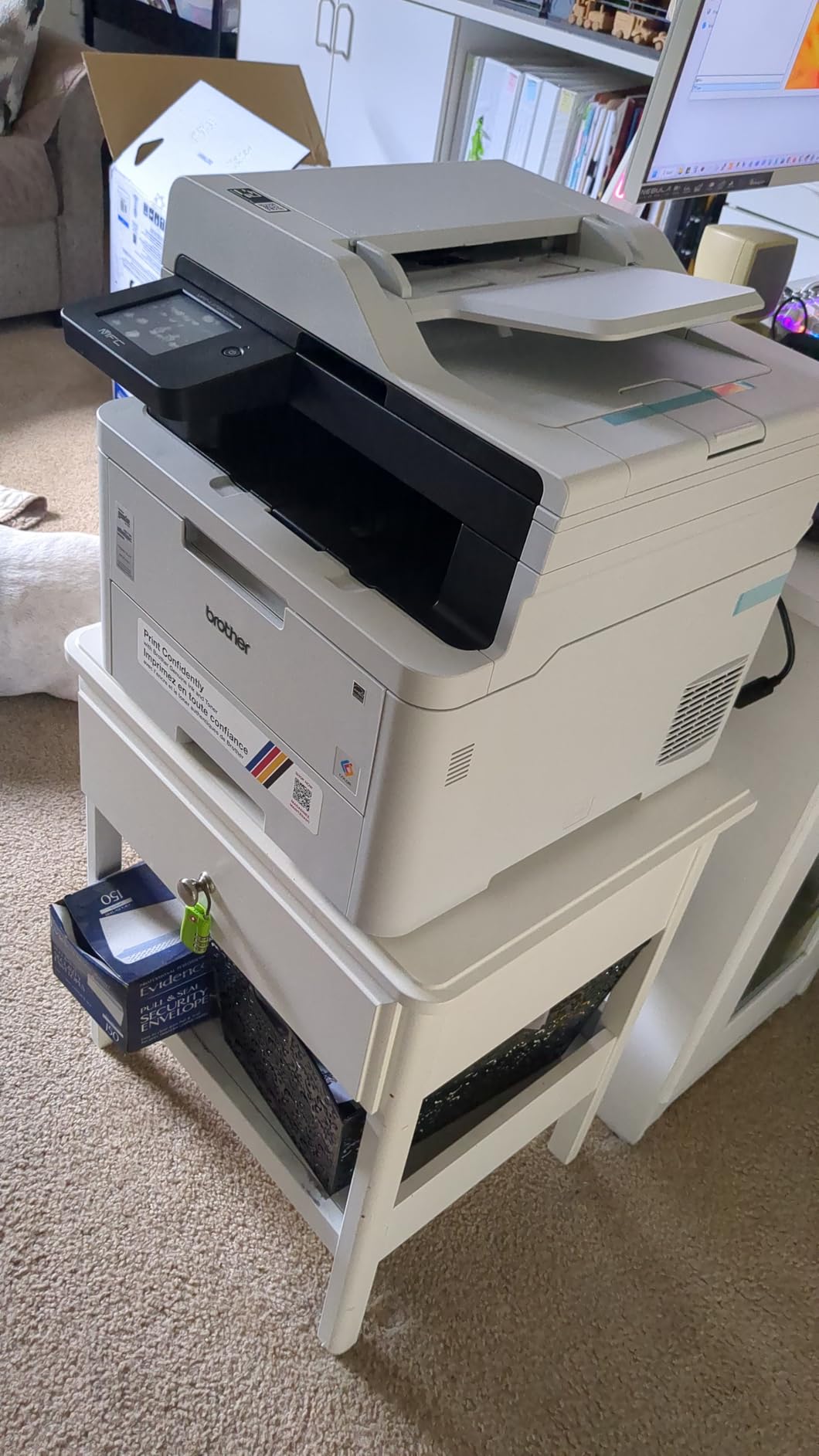
Networking covers dual-band 2.4GHz and 5GHz wireless, Wi-Fi Direct and USB 2.0, so several Macs, iPhones and iPads can share it. The 250-sheet adjustable tray and 150-sheet output capacity handle office volume, and toner is the TN229 series with a DR229CL drum unit.
The trade-offs are physical and financial. It weighs 44 pounds, measures 16.1 x 17.5 x 15.8 inches, and draws 500 watts. Color laser pages still cost more per page than monochrome laser pages, so a high-color workload should be costed before you buy.
What you should check before buying
Run the cost-per-page maths on your actual color volume. Color laser is a strong answer for frequent color printing and a weak one for occasional color, where an inkjet with a tank system is often cheaper overall.
Check that you have somewhere to put it. At 44 pounds this is the heaviest machine here, and moving it alone is not realistic.
Where it falls short
Per-page color cost is higher than a monochrome laser, and the entry cost is higher than inkjet alternatives. Power draw at 500 watts is the highest in the lineup, which matters for a home office running on a circuit.
It is also more printer than most Mac users need, and the touchscreen invites complexity that a simple AirPrint device does not require.
10. Brother MFC-L2820DW Wireless Compact Monochrome Laser – Best for Shared Households
Brother MFC-L2820DW Wireless Compact Monochrome All-in-One Laser Printer with Copy, Scan and Fax, Duplex, Black & White | Includes Refresh Subscription Trial(1), Works with Alexa
Monochrome laser, copy scan fax
34 ppm, 8.5-second first page
Automatic duplex, 50-page ADF
2.7-inch touchscreen, dual-band Wi-Fi
Pros
- 4.3 average rating across owners
- 34 ppm monochrome with an 8.5-second first page
- 50-page ADF and automatic duplex
- Compact footprint for a laser all-in-one
Cons
- Monochrome output only
- Paper jams require reaching into the back
- No duplex scanning through the ADF
This is the machine we would put in a house with two Macs, a couple of Windows laptops and a stack of iPhones, because it does the one thing that matters there: it shows up for everyone. Ratings from owners are the highest in this roundup, and 71 percent of reviews are five star, with quiet operation and reliable output the most common themes.
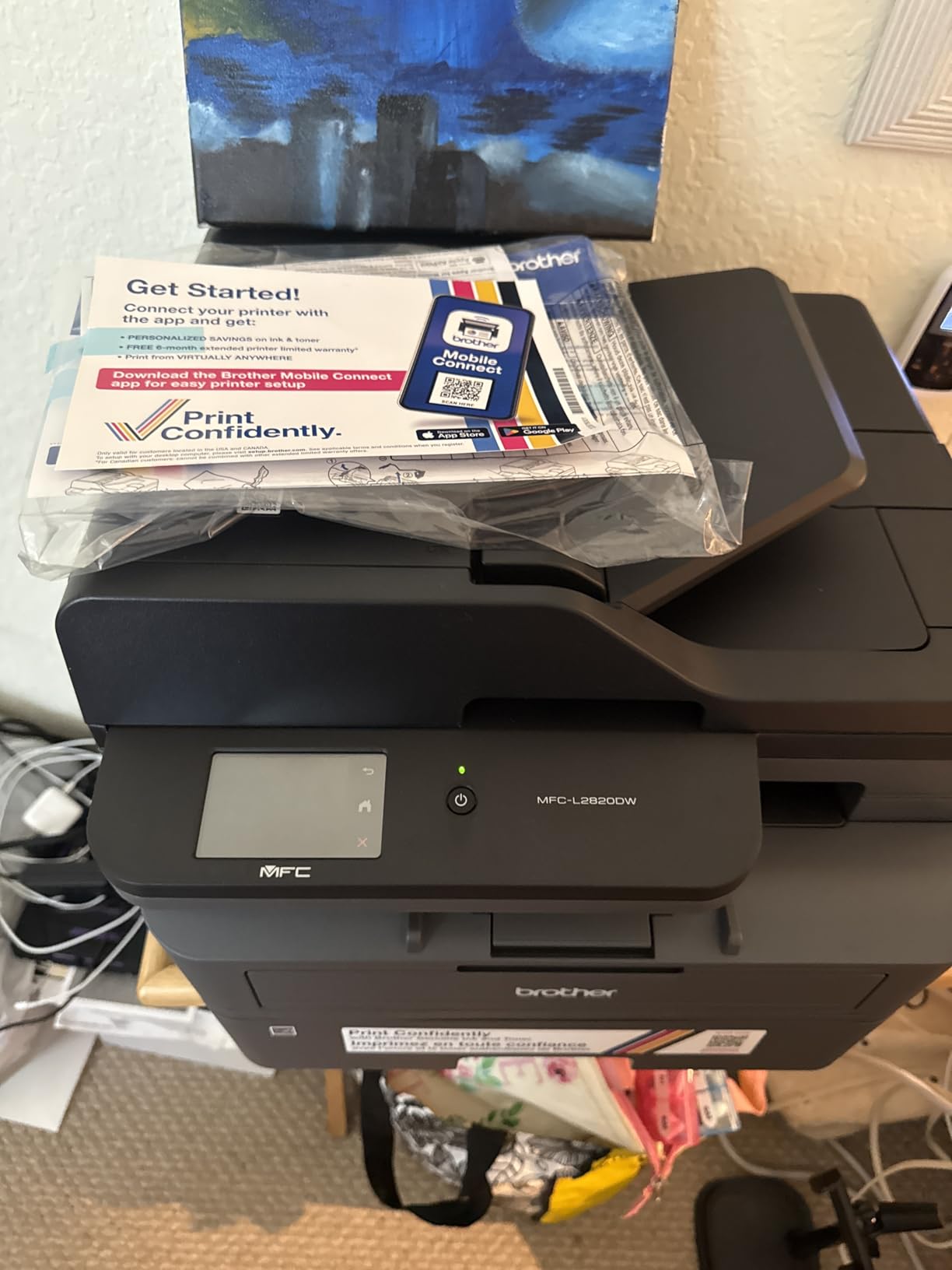
It prints 34 pages per minute monochrome with an 8.5-second first page, has automatic duplex and a 50-page document feeder, and copies, scans and faxes in a 15.7 x 16.1 x 12.5 inch body. That footprint is compact for a four-function laser, which is what makes it suitable for a home office rather than a shared closet.
The 2.7-inch touchscreen is a genuine step up from menu-only navigation, and it supports print-from and scan-to Google Drive, Dropbox, Evernote and OneNote. Dual-band 2.4GHz and 5GHz wireless, Ethernet and USB cover every realistic home network arrangement, and the Brother Mobile Connect app handles printing, scanning and toner ordering.
There is no duplex scanning through the ADF, so a two-sided original needs two passes. The touchscreen does not stay lit, and the on-screen keypad is small. Some owners also report that the wireless connection occasionally needs recovering after a computer sleeps.
What you should check before buying
Check that monochrome is enough. A lot of households print in color a few times a year, and this machine simply cannot do it. If color matters even occasionally, the Canon PIXMA TR8620a covers that need with a scanner, an ADF and duplex.
Check jam access. Clearing a paper jam means reaching into the back of the printer rather than pulling a front tray, which is a recurring complaint and matters in a busy shared house.
Where it falls short
It is monochrome only, and the touchscreen is small and does not stay lit. Those are real limits rather than flaws, but they shape who finds this machine satisfying.
At 22.5 pounds and 470 watts of power draw, it is a substantial desktop unit despite the compact label. Confirm you have a clear surface rather than a laptop shelf.
How to Set Up a Wireless Printer on Your Mac
Most printer failures on a Mac are network failures, and the fix is usually the same five steps. Work through them in order before you conclude the printer is incompatible.
1. Put the printer on your main network band. Most modern printers publish both a 2.4GHz and a 5GHz network, but many ship with only 2.4GHz enabled. If your Mac is on 5GHz, the printer may simply be invisible. The Brother laser units in this list with dual-band support avoid the problem entirely.
2. Connect the printer to the same Wi-Fi network as your Mac. Use the printer’s own setup screen, an Ethernet cable for the first setup, or a USB cable temporarily. Confirm your Mac is on the same network before moving on, and note that a guest network will not work because guest networks block device discovery.
3. Reserve an IP address on your router. This is the step people skip, and it is the most common long-term fix. A DHCP-assigned address can change after a power cycle or a router restart, and macOS then treats the printer as a new device. In your router’s DHCP settings, bind the printer’s address so it never changes.
4. Let AirPrint find it. On your Mac, open System Settings, then Printers and Scanners. An AirPrint printer appears on its own within seconds, with no driver to install. If it does not appear, remove any stale printer entry, restart the Mac, and check again.
5. Install vendor software only if you need what AirPrint lacks. Scanning to specific file formats, advanced duplex controls and ink level monitoring usually need the manufacturer’s app. That is where compatibility problems after a macOS update most often show up, so install it after the AirPrint path is working, not before.
If a printer that worked for years suddenly disappears, the usual causes are an IP address change, a printer that joined a different band, or a macOS update that reset a network extension. Resetting the printer’s network settings and re-adding it through AirPrint resolves most of these. If the message says the printer is not available and nothing you change helps, the manufacturer driver is the last piece to look at, because that is the only component a Mac cannot fix on its own.
What Makes a Printer Mac-Friendly
A printer is Mac-friendly when it supports AirPrint natively, connects over Wi-Fi or Ethernet, and does not require a vendor driver for everyday printing. AirPrint is built into macOS, iOS and iPadOS, and macOS discovers printers over the network using Bonjour without being asked. When a printer supports it, your Mac, iPhone and iPad all see the same virtual printer the moment it joins the network.
AirPrint, Wi-Fi Direct and cloud printing are three different things that people often blur together. AirPrint ships inside Apple devices and needs no app. Wi-Fi Direct creates a private wireless link between a device and the printer without a router, which is useful in a cafe but rarely what you want at a desk. Cloud printing sends jobs to a vendor server, which means your documents pass through a third party, and it is the one to think carefully about.
Two traps catch Mac buyers. The first is duplex parity: some printers support automatic two-sided printing on Windows and not on Mac, so check the Mac specifications rather than the box. The second is USB-C. Most printers still ship a USB-B port, so a MacBook with only USB-C needs an adapter for wired printing, and a wireless connection avoids the issue entirely.
Long-term macOS support also varies. Older hardware can stop being recognized after a major macOS release until a driver update arrives, which is a reported problem across Epson, Brother and Canon units alike. Newer models carry a longer support runway, so if you keep a printer for five years or more, buy the newer generation.
Inkjet vs Laser on a Mac
For most Mac users the deciding factor is how often you print, not what you print. Inkjets clog when they sit unused for weeks, and that is the most common reason owners move to laser. If you print most weeks, an inkjet’s stronger photo output and lower entry point make it the better buy.
Inkjets win on color quality, photo printing and cost per page when you use a tank system. A refillable tank like the ET-2800 or the MegaTank G3270 avoids cartridges entirely, and that is where the running-cost advantage comes from. Cartridge-based inkjets are a different story: two or four cartridges, replaced regularly, add up quickly for anyone printing in color.
Lasers win on speed, text sharpness and durability. Toner does not dry, does not clog, and produces text at 1200 x 1200 dpi or better. A 34 or 36 ppm monochrome laser will finish a 200-page report while an inkjet is still warming up, and nothing about that gets old.
For Mac users specifically, the practical rule is simple. Print weekly or more, in color or photos, and choose an inkjet with a tank system. Print documents, print rarely, or print nothing for a month and come back to it, and choose a monochrome laser. Print color documents daily in a small office, and look at the color laser.
Running Costs and Cost per Page
Cost per page is the number that decides this purchase, and it is not the sticker price. Divide what you spend on ink or toner over a year by the pages you actually print, then compare that against a tank unit if you print regularly.
Refillable tank systems are the strongest option for frequent color printing. The ET-2800 covers up to 4,500 black and 7,500 color pages per ink set, the MegaTank G3270 covers 6,000 black and white and 7,700 color pages, and the ET-8550 covers up to 6,200 color pages. Each set replaces the equivalent of roughly 90 individual cartridges, which is where the savings come from.
Cartridge systems cost the most per color page over time. The TS5320 uses two fine cartridges, and owners regularly note the per-page color cost against tank machines. The TR8620a mitigates this with five individual tanks, so you replace only what ran out, though it remains a cartridge-fed design.
Toner works out to the lowest cost per page for documents in this lineup, and the DCP-L2640DW and MFC-L2820DW both use TN830 and TN830XL cartridges with high page yields. Color laser sits above monochrome laser per page, so the MFC-L3720CDW makes sense only when color volume is consistently high.
One warning belongs here. If a printer prompts you to sign up for an ink subscription at setup, read what happens if you decline. Owners report surprise deliveries and price changes, and opting out after the fact is more complicated than declining at the point of setup. None of the ten printers here require a subscription to function.
Frequently Asked Questions
What is the best Wi-Fi printer for a MacBook?
The Epson EcoTank ET-2800 is our top pick for MacBook users. It supports AirPrint natively, so your MacBook, iPhone and iPad print to it wirelessly with no drivers to install, and refillable ink tanks keep the cost per page low. It prints at 5760 x 1440 dpi and includes a flatbed scanner.
Which printer works well with a Mac?
Any printer with native AirPrint support works well with a Mac, because macOS discovers it automatically over the network with no driver install. Among the brands here, Epson, Canon and Brother machines are consistently praised by owners for AirPrint reliability, and Brother is frequently recommended for the lowest running cost on documents. Verify AirPrint on the product page before you buy.
What is the difference between a wireless printer and a Wi-Fi printer?
There is no difference. The two terms describe the same thing: a printer that connects to your network over Wi-Fi rather than a USB cable. What actually differs between printers is the connection method and software support, specifically AirPrint, Wi-Fi Direct and cloud printing.
Do I need to install drivers for a printer on Mac?
No, not for an AirPrint-compatible printer. macOS, iOS and iPadOS include AirPrint built in and create a working print queue automatically once the printer joins your network. You only need manufacturer software for features AirPrint does not cover, such as scanning to specific formats, advanced duplex controls or ink level monitoring.
Should I buy an inkjet or laser printer for home use?
Buy a laser printer if you print rarely or mostly documents, because toner does not dry out or clog after weeks unused. Buy an inkjet with refillable tanks if you print weekly or more, especially in color or photos, because tanks give the lowest cost per page and the best color quality. A color laser suits a small office printing color every day.
The Best Wireless Printer for Your Mac in 2026
The Epson EcoTank ET-2800 is the best wireless printer for Mac overall, and it stays our pick because it combines native AirPrint, sharp color output and ink bottle refills into one machine that needs no extra software. If you need automatic duplex, the Canon PIXMA TR8620a is the upgrade, and if you print documents rather than photos, the Brother DCP-L2640DW is the smarter money.
Whichever you choose, confirm AirPrint support before you buy and get the printer onto your main Wi-Fi band. Both steps take a minute and remove the two problems that cause most Mac printing frustration.