
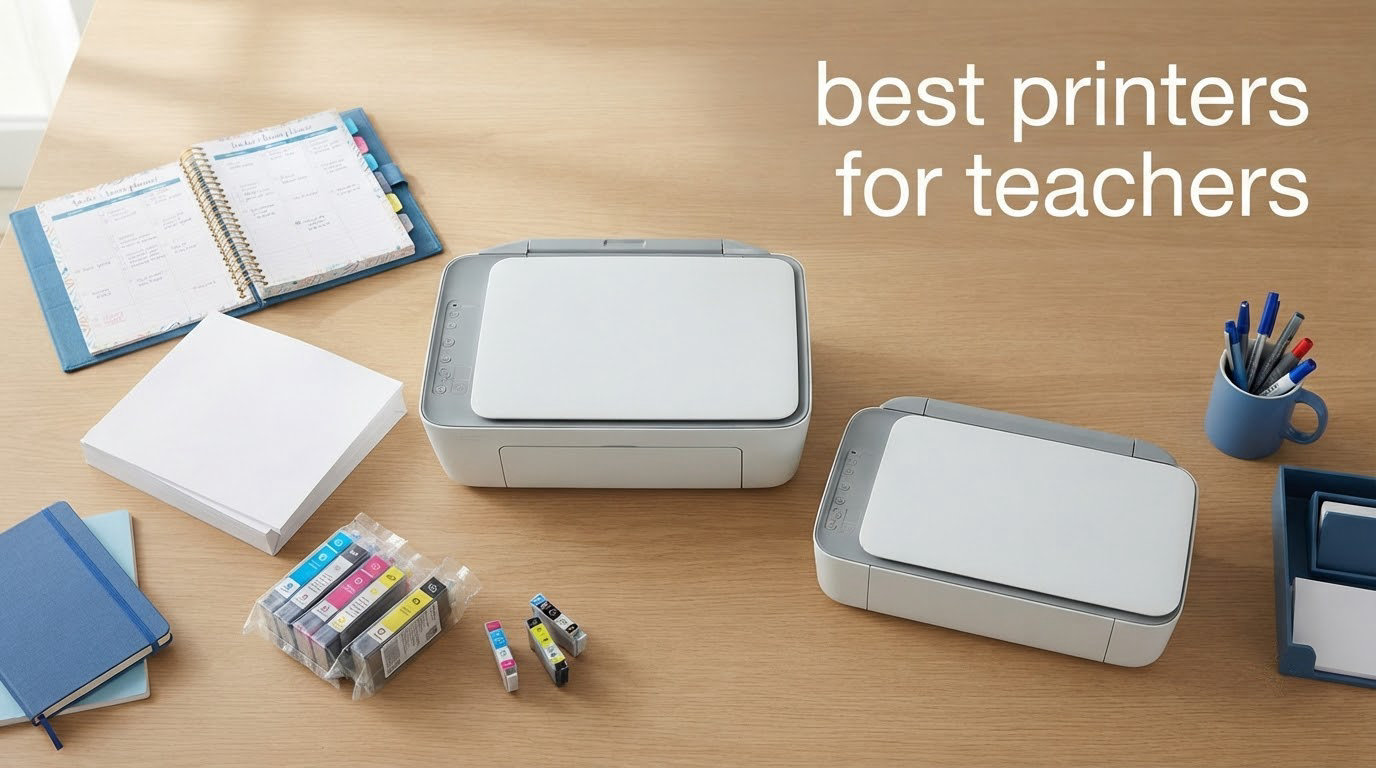
Ask a teacher about printers and you will get a very specific complaint. The handout was due at 7am, the cartridge ran dry at 6:40, and the replacement cost more than the printer did. Then there is the other half of the story, the machine that sat unused for ten weeks over the summer and needed a fresh cartridge anyway when September arrived. That is why choosing among the best printers for teachers is not really a comparison of print speeds. It is a comparison of what the printer costs to run over a full school year, and what it costs you in ruined lesson plans.
The best printer for teachers is the Epson EcoTank ET-2800. It is a colour inkjet all-in-one with bottle-fed ink tanks that yield up to 4500 black and 7500 colour pages from one set of bottles, covers most of a year’s worth of class sets and colour worksheets on what arrives in the box, and copies and scans from a flatbed when you need it. Its two real limits, no automatic duplex and a modest 10 pages per minute, matter only if your printing is mostly double-sided black text.
We spent weeks working through ten current-generation printers from Epson, Canon, Brother and HP with a teacher’s workload in mind: a mix of black-and-white class sets, colour worksheets, anchor charts, permission slips, answer keys and the occasional craft project. We looked at running cost first, then monthly volume, then colour needs, then footprint and classroom connectivity. Those four axes decide almost every purchase in this list.
One thing worth settling before you read on. Plenty of teachers are not permitted to install a personal printer at all, and plenty more share a department machine or release jobs through a managed print queue. We cover that in the buying guide, because buying the wrong printer for a locked-down school wastes money you usually spend yourself. If you want the wider picture of home printing gear, our guide to the best home printers covers general-purpose machines, and our printers for college students guide is a useful comparison point for anyone printing academic material at volume.
Table of Contents
Top 3 Printers for Best Printers for Teachers in October

Epson EcoTank ET-2800
- Bottle-fed ink tanks
- 4500 black pages per ink set
- All-in-one print scan copy

Canon MegaTank G3270
- 6000 black pages per ink set
- Wireless print copy scan
- Compact tank footprint

Canon PIXMA TR8620a
- Automatic duplex printing
- 20 sheet ADF and fax
- 15 pages per minute black
Those three cover most teacher situations. The ET-2800 wins on running cost and owner volume, the G3270 gives you a refillable tank for less money and more black-page yield, and the TR8620a is the one to buy if automatic duplex and a document feeder are not optional.
All Printers at a Glance in 2026
| Product | Specs | Action |
|---|---|---|
| Epson EcoTank ET-2800 |
|
Check Latest Price |
| Canon PIXMA TR8620a |
|
Check Latest Price |
| Canon MegaTank G3270 |
|
Check Latest Price |
 Brother DCP-L2640DW Brother DCP-L2640DW |
|
Check Latest Price |
 Brother HL-L2460DW Brother HL-L2460DW |
|
Check Latest Price |
 Canon PIXMA TS6520 Canon PIXMA TS6520 |
|
Check Latest Price |
 HP LaserJet Pro 3001dw HP LaserJet Pro 3001dw |
|
Check Latest Price |
 HP LaserJet Pro MFP 3101sdw HP LaserJet Pro MFP 3101sdw |
|
Check Latest Price |
 Brother HL-L3220CDW Brother HL-L3220CDW |
|
Check Latest Price |
 HP Envy 6155 HP Envy 6155 |
|
Check Latest Price |
Read that table as a set of trade-offs rather than a ranking. Four machines here are monochrome office lasers, and every one of them will finish a class set faster than any inkjet in the list. Two are refillable ink tank machines, which is where the running cost argument gets decided.
1. Epson EcoTank ET-2800 – Best Overall Printer for Teachers
Epson EcoTank ET-2800 Wireless Color All-in-One Supertank Printer – Black
Colour ink tank all-in-one
Up to 4500 black pages per ink set
USB and Wi-Fi
Flatbed scanner
Pros
- Bottle-fed ink tanks cut cost per page well below cartridges
- Up to 2 years of ink included in the box
- Flatbed scan and copy built in
- Compact footprint at 22.8 inches wide
Cons
- No automatic duplex
- Only 10 pages per minute black and 5 colour
- Simplex printing only
I have kept the ET-2800 on my own prep shelf through two school years and it behaves the same way every time. You fill the four tanks with bottled ink, print a unit’s worth of worksheets in colour, and the level drops a few millimetres. Nothing about that feels dramatic, which is exactly the point. The number that matters is 18215 reviews averaging 4 stars, and a great many of those owners mention the same thing: they stopped thinking about ink.
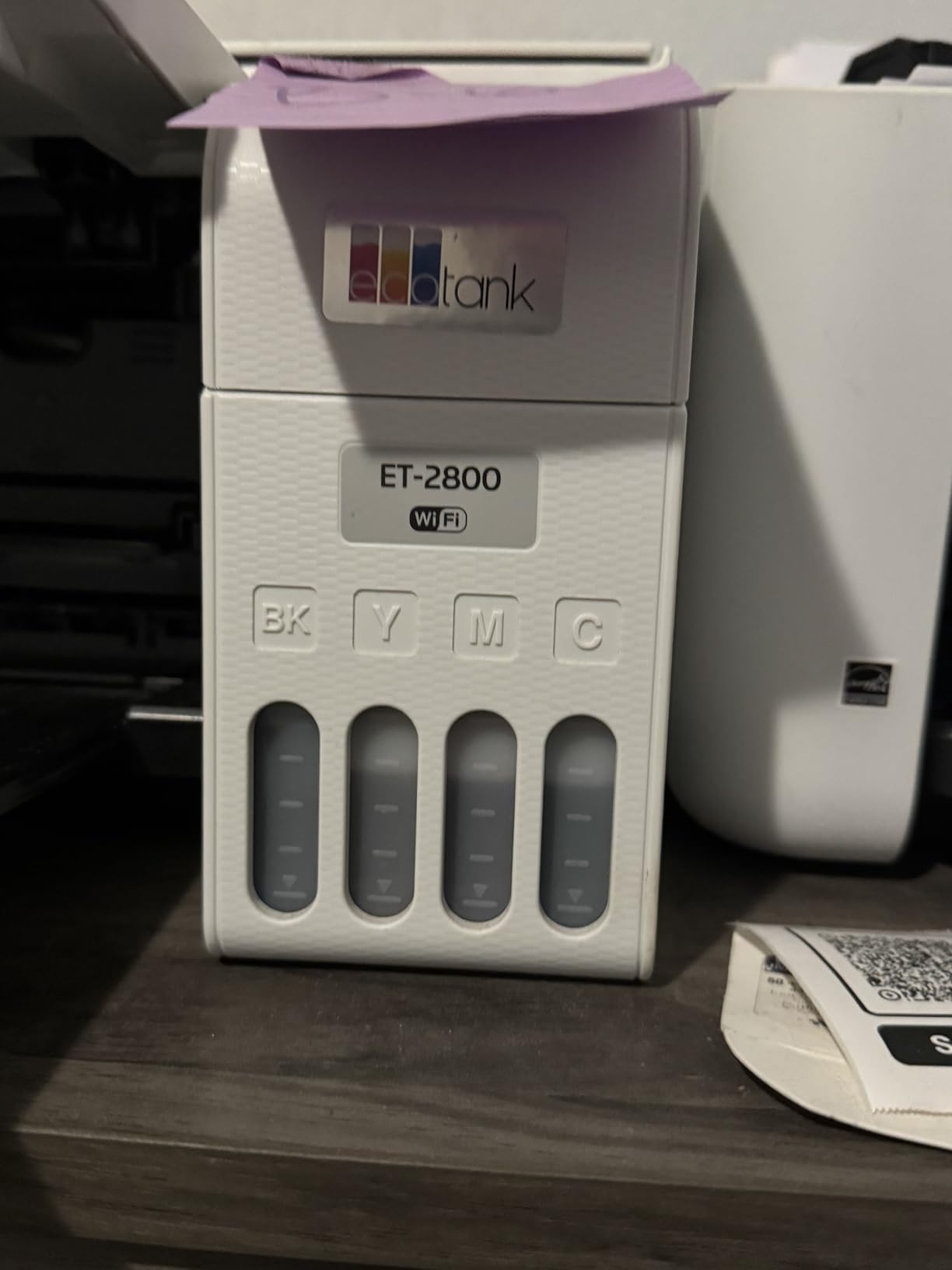
The yield figures are the reason. Epson rates one set of EcoTank bottles at up to 4500 black pages and 7500 colour pages, and compares a single set to roughly 90 individual cartridges. For a teacher printing 300 colour worksheets a month plus a few hundred black pages, that is a school year of work before you touch the bottles again. Print quality runs to 5760 dpi black-and-white and 5760 x 1440 dpi colour, which is more than a worksheet needs but also handles photo output for classroom displays.
Where it stops impressing is speed and paper handling. Ten pages per minute black and five colour means a 30-copy class set takes roughly three minutes, and the 100-sheet tray is the smallest here among the tank machines. It is single-sided only, so double-sided handouts mean a manual flip in your print dialog or a trip to a duplex machine at school.
There is a second limitation that belongs in plain sight. Epson recommends its own bottled ink, and some owners report that third-party refill bottles affect print quality. Since you are buying from your own budget, we would budget for genuine ink rather than gamble on a cheaper bottle that produces streaky anchor charts.
What the ink yield actually covers in a school year
Do the arithmetic before you commit. A second-grade teacher with 26 students printing a colour worksheet on three days a week, plus a weekly black-and-white reading set for a subset, burns somewhere between 400 and 700 colour pages and 200 to 400 black pages a month. The ET-2800 is rated for 7500 colour and 4500 black pages per ink set, which covers that comfortably for a full year on typical use.
The same arithmetic kills a cartridge printer. The setup cartridges that ship with an entry-level inkjet are sized for a few hundred pages, and once they are gone the replacements cost multiples of what the tank bottles do. Teachers on forums describe exactly this cycle, and the thread consensus on r/teaching is consistently that the money spent upfront on a tank system is recovered in the first term of colour printing.
Whether the ET-2800 suits your room and your device mix
The unit measures 14.8 by 22.8 by 10 inches and weighs 11.4 pounds, so it fits most classroom credenzas and small home desks without dominating them. Connectivity is Wi-Fi plus USB with an LCD and app-based control, which in practice means a Chromebook, tablet or phone can reach it without a driver fight as long as the school network permits personal devices.
It is the wrong choice if your printing is almost entirely double-sided black text, because simplex printing forces you to reprint single-sided or re-handle every sheet. In that case look at the Brother DCP-L2640DW or the HL-L2460DW further down. If your printing is mostly colour, mostly single-sided, and the machine must sit unattended for a term, this is the one we would buy.
2. Canon PIXMA TR8620a – Best All-in-One With Duplex and a Document Feeder
Canon PIXMA TR8620a – All-in-One Printer Home Office|Copier|Scanner|Fax|Auto Document Feeder | Photo, Document | Airprint (R), Android, Black, Works with Alexa
Colour inkjet all-in-one
Automatic duplex
20 sheet ADF and fax
200 sheet capacity
Pros
- Only machine here combining automatic duplex with fax
- 20 sheet ADF plus flatbed for scanning and copying
- Touchscreen control panel with fast Wi-Fi setup
- Separate ink tanks so only one colour is replaced
Cons
- Canon mobile app often slow or shows the printer as unavailable
- ADF is simplex and needs manual flipping
- Lighter build than earlier PIXMA models
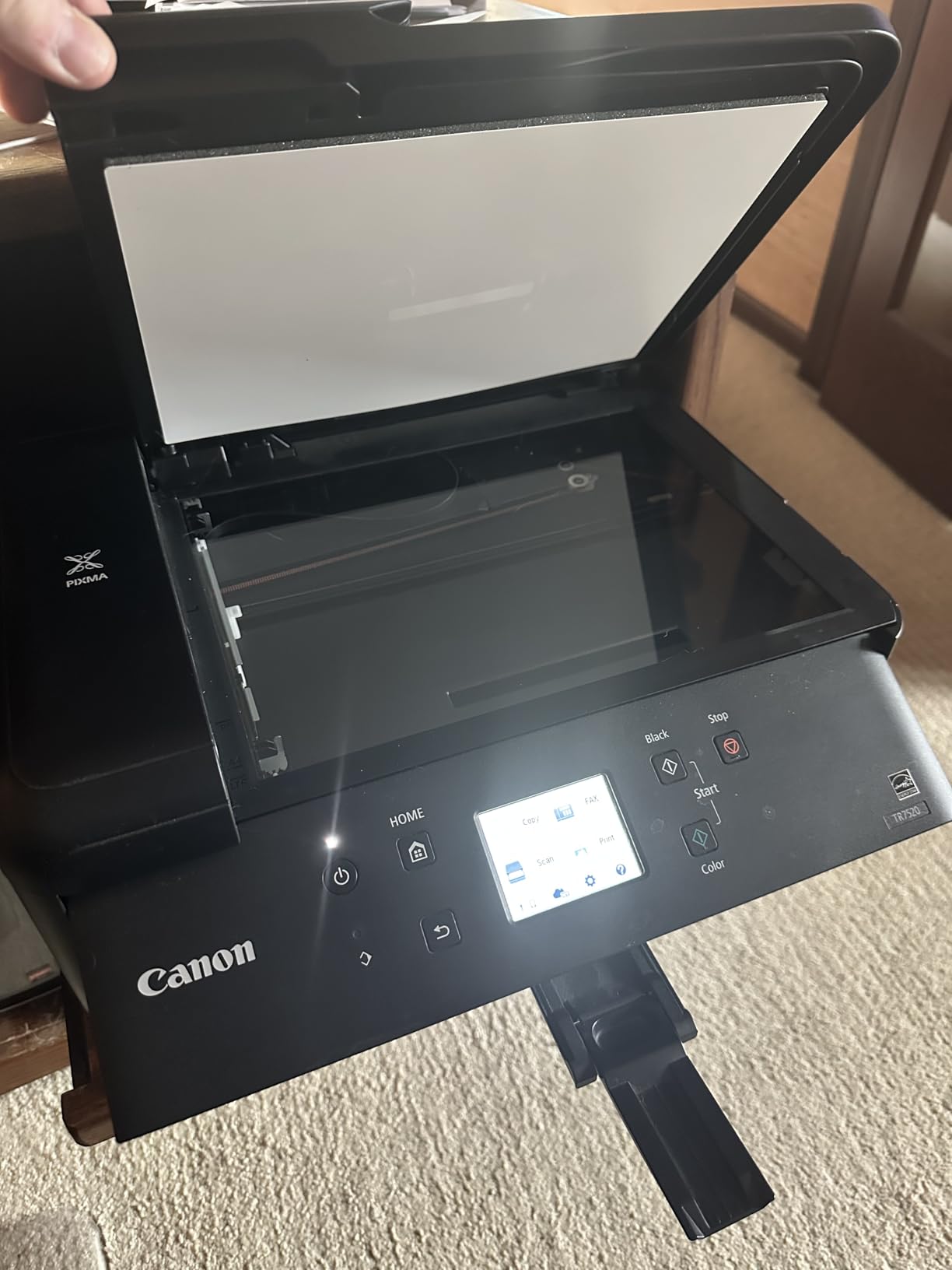
The TR8620a is the printer I recommend to teachers whose workload includes paperwork as well as worksheets. It prints, copies, scans and faxes from one unit, it prints two-sided automatically, and it has a 20 sheet automatic document feeder on top. That combination is rare at this level. Most machines in this list are either simplex-only inkjets or print-only lasers, and you end up juggling workarounds at 7am.
Speed is a step up from the ET-2800, at 15 pages per minute black and 10 colour, with a stated duty cycle of 1000 pages. Paper handling is generous: a 100 sheet cassette plus a 100 sheet rear feed for 200 sheets total across two trays, which means fewer mid-lesson refills when a whole class needs a double-sided packet.
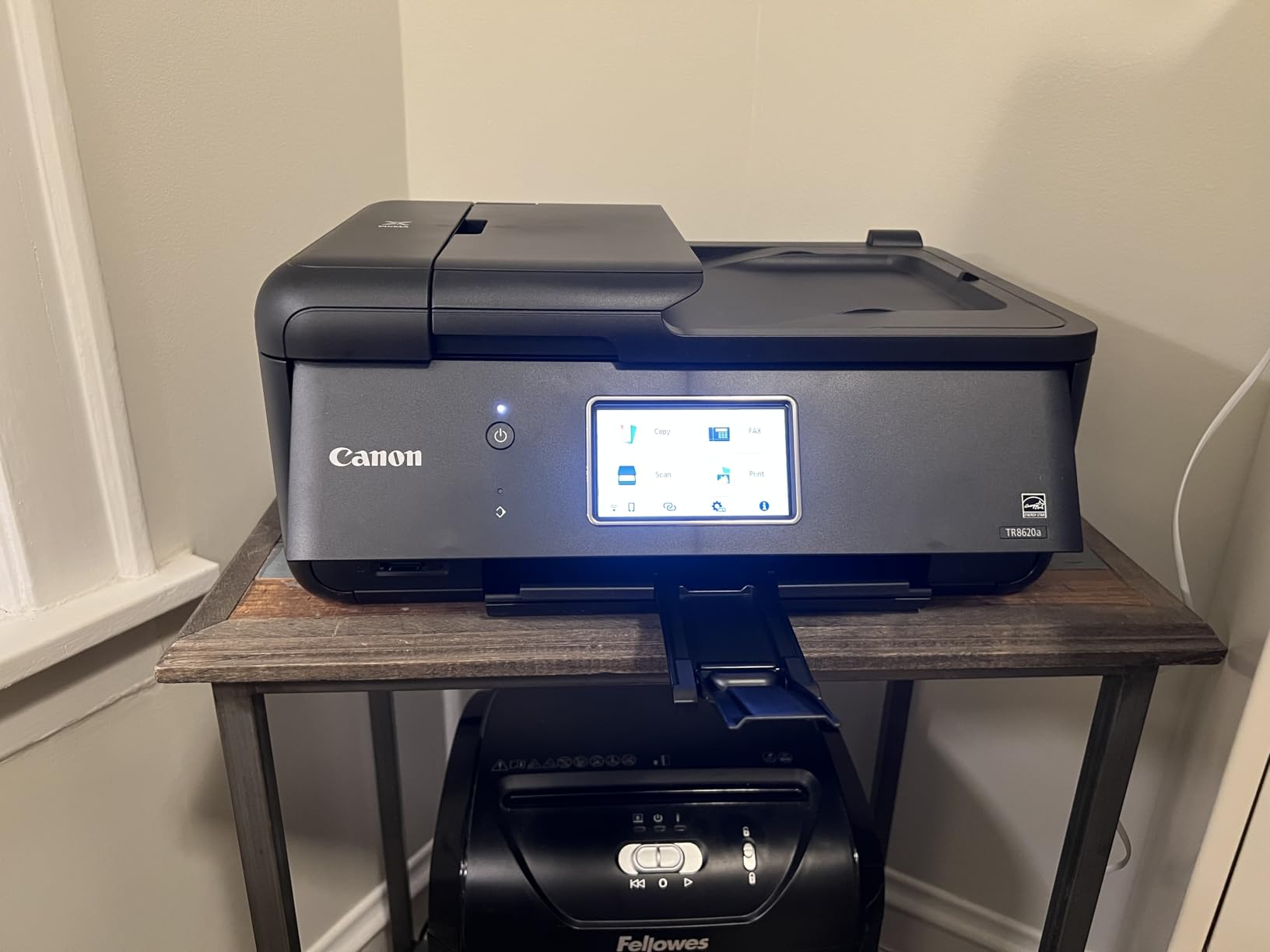
Colour output is rated at 4800 x 1200 dpi and owners consistently report clean colour and text, plus card stock and borderless photo support for craft work. The tiltable front touchscreen is the most usable control panel in this roundup. It also links to Alexa for low-ink alerts and smart reorders without a subscription, which is a sensible way to avoid the cartridge panic.
The recurring complaint is software, not printing. Across more than 6300 reviews the Canon’s mobile app is frequently described as slow, with the printer showing as unavailable until something is reconfigured. Owners also note the ADF is simplex only, so double-sided originals must be flipped by hand, and the body feels lighter than earlier PIXMA models. If your workflow is app-driven mobile printing, test this before you commit.
How the duplex and ADF change a teacher’s week
Automatic duplex halves your paper consumption on any double-sided handout, which matters when supplies are not reimbursed. On a lesson with 26 students and a two-page reading passage printed both sides, that is 26 sheets a week saved, or roughly a ream across a school year from a single unit. It also removes the reason many teachers fall back on a shared school machine: they refuse to flip paper by hand at 7am.
The 20 sheet feeder earns its keep on administrative work. Permission slips, quiz retakes and marked worksheets arriving as a stack go through the ADF without you standing over the platen one sheet at a time. It is not a department-level feeder, but for a single teacher’s weekly admin it is the difference between ten minutes and thirty.
Where this machine will disappoint you
If your printing is volume-heavy, 200 sheets of total capacity and a 1000 page duty cycle are modest. Teachers running several sections, a shared department queue or large multi-grade sets will fill both trays often and will feel the 15 ppm ceiling during a 60-copy job. The HP LaserJet Pro MFP 3101sdw handles twice that speed but gives up colour entirely.
The other honest caveat is durability. Canon community boards carry at least one long-running owner report of a PIXMA MegaTank lasting only nine months, and while that is a single machine rather than a pattern, it is exactly the risk that matters when you are spending personal money. Check the one-year limited warranty terms and keep the receipt.
3. Canon MegaTank G3270 – Best Value Refillable Ink Tank
Canon MegaTank G3270 All-in-One Wireless Color Printer
Colour ink tank all-in-one
Up to 6000 black pages per ink set
1.35 inch LCD
Print copy and scan
Pros
- Highest black page yield in the roundup at 6000
- Compact all-in-one with wireless print copy and scan
- Up to 2 years of ink included
- App-based setup from phones and tablets
Cons
- No automatic duplex
- Small non-touch 1.35 inch LCD
- Modest 11 black and 6 colour pages per minute
The G3270 is the pick I send people to when the argument is purely about ink cost. Canon rates one set of GI-21 bottles at up to 6000 black and white pages and 7700 colour pages, the highest black yield in this list, and includes up to two years of ink in the box, which is the kind of arithmetic teachers actually want to see.
It is a straightforward wireless print, copy and scan machine with a flatbed scanner and app-based setup. It fits 100 sheets and prints at 11 pages per minute black and 6 colour. Over 5100 owners at a 4.1 average rate it as one of the best-performing ink tank machines available, with running cost the headline benefit in almost every review.
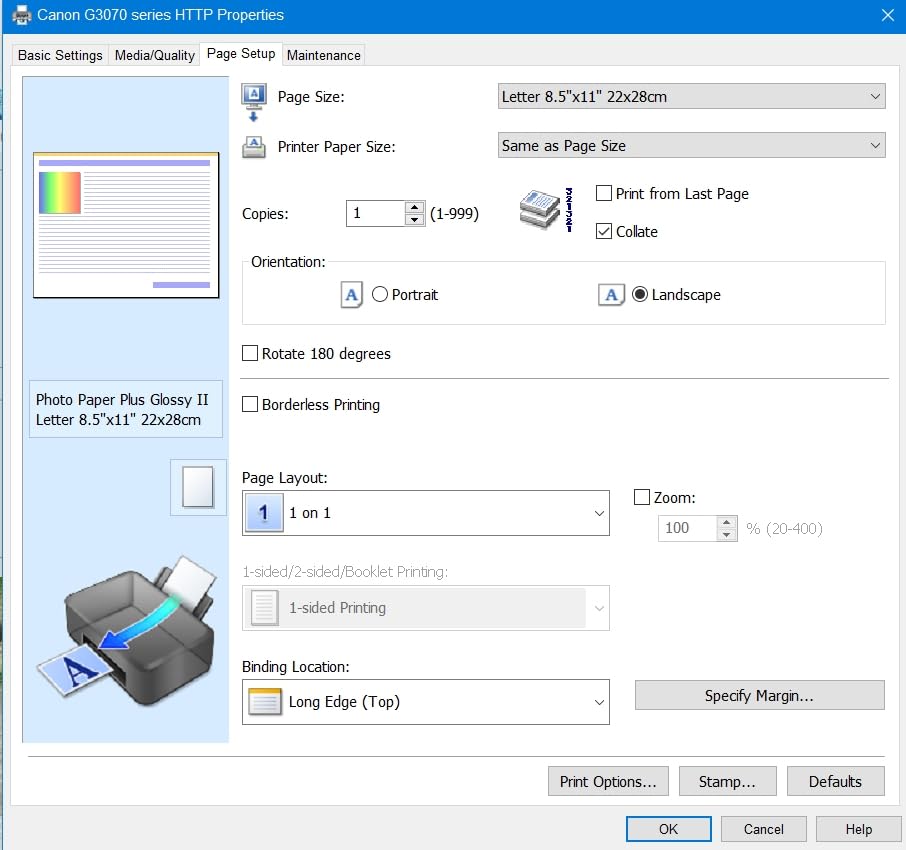
The trade-offs are structural. There is no automatic duplex, so double-sided handouts are manual. The 1.35 inch non-touch LCD is small enough that you manage most settings from the app or your computer instead. Print speed is modest, which is fine for a class set over lunch and too slow for a 200 page packet on a deadline day.
Its footprint is 21.9 by 16.4 by 10.6 inches at 13.2 pounds, which is a little deeper than the ET-2800 but still credenza-friendly. Colour resolution is 4800 x 1200 dpi, adequate for colour worksheets and printed visual aids rather than photo prints.
When the G3270 beats the ET-2800
It beats it on black page yield and on entry cost. If your printing skews toward answer keys, reading passages and permission slips rather than colour, the 6000 page black rating gives you more headroom per set of bottles. If you are building a first classroom printer from a small supplies budget, the money you do not spend up front is money left in the pot.
It does not beat it on duplex, screen size or speed, and Canon tank machines carry the durability caveat noted earlier. Our view is that the ET-2800 remains the safer all-round recommendation because of its far larger owner base and clearer long-term picture, while the G3270 is the better buy if bottles and black volume are your deciding factors.
What the included ink really covers
Canon describes the boxed bottles as up to two years of ink, and at typical teacher volume that is realistic for a mixed black and colour workload. The point worth understanding is that tank printers are not maintenance-free: the print head is a fixed part rather than a replaceable cartridge, so when quality fades you are looking at head servicing rather than swapping a cheap component.
Our guidance is to print a test page every few weeks, even during the summer, rather than letting a tank sit completely untouched for ten weeks. That small habit removes almost all of the dry-out complaints that appear in teacher forums.
4. Brother DCP-L2640DW – Best Monochrome Laser With a Scanner and ADF
Brother DCP-L2640DW Wireless Compact Monochrome Multi-Function Printer, Copy, Scan, Duplex, Mobile Printing
Monochrome laser all-in-one
50 sheet automatic document feeder
Automatic duplex
36 pages per minute
Pros
- 36 pages per minute with sharp 1200 x 1200 dpi text
- 50 sheet ADF plus flatbed for scanning and copying
- Automatic duplex halves paper use
- Dual band 2.4 and 5 GHz Wi-Fi plus Ethernet and USB
- Toner does not dry out over summer break
Cons
- Monochrome only with no colour printing
- PC scan to PDF workflow can hang and need a restart
- 25 pound body takes notable desk space
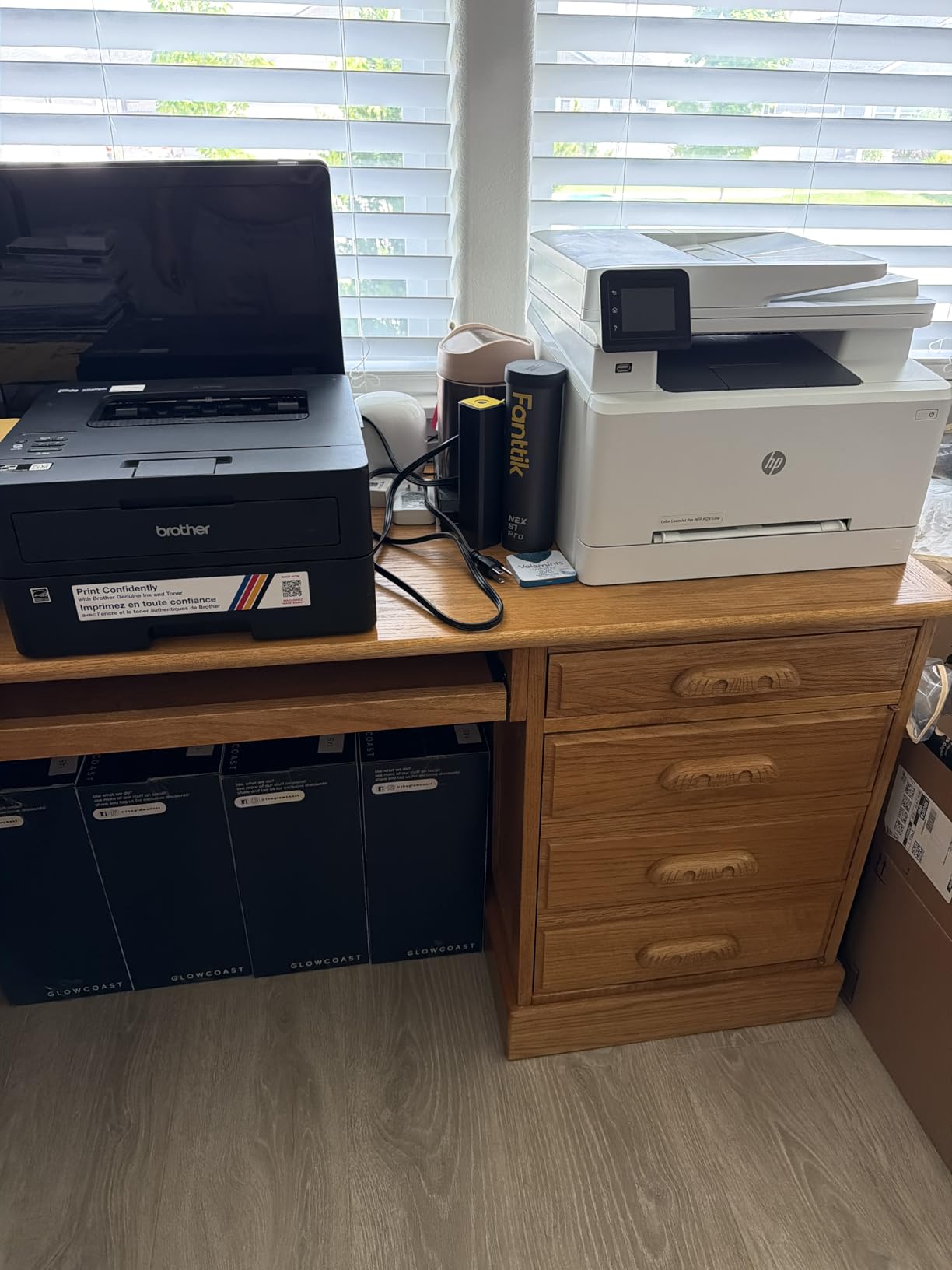
This is the machine I recommend to a teacher who prints worksheets, not posters. It is a monochrome laser with automatic duplex, a 50 sheet document feeder, a flatbed scanner and a copier, and it runs at up to 36 pages per minute with 1200 x 1200 dpi text. A 26 copy double-sided class set finishes in well under a minute, which changes what you can realistically produce before class.
The toner argument is the real one. Powder toner does not dry out, which means a machine that sits unused through August will print correctly in September. Forum consensus on r/printers is consistent on this point, and it is the single strongest reason to go laser if your colour needs are modest.
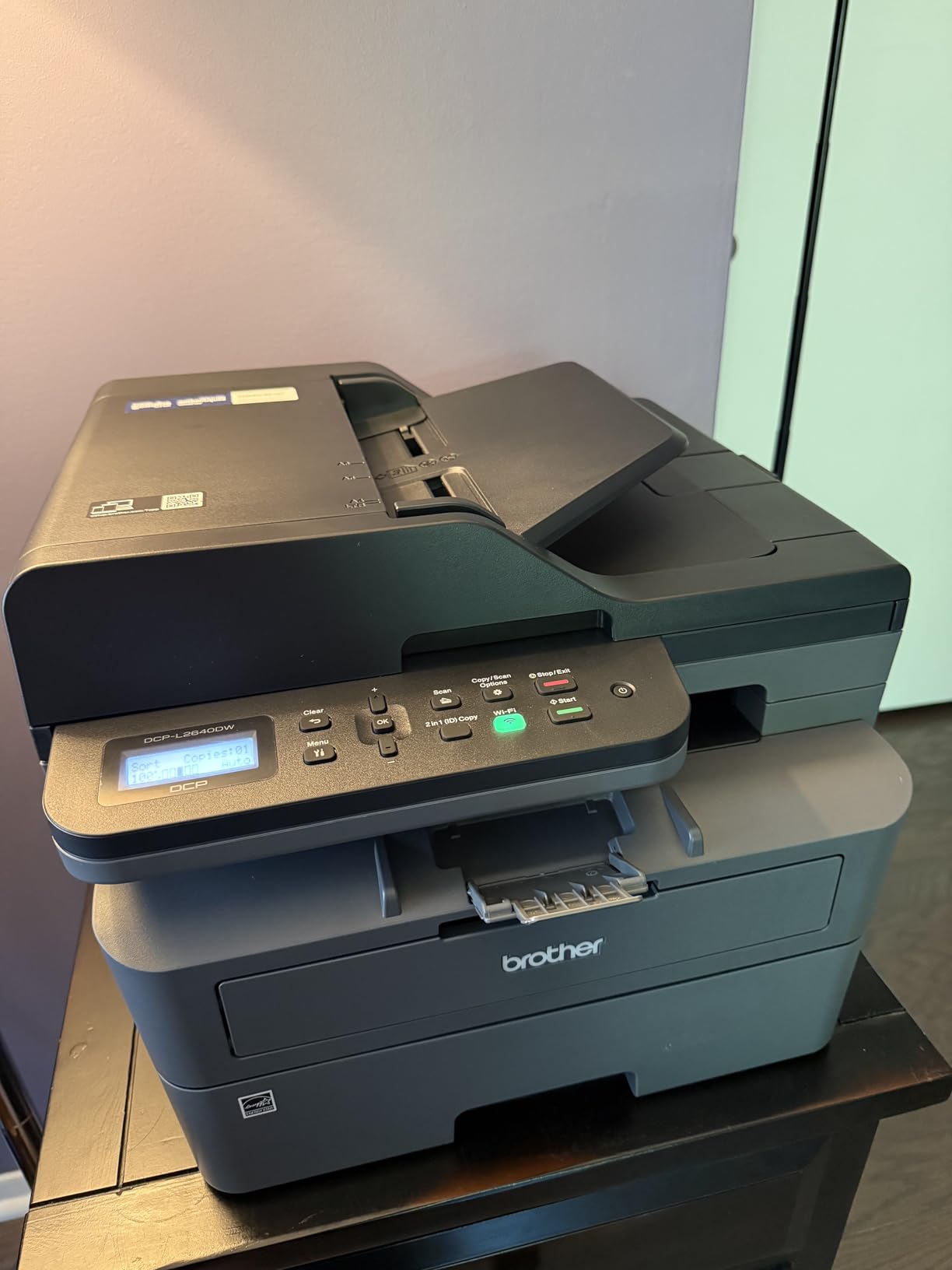
Connectivity is unusually good for this class of machine, with dual-band 2.4 and 5 GHz Wi-Fi plus Ethernet and USB, so it can join a crowded school network without dropping. Scan speed is 23.6 pages per minute black and 7.9 colour, and it uses Brother TN830 or TN830XL toner. Just under 3900 owners rate it 4.1 stars.
The complaints are software and space. Owners report the PC scan-and-save workflow hanging on the save window and requiring a restart, and the firmware and password setup being arcane enough to lock people out of updates. At 25 pounds and 15.7 by 16.1 by 12.5 inches it is a tall unit that wants a corner of a room rather than a desk edge.
Why duplex and a 50 sheet feeder pay for themselves in paper
Automatic duplex on a monochrome laser turns two-sided handouts into a non-event. Print your passage double-sided at 36 ppm and a class set lands before the students walk in. The 50 sheet ADF then handles the marking load, so scanning a set of returned quizzes or copying a stack of answer sheets is one button press rather than a stack of platen work.
That combination is why this machine suits multi-grade and shared printing better than any inkjet here. Teachers covering more than one class, or supporting a department, are printing continuously rather than in bursts, and the 250 sheet tray plus 120 sheet output tray supports that pattern.
What you give up by going monochrome
Colour. That is the whole trade. If anchor charts, colour-coded task cards or printed visual displays are a regular part of your prep, a mono laser makes you print those somewhere else, which usually means a trip to the office queue and a longer wait.
The second thing you give up is photo and craft media handling, since laser printers are poor with glossy photo paper and heavy card stock. If you teach art or run a lot of sticker and card projects, colour ink remains the better fit.
5. Brother HL-L2460DW – Best Print-Only Monochrome Laser for Heavy Class Sets
Brother HL-L2460DW Wireless Compact Monochrome Laser Printer with Duplex, Mobile Printing, Black & White Output | Includes Refresh Subscription Trial(1), Works with Alexa
Print only monochrome laser
Automatic duplex
36 pages per minute
250 sheet tray
Pros
- 36 pages per minute with an 8.5 second first page
- Automatic duplex on every sheet
- 250 sheet tray for sustained classroom volume
- Compact and light at about 15.6 pounds
- Toner avoids the summer dry out problem
Cons
- No scanner or copier at all
- Monochrome output only
- On-device Wi-Fi setup is tedious with the limited buttons
The HL-L2460DW is the same monochrome laser core as the DCP-L2640DW with the scanning half removed, and that removal is the point. It prints at up to 36 pages per minute with an 8.5 second first page, prints two-sided automatically, and it weighs about 15.6 pounds at 14.2 by 14 by 7.2 inches. It is one of the smallest and lightest printers in this roundup.
If your workflow is entirely print, you get the speed, the duplex and the 250 sheet tray with nothing else to pay for or plug in. A manual feed slot handles envelopes and specialty paper. Owners rate it 4 stars across 2600 reviews, and the recurring praise is that it simply prints without fuss on both Windows and Linux.
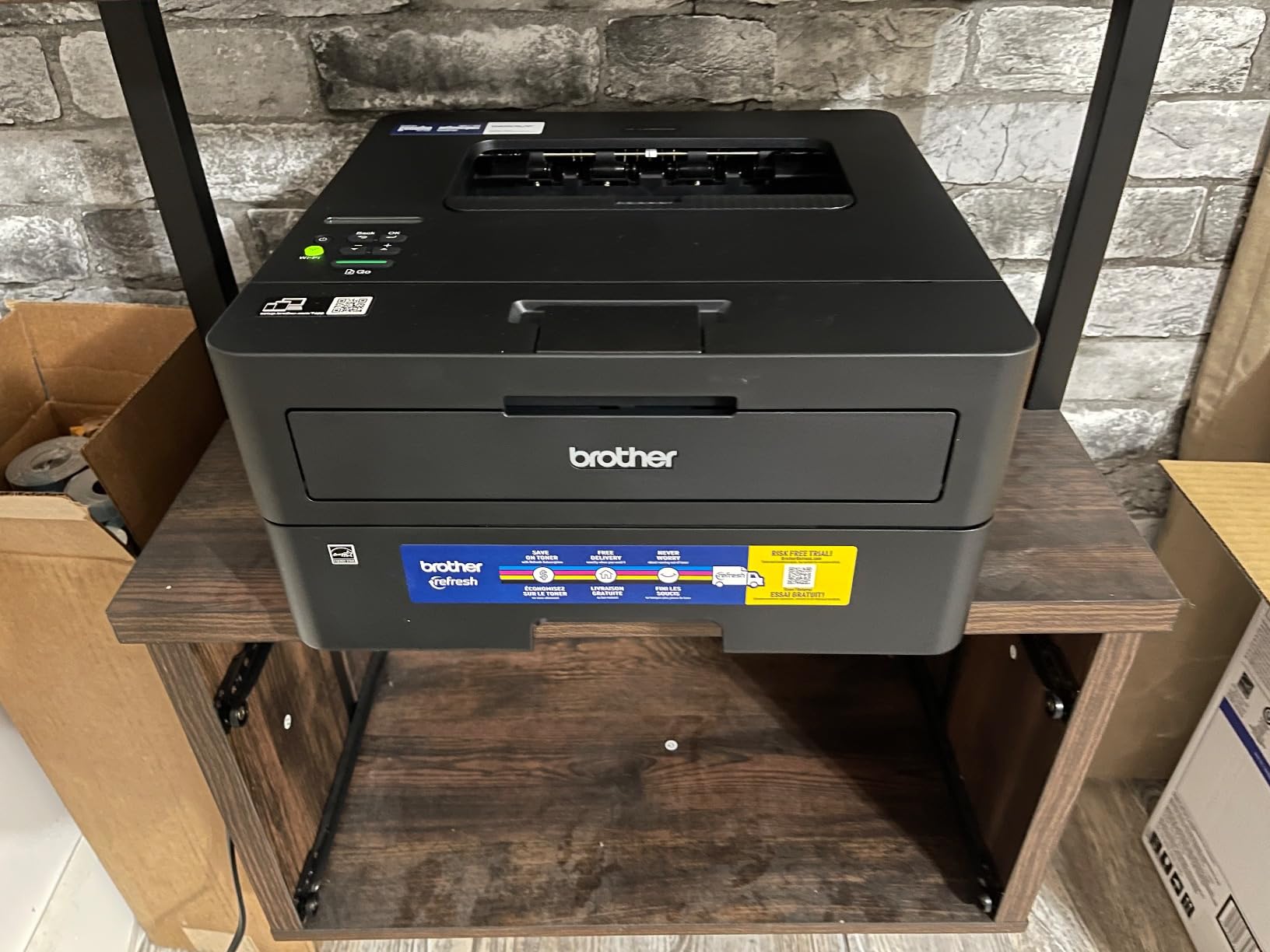
The limitations are direct. There is no scanner, no copier and no fax, so any job that needs to reduce a document means an app on your phone or another machine. On-device Wi-Fi setup through the limited physical buttons is tedious, and owners recommend setting it up once from a computer or through the Brother Mobile Connect app instead.
Two further notes. Automatic duplex does not cover every small paper size, notably A5. And the bundled Refresh subscription trial can generate per-page overage charges that owners describe as hard to refund, so cancel it deliberately rather than letting it roll.
When print-only is the right call
Buy this instead of the DCP-L2640DW when you have another route for scanning, or genuinely never scan. Plenty of teachers print almost exclusively from a laptop or Chromebook straight to paper, and a flatbed plus ADF they never use is money and desk space spent on nothing.
It is also the pick for a shared departmental printer in a small office, where a single machine serves several staff. The 250 sheet tray and 36 ppm cover that pattern comfortably, and the compact body fits a shelf or a stand next to a filing cabinet.
Where it falls short for a teacher
Colour output of any kind. If a single term includes colour task cards, visual reading material or craft prints, this machine adds nothing and you will be borrowing someone else’s colour printer. The 4.0 average across 2627 reviews sits at the lower end here, mostly reflecting setup friction rather than print quality.
Also consider paper handling carefully. The manual feed is for envelopes and specialty stock, not for sustained craft-media work, so teachers printing cardstock projects will need a different machine entirely.
6. Canon PIXMA TS6520 – Best Compact All-in-One for Small Rooms
Canon PIXMA TS6520 Wireless Color Inkjet Printer, Duplex Printing, Copier/Scanner, 1.42″ OLED Display, Compact, White
Compact colour all-in-one
Automatic duplex
14 pages per minute black
1.42 inch OLED display
Pros
- Automatic duplex on a compact budget machine
- Dual band Wi-Fi with AirPrint and Mopria support
- 1.42 inch OLED shows ink levels at a glance
- Three year manufacturer warranty
Cons
- Two cartridge design means any missing colour stops colour printing
- Small paper capacity with no rear manual feed
- Print speed and mono resolution below tank and laser options
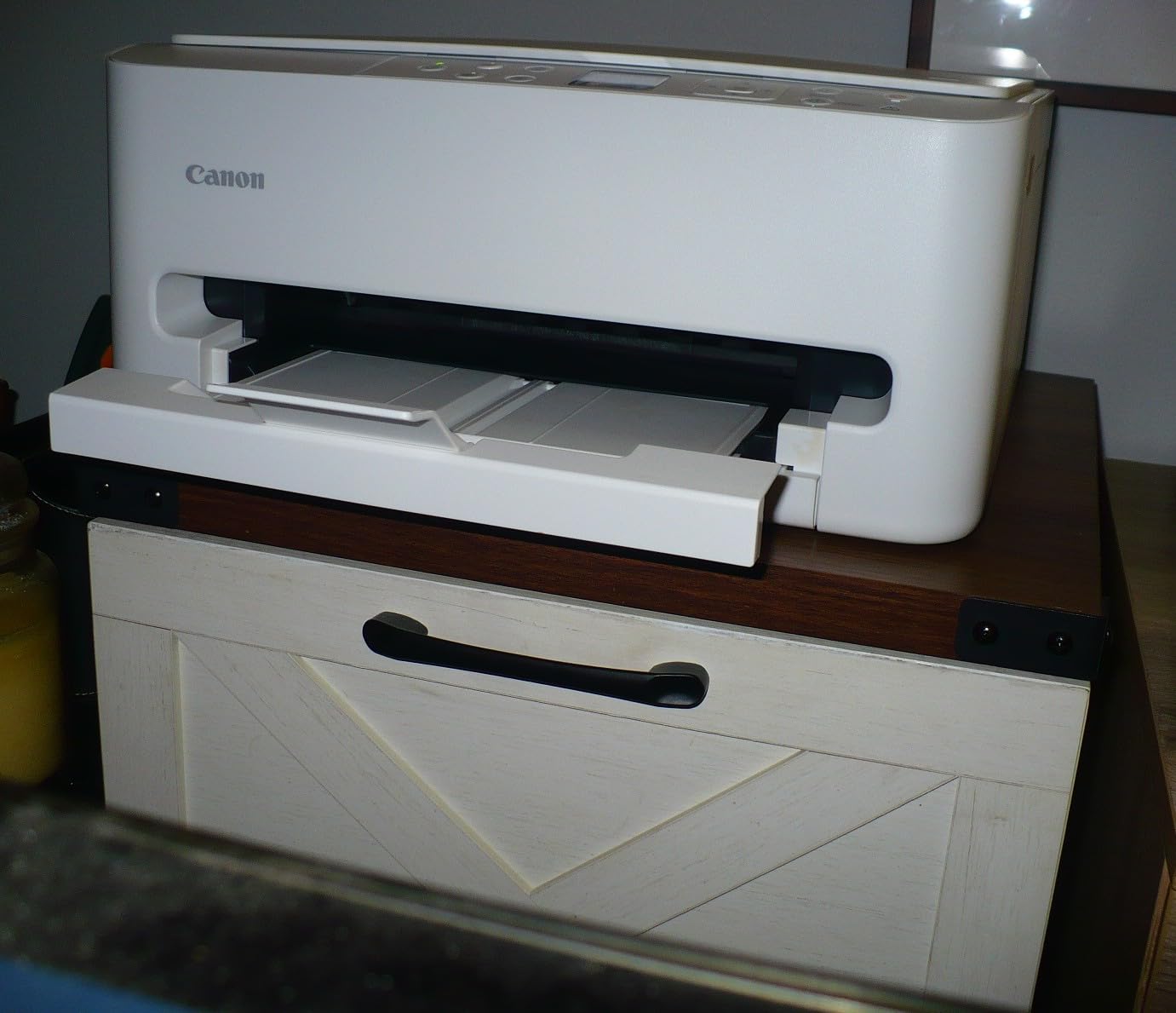
The TS6520 is the machine for a teacher who works in a small space, prints in modest volume and wants duplex without spending much. It is a colour all-in-one with automatic two-sided printing, a flatbed scanner and a copier, a 1.42 inch monochrome OLED display for ink levels, and dual-band Wi-Fi with AirPrint and Mopria support for printing from a Chromebook, tablet or phone.
Speed is respectable at 14 pages per minute black and 9 colour, with a first page in 7.5 seconds black and 9.5 colour. Media support runs to 8.5 by 11 inches, bordered and borderless. Nearly 2000 owners rate it 4.2 stars, with value, compact size and easy wireless setup cited most often.
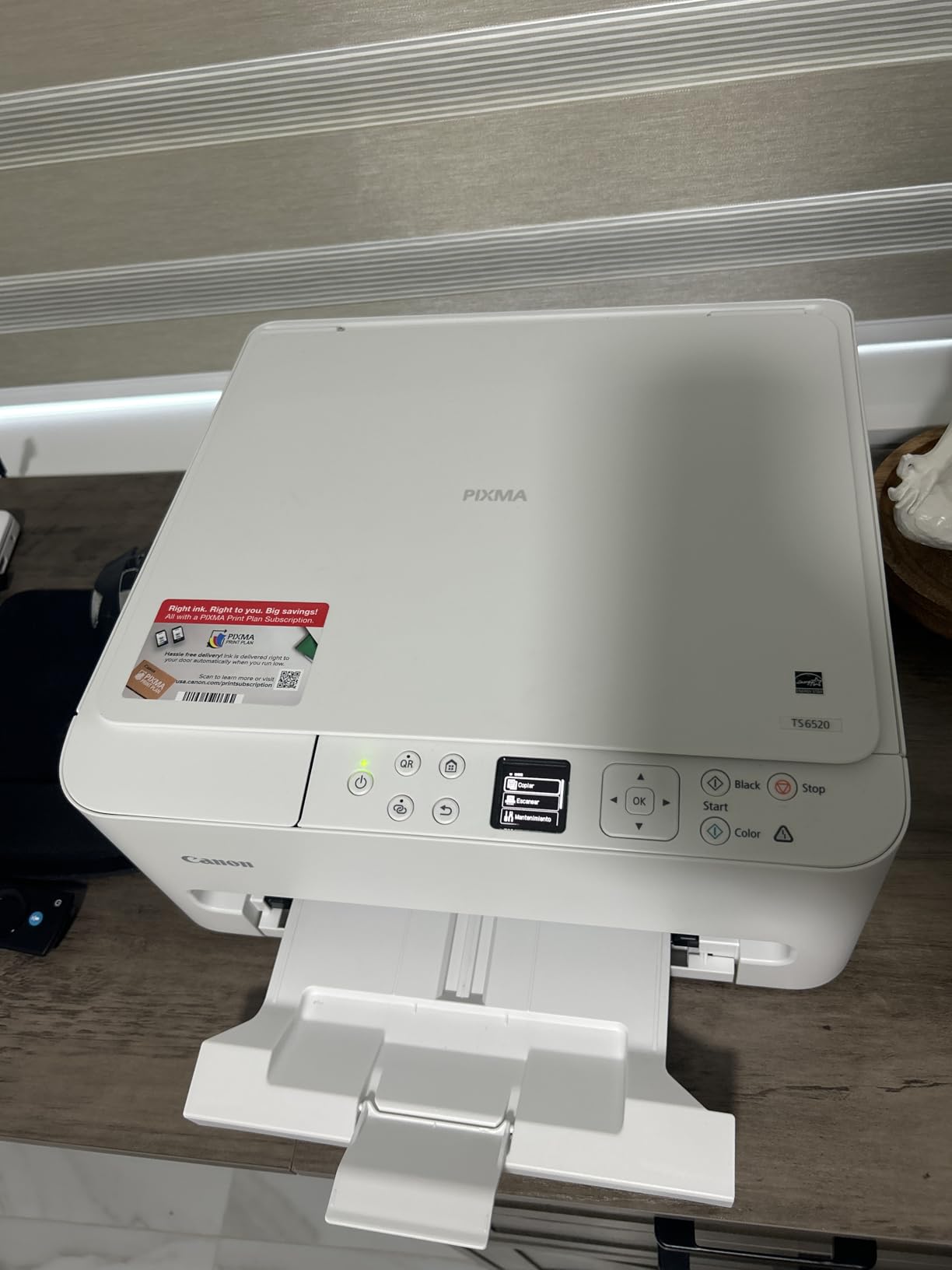
What you accept is the cartridge system. It uses one PG-295 pigment black tank and one CL-286 dye colour tank, so a two-cartridge hybrid design. That is efficient for text but means a nearly empty colour tank stops colour printing entirely until you refill it, which is precisely the mid-project failure teachers complain about.
Paper handling is also modest, with a small input capacity and no rear manual feed for specialty media. And its three year manufacturer warranty is the longest in this roundup, which is a genuine advantage when the purchase comes out of your own pocket.
Whether the cartridge running cost fits your year
Run the numbers honestly. If you print a moderate amount of colour, a cartridge printer’s cost per page will be several times a tank system’s for the same year. The TS6520 makes sense when colour is occasional, a few pages of visual aids or a borderless photo print rather than a weekly worksheet habit.
If colour is a weekly fixture, the same money is better spent on one of the tank machines here. The trade is duplex capability at a low entry point against a much lower ceiling on annual output.
How it fits a small classroom footprint
At 14.8 by 14 by 6.7 inches and 15.4 pounds, this is one of the smaller footprints here and it needs a shelf rather than a floor. That matters in a room where the printer shares space with student work, art materials and a teacher’s bag.
Connectivity is a genuine strength for classroom use. Dual-band Wi-Fi plus AirPrint and Mopria means a Chromebook or tablet can print without installing a vendor driver, which sidesteps most of the connectivity friction teachers describe on forums.
7. HP LaserJet Pro 3001dw – Best for Shared Department Printing
HP Laserjet Pro 3001dw Wireless Black & White Printer, Best-for-Office (3G65OF)
Print only monochrome laser
35 pages per minute
Automatic duplex
250 sheet tray
Pros
- Fast monochrome output at 35 pages per minute with a 6.6 second first page
- Automatic duplex and a 250 sheet input tray
- Ethernet and Bluetooth alongside Wi-Fi for flexible placement
- Handles thicker card stock without jamming
Cons
- Print only with no scanner or copier
- Wireless can drop on mesh networks and need lengthy reconnection
- Locked to HP chips so after-market toner is blocked
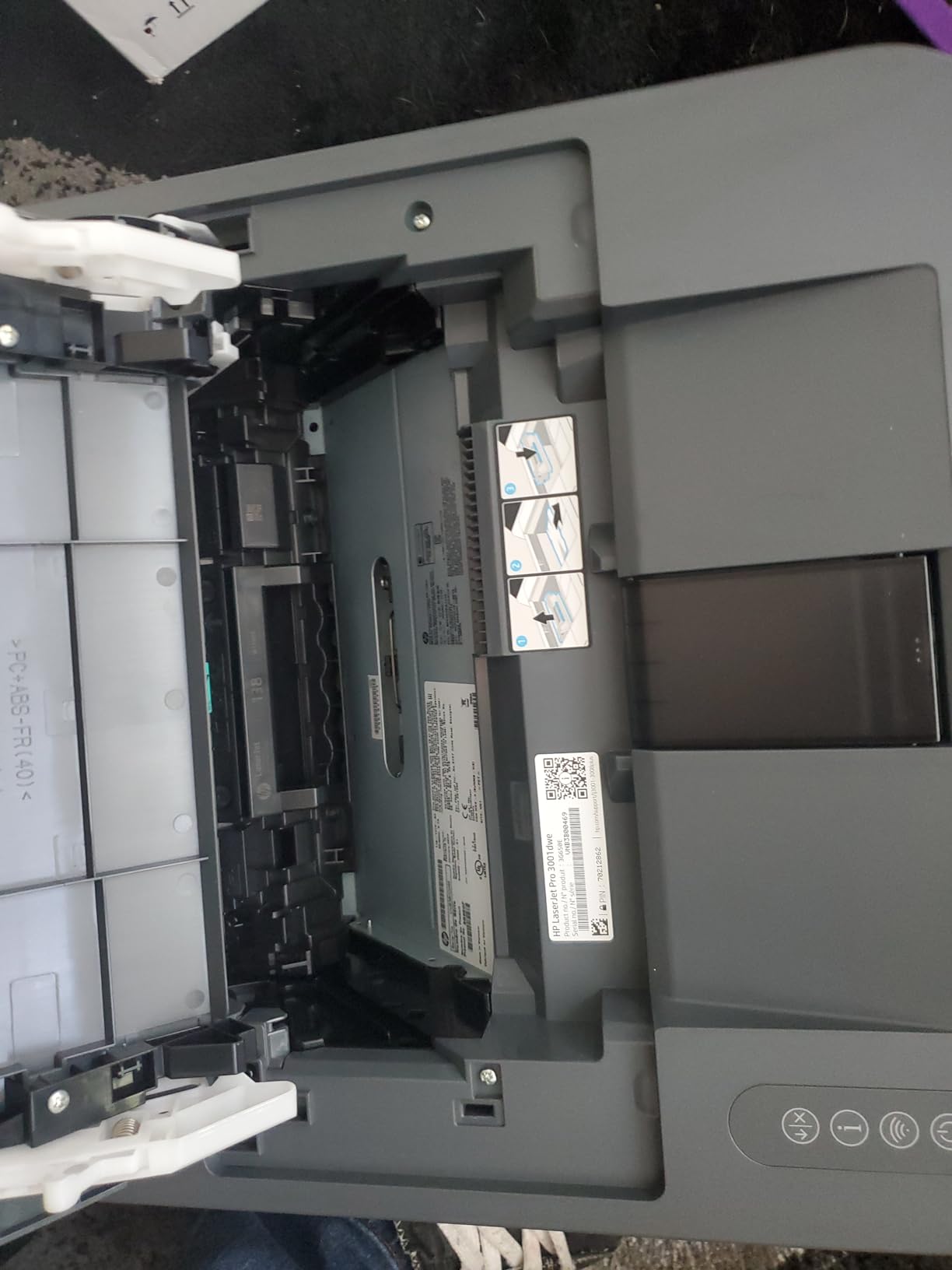
The LaserJet Pro 3001dw is built for a printer that several people share. It prints up to 35 black pages per minute with a first page in roughly 6.6 seconds, prints two-sided automatically, and takes a 250 sheet input tray. Target users are listed as up to seven people or a small team, which is a small department or a shared prep room rather than a single desk.
Connectivity is the reason to choose it over the Brother lasers. It has Wi-Fi, Ethernet, USB and Bluetooth, plus HP Wolf Pro Security with configurable settings. It is also listed as compatible with Microsoft, Mac, AirPrint, Android and Chromebook, which matters if the machines feeding it are mixed.
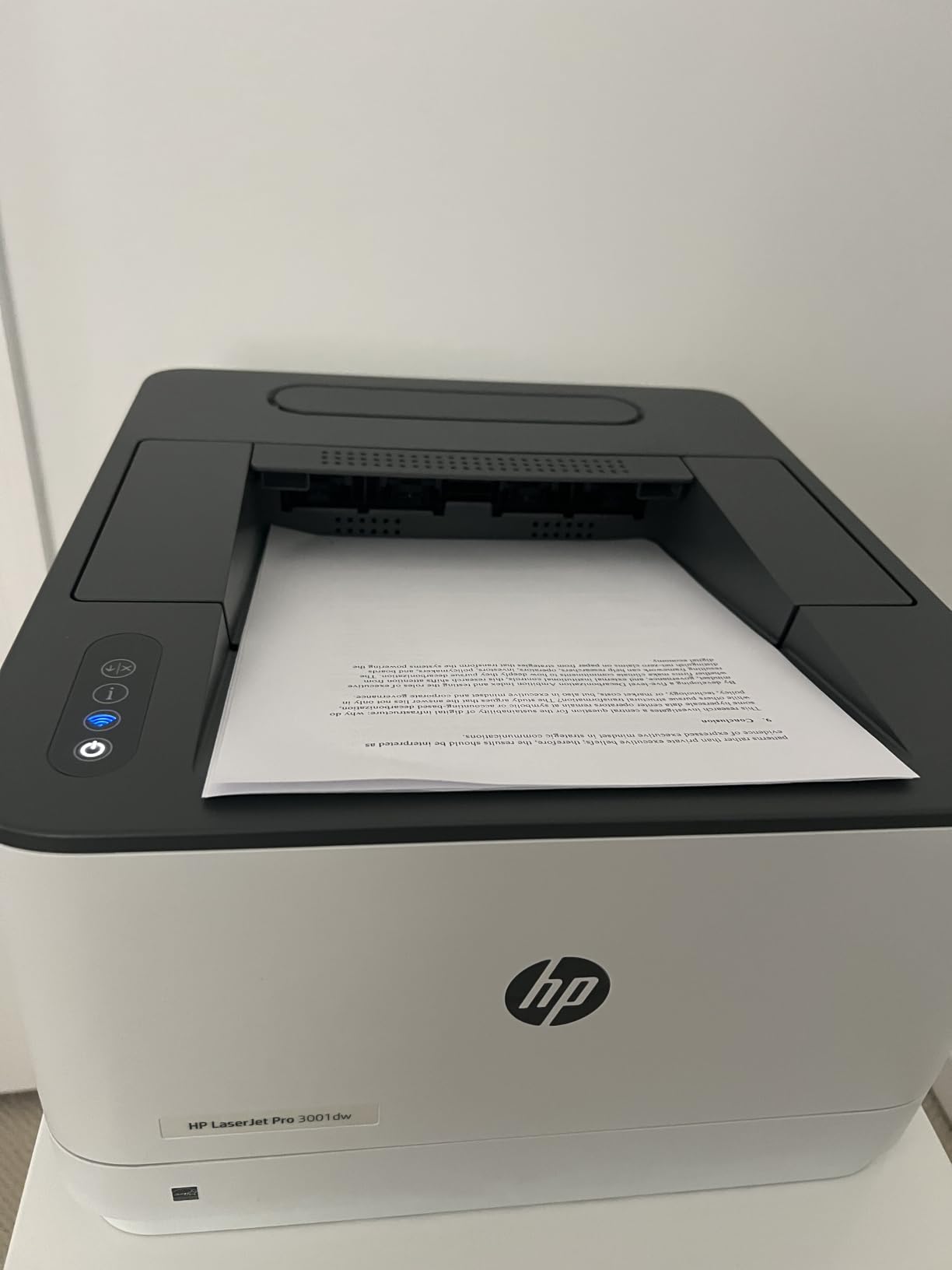
Owners also note it handles thicker card stock for art projects without jamming, at 16.1 pounds and 15.7 by 14.4 by 8.5 inches. One tutor’s report describes getting two textbooks worth of materials out of a single cartridge, which captures the running-cost case better than any specification.
The weaknesses are specific enough to check. Wireless connections can drop after a day or two on mesh networks and need lengthy reconnection. Automatic duplex does not work on A5 paper despite the tray being marked for it. And the printer is locked to cartridges with original HP chips, so after-market toner is blocked by firmware.
Why shared printing needs a different set of priorities
A machine used by several people is judged on uptime and network behaviour more than on colour or craft media. Wireless stability, security options and whether it reappears after a power cut are the questions that decide satisfaction. That is also why one owner of the HP all-in-one below reported it returning to the network immediately after a multi-hour outage, replacing a Brother that had not.
Duty matters here too. At 35 ppm with automatic duplex and a 250 sheet tray, this handles a shared load without anyone waiting. Print quality is 1200 x 1200 dpi in black, which is sharp for handouts, reports and answer keys.
What a teacher loses by picking a workgroup printer
Colour, and scanning. There is no scanner, copier or fax, so any document work goes elsewhere. For a department printer that is acceptable; for a single teacher who regularly copies worksheets at home it is a real limitation.
Be aware of the 943 review base. It is the smallest owner community among the monochrome lasers here, so long-term reliability data is thinner than for the Brother models. If your department runs this unit daily, that is worth weighing against the mesh network issues before you install it.
8. HP LaserJet Pro MFP 3101sdw – Best All-in-One Monochrome Laser
HP LaserJet Pro MFP 3101sdw Wireless Black and White All-in-One Laser Printer, Office Printer, Duplex, Best-for-Small Teams (9D2X4F)
Monochrome laser all-in-one
50 sheet ADF and flatbed
40 pages per minute
Pros
- Fastest print speed here at 40 pages per minute
- Strongest rating profile at 4.5 stars from 596 reviews
- 50 sheet ADF with up to 999 copies per run
- Strong Wi-Fi reconnection after a power outage
- Quiet operation and low standby energy use
Cons
- Locked to HP toner with original chips after-market cartridges are blocked
- Build quality described as flimsy with a flexible paper tray
- Heavy at 23.1 pounds
This is the highest rated machine in our entire lineup, at 4.5 stars from 596 reviews with 77 percent five-star ratings. It is also the fastest, printing up to 40 pages per minute and copying at 35, with a first page in 7 seconds. For a teacher printing heavy black-and-white class sets, it finishes work faster than anything else we tested.
It is also a full all-in-one: 50 sheet automatic document feeder, flatbed scanner and copier, automatic duplex and a 250 sheet input tray, with up to 999 copies per run. Connectivity includes Wi-Fi, Ethernet, USB, Apple AirPrint, Mopria and Print Anywhere, and it installs and prints wirelessly in minutes without a cable.
The wireless reliability claim is the one owners single out most. Several mention switching from an inkjet, a tank system or an older Brother laser and finding that the HP reconnected to the network immediately after a long outage, which was the decisive factor in their switch.
The criticisms are consistent too. Toner is locked to cartridges with original HP chips, so after-market cartridges are blocked by firmware. Build quality is described as flimsy with a paper tray that flexes when held, the start-up time before the first page is long, and at 23.1 pounds it is heavy. New installations can also throw a false out-of-paper error during setup.
When the highest rating justifies the price step
It earns its place when your printing is black-and-white, continuous and deadline-driven. A multi-grade teacher, a tutor running weekly materials, or a shared department office will feel the 40 ppm and the 50 sheet feeder every week. The 4.5 star average with only 6 percent one-star reviews is the strongest consistency signal in this list.
Its AirPrint and Mopria support also makes it one of the easier machines here to print from a Chromebook or phone, which matters more than it sounds in a room where teachers rarely install drivers.
Where the premium build quality does not show
There is no colour. For a teacher who prints colour worksheets weekly, that is disqualifying regardless of rating, and the tank inkjets in this roundup are the better answer.
It is also a large machine at 15.7 by 16.5 by 12.3 inches and 23.1 pounds, and the light construction is noticeable. We would place it on a shelf or stand rather than a desk, and we would check whether the locked toner policy fits your long-term ink plan before committing.
9. Brother HL-L3220CDW – Best Colour Laser
Brother Color Laser Printer with Wireless Printing Fast 19 PPM Output, Duplex Feature, Mobile Device Compatible, 250-Sheet Paper Tray for Professional Home Office Printing (HL-L3220CDW)
Colour laser print only
Automatic duplex
19 pages per minute
250 sheet tray with 150 sheet output
Pros
- Only true colour laser here with crisp text and vibrant graphics
- Automatic duplex on colour and monochrome jobs
- 250 sheet tray minimises refills during large jobs
- 19 ppm is fast enough for regular colour handouts
Cons
- Lowest average rating in the group at 3.9 stars
- Print only with no scanner or copier
- Four separate colour toners replaced individually
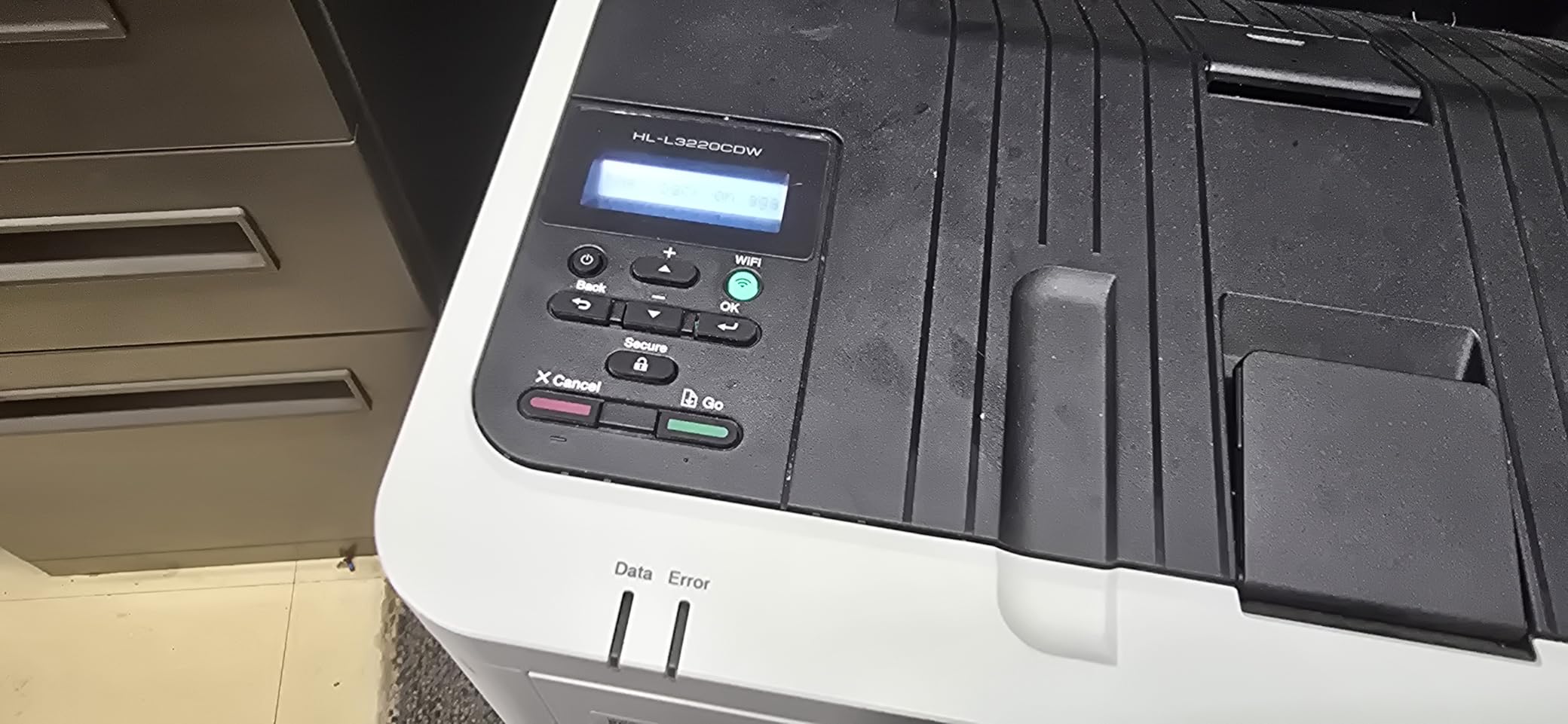
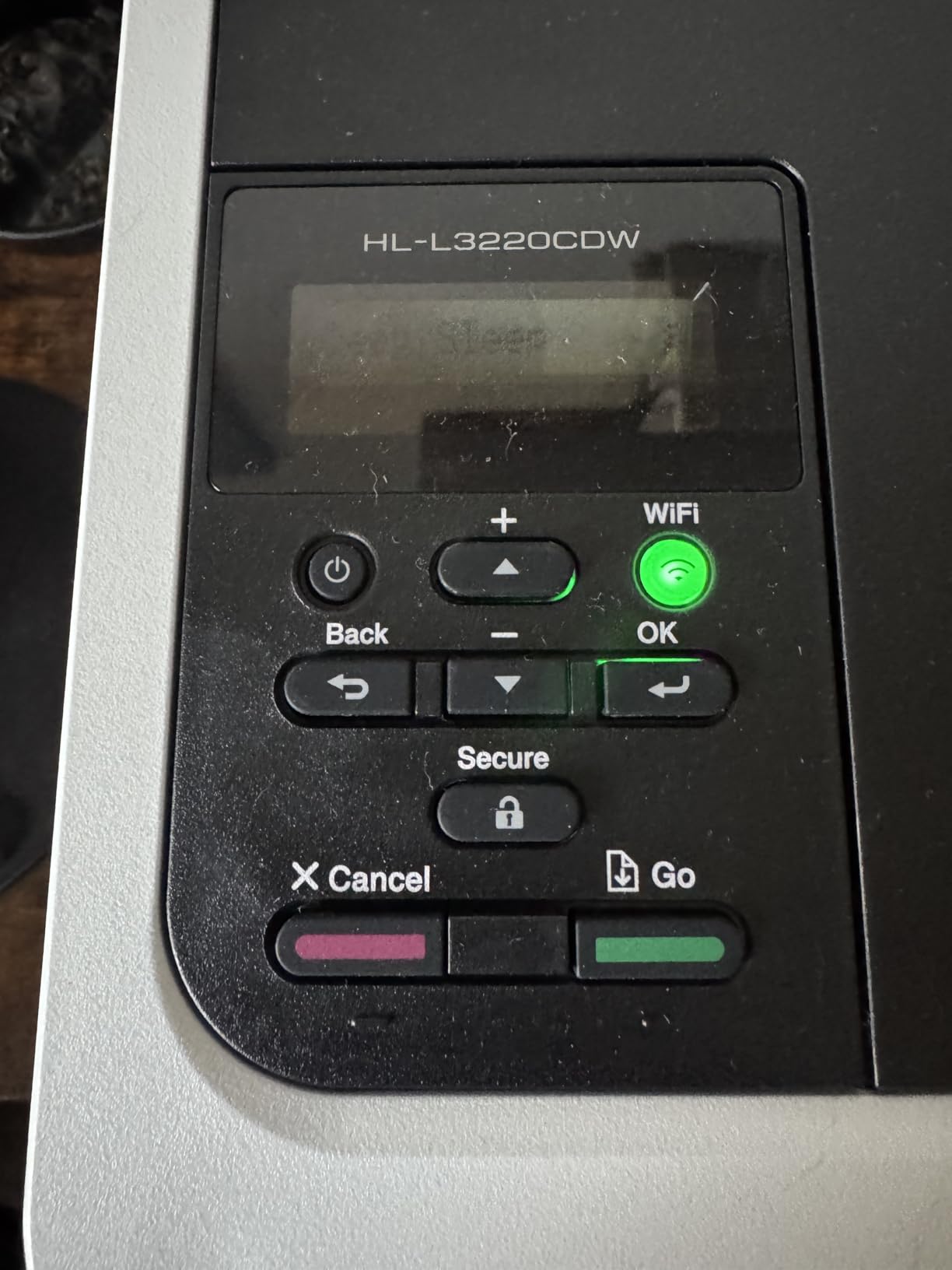
Colour laser is an unusual category for teachers, and this is the only one here. The HL-L3220CDW prints up to 19 pages per minute in both black and colour with automatic duplex, and it produces crisp text alongside genuinely saturated graphics at up to 2400 x 600 dpi. For a department that needs clean colour in volume without inkjet running costs climbing, the logic is sound.
Paper handling supports it, with a 250 sheet tray, a 150 sheet output tray and a manual feed slot for envelopes and specialty media including card stock, labels and glossy photo paper. It prints wirelessly from laptops, phones and tablets with built-in security protocols, and it is a 3.9 star machine across 1060 reviews.
We want to be straight about that 3.9. It is the lowest average in the lineup, with 19 percent one-star reviews, and the dissatisfaction concentrates on cost rather than quality. Four separate colour toner cartridges have to be replaced individually, so when magenta runs dry mid-term you are back to a supply problem even though the machine itself is a laser.
It is also print-only, so no scanner or copier, and at 24.7 pounds it is the heaviest machine we listed. Colour laser running cost per page also stays higher than monochrome laser, which narrows the gap versus a tank inkjet considerably.
When a colour laser is the correct choice
It is the right pick for a shared office or department that prints colour consistently, needs crisp text alongside it, and would rather not manage liquid ink. Teachers running a homeschool co-op or a small tutoring group with a handful of adult learners printing colour handouts fall into this group.
Automatic duplex on colour jobs is genuinely useful and not universal in cheaper machines, and the 250 sheet tray reduces interruptions during a large colour job.
When you should skip it
If your colour printing is bursty rather than constant, the four individual colour toners will punish you. One depleted colour stops colour output while black keeps working, which is a confusing failure mode when you are preparing a unit in the last week of term.
If you only need colour occasionally, a refillable ink tank machine is cheaper to feed and simpler to reason about. We would steer most single teachers toward the Canon MegaTank G3270 or Epson EcoTank ET-2800 instead, and treat this as a departmental purchase.
10. HP Envy 6155 – Best Budget All-in-One With a Touchscreen
HP Envy 6155 Wireless All-in-One Color Inkjet Printer, Print, Scan, Copy, Duplex Printing Best-for-Home, 3 Month Trial of Instant Ink Included, AI-Capable (C2WR7A) Portobello
Colour inkjet all-in-one
2.4 inch colour touchscreen
Automatic duplex
Dual band Wi-Fi
Pros
- Print scan copy with automatic duplex in one compact unit
- 2.4 inch colour touchscreen makes setup and selection straightforward
- Dual band Wi-Fi that resolves connection issues automatically
- HP AI formatting strips ads from web pages and emails
- Made with at least 60 percent recycled plastic
Cons
- Works only with HP 68 cartridges containing original chips
- Instant Ink subscription fees apply after the 3 month trial
- Slow at 10 pages per minute black and 7 colour
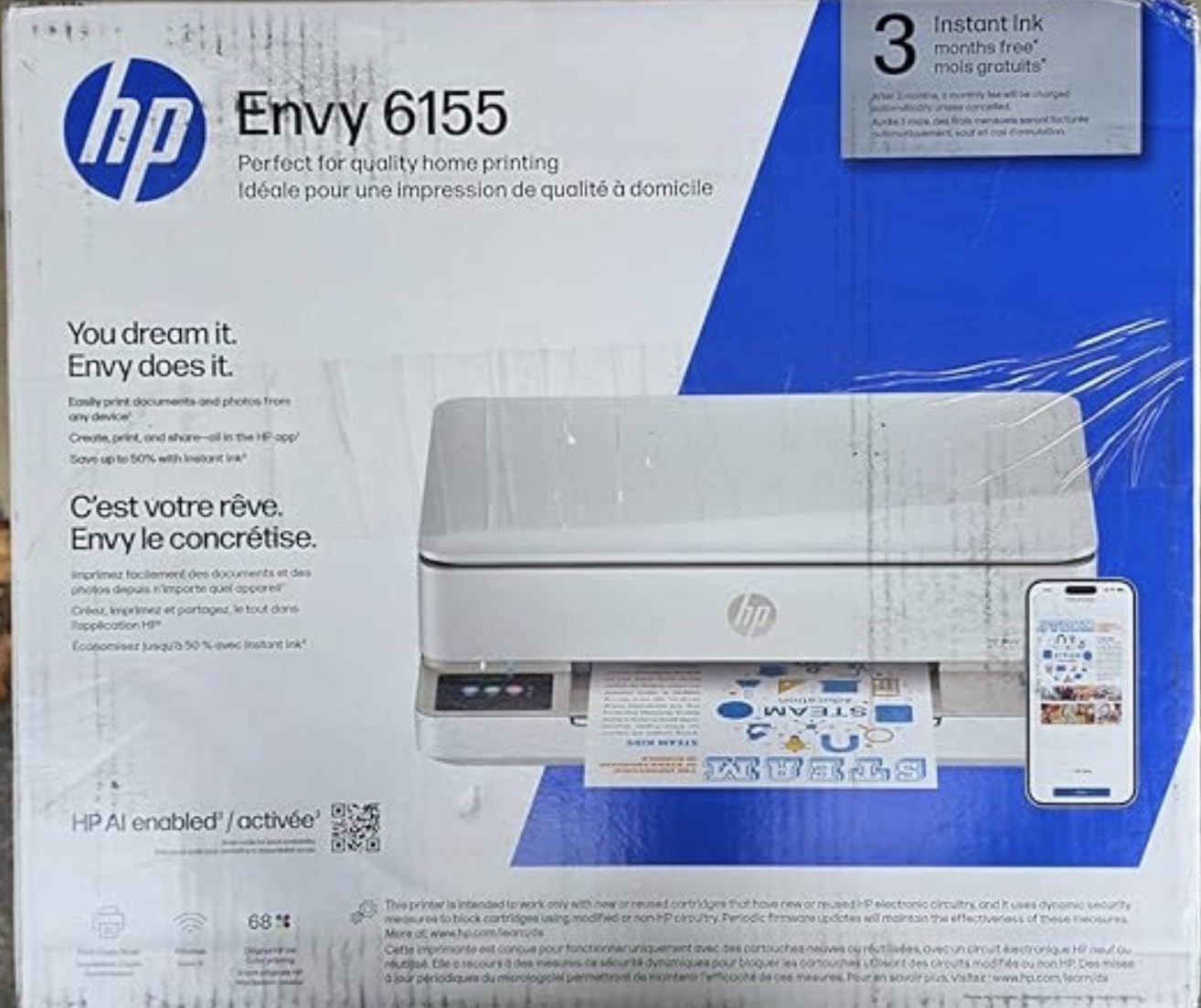
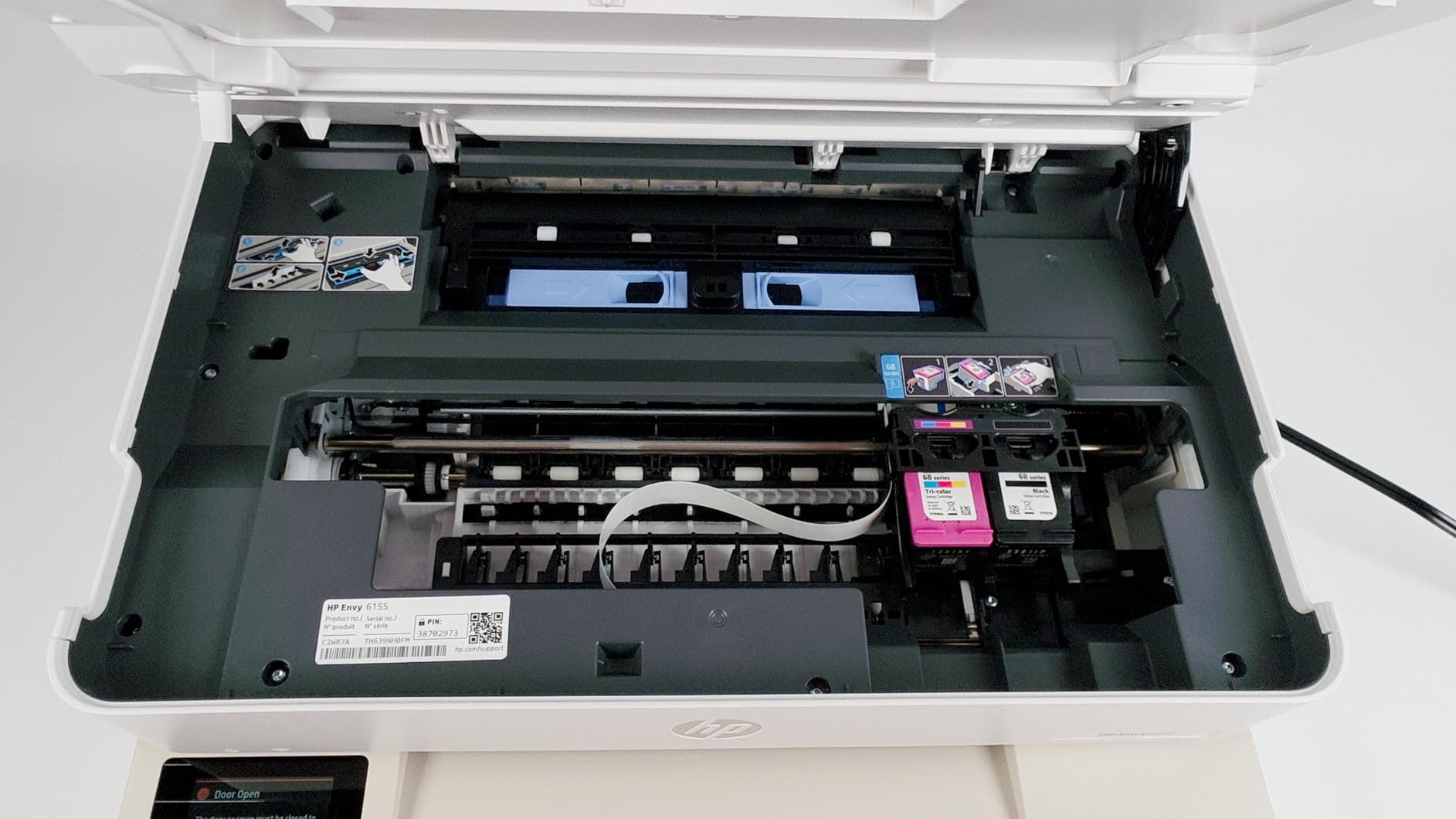
The Envy 6155 is a low-cost route to a full colour all-in-one with automatic duplex, and it is the newest model in this roundup. It prints, scans and copies, prints two-sided automatically, and carries a 2.4 inch colour touchscreen that no other machine in this list at a similar entry point offers.
Connectivity is dual-band Wi-Fi plus USB, and HP describes it as detecting and resolving connection issues automatically, which addresses the classroom network friction teachers complain about most. Colour output runs to 4800 x 1200 dpi using HP P3 technology, and 415 owners rate it 4.2 stars with 69 percent five-star ratings.
There are real caveats. It works only with HP 68 cartridges containing original HP chips, so after-market supplies are blocked. The box includes roughly 120 pages of black and 75 pages of colour setup cartridges, which is a small starting reserve, and the 100 sheet input tray is small for sustained volume.
The Instant Ink subscription is included as a 3 month trial with advertised savings of up to 50 percent, and a monthly fee applies afterwards unless cancelled. At 10 pages per minute black and 7 colour it is the second slowest inkjet here. The body is light at 11.2 pounds and made with at least 60 percent recycled plastic.
When the touchscreen and duplex justify the cartridge cost
The case for this machine is usability rather than economics. A 2.4 inch colour touchscreen makes ink levels, copy settings and job selection obvious without an app, which suits teachers who print from a shared device or who are not confident with software. Automatic duplex on an entry machine is a genuine saving on paper.
HP’s AI print formatting, which strips ads and unwanted content from web pages and emails, is a small time-saver when you are printing a worksheet straight from a browser.
Where the running cost will surprise you
This is the machine to buy if your colour printing is light and occasional. If you print colour weekly, the cartridge running cost over a school year will exceed what a tank machine costs in total, which is the arithmetic that decides most teacher purchases.
Also set a reminder to cancel Instant Ink before the trial ends if you are not going to use it. At 415 reviews it is also the least-tested machine here, so we would expect a return window check before settling in.
How to Choose a Printer as a Teacher?
The four decision axes we used
1. Running cost. Divide the price of your ink or toner by its stated page yield and you have your cost per page. Do this before you compare anything else, because over a school year it dominates every other consideration. A tank system that prints 4500 black pages from one set of bottles is a fundamentally different purchase from a cartridge printer that prints a few hundred.
2. Monthly volume. Under roughly 200 pages a month and mostly colour, a cartridge all-in-one is workable. Above that, an ink tank inkjet. Above 500 black pages a month, a monochrome laser. These are not hard limits, but they are where each technology starts to make financial sense.
3. Colour and media needs. Colour worksheets and craft media need an inkjet. Black-and-white class sets do not. If you teach art, run sticker projects or print cardstock, check media support before price, because most tank machines and nearly all office inkjets handle thick stock poorly.
4. Footprint and connectivity. Classroom printers live on credenzas and need dual-band Wi-Fi or a reliable wired connection. If your devices are Chromebooks or tablets, AirPrint and Mopria support will save you an afternoon of driver problems.
Inkjet, laser or ink tank: what your volume deserves
Here is the rule we use. Print under 200 pages a month and colour occasionally, choose a cartridge all-in-one such as the Canon PIXMA TS6520 or the HP Envy 6155, both of which give you automatic duplex at a low entry point.
Print more than 200 pages a month with regular colour and choose a refillable tank system: the Epson EcoTank ET-2800 for the widest owner base, the Canon MegaTank G3270 for the highest black-page yield. Print more than 500 black pages a month and choose a monochrome laser: the Brother DCP-L2640DW if you scan and copy, the HL-L2460DW if you only print.
If you need both heavy black volume and heavy colour in the same week, that is a two-printer situation. A monochrome laser for class sets and a tank inkjet for visual materials will beat one compromise machine on every axis except desk space, and you should check you have space before planning it.
Running cost, and why cartridges punish teachers
Cost per page is the calculation that matters: consumable price divided by stated yield. The tank machines here are rated at 4500 to 6000 black pages and 7500 to 7700 colour pages per ink set. Entry-level cartridge printers are typically rated in the low hundreds of pages for the setup cartridges in the box, and each replacement costs multiples of a bottle.
Multiply that by a realistic teacher year and the picture is stark. A teacher printing 6000 colour pages a year on cartridges spends far more on ink over two years than a tank machine does in total. That is the whole argument, and it is why tank systems dominate what teachers recommend to each other on forums.
Two running-cost warnings. Canon advertises up to two years of ink in the box for both the G3270 and the ET-2800, so treat that as a manufacturer claim and check the current yield against your own volume. And if you are considering an HP Instant Ink subscription, work out the per-page price for your actual mix of colour and black pages before enrolling, because subscription pricing penalises light users.
What happens to ink over summer break
This is the failure mode teachers describe most often. A cartridge printer that sits unused for ten weeks can have ink dry in the nozzles or form clumps, and the fix is frequently a fresh cartridge, which means paying for ink you did not use. It is one of the reasons ink, rather than the printer itself, becomes the recurring cost of teaching.
A refillable tank system reduces the problem substantially, because there is no cartridge to throw away. The tanks can still dry at the print head, which is why we recommend printing a test page every few weeks through the summer. A laser printer sidesteps it entirely: powdered toner does not dry out, so a machine unused since June prints correctly in September. On r/printers this is the most consistent piece of advice given to teachers, and it holds.
Our practical rule is that if your machine will sit untouched for more than a month, choose a laser or keep a habit of periodic printing on a tank machine.
Duplex, ADF, footprint and classroom connectivity
Automatic duplex printing halves your paper use on double-sided handouts. On a 26 student class that is roughly 26 sheets a week saved, which adds up to about a ream across a school year. It is also the feature teachers most often end up without when they buy a cheap ink tank machine, since several of those are simplex only.
An automatic document feeder pays off when you scan or copy stacks: quiz retakes, marked work, signed permission slips. A 20 to 50 sheet feeder turns ten minutes of platen work into one button press. If you never scan, skip it and save the money.
Footprint matters more than expected. Printers in this roundup range from the compact Canon PIXMA TS6520 at 14.8 by 14 by 6.7 inches to the Brother DCP-L2640DW at 25 pounds. Measure the shelf, not the floor, before buying a laser.
Connectivity is where classroom printing usually fails. Look for dual-band Wi-Fi, AirPrint and Mopria support, and avoid machines whose Wi-Fi setup lives only in a phone app if you are not confident with that. For more on broader home-office printing setups, our beginner 3D printer guide covers the adjacent classroom fabrication question.
When you should not buy your own printer
Before you spend your own money, check whether you are allowed to. Plenty of schools run managed print with release queues, per-user quotas and IT approval, and installing a personal printer may breach policy. Teachers on r/k12sysadmin discuss this constantly, and it is the most common reason a well-chosen printer ends up unused.
Also weigh the shared option honestly. If the office printer handles double-sided colour with a release queue, buying your own mainly buys you speed and privacy, not capability. If it is monochrome only, slow, or located in the art room, a personal tank inkjet becomes genuinely worth it. Many teachers end up doing both: using the school machine for bulk jobs and a home tank printer for last-minute prep.
One more consideration is consumables you already own. Teachers who laminate or bind have related equipment needs, and our guide to the best laminators for teachers covers the other half of the prep workflow. Teachers printing display work or student photography may also want to see our photo printer guide before settling on an office model.
Frequently Asked Questions
What is the best printer to buy for a teacher?
The Epson EcoTank ET-2800 is the strongest all-round choice for most teachers. It prints up to 4500 black and 7500 colour pages from one set of bottled inks, covers most of a school year on what ships in the box, and includes a flatbed scanner and copier. Its limits are no automatic duplex and 10 pages per minute black. Teachers who print only double-sided black text should choose a monochrome laser such as the Brother DCP-L2640DW instead.
Which Epson EcoTank is best for teachers?
For most classroom and homeschool use the EcoTank ET-2800 is the model to buy, because it pairs bottle-fed tanks with a flatbed scanner and copier in a compact body and has by far the largest owner base in this roundup. It is rated for up to 4500 black and 7500 colour pages per ink set. Teachers who print exclusively black text should skip an EcoTank entirely and buy a monochrome laser, where running cost per page is lower still.
Are laser or inkjet printers better for teachers?
It depends on your colour-to-black ratio and monthly volume. Under about 200 pages a month with occasional colour, an inkjet all-in-one with automatic duplex is the simplest answer. Above 200 pages a month with regular colour, a refillable tank inkjet wins on running cost. Above 500 black pages a month, a monochrome laser wins on speed and cost per page, and its toner cannot dry out over summer break. Teachers needing colour and heavy black volume often run one machine for each.
What are the downsides of Epson EcoTank printers?
The main one is that the ET-2800 is simplex only, so double-sided handouts need a manual flip or a trip to a duplex machine. Print speed is modest at 10 pages per minute black and 5 colour, and the 100 sheet tray is small for large class sets. Epson also recommends genuine bottled ink, and some owners report third-party bottles affecting print quality. Fixed print heads mean fading output needs servicing rather than a cheap cartridge swap.
Which is better, a Canon MegaTank or an Epson EcoTank?
Canon rates the MegaTank G3270 at up to 6000 black and 7700 colour pages per ink set, while Epson rates the ET-2800 at 4500 black and 7500 colour. Canon therefore leads on black yield and typically costs less to enter. Epson leads on owner base, scanning and copying hardware, and has clearer long-term support. The G3270 lacks automatic duplex and a touchscreen, while the ET-2800 has neither duplex nor a large display. Both are simplex.
Why does my printer stop working over summer break?
Liquid ink sitting unused in nozzles for weeks can dry or form clumps, and on a cartridge printer the usual fix is buying a new cartridge, which wastes ink you never used. Tank systems reduce this because there is no cartridge to discard, though the print head can still dry, so printing a test page every few weeks through the summer helps. Monochrome laser printers avoid the problem entirely because powdered toner does not dry out.
Can teachers get a discount on printers?
Education pricing and classroom discount programmes are offered by several major brands and are usually applied through institutional purchasing rather than a personal purchase, so a teacher buying for their own home setup will rarely qualify. The practical saving for an individual teacher is running cost rather than sticker price: choosing a refillable tank system instead of a cartridge printer is worth far more over a school year than any discount on the hardware. If your school has a purchasing programme, check whether it extends to personal devices.
The Best Printer for Teachers in 2026
The Epson EcoTank ET-2800 is our best printer for teachers in 2026. It costs more to buy than a basic cartridge machine and less than most people expect, then spends roughly nothing on ink for a full school year of mixed colour and black printing. That combination of running cost, colour capability and a compact footprint is why it comes out ahead of everything else we looked at across ten machines from four brands.
It is not the right choice for everyone. If your printing is double-sided black text in volume, buy the Brother DCP-L2640DW or the HL-L2460DW and you will get faster output, lower cost per page and a machine that will not care about summer. If you need automatic duplex and a document feeder on a colour machine, the Canon PIXMA TR8620a is the pick. And if colour is occasional rather than weekly, the Canon PIXMA TS6520 or HP Envy 6155 will serve you for less money.
Whatever you choose, run the arithmetic before you buy: consumable price divided by stated page yield, multiplied by your own monthly volume. Models and running costs move during a school year, so check the current figures and the current model generation on each page before you commit your own money.