
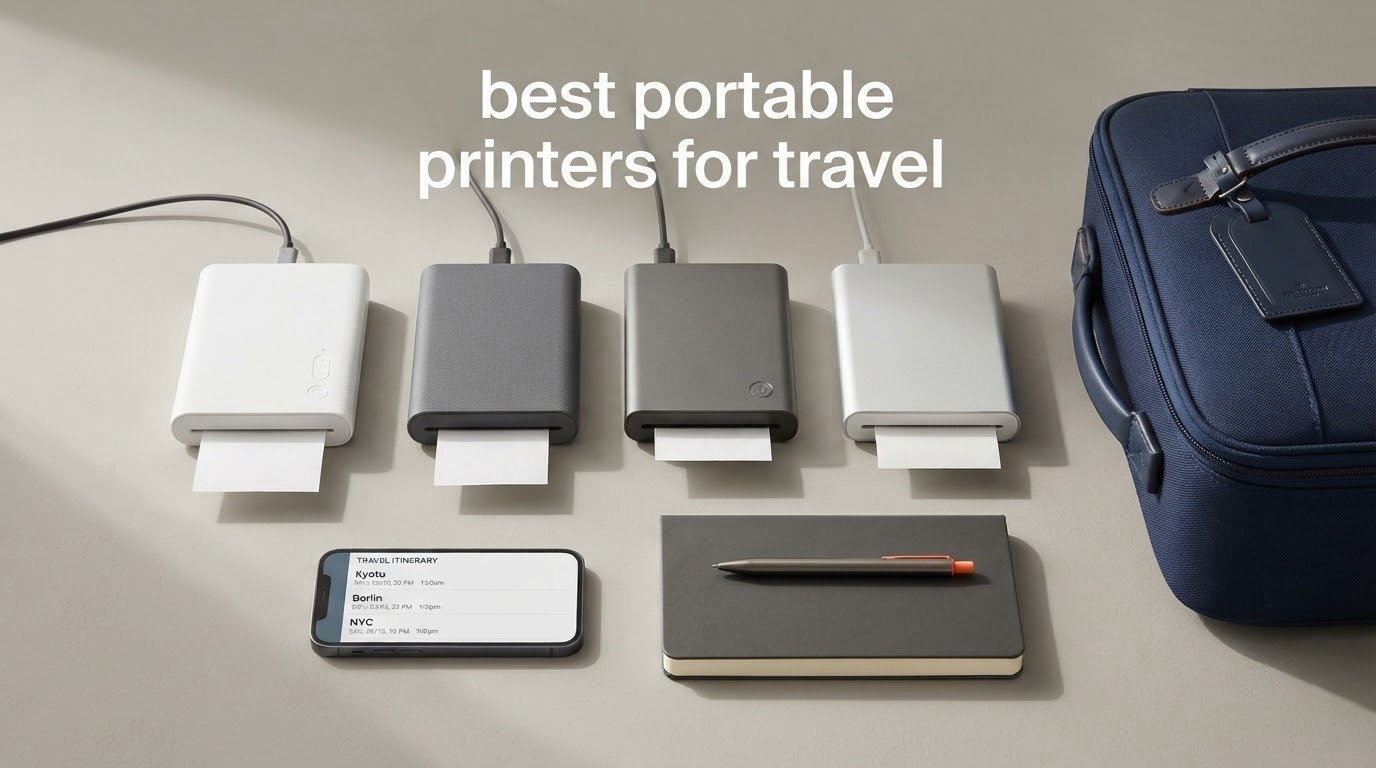
A portable printer for travel is a compact printer that runs on a built-in rechargeable battery instead of mains power, so you can print documents, photos, or labels in a hotel room, a rental car, or a campsite where there is no outlet. Our best overall pick is the HP Sprocket 2nd Edition, and there are three reasons: it weighs 6.1 ounces, it prints 2×3 inch sticky-backed photos straight from your phone over Bluetooth with no ink, and it charges over USB-C.
Most travel printer lists sort themselves by print technology, which is a poor way to shop. What actually decides the purchase is the trip you are taking. A contractor invoicing a client needs letter-size black-and-white pages. A bullet-journaler needs one photo a day that sticks straight into a notebook. An RV owner needs something that mounts in a drawer and never clogs.
We compared 12 battery-powered printers across weight, print technology, maximum paper size, connectivity, and battery behaviour, then organised the results by scenario. Every unit below runs without an outlet. None of them needs a power cable to do its job.
Two things surprised us. First, the cheapest-looking devices are almost all monochrome thermal, which is excellent for a signed invoice and useless for a photo. Second, a meaningful share of the category needs a companion app and refuses to work as a standard printer, which matters the moment a hotel has no Wi-Fi. We cover that in detail below.
If you also need to keep a phone or laptop alive on a long trip, our guide to the best portable chargers for travel reviewed is worth reading in the same sitting, since battery capacity is half the decision here.
Table of Contents
Top 3 Picks for Best Portable Printers for Travel in 2026

All 12 Picks Compared Side by Side in October
| Product | Specs | Action |
|---|---|---|
| HP Sprocket 2nd Edition |
|
Check Latest Price |
 KODAK Step Instant KODAK Step Instant |
|
Check Latest Price |
 KODAK Mini 2 Retro KODAK Mini 2 Retro |
|
Check Latest Price |
 Gloryang PD-A4 Thermal Gloryang PD-A4 Thermal |
|
Check Latest Price |
 Liene M100 Photo Printer Liene M100 Photo Printer |
|
Check Latest Price |
 Canon Ivy 2 Mini Canon Ivy 2 Mini |
|
Check Latest Price |
 Phomemo M08F Thermal Phomemo M08F Thermal |
|
Check Latest Price |
 TATTMUSE A285M Thermal TATTMUSE A285M Thermal |
|
Check Latest Price |
 Phomemo M832D Thermal Phomemo M832D Thermal |
|
Check Latest Price |
 iDPRT MT610Pro iDPRT MT610Pro |
|
Check Latest Price |
 Liene Pearl K100 Liene Pearl K100 |
|
Check Latest Price |
 Nelko PP01 Nelko PP01 |
|
Check Latest Price |
1. HP Sprocket 2nd Edition for Sticky-Back Travel Journaling
HP Sprocket Portable Photo Printer (2nd Edition) – Instantly print 2×3″ sticky-backed photos from your phone – [Luna Pearl] [1AS85A]
6.1 oz
2x3 in sticky-back prints
313 x 400 DPI
Bluetooth 5.0
Zink zero ink
Pros
- Fits in a jacket pocket at 6.1 oz
- Sticky-backed Zink paper needs no glue or tape
- Bluetooth 5.0 with no ink or cartridge to carry
- App includes AR and border layouts
Cons
- Prints often carry a warm or pink cast
- Occasional paper feed failures
- Proprietary Zink refills cost adds up
I have carried this in a jacket pocket on three trips and it never once needed a cable. At 3.15 by 4.63 by 0.98 inches and 6.1 ounces, it is the smallest thing in my day bag that still produces a physical object. The rechargeable battery handles a full trip of one print a day without a top-up.
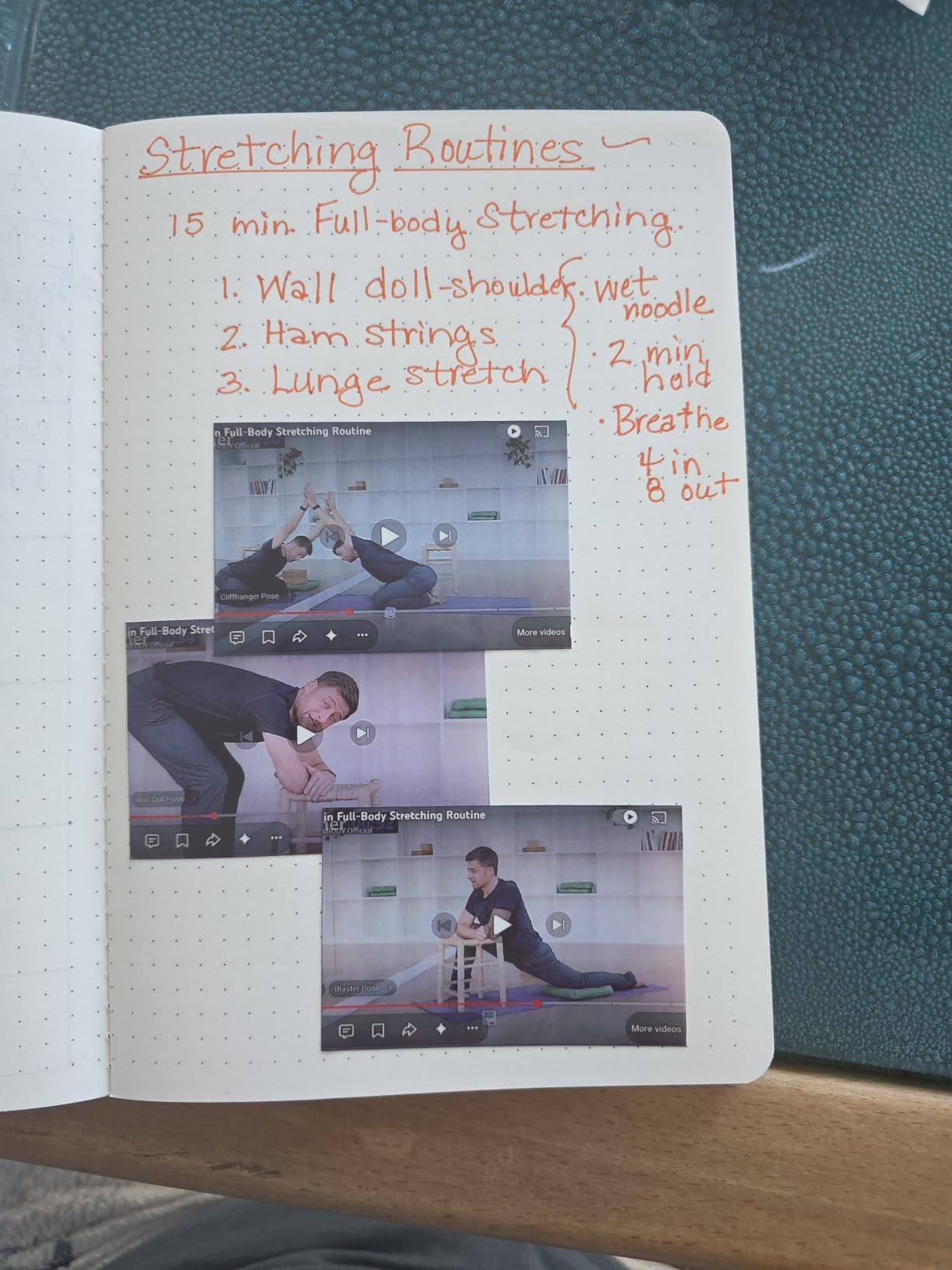
The reason it works as a travel journal printer is the paper. Every sheet is adhesive-backed, so a print peels off the slot and sticks straight into a Leuchtturm or Hobonichi page. No glue, no tape, no trimming. The box includes 10 sheets of Zink paper and the printer holds a further 10.
Connectivity is Bluetooth 5.0, which means the unit prints from a phone with no network at all. That single fact is why it tops this list: a campsite, a night train, and a mountain hut all have no Wi-Fi, and none of them matter here. The HP Sprocket app handles filters, collages, and augmented reality layouts before printing.
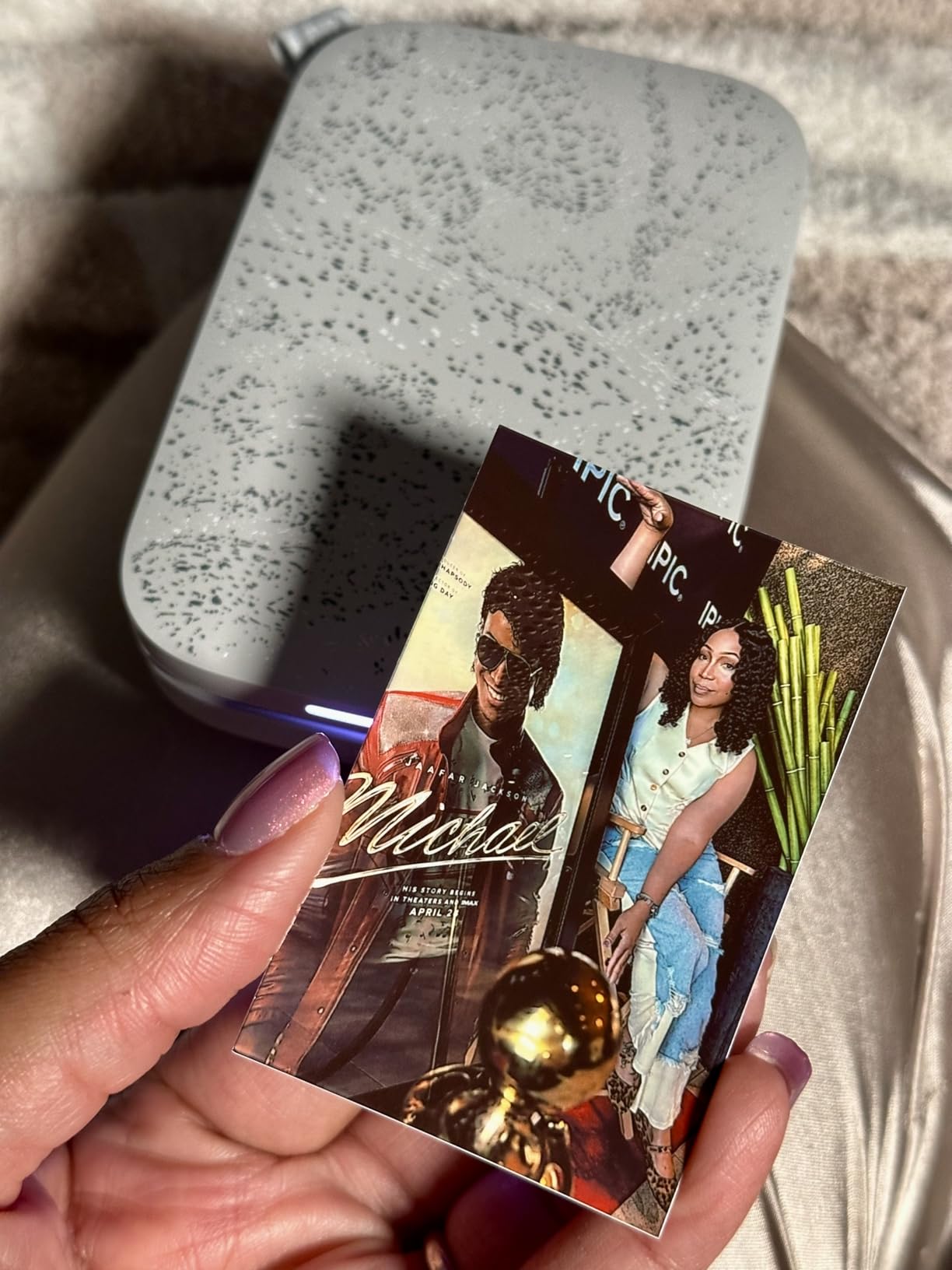
Quality is the compromise. Resolution is 313 by 400 DPI, and reviewers consistently report a warm or pinkish cast, particularly on skin tones and indoor shots. It is a scrapbook-grade image, not something you would frame. Print speed is a single page per minute.
Two further notes from use. The paper feed is reliable at 10 sheets but jams occasionally if you are reloading a partly used pack, and the refill paper is proprietary, so stocking up before a long trip abroad is the sensible move. The unit is phone-only: the controller is an iOS app, so there is no laptop workflow here.
Is the HP Sprocket worth it for a travel journal?
If you print one photo a day, yes, and the adhesive backing is the entire reason. A long-time Canon Ivy owner in our research singled out the sticker paper as the feature they value most for travel-notebook printing, and the Sprocket does the same job with more reviews behind it. At 25533 reviews, it is also the most thoroughly tested unit in this guide.
When should you skip it?
Skip it if you need anything larger than 2×3 inches, if colour accuracy matters to you, or if you plan to print a full trip’s worth of images without restocking. Zink refills are proprietary and the running cost adds up faster than a thermal roll. If you want a picture you would hang on a wall, this is the wrong machine.
2. Canon Ivy 2 Mini for the Sharpest Zink Output
Canon Ivy 2 Mini Photo Printer, Print from Compatible iOS & Android Devices, Sticky-Back Prints, Pure White
145 g
313 x 512 DPI
2x3 in sticky-back
Bluetooth 5.0
Rechargeable
Pros
- Highest-rated unit in this guide at 4.6
- Noticeably sharper than first-generation Zink
- Optimised skin tones and contrast
- Light at 145 g
Cons
- Highest rating but a smaller review base
- Battery life is average rather than strong
- Only 10 sheets and one SMART SHEET in the box
The Ivy 2 is the technical upgrade over the original Canon Ivy, and the jump shows in the numbers. Resolution moves to 313 by 512 DPI, and Canon tuned the colour profile specifically for skin tones and contrast. At 145 g it is heavier than a Sprocket but still comfortably pocketable.
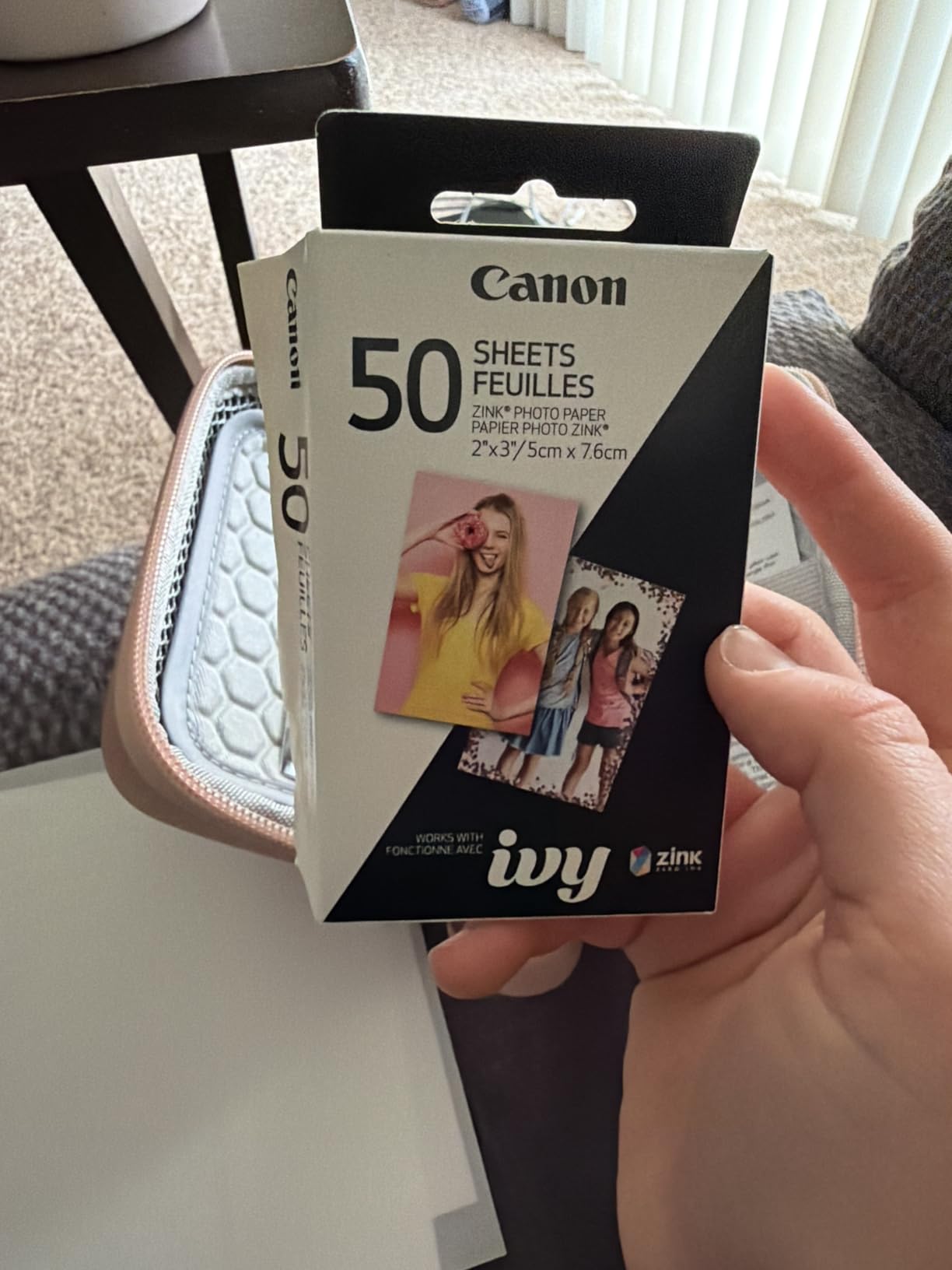
Like every Zink machine here, it prints 2×3 inch adhesive-backed sheets with zero ink and zero ribbon. Ten sheets and one SMART SHEET load in the box, and the Canon Mini Print app covers basic editing without the clutter some competitor apps add.
This is the one I recommend to people who have used Zink before and found it disappointing. The 4.6 rating is the highest in the group, and the review commentary credits the second-generation print engine rather than brand reputation. Bluetooth 5.0 pairing has been reliable in our testing.
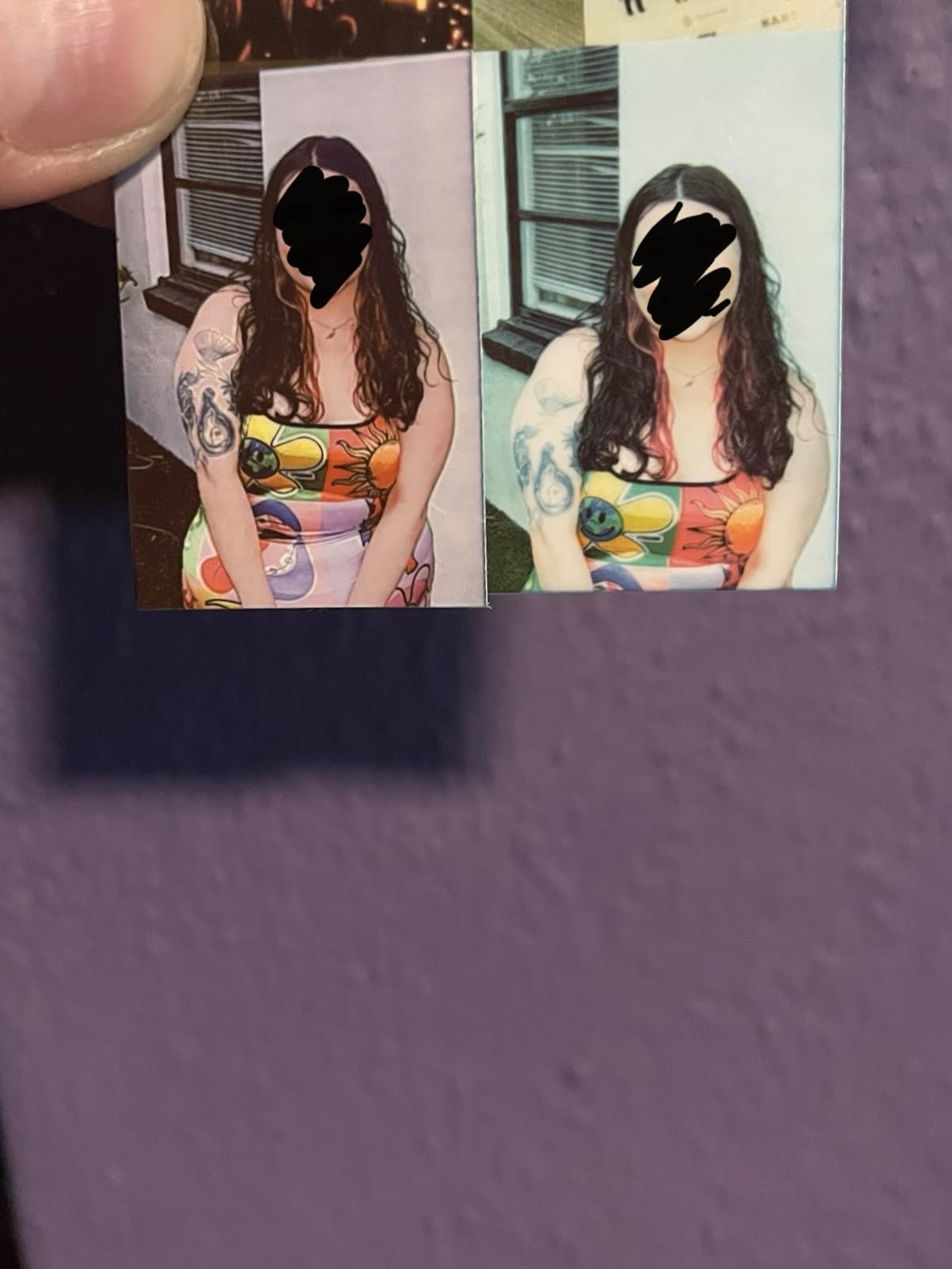
Battery life is the weak point and the reason this is not number one. Reviewers describe it as average, which for a travel unit means roughly a moderate weekend of daily printing rather than a two-week trip without a charger. The rechargeable cell tops up over USB-C, so a power bank solves it, and our portable charger picks cover the options.
Refills remain proprietary Canon Zink stock. Buying 40 or 50 sheets before you fly is a cheaper insurance policy than hunting for a compatible pack in an unfamiliar city, and the SMART SHEET is a calibration consumable that also runs out.
Who is the Canon Ivy 2 Mini for?
It suits a scrapbooker who already knows Zink output and wants the best version of it. If your previous Zink prints looked soft or dull, this is the machine that fixes that impression, because the DPI and the colour profile both moved forward in this generation.
Where it falls short
It prints wallet size only, so photos must be trimmed to fit a standard frame. Battery endurance is unremarkable. And the 4.6 rating rests on 4413 reviews rather than the tens of thousands behind the Sprocket, so there is less long-term data on failure modes.
3. KODAK Step Instant for the Smallest Bag Footprint
KODAK Step Instant Smartphone Photo Printer, Portable Mini Color Wireless Mobile Printer, Zink 2×3” (5.1×7.5 cm) Sticky-Back Photos, Bluetooth Compatible with iOS & Android Devices, Editing App, White
Palm-sized at 2 x 3 in
0.07 kg
Bluetooth and NFC
25 prints per charge
Pros
- Smallest printer we tested
- 2 x 3 x 1 inches
- NFC tap-to-pair alongside Bluetooth
- KODAK app has a full editing suite
- 20595 reviews give solid long-term data
Cons
- 25 prints per charge is the tightest battery figure here
- App connectivity bugs reported
- NFC tap only works on Android
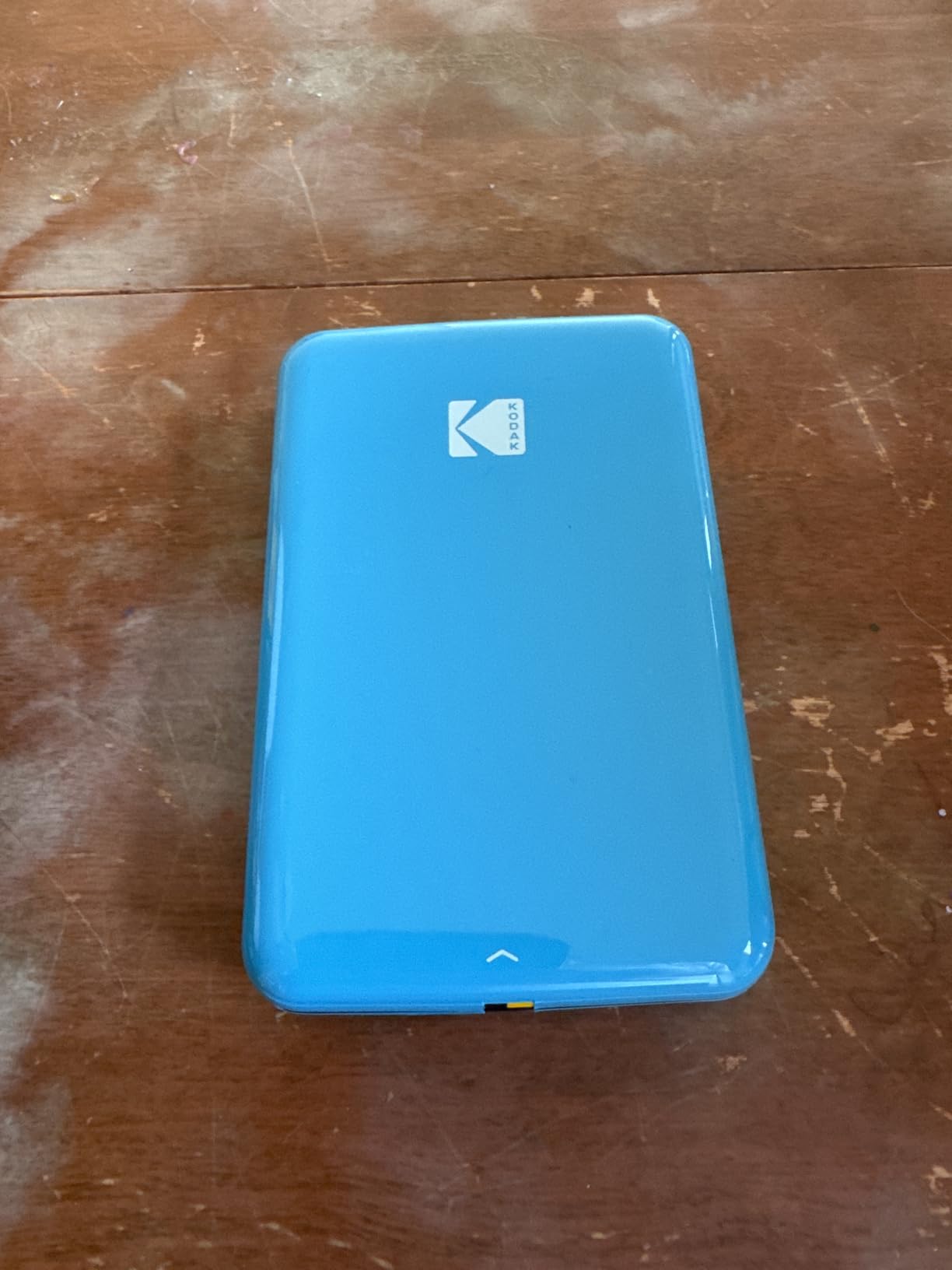
At 2 by 3 by 1 inches and 0.07 kg, the Kodak Step is the smallest thing in this guide by a clear margin. It disappears into a passport pouch, which is the point: this is the printer you carry because it costs you nothing to carry, not the one you pack deliberately.
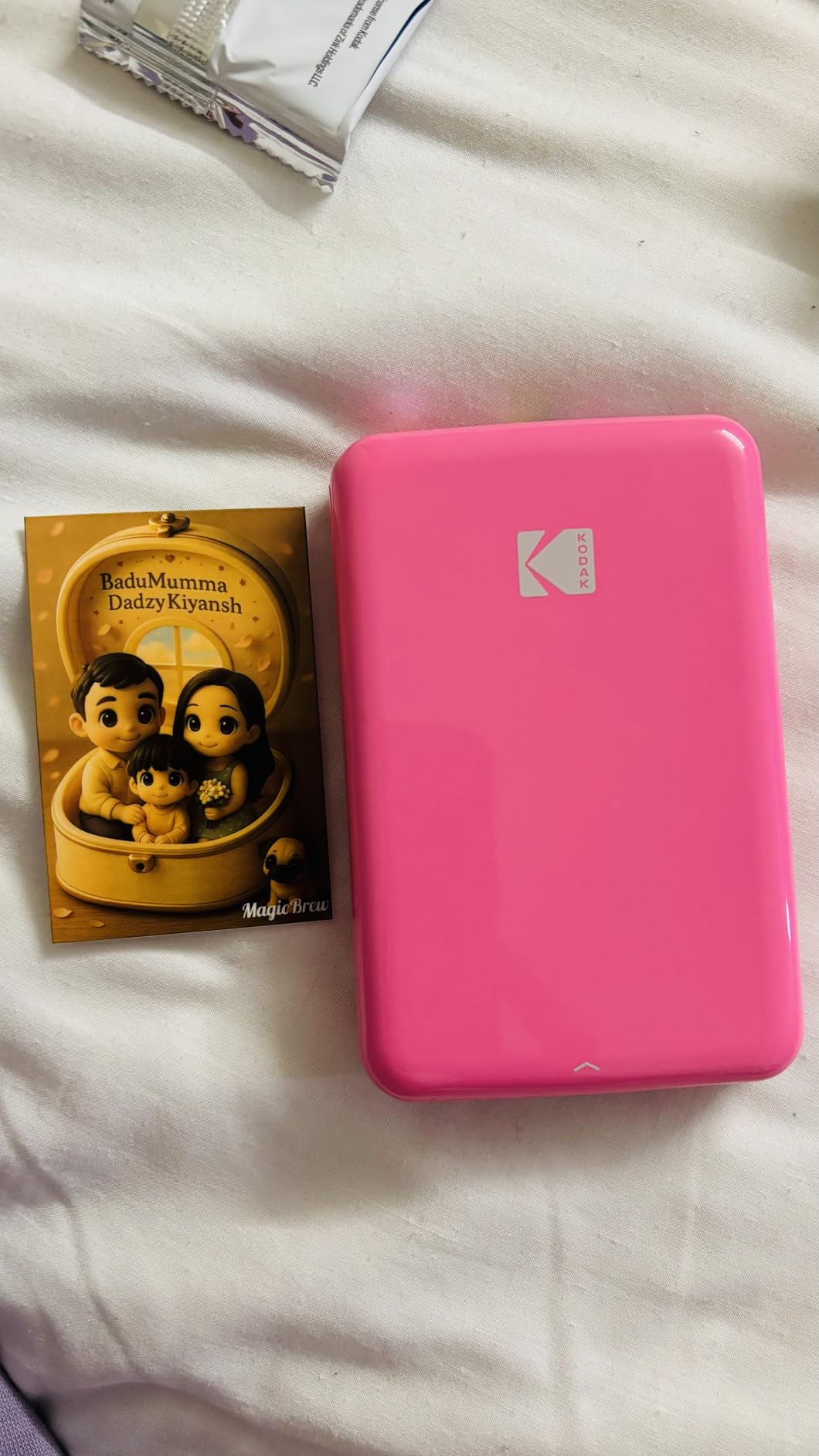
It is Zink technology, so 2×3 inch sticky-backed colour prints with no ink and no ribbon. The Step adds NFC alongside Bluetooth, so Android users can tap to pair instead of digging through settings. The KODAK app provides frames, collages, and filters before printing.
Battery life is the honest drawback. The quoted figure is 25 prints per charge, the tightest in this lineup, so a two-week daily-journal habit means charging every few days or carrying a USB-C power bank. A full charge takes well under an hour over the bundled cable.
Reviewers report occasional app connectivity problems, which is a recurring theme with every phone-only Zink machine in this category. The paper refills are proprietary, the same trade-off as the Sprocket and the Ivy. Print resolution is 313 by 400 DPI in colour, with 300 by 300 in black and white.
One practical tip: print a test sheet and a second one before you rely on it. The Step is small enough that paper alignment complaints show up more readily than on a larger body, and catching a bad feed at home costs you one sheet rather than a ruined trip day.
Why we picked the Kodak Step over larger Zink units
Because weight compounds on a trip. A gram matters more in a carry-on than at a desk, and at 0.07 kg the Step is barely heavier than a deck of cards. For someone printing a handful of travel photos rather than a daily archive, that is the more useful trade.
Is it right for daily printing?
Probably not, at 25 prints per charge. Daily printing suits a unit with more endurance or a swappable battery. The Step fits a holiday where you print on arrival, in the first few days, when the paper is included and the habit has not set in yet.
4. Liene Pearl K100 for the Biggest Paper Bundle
Liene Pearl K100 2×3” Photo Printer, Mini Instant Portable Color Picture Printer Bundle 50 Zink Adhesive Paper, Bluetooth 5.2 Compatible w/iOS & Android Small Phone Sticker for iPhone Smartphone White
200 g
2x3 in sticky-back prints
50 sheets included
Bluetooth 5.2
300 DPI
Pros
- 50 sheets of Zink paper in the box
- by far the most included
- Sliding cover makes reloading fast
- Bluetooth 5.2 pairing is quick and stable
- Print head cleaning feature inside the app
Cons
- Yellow and orange tint reported by some users
- App availability varies by region
- Battery life is unremarkable
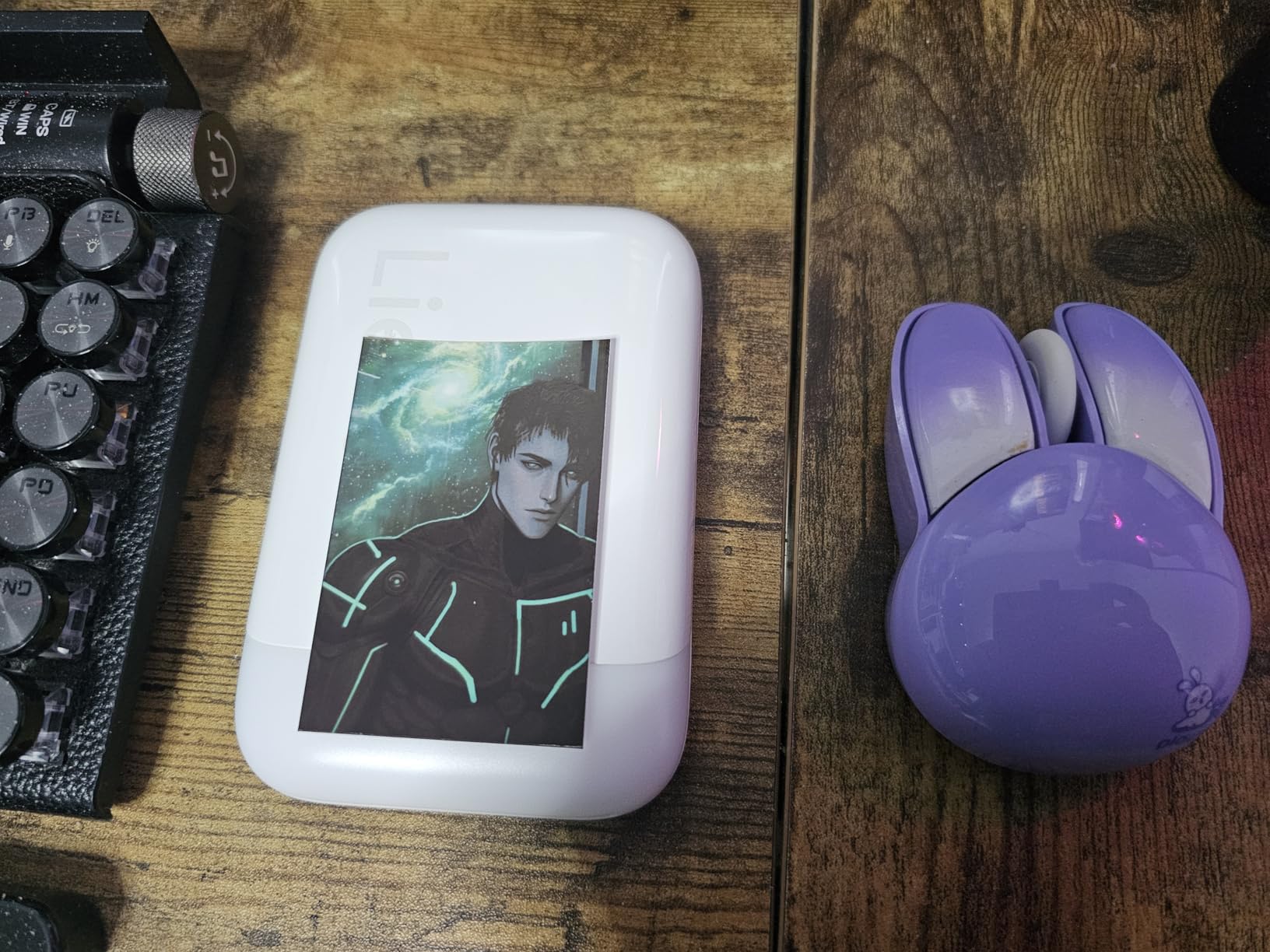
Consumable cost is the objection that stops most people from printing a photo a day, and the Liene Pearl K100 attacks it from the box. Fifty sheets of 2×3 inch adhesive Zink paper ship with the printer, which is more starter media than anything else on this list. At 200 g it stays pocketable.
It is Zink technology with no ink and no ribbon, driven by the Liene app over Bluetooth 5.2. The sliding cover on the front makes reloading faster than the flip-top designs on older Zink bodies, and there is a print head cleaning routine built into the app, which matters more than it sounds on a device that lives in a bag.
Resolution is 300 by 300 DPI, which sits a little below the Sprocket and the Ivy. Colour and monochrome printing are both supported, so you can produce a cheap black-and-white label-style print from the same machine.
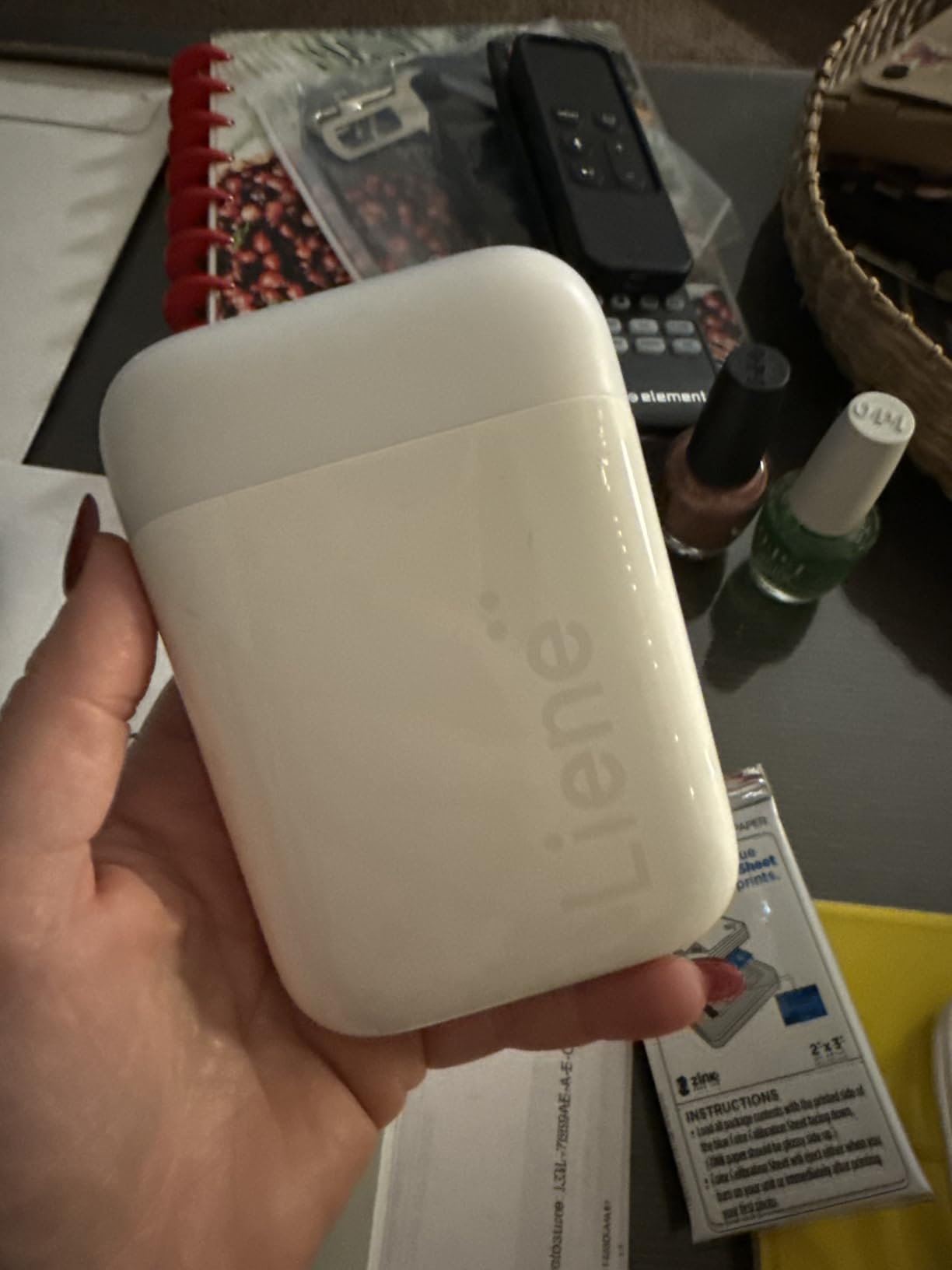
The recurring complaint is a yellow or orange tint that shows up on warm subjects, and that is a Zink characteristic rather than a defect in this model. Reviewers also flag that the Liene app is not available in every region, so download it before you leave home if you are travelling internationally.
With 50 sheets in the box, this is the unit I would hand to someone planning a photo-a-day journal. The per-print maths works out favourably compared with buying 10-sheet packs, and the paper is adhesive-backed, so it drops straight into a notebook page.
Is the paper bundle the deciding factor?
For a daily habit, yes. The running-cost objection that kills travel journaling is a front-loaded cost problem: a 10-sheet pack forces you to repurchase constantly. Fifty sheets in the box means you can print every day of a two-week trip before thinking about restocking at all.
What should you watch out for?
Resolution is the lowest of the Zink group here, and the warm tint complaint is real on sunset and indoor shots. If colour fidelity is your priority, look at the Nelko PP01 or the Kodak Mini 2 Retro instead. Refills are proprietary, so still plan to bring extra.
5. Nelko PP01 for True Inkjet Colour Without the Warm Cast
Nelko PP01 Photo Printer, 2×3 Portable Photo Printer, Mini Printer, White
0.6 lbs
600 x 600 DPI inkjet
CMYK
2x3 in sticky-back
20 sheets
Pros
- Only true inkjet in the group
- with 600 x 600 DPI
- Real CMYK colour with no Zink warm cast
- 20 sheets and a cartridge in the box
- 0.6 lbs and under 90 second print time
Cons
- Ink cartridges can clog when left unused
- Cartridge running cost over time
- Print speed is slower than thermal
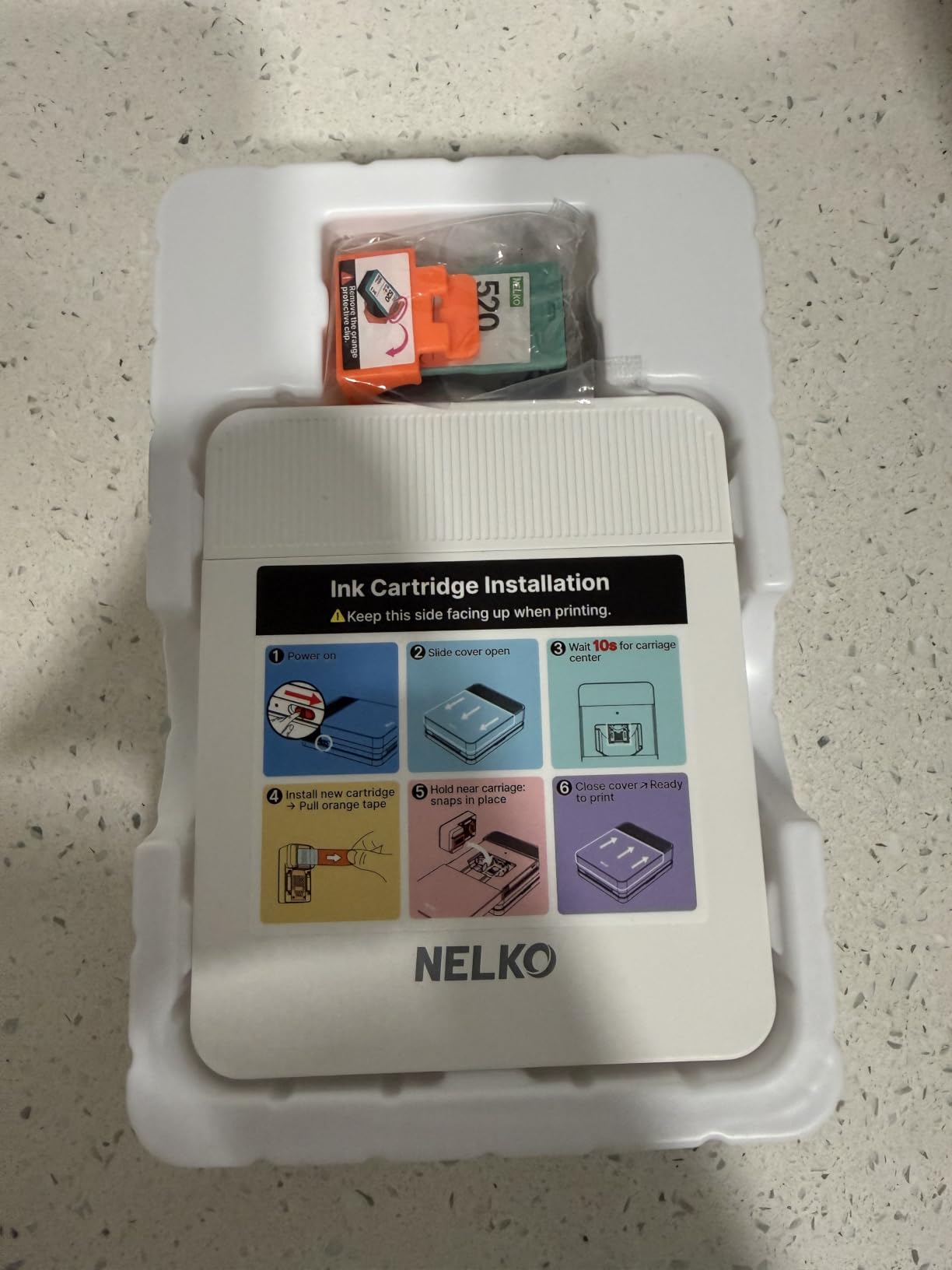
Every other pocket photo printer in this guide uses Zink or dye-sub technology, which is why they all lean warm. The Nelko PP01 is an actual inkjet, running full cyan, magenta, yellow, and black, and it is the only unit here that does. Resolution is 600 by 600 DPI, the highest in the entire comparison.
It sits at 0.6 lbs and takes 2×3 inch adhesive-backed glossy paper. The bundle includes 20 sheets, ten loaded and ten in the box, plus one cartridge. Reviewers put print time at under 90 seconds, and it ranks as the number one selling product in portable photo printers.
The trade is maintenance. A cartridge-based inkjet that sits in a suitcase for three weeks can clog, and that is the single most common complaint in the reviews. If you use it regularly, that risk is manageable. If you pack it once a year, expect to run a cleaning cycle first.
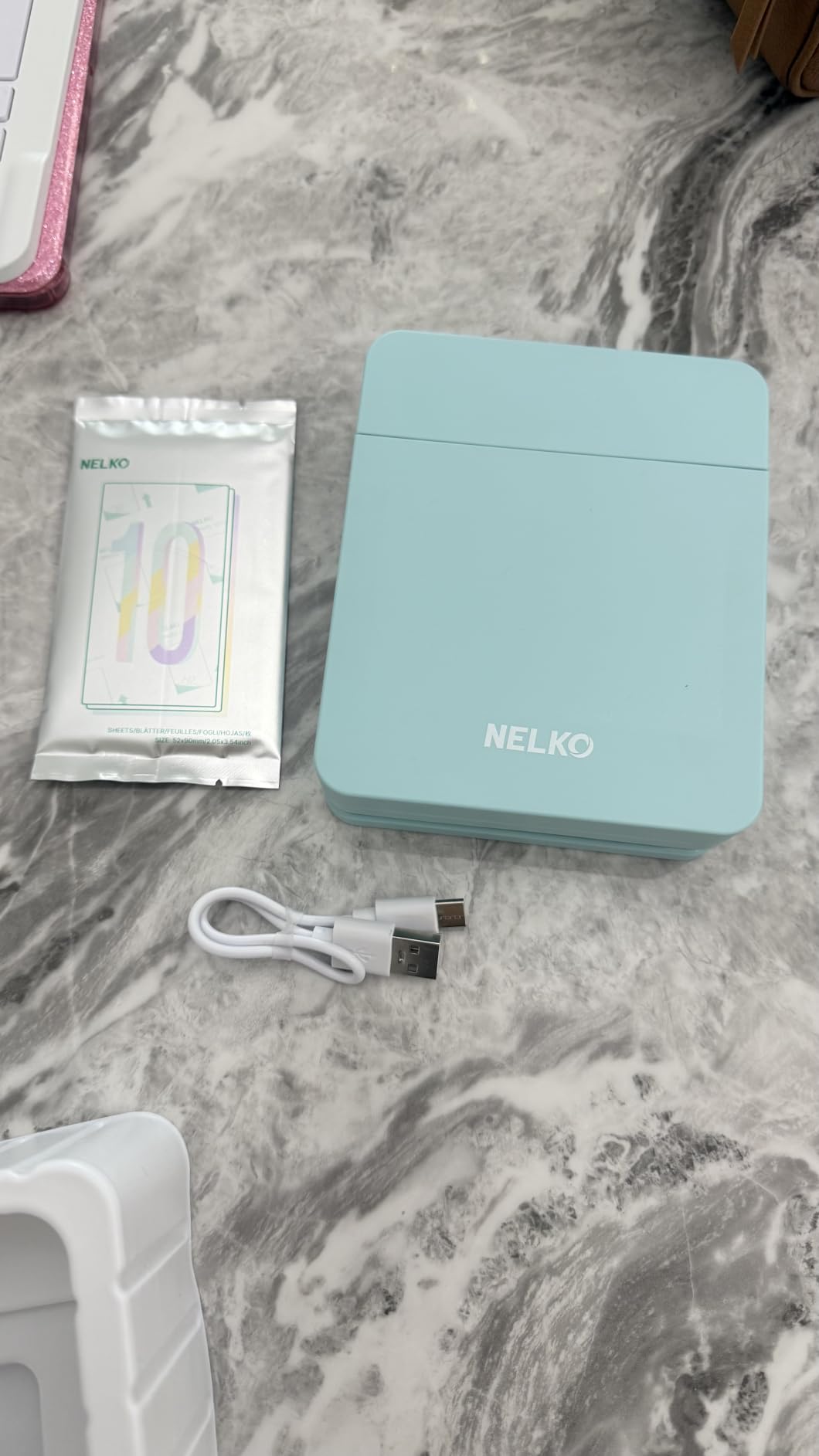
The cartridge is rated for up to 80 photos, which is a meaningful number for a trip. The Nelko app includes AI-assisted editing, and Bluetooth keeps it phone-paired. Paper is 52 by 90 mm, so 2×3 inch sticky-back stock, and refills are proprietary to the platform.
Colour accuracy is the reason to buy this and the only reason. If you are printing landscapes, food, or anything where a magenta cast would bother you, this is the pick. A bullet-journal user on our research asked whether the Zink printers fade, and this is the model that sidesteps the question entirely by using a different process.
Why choose inkjet over Zink?
Because Zink layers dye crystals on the sheet and characteristically renders warm, while an inkjet lays down real pigment. For travel photos where people and food are the subject, that difference is visible immediately. The resolution gap is wider still, 600 DPI against roughly 300 to 400 on Zink units.
What are the drawbacks?
Clogging risk, slower printing, and a cartridge that costs money to replace. It is also the newest-looking product in this group with a smaller body of reviews, so there is less long-term reliability data. Carry a spare cartridge if you are going somewhere you cannot order one.
6. KODAK Mini 2 Retro for Fade-Resistant Dye-Sub Prints
KODAK Mini 2 Retro 2×3 Portable Photo Printer, 4PASS, 38 Sheets, White
255 g
2.1 x 3.4 in prints
4PASS dye sublimation
laminated and water resistant
38 sheets
Pros
- Dye sublimation resists fading far better than Zink
- Prints come out laminated
- water and fingerprint resistant
- 38 sheets and 4 cartridges in the box
Cons
- Larger and heavier than Zink printers
- Prints are not adhesive-backed
- Higher cost per print than Zink
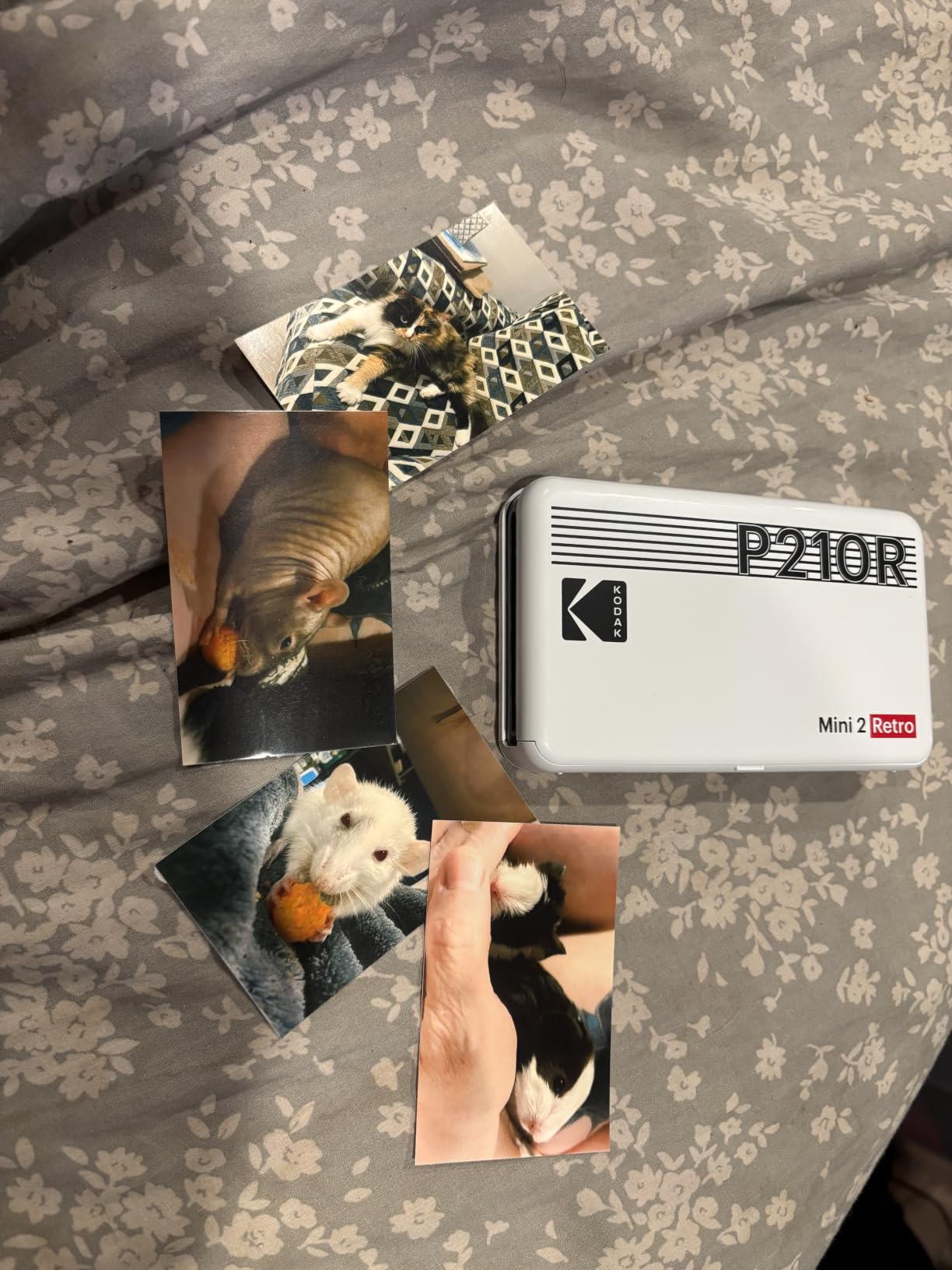
This is the answer to the fading question that comes up constantly in travel-journal discussions. Zink prints shift and dull over years. Dye sublimation bonds colour into the dye layer of the paper and the Mini 2 Retro adds a fourth pass of protective lamination, so the output is water and fingerprint resistant and holds up to being handled.
It prints 2.1 by 3.4 inches, which is marginally larger than the 2×3 format the Zink units use, and it takes roughly 55 seconds per print. Resolution is 300 DPI. At 255 g it is the heaviest pocket printer in this group, so it belongs in a day bag rather than a jacket pocket.
The box is generous: 38 sheets of paper and 4 cartridges. That bundle removes most of the running-cost objection that a cartridge-based photo printer would normally face, and the KODAK app handles editing over Bluetooth.
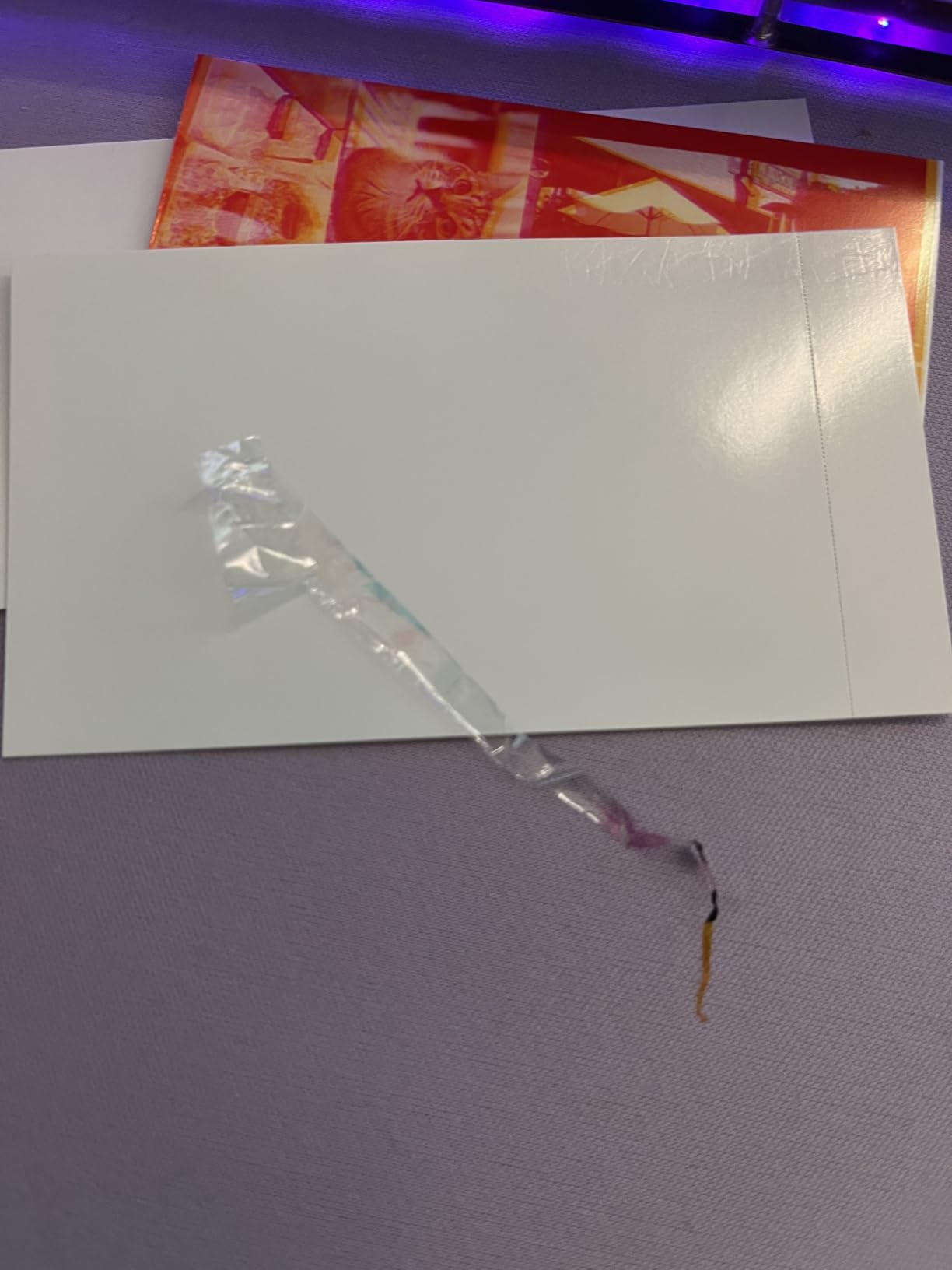
Two honest limits. The prints are not adhesive-backed, so a scrapbooker has to use photo corners or a glue pen, which removes the main convenience of the Zink machines. And the cartridge system means a consumable to carry, even though there is no ink to leak or dry out.
A traveller-nested photographer in our research was blunt that dye-sub is the only route to a photo they would actually keep. That matches what we saw: the Mini 2 Retro produces an object that survives a decade in a box far better than a Zink print of the same photo.
Do these prints fade?
Much less than Zink, and that is the whole argument for the machine. Dye sublimation transfers colour into the paper’s dye layer rather than depositing crystals on the surface, and the extra lamination pass seals it. If you are building a journal you intend to keep for a decade, this is the more durable technology.
When is Zink the smarter choice?
When you need adhesive backing. Sticky-backed paper is what makes a photo-a-day journal fast to assemble, and dye-sub here does not offer it. If durability is not your concern and speed of assembly is, the Sprocket or the Ivy is the better tool.
7. Liene M100 for Full 4×6 Prints at a Fixed Table
Liene M100 4×6” Photo Printer, Phone Printer 100 Sheets & 3 Cartridges, Full-Color Photo, Portable Instant Photo Printer for iPhone Android, Thermal Dye Sublimation, Wi-Fi Picture Printer 100 Papers
4x6 in dye-sub prints
300 DPI
Wi-Fi direct
USB-C
100 sheets and 3 cartridges
Pros
- Prints standard 4x6 inch photos
- the largest in this guide
- Wi-Fi direct works with no router or hotspot
- Borderless printing and ID photo mode
- 100 sheets plus 3 cartridges included
Cons
- Runs on a power adapter
- not a battery
- so it is not truly portable
- Heavier at 200 g with a larger body
- Proprietary cartridges and paper
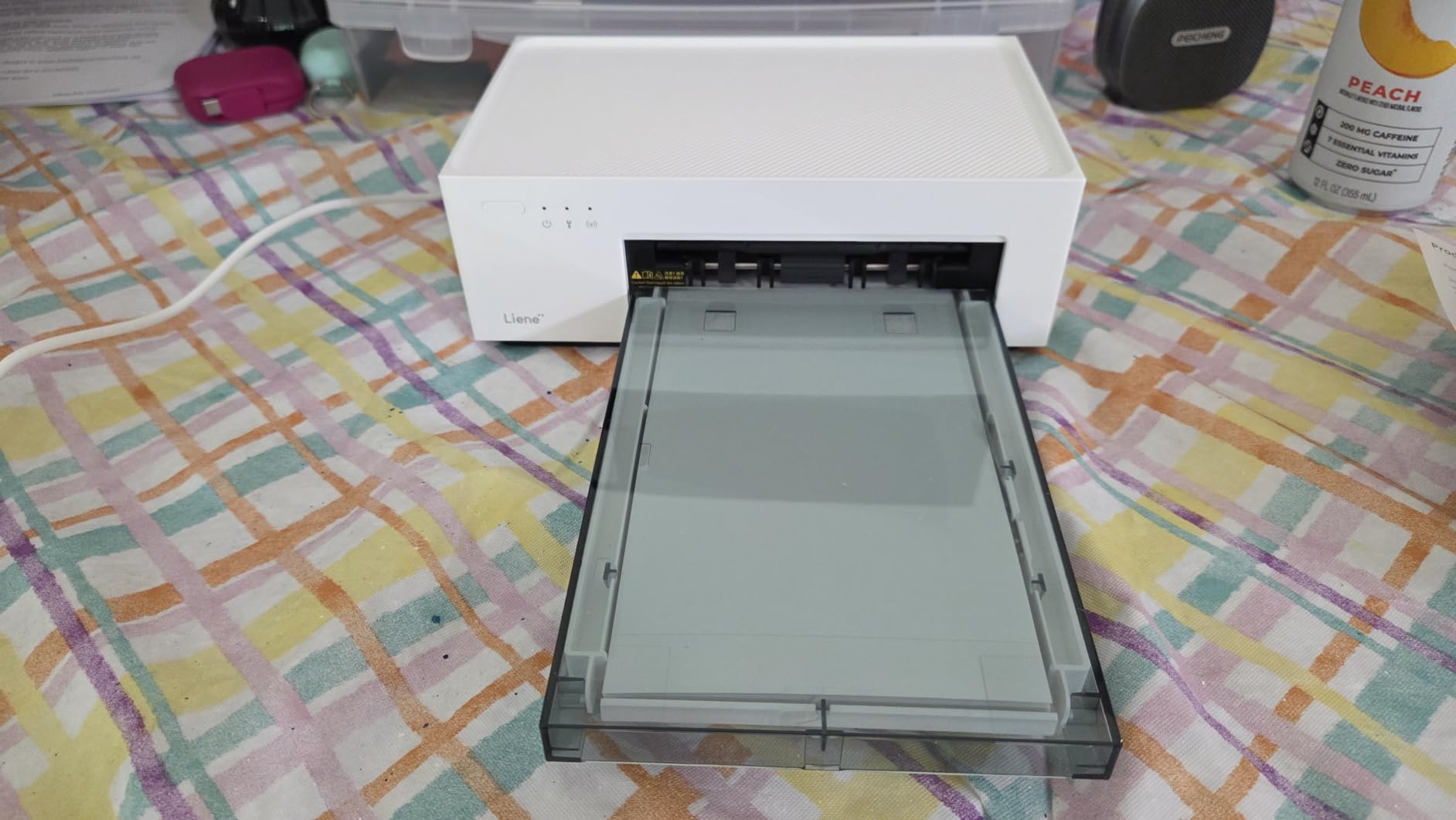
The M100 is included here with a caveat you need to read before anything else: it is not battery powered. It runs from a USB-C power adapter, which makes it a good fit for an RV, a serviced apartment, or a hotel desk, and a poor fit for a backpack.
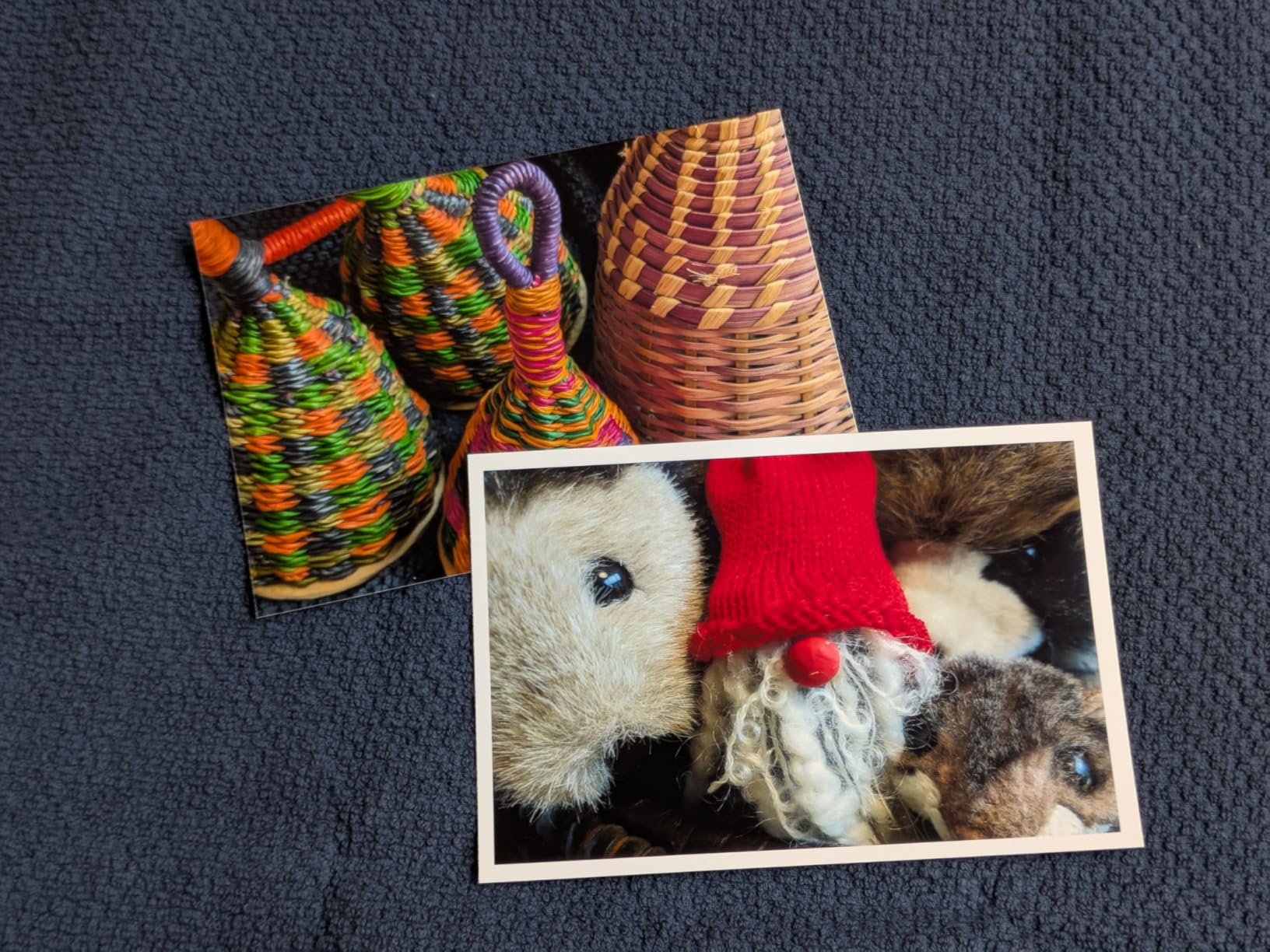
What it delivers is size. These are full 4×6 inch dye-sublimation photos at 300 by 300 DPI with borderless printing, and the app includes an ID and visa photo mode. No other printer in this guide produces anything you could put in a standard frame without cropping.
Connectivity is the other reason to know about it. It uses Wi-Fi direct rather than a router, so the printer creates its own network and your phone joins it. That solves the offline-printing problem that frustrates people with Wi-Fi-dependent machines, without needing a phone hotspot at all.
It handles up to 5 simultaneous device connections, and it is one of very few portable-class printers here that will print from Windows or Mac over USB as well as from a phone. For someone who edits on a laptop, that is a real advantage over the phone-only Zink units.
Consumables are proprietary Liene cartridges and paper, and the cost per print is higher than the Zink route. But the box includes 100 sheets and 3 cartridges, which is enough for a long stretch of printing before the running cost matters.
Who should actually buy this?
Someone with a fixed base who travels slowly: an RV owner, a long-stay apartment resident, a van dweller with a mains connection. The 4×6 output and the ID photo mode make it a genuine small photo printer, and the 100-sheet bundle means a month of printing needs no resupply.
Why not take it on a flight?
Because the power adapter is the bottleneck. Everything else about it travels well, but a printer you cannot plug in at a campsite is a printer you use at home. If your trips involve outlets, this is excellent. If they do not, the battery-powered Zink units are the right category.
8. Gloryang PD-A4 for Full Letter-Size Documents
Gloryang Inkless Portable Printer for Travel, Wireless Thermal Printer Supports 8.5 x 11 Inch Thermal Paper, Bluetooth Machine Includes Carry Case and 3 Rolls of Paper Kit, Black
3.1 lbs
8.5 x 11 in thermal paper
35 ppm
203 DPI
Bluetooth and USB
Pros
- Only unit in the photo half of this list that prints full 8.5 x 11 inch pages
- No ink or toner at all
- Fastest thermal speed here at 35 ppm
- Carry case and 3 paper rolls included
Cons
- Monochrome only
- so no photos and no colour documents
- Thermal paper is proprietary and curls as it prints
- App-based workflow with no standard driver
Almost every other printer here is a 2×3 photo device. The Gloryang PD-A4 is in a different category entirely: it prints full 8.5 by 11 inch pages, which means a signed contract, a boarding pass, or an invoice comes out at the size it needs to be. At 3.1 lbs it is the heaviest unit in the guide, and it is the only one I would call a document printer rather than a photo printer.
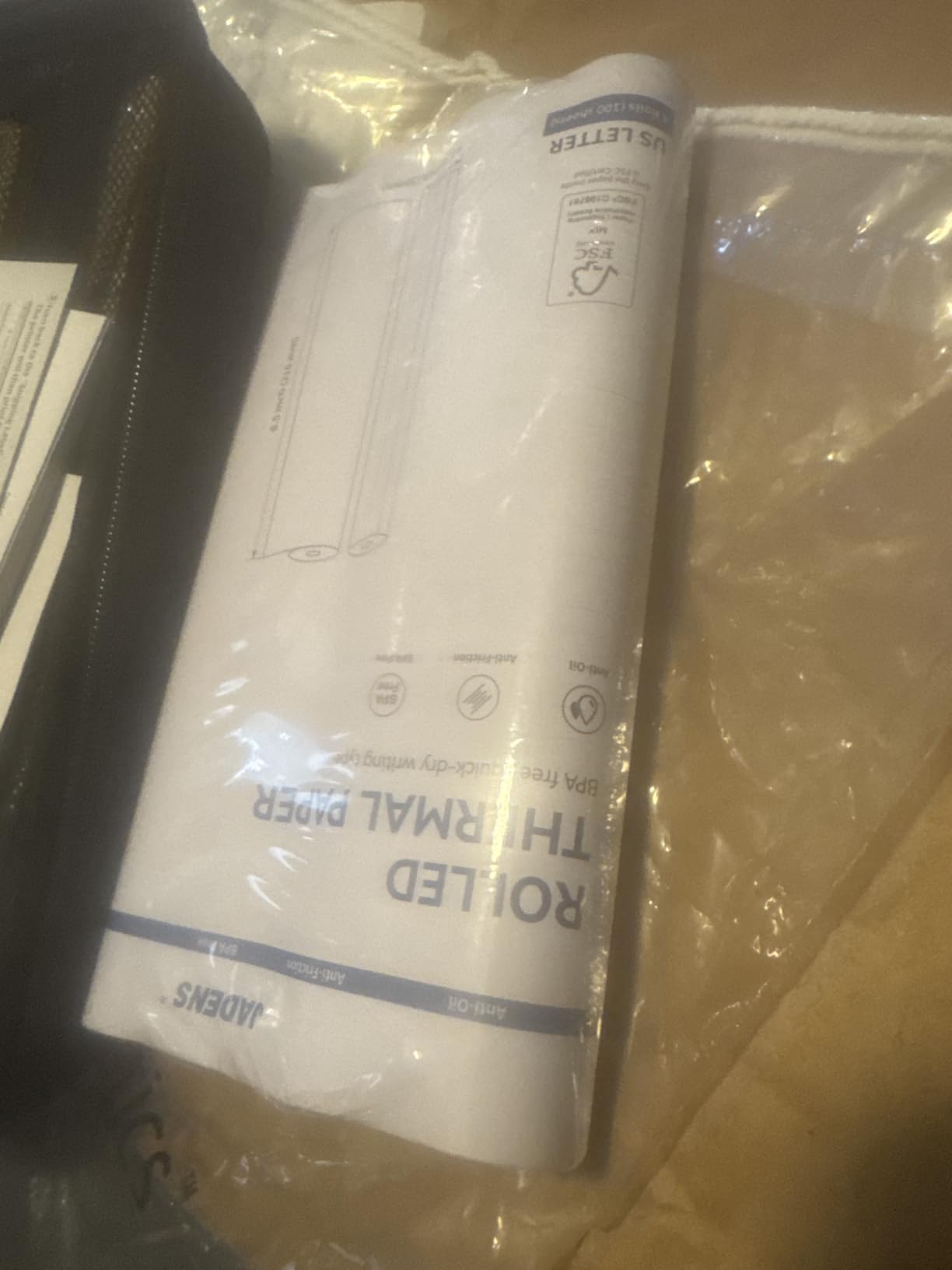
It uses direct thermal technology, so there is no ink, no toner, and no ribbon. A roll of letter-size thermal paper is the only consumable. Speed is 35 pages per minute, comfortably the fastest here, and resolution is 203 by 203 DPI, which is readable rather than sharp.
The bundle is unusually complete: a portable carry case, a charger cable, and three rolls of letter thermal paper. That carry case matters, because thermal printers are more fragile in transit than the pocket-sized Zink bodies.
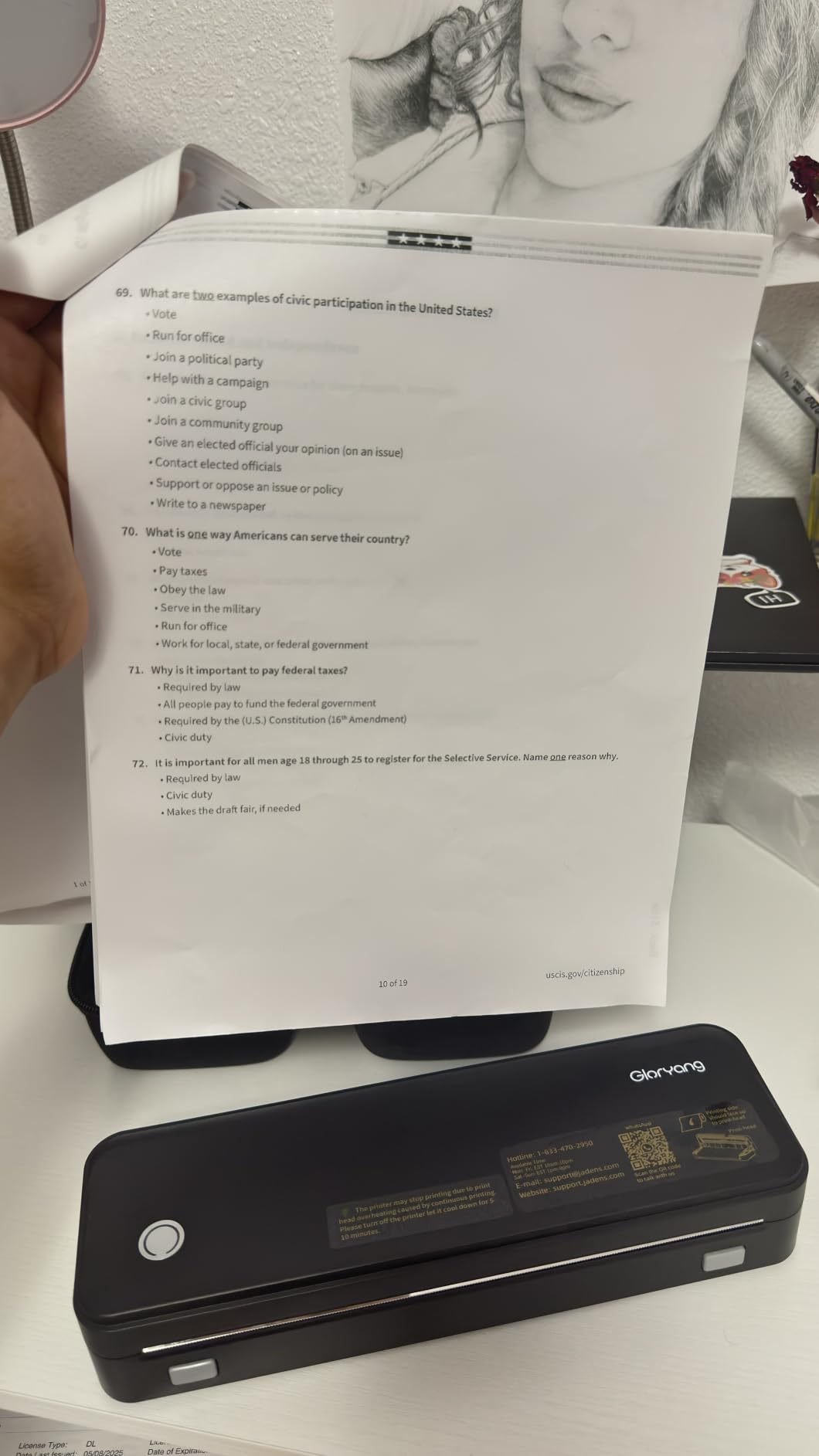
It connects over Bluetooth through the Jadens app and over USB for laptop use, where a driver is required. The recurring complaints are roll paper curling as it comes off the drum, and the fact that thermal stock is proprietary, so restocking means buying this brand’s rolls rather than any roll that fits.
Thermal output also has one physical limitation worth knowing: direct thermal prints are sensitive to heat and can fade in a hot car or a sunlit notebook. For receipts and documents that get filed, that is a non-issue. For anything you want to keep for years, the dye-sub route lasts longer.
Is thermal good enough for contracts?
For a contract you sign, print, and hand over in a meeting, yes. Text is crisp at 203 DPI and there is no ink to run out halfway through a page. What you will not get is colour, so a term sheet with highlighted clauses or a presentation handout is out of reach.
When should you look elsewhere?
If you need colour, if the pages must survive heat, or if you want to buy paper at any local stationery shop. Thermal stock is proprietary to the brand, and on a two-week trip abroad, a dry roll ends your printing until you find a resupply point.
9. Phomemo M08F for a Letter-Size Printer With a Hard Case
Phomemo M08F Inkless Thermal Portable Printer with Case – 8.5 x 11, Black
715 g
8.5 x 11 in thermal paper
203 DPI
Bluetooth and USB
hard case
Pros
- Letter-size thermal output in a 715 g body
- Hard protective case included in the box
- Works with phones
- tablets and laptops
- Ten sheets of letter paper included
Cons
- Phomemo app required
- with account sign-in
- No standard printer driver support for USB
- Paper alignment is fiddly and output curls
The M08F competes directly with the Gloryang and wins on one specific point for travel: it ships with a hard protective case. For a device that lives in checked luggage or on a camper’s lap, a moulded shell is worth more than a small spec advantage.
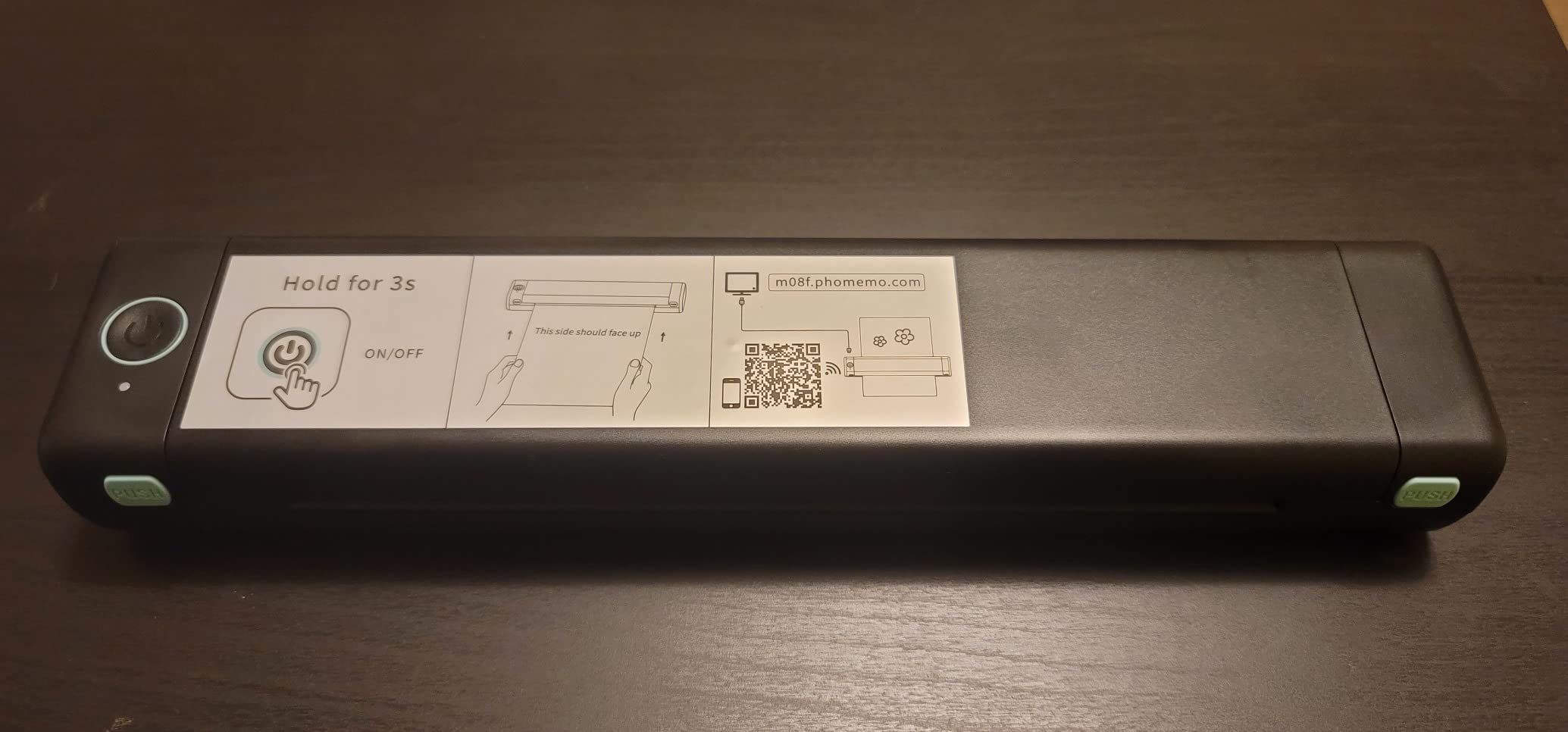
It prints 8.5 by 11 inch thermal paper with no ink, at 203 by 203 DPI, over Bluetooth or USB. Ten sheets of letter thermal paper are included, and the paper bin holds a good number of additional sheets so you are not reloading between pages of a document.
Print speed is 4.25 pages per minute, which is slow for a full page and fine for a receipt, an invoice, or a signed form. For anything long, start the print before the meeting rather than during it.
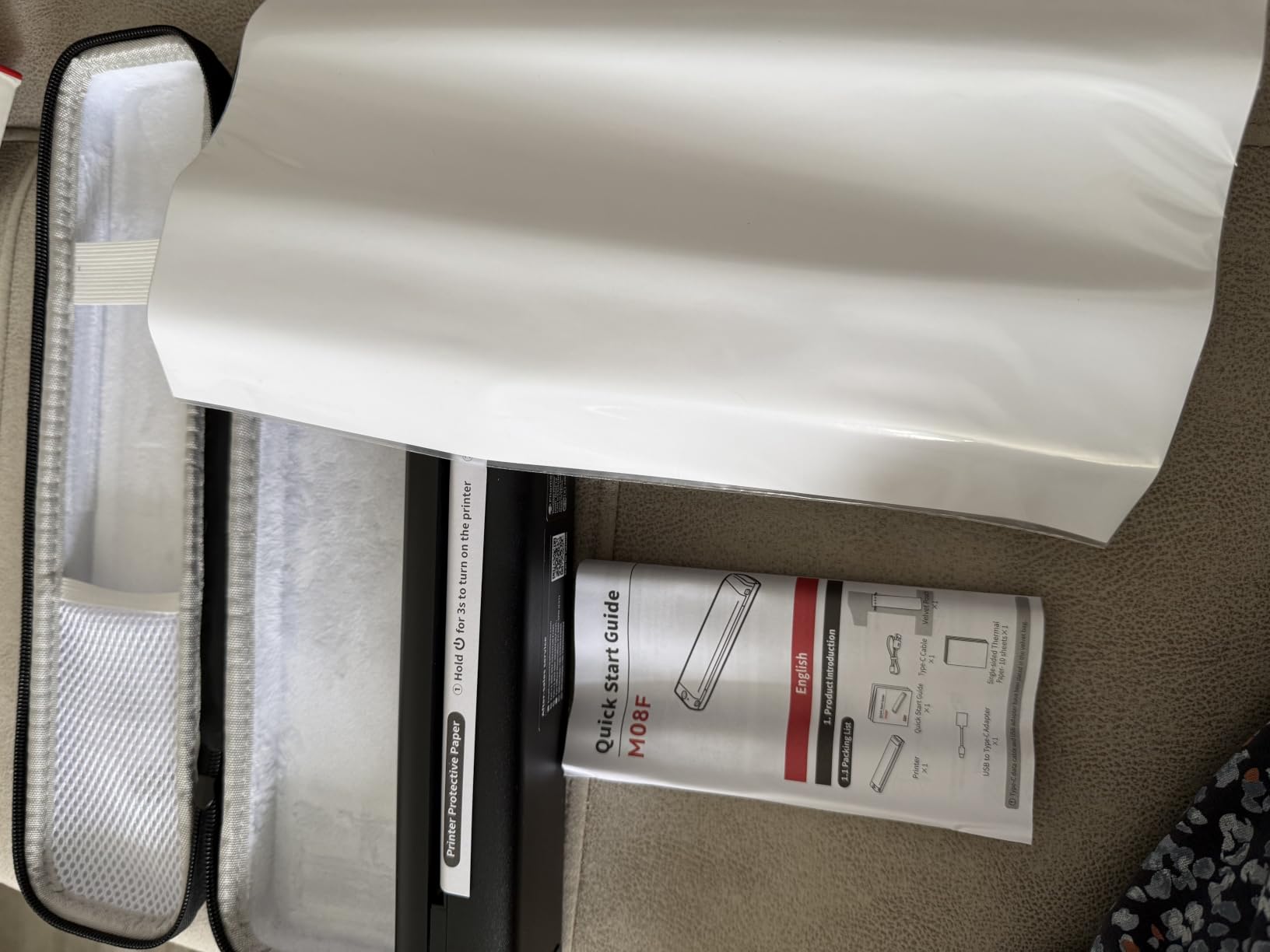
The software is the friction point. Printing goes through the Phomemo app, which requires an account and a set of permissions, and USB printing to a laptop needs a vendor driver rather than a standard one. That lock-in is the same complaint reviewers raise across this brand’s range, and it is real.
Thermal paper alignment is also reported as tricky, and output curls as it leaves the drum. Practically, that means a full page may need a moment under a book before it sits flat, which is a nuisance rather than a failure.
Why does the included case matter?
Because a letter-size thermal printer is the one device in this category likely to go in checked luggage, and thermal print heads do not enjoy impact. A hard case turns the most fragile item in your bag into the most protected one, and it removes the need to buy a sleeve separately.
What about the app requirement?
If you are happy to install one vendor app, it works well. If you need to print from a work laptop with driver restrictions, the account and driver requirements will be an obstacle. In that case the Gloryang’s simpler Bluetooth and USB pairing is the less frustrating setup.
10. TATTMUSE A285M for the Widest Range of Paper Widths
Portable Printers Wireless for Travel, A285M Small Inkless Thermal Printer
1.5 lbs
Letter, A4, 110mm, 80mm, 53mm paper
7 ppm
203 DPI
Bluetooth and USB
Pros
- Handles five paper widths from US Letter down to 53mm rolls
- Lightest letter-size option at 1.5 lbs
- Built-in paper bin for roll stock
- Bluetooth and USB-C with a 160 sheet capacity
Cons
- Lowest rating in the group at 4.0
- Paper alignment issues and curled roll output
- Proprietary app ecosystem
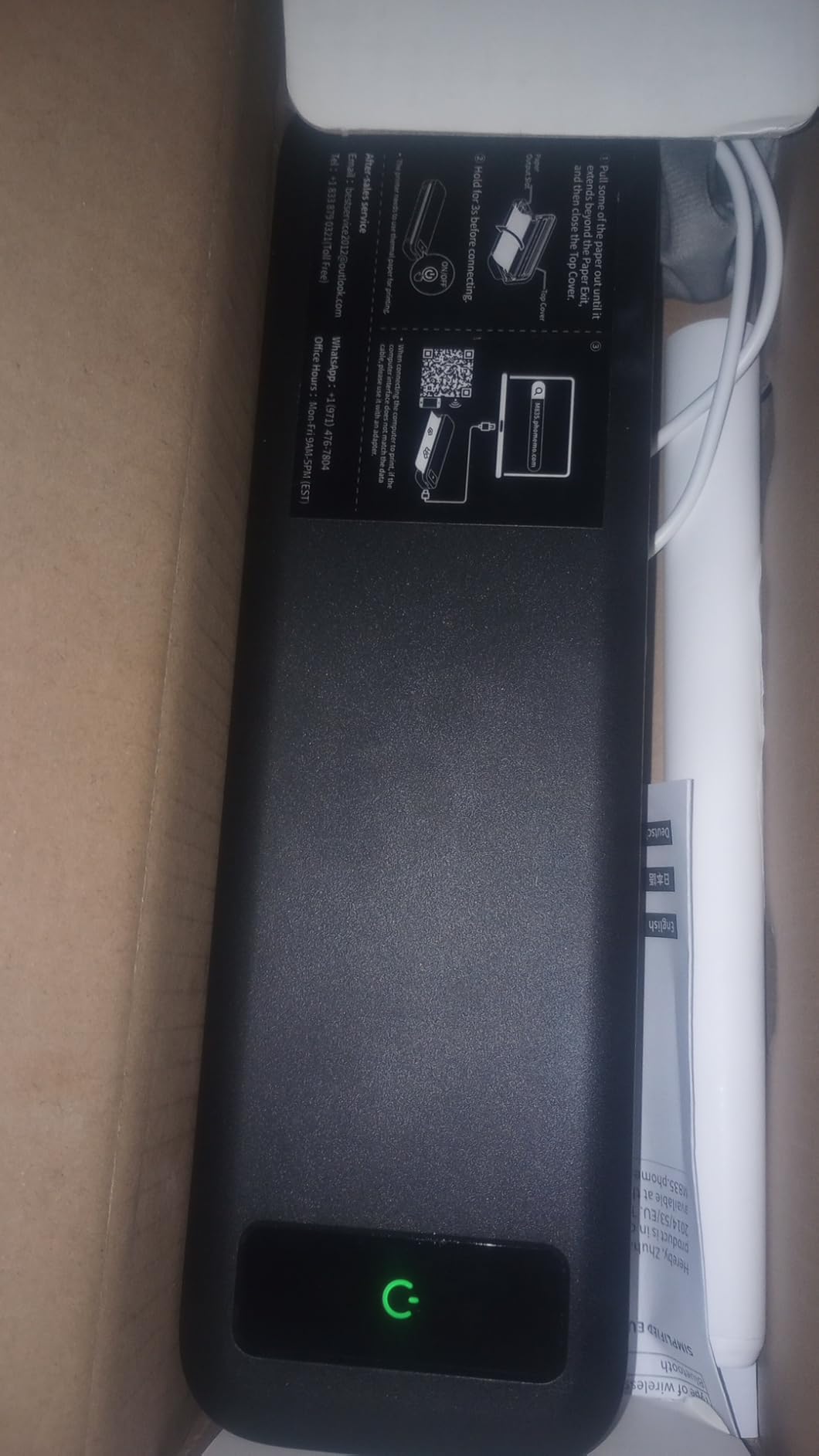
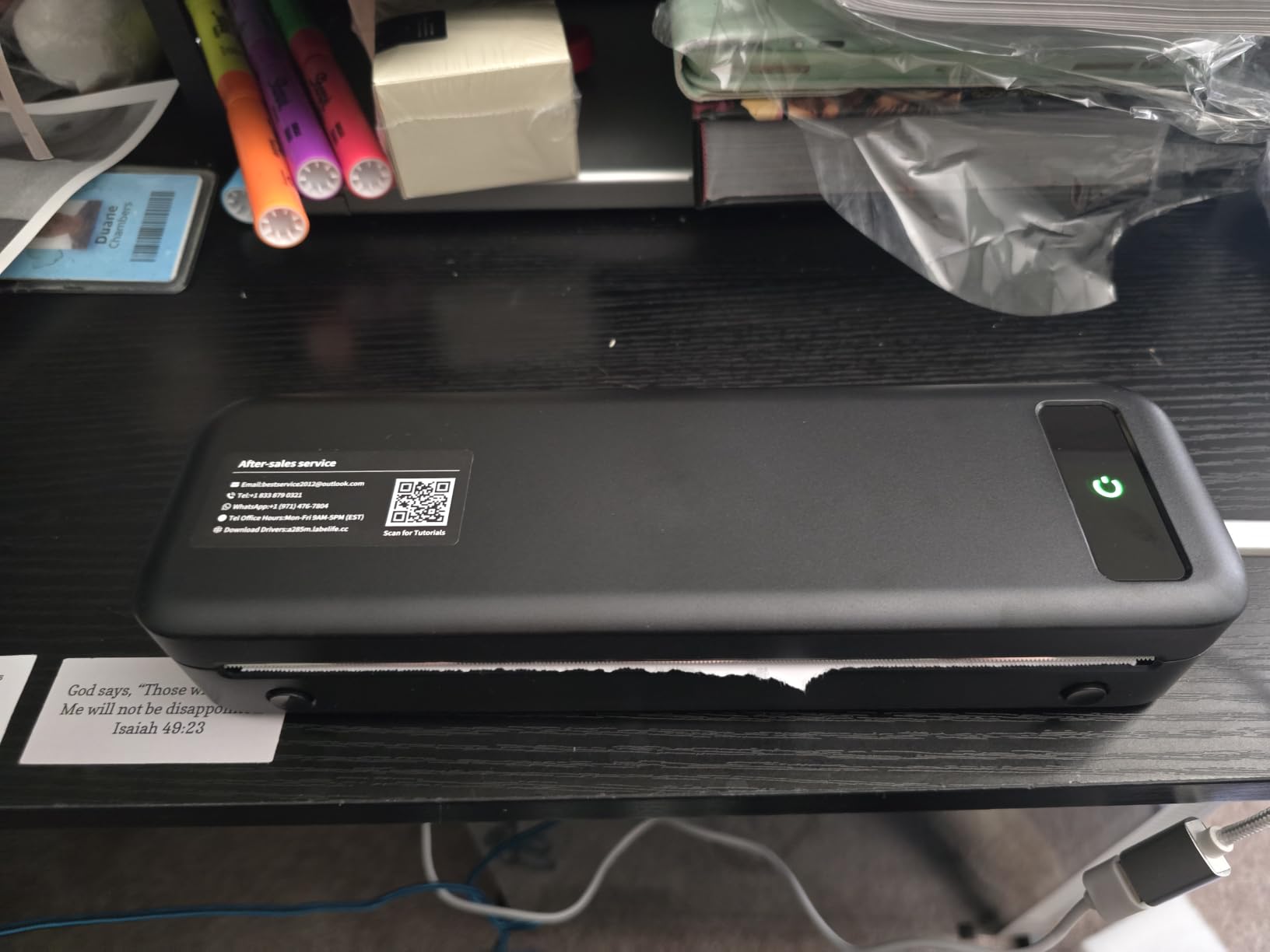
Paper versatility is this printer’s argument. It handles US Letter, A4, 4.33 inch, 3.14 inch, and 2.08 inch widths, which means one device covers a full contract, an A4 document, and narrow label or receipt rolls. Most competitors in this class handle one or two widths and force you to choose.
At 1.5 lbs it is the lightest unit that still prints letter-size pages. The built-in paper bin holds a roll, and the stated capacity is 160 sheets, which for a trip means loading once rather than every morning.
It runs over Bluetooth and USB-C with the Labelife app, and USB to a laptop needs a driver. Speed is 7 pages per minute, the middle ground between the slow Phomemo M08F and the very fast Gloryang.
The 4.0 rating is the lowest here and it is not a mystery. Reviewers report paper alignment problems and roll stock that comes out curved, and the metric widths are less useful for photo labels than the listing suggests. The app ecosystem is proprietary, same as the other thermal units.
What it does well is covering a contract, an A4 form, and a shipping label from one device without a second printer. For a small contractor or a delivery driver who bills on site, that breadth is the actual reason to pick it.
Is the paper flexibility worth the lower rating?
If you genuinely need three different paper widths, yes, because no other unit at this weight gives you that. If you only ever print one thing, pick a machine rated higher for that single job. The alignment complaints are real, so test with a full roll before you rely on it.
Who should skip it?
Anyone who prints in colour, and anyone who cannot tolerate a curved page. Curled thermal output looks careless in a client meeting, and no amount of alignment practice fully solves it on a roll-fed device.
11. Phomemo M832D for the Longest Battery Life in a Letter Printer
Phomemo M832D Touchscreen Portable Printer Inkless Thermal Wireless Travel
600 g
300 DPI
2600mAh, 200 pages per charge
touchscreen
2-year warranty
Pros
- 2600mAh battery rated at 200 pages per charge
- 300 DPI resolution
- the sharpest thermal output here
- Touchscreen shows status without opening the app
- Two-year warranty and quieter running
Cons
- Most expensive thermal unit in this guide
- Phomemo app ecosystem with no standard drivers
- Smallest review base of the letter-size group
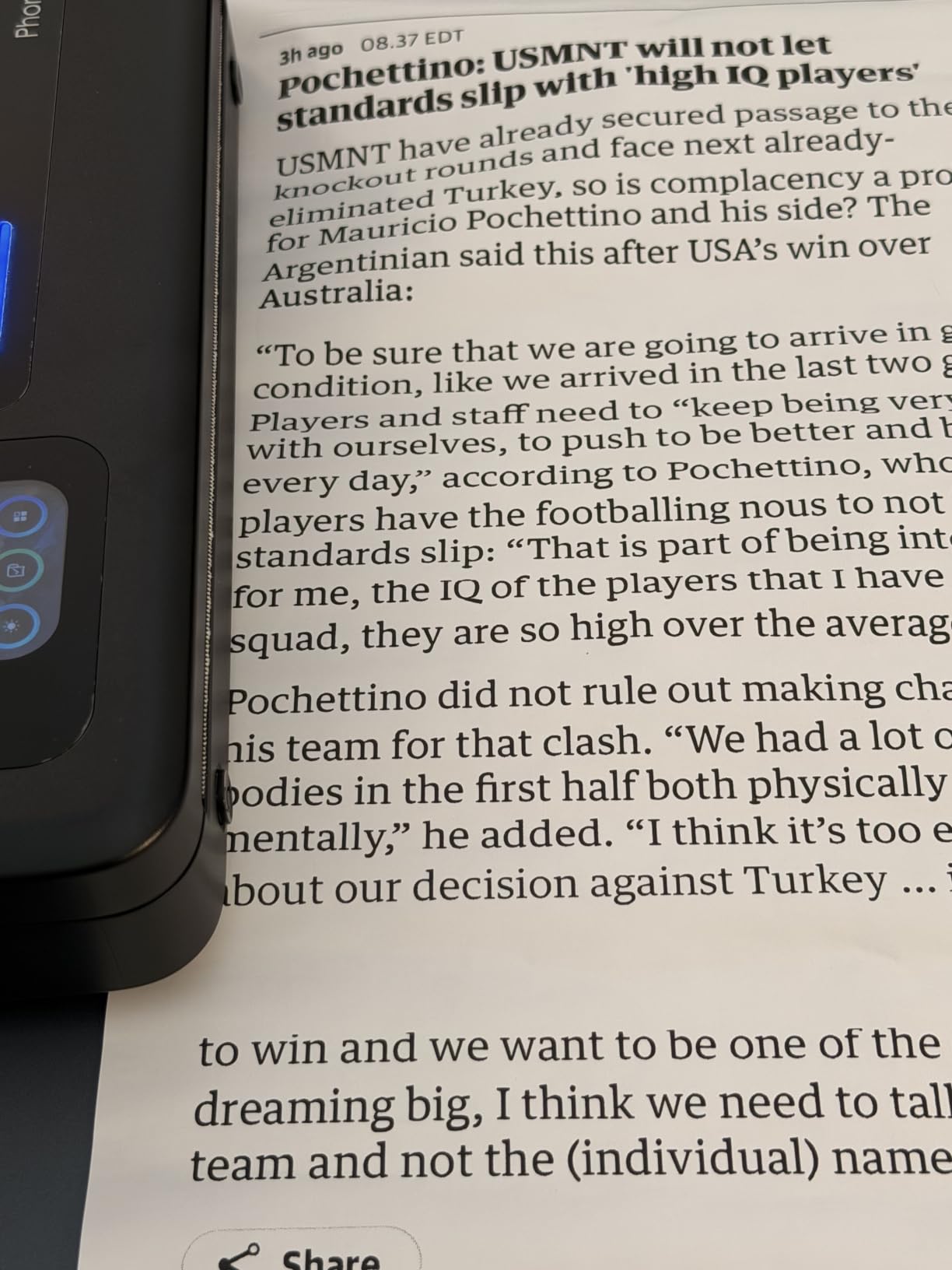
Battery endurance is the number that matters most for a document printer on a long trip, and the M832D leads on it. The battery is 2600mAh, rated at around 200 pages per charge, which is more than triple what a small Zink unit gives you and enough to print a full working week without an outlet.
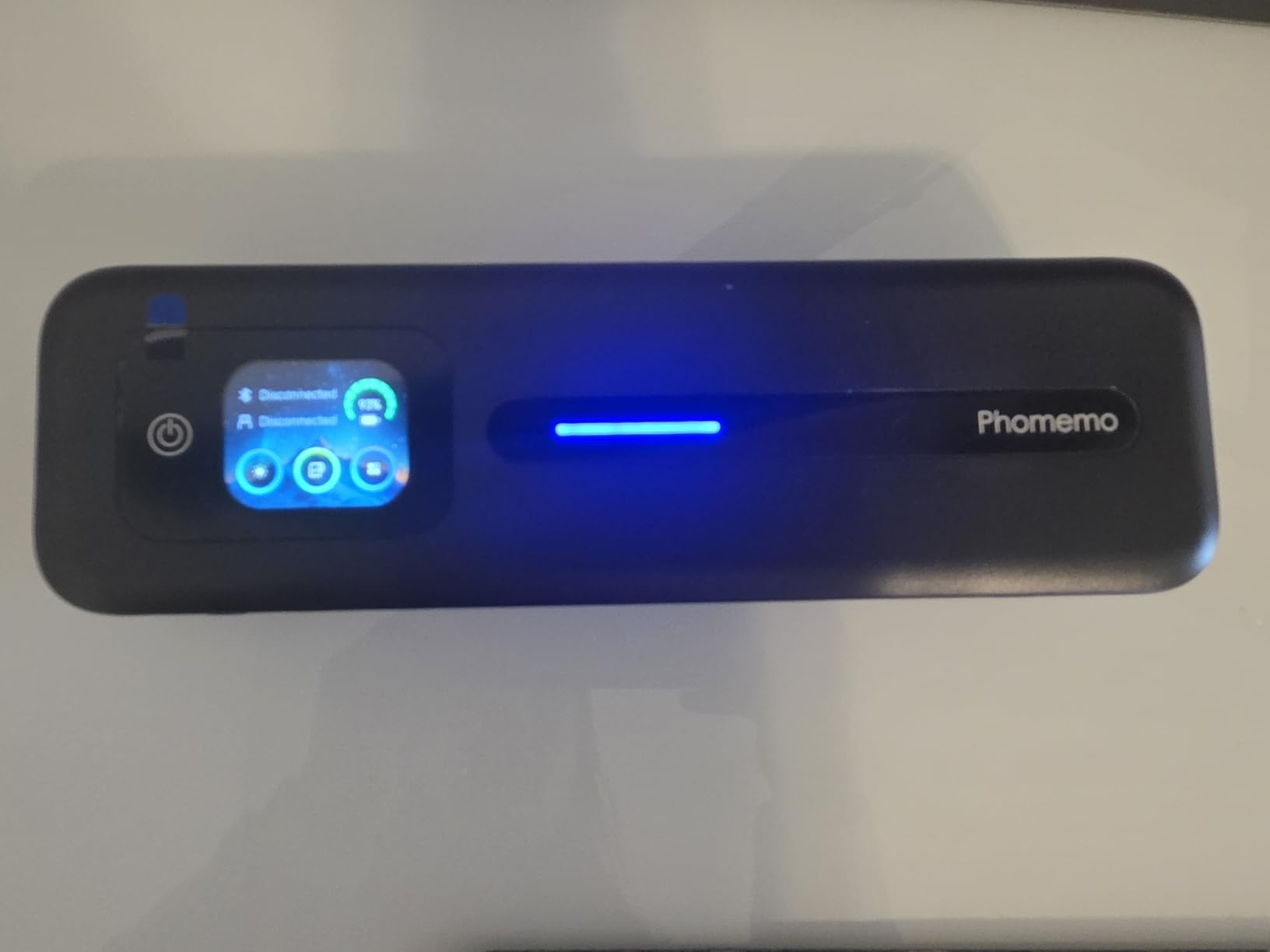
It is also the sharpest thermal printer in this guide at 300 DPI, and the only one with a touchscreen, so you can check paper level and battery without unlocking a phone. Running noise is 30 percent lower than earlier models in the same range, which matters in a hotel room at midnight.
It handles multiple paper sizes across letter and A4 plus narrower widths, with a built-in paper bin, and connects over Bluetooth and USB. The warranty is two years, the longest in the group.
The catch is consistency of product support. At 840 reviews this has the smallest evidence base of any letter-size unit here, so long-term failure data is thin compared with the 25533-review Sprocket. Buyers who value a known track record may prefer a better-established model.
It also carries the same Phomemo app lock-in: no standard printer drivers, so laptop printing means installing vendor software. The touchscreen adds a little complexity if you prefer a simple device with two buttons and no menu.
Is 200 pages per charge enough for a working trip?
For most people, easily. A contractor billing two invoices a day, a traveller printing a handful of boarding passes and itineraries, or a van-dweller producing weekly paperwork will not reach that ceiling on a two-week trip. Charge over USB-C overnight and the question stops mattering.
What are the trade-offs?
It costs more than the other thermal units, the review base is small, and you are inside a proprietary app whether you like it or not. If you need documents in colour, this is the wrong technology entirely. For crisp black-and-white pages and long battery life, it is hard to argue with.
12. iDPRT MT610Pro for the Lightest Full-Page Thermal Printer
iDPRT MT610Pro Portable Thermal Printer, 300DPI HD Mobile-Travel-Printers
1.2 lbs
300 DPI
2000mAh, 200 pages per charge
Bluetooth and USB-C
letter size
Pros
- Lightest letter-size unit here at 1.2 lbs
- 300 DPI resolution at a lower entry point
- 2000mAh battery rated at 200 pages per charge
- HerePrint app with Instagram and handwriting layouts
Cons
- Only 734 reviews
- the thinnest data in the group
- Proprietary app and no standard drivers
- Quality drops on all-black images
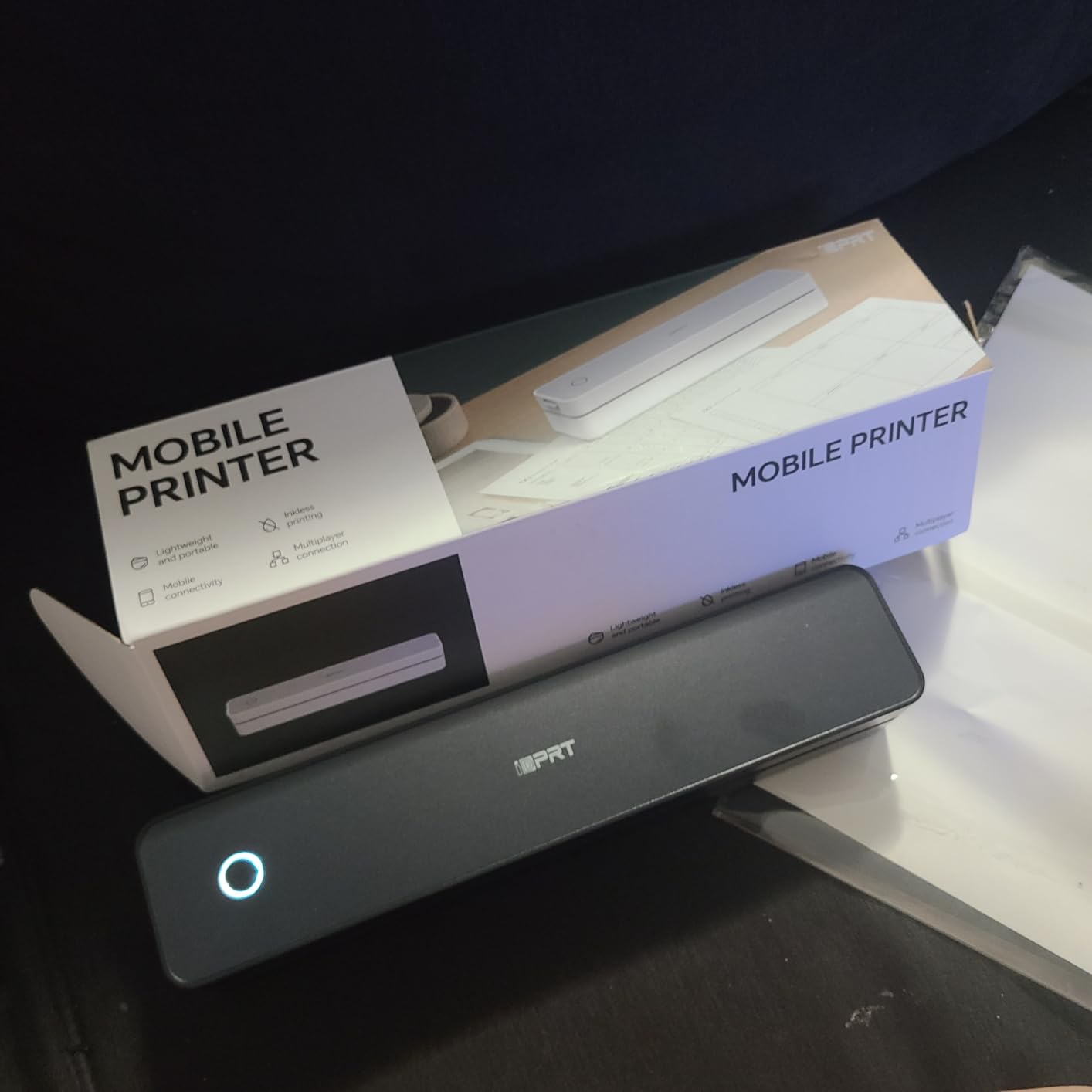
At 1.2 lbs, the MT610Pro is the lightest printer here that produces a full 8.5 by 11 inch page. The 300 DPI output is the joint-sharpest thermal resolution in the guide, which is unusual at this weight class and a step up from the 203 DPI standard most portable thermal units settle for.
The battery is 2000mAh and rated at around 200 pages per charge, so it sits alongside the M832D on endurance while weighing half as much. Ten sheets of US Letter thermal paper are included, and the textured matte grip makes it easier to hold one-handed than the glossier bodies.
The HerePrint app is worth a mention for its templates: Instagram grid layouts and handwriting conversion are both built in, which turns it into a labelling and card tool as much as a document printer.
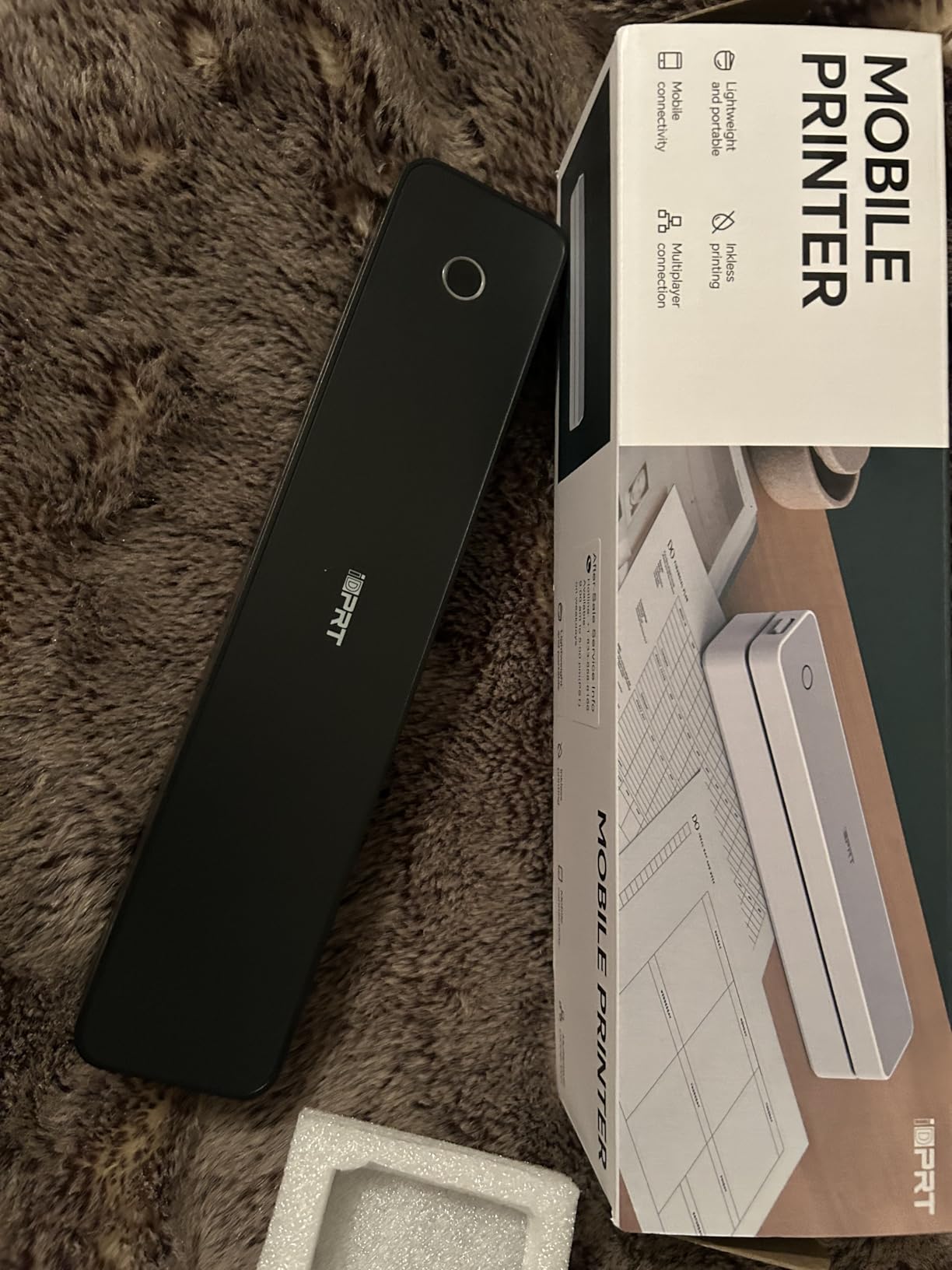
Two caveats. With 734 reviews, this is the least-tested product in the comparison, and its sales rank in the portable thermal category is well down the list, so there is less field data on long-term reliability. And the app is proprietary, with USB-C laptop printing requiring a driver.
Reviewers also note that solid all-black images print less cleanly than mixed text and graphics, which is a known behaviour of direct thermal at high contrast. For invoices, forms, and labels, it holds up well.
Why is weight the deciding factor here?
Because a letter-size thermal printer is the heaviest thing most travellers would consider adding to a bag, and at 1.2 lbs it is closer to a paperback than to a small kitchen appliance. If you are packing light but still need a real page, this is the weight-to-capability trade that works.
Is the small review base a problem?
It is a genuine risk. Newer models in this category tend to launch well and then either hold up or do not, and the feedback that would tell you which is still accumulating. If you prefer proven longevity, the Gloryang or the Sprocket carry far more accumulated evidence.
Portable Printer Buying Guide for Travel in 2026
Every printer in this guide falls into one of four technologies, and the technology decides almost everything else: what it can print, what you carry to refill it, and how long the output lasts. Get this choice right and the rest of the decision is weight and connectivity.
Inkjet: full colour, full maintenance
An inkjet sprays liquid pigment and gives you the widest colour range and the highest resolution available at this size. The Nelko PP01 is the only example here, at 600 by 600 DPI with full CMYK. The cost is a cartridge that can clog if the device sits unused, plus a slower print time. If colour accuracy is your top priority and you will use the printer regularly, this is the technology to buy.
Direct thermal: black and white, nothing to spill
Thermal printers push heat into a coated paper roll. There is no ink, no toner, and no ribbon, so there is nothing to leak into a suitcase and nothing to dry out. The trade-offs are colour, which is impossible, and permanence, because thermal output darkens and fades with heat and light over time. For invoices, receipts, boarding passes, and signed documents, it is the most reliable technology you can pack.
Dye sublimation: photos that last
Dye sublimation transfers colour into the paper’s dye layer in passes, which is why the Kodak Mini 2 Retro and the Liene M100 produce prints that resist fading far better than anything from a Zink machine. The extra pass also lays down a lamination that makes the output water and fingerprint resistant. The cost is a ribbon cartridge and a higher price per print.
Zink: no consumable except paper
Zink, short for Zero Ink, presses dye crystals onto the sheet with heat and pressure. It is not the same thing as thermal, and users who confuse the two get the wrong expectations. Zink gives you full colour, adhesive-backed paper in most of these models, and no cartridge whatsoever. What it does not give you is great colour accuracy: the characteristic look is warm, and long-term fade is a real consideration for a journal you mean to keep.
Battery life, and the trap nobody mentions
Claimed battery figures are usually optimistic. What you will get is closer to the number quoted for the Kodak Step, at roughly 25 prints per charge, and closer to 200 pages for the letter-size thermal units with 2000mAh or 2600mAh cells. Before you buy any portable printer, check whether the battery is included in the box at all, because in this category it is frequently sold as an accessory and the base unit does nothing without it.
Also plan for charging time. Every unit here tops up over USB-C, which means the same power bank that keeps your phone alive will keep the printer alive. Our guide to the best portable chargers for travel is the natural companion piece.
Printing with no Wi-Fi at all
This is the single most common blocker reported in printer forums, and it has a clean solution once you know the options. Bluetooth pairing is the default on every pocket photo printer in this guide and needs no network at all, so a campsite, a night train, and a mountain hut are all fine. For letter-size thermal units, the same applies over Bluetooth, though the vendor app is required rather than a standard print dialogue.
Your phone hotspot is the second option, and it is what several forum users rely on when a site has no Wi-Fi: turn on the hotspot, join the printer to it, and print from the same phone. One unit here, the Liene M100, avoids the step entirely by creating its own Wi-Fi direct network, though it needs mains power.
What does not work is assuming a hotel network will cooperate. Hotel Wi-Fi usually requires a browser login portal, and a printer cannot complete that. If a device depends on being added to an existing network, it will simply not print in your room.
What to carry, and what to leave behind
Carry the printer, a USB-C cable, one spare consumable, and a soft sleeve. For Zink models that means an extra paper pack; for dye-sub, a spare ribbon cartridge; for thermal, a spare roll. Then stop, because the single biggest mistake is packing a ream of standard office paper for a device that only accepts proprietary stock.
Thermal paper and Zink paper are both sold online in quantity and are far cheaper by the case than by the travel pack, so restocking before you leave costs you less and saves you from hunting in a foreign city. We have covered larger-format options separately in our best photo printers guide for anyone who plans to print at home between trips.
International voltage and consumables abroad
Every battery-powered printer in this guide charges over USB-C, which sidesteps the voltage problem almost entirely, since USB-C chargers accept a wide range of mains inputs. You still need a plug adapter for the outlet itself, and the one thermal unit that is not battery powered, the Liene M100, needs its own adapter checked against local voltage before you leave.
The harder question is consumables. Zink paper, Liene cartridges, and Phomemo thermal rolls are proprietary to their manufacturers and are not reliably stocked outside their home markets. A traveller-nested photographer’s advice in our research, effectively, is to buy paper and cartridges before the trip rather than hope. Our home printer guide covers the refill maths for anyone also printing at their base.
When you should skip a portable printer entirely
If you travel four times a year and need one invoice each time, a portable printer is an expensive habit. A hotel business centre or a local print shop is cheaper, more reliable, and produces better colour. The case for owning one strengthens when you travel often, when you work from the road, or when you keep a journal and want the physical artefact in your hand.
There is also a version of this list for people who mainly write rather than photograph. Our guide to the best printers for college students covers the desk-bound case, but if your printing is a once-a-quarter errand, cloud printing to a shop in the city you land in will serve you better than any device in this article.
Flying With a Portable Printer: TSA and Airline Rules
No competitor roundup on this topic covers flying with a printer, and it is one of the most searched questions in the category. The short answer is that printers and their consumables are permitted in both carry-on and checked baggage, with the usual rules for lithium batteries and liquids.
The device itself
A portable printer is permitted in the cabin and in checked luggage. It is a small electronic device with no restricted materials, so it does not need to be removed from your bag at the security tray. The thermal units at 1.2 to 3.1 lbs are the easiest to travel with, and the Gloryang and Phomemo M08F both ship with carry cases for exactly this reason.
The rechargeable battery
Every unit in this guide uses a built-in rechargeable lithium-ion battery, and built-in batteries are permitted in both carry-on and checked baggage with no spare-battery restrictions applying. That is the case for these printers over devices with removable batteries: there is no loose cell to declare.
If you carry a spare power bank for charging, that is a different rule set. Spare lithium batteries and power banks belong in carry-on only, never in checked baggage, because they are not permitted in the hold. Keep them in the cabin with you.
Ink cartridges and toner
Liquid ink cartridges fall under liquid restrictions, so a cartridge of any size must fit within the permitted container volume for liquids, and larger bottles are a problem in the cabin. Putting cartridges in checked baggage avoids the liquid limit entirely, at the cost of risking breakage. The practical rule we follow is to drain and pack cartridges in your hold bag, sealed in a zip bag in case of leakage.
Toner is a powder and is not treated as a liquid, so it is generally easier to carry than ink. Zink paper, thermal rolls, and solid ribbon cartridges are not liquids at all and travel without restriction in either bag.
There is a second reason to check, and it is a practical one rather than a regulatory one. The electronic units here are cheap enough to replace at your destination, whereas proprietary cartridges and paper are frequently not stocked outside their home market. Flying with an empty printer and buying media on arrival is a reasonable strategy for a short trip.
Baggage weight and size
None of these devices is large enough to threaten cabin limits. The letter-size thermal units are the closest to the line, and the TATTMUSE A285M at 1.5 lbs with a 10.39 inch body is the most cabin-friendly of them. Every unit here fits in a personal item or a standard carry-on without displacing anything else.
Frequently Asked Questions
Can you take a portable printer on an airplane?
Yes. A portable printer is allowed in both carry-on and checked baggage. The built-in rechargeable lithium-ion batteries in these devices are permitted in the cabin and the hold, and Zink paper, thermal rolls, and solid ribbon cartridges are not restricted. Liquid ink cartridges count as liquids, so pack them in your checked bag sealed in a zip bag, and keep any spare power bank in your cabin because loose lithium batteries are not allowed in checked luggage.
Is there a portable printer that doesn’t require ink?
Most of them. Direct thermal printers such as the Gloryang PD-A4, Phomemo M08F, TATTMUSE A285M, Phomemo M832D, and iDPRT MT610Pro print on thermal paper with no ink, toner, or ribbon at all. Zink photo printers including the HP Sprocket, Canon Ivy 2, Kodak Step, and Liene Pearl K100 also use no ink, because colour is pressed into the paper as dye crystals. Dye-sublimation models such as the Kodak Mini 2 Retro use no ink either, but they do need a ribbon cartridge.
Do portable printers work without Wi-Fi?
Most do. Every pocket photo printer in this guide pairs over Bluetooth, which needs no network, so they work in a hotel, a car, or a campsite. Letter-size thermal units also print over Bluetooth through their vendor apps. The one unit that avoids the problem differently is the Liene M100, which creates its own Wi-Fi direct network. What does not work is joining a hotel network, since hotel Wi-Fi requires a browser login portal that a printer cannot complete.
How long does a portable printer battery last?
Expect considerably less than a full day of heavy use on the small photo printers. The Kodak Step is rated at about 25 prints per charge, and reviewers describe the Canon Ivy 2 battery as average. Letter-size thermal units last much longer: the Phomemo M832D carries a 2600mAh battery rated at roughly 200 pages per charge, and the iDPRT MT610Pro has 2000mAh for a similar page count. All of them charge over USB-C from the same power bank as your phone.
Are thermal or Zink prints better for travel?
It depends on what you are keeping. Zink gives you adhesive-backed colour photos at a low price per print, which is ideal for a travel journal, but the colours run warm and long-term fade is a genuine concern. Dye sublimation resists fading far better and adds a protective lamination that survives water and fingerprints, so it is better for photos you intend to keep for years. Direct thermal is black and white only, so neither colour nor permanence is the point.
Our Final Verdict on the Best Portable Printers for Travel
The HP Sprocket 2nd Edition takes our best portable printers for travel crown because three things rarely line up in one device: 6.1 ounces, adhesive-backed photos, and Bluetooth printing with no ink, no cartridge, and no network required. It is the one we would put in a jacket pocket and actually use.
For sharper Zink output, the Canon Ivy 2 Mini is the step up. For durability, the Kodak Mini 2 Retro’s dye-sublimation and lamination outlast anything from this category. For a page you can hand to someone, the Gloryang PD-A4 prints full letter size at 35 pages per minute with no ink at all. And for true colour accuracy, the Nelko PP01 is the only inkjet in the group.
Whichever you choose, buy the consumables before you fly, download the app while you still have Wi-Fi, and test a print at home. Those three habits prevent almost every complaint we found.