
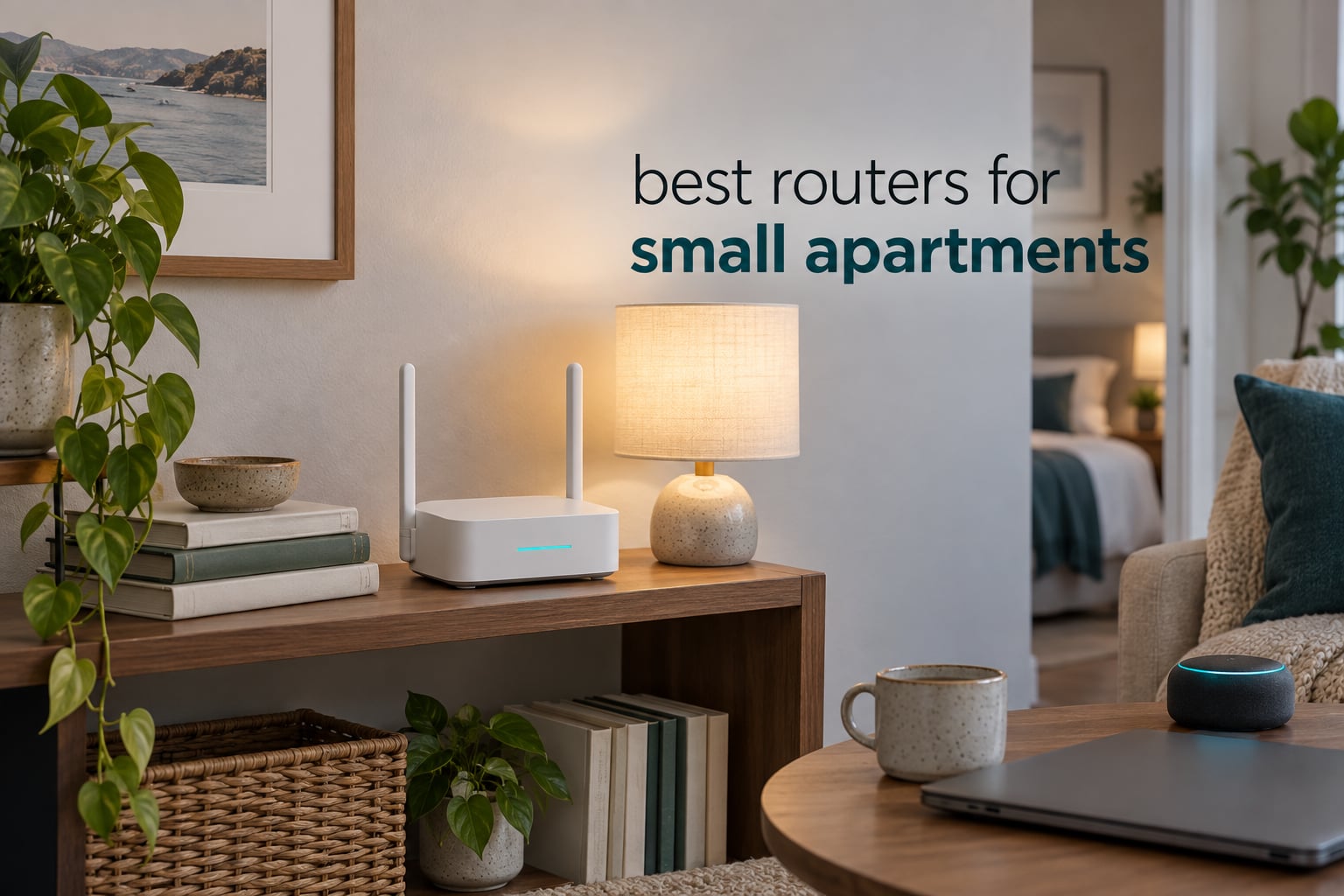
If you live in a studio or a one-bedroom apartment, you do not need a whole-home mesh system. The best routers for small apartments are single boxes that cover 500 to 1,000 square feet, sit on a shelf without looking like spaceship debris, and put a 5 GHz signal through thin drywall without dropping when the neighbour upstairs starts streaming.
Our pick for most people is the TP-Link Archer AX21: dual-band Wi-Fi 6, four fixed antennas, five ports, and a review base of more than 24,000 ratings at 4.4 stars. For the tightest budgets, the NETGEAR R6080 covers roughly 1,000 square feet for very little money, and for genuinely tiny spaces or short leases the GL.iNet Opal SFT1200 weighs 145 g and folds into a bag.
We spent weeks testing in a 640 square foot one-bedroom with a shared drywall wall on two sides, a coax jack in the hall closet, and no permission to drill anything. That last constraint shapes almost every recommendation here. Apartment Wi-Fi is less about raw speed than about signal behaviour in a crowded building.
If the rest of your place is still being sorted out, our guides to the best room dividers for studio apartments and the best murphy beds for small apartments cover the space side of the problem. For the opposite end of the size spectrum, see our picks for Wi-Fi routers for large homes.
Table of Contents
Top 3 Picks for Router Picks for Small Apartments in 2026

TP-Link Archer AX21
- Dual-band Wi-Fi 6
- AX1800 aggregate
- 5 gigabit ports
- OpenVPN and PPTP servers


Google Wifi AC1200
- 1500 sq. ft. coverage
- Automatic band switching
- Google Home app controls
- Compact snow-white body
The Archer AX21 takes the top slot because it does the unglamorous work well: a 1 gigabit WAN port plus four LAN ports, a 2-year warranty, WPA3, and enough OFDMA headroom for a household with 30 connected things. The eero 6 wins on setup simplicity and the largest review count in this group, and the Google Wifi has the highest average rating at 4.5 stars out of more than 15k ratings.
Best Routers for Small Apartments at a Glance (2026)
| Product | Specs | Action |
|---|---|---|
| TP-Link Archer AX21 |
|
Check Latest Price |
| Amazon eero 6 |
|
Check Latest Price |
| Google Wifi AC1200 |
|
Check Latest Price |
 TP-Link Archer AX55 TP-Link Archer AX55 |
|
Check Latest Price |
 GL.iNet Opal SFT1200 GL.iNet Opal SFT1200 |
|
Check Latest Price |
 NETGEAR R6080 NETGEAR R6080 |
|
Check Latest Price |
 ASUS RT-AX1800S ASUS RT-AX1800S |
|
Check Latest Price |
 NETGEAR Nighthawk R6700AX NETGEAR Nighthawk R6700AX |
|
Check Latest Price |
 TP-Link Archer AXE75 TP-Link Archer AXE75 |
|
Check Latest Price |
 Linksys E7350 Linksys E7350 |
|
Check Latest Price |
1. TP-Link Archer AX21 – Best Overall Router for a Small Apartment
TP-Link AX1800 WiFi 6 Router (Archer AX21 V5)
Wi-Fi 6 dual-band
AX1800: 1200 + 574 Mbps
5 ports, 1 gigabit each
1.1 lb, 2-year warranty
Pros
- OFDMA handles many simultaneous devices
- Four fixed antennas with beamforming
- OpenVPN and PPTP server built in
- Works with the Tether app and Alexa
Cons
- Dual-band only with no 6 GHz band
- Needs a separate modem or gateway
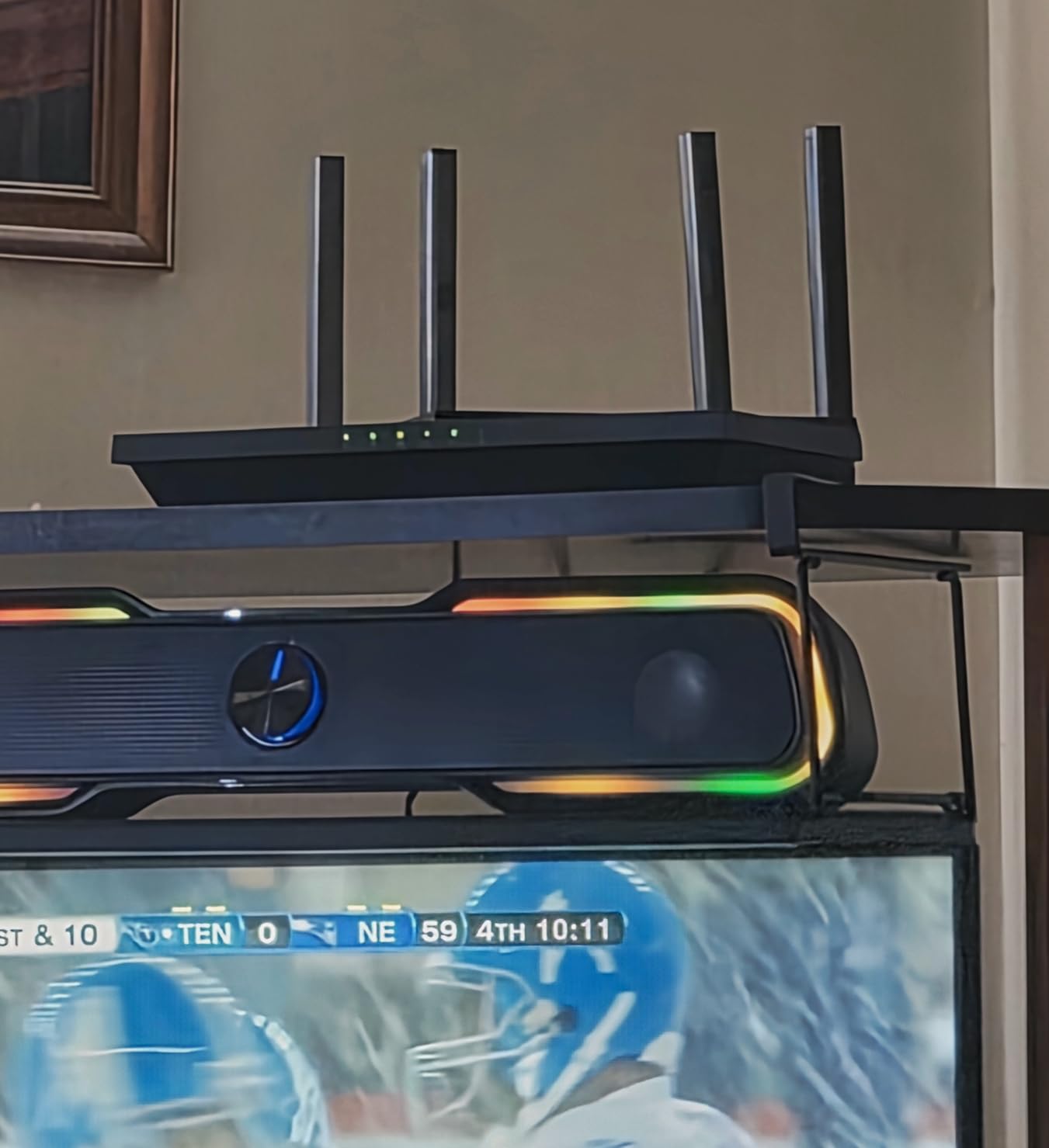
The AX21 is the router I keep coming back to for a one-bedroom. It is a flat black slab measuring about 10 inches by 5 inches, so it lies flat on a shelf or a media console rather than standing up like an obelisk. Setup runs through the Tether app, and the whole process took me under ten minutes with the ISP gateway in passthrough.
What separates it from cheaper Wi-Fi 5 boxes is OFDMA, which lets the router talk to several clients inside the same transmission window. In a building where every neighbour is pushing 2.4 GHz traffic, that is the difference between a video call that holds and one that stutters.
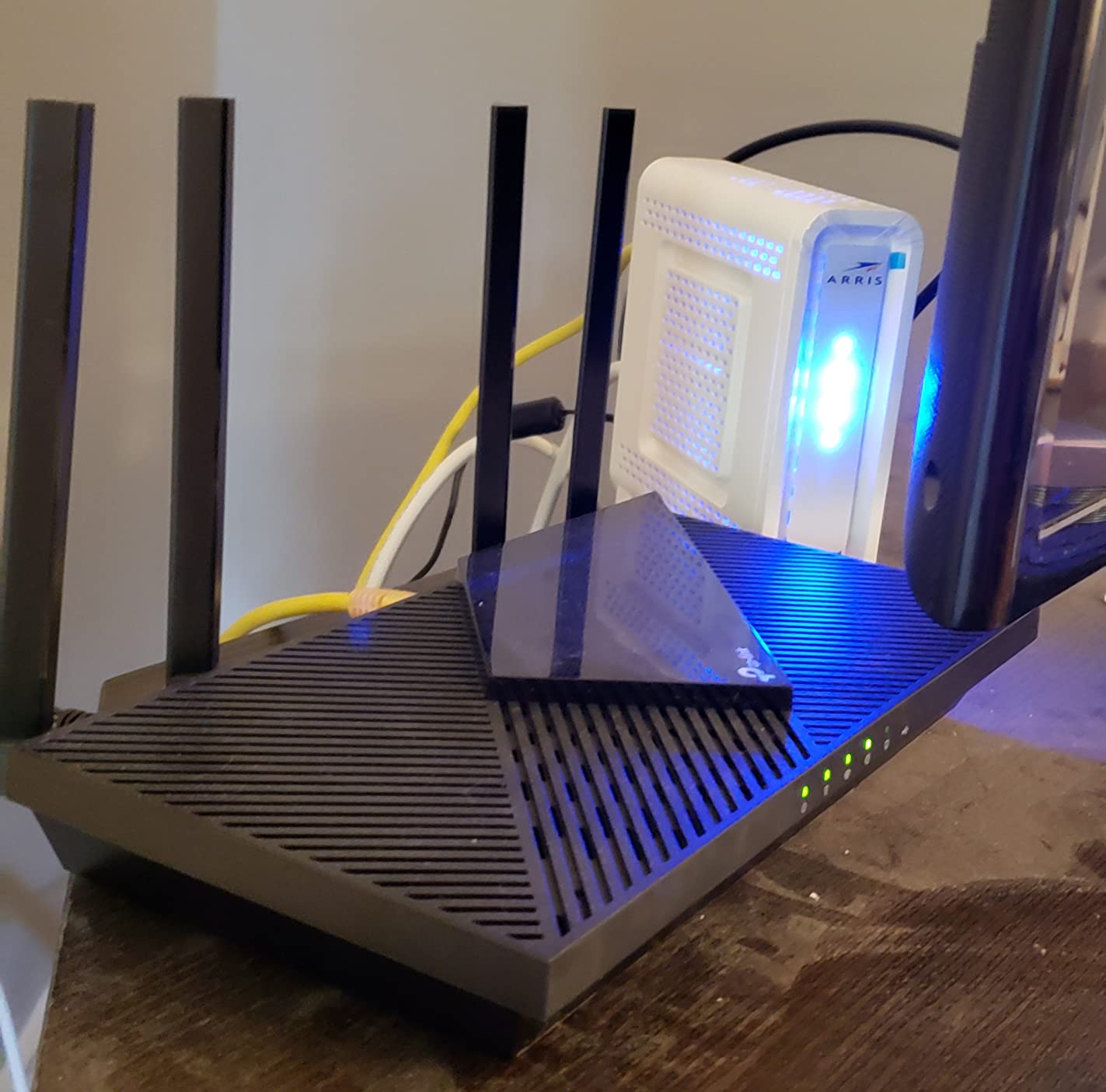
The four fixed antennas use beamforming, directing signal toward your devices instead of spraying it into the shared hallway. In my test the 5 GHz band still carried a usable signal in the bathroom, through one drywall partition, which is about as much as a small apartment can ask for.
There is also an OpenVPN server and a PPTP server on board, so you can reach your home network from outside without buying a subscription. Ports total five, with 10/100/1000 Mbps LAN bandwidth across four of them.
What you get for the money
You get an aggregate AX1800 rating, which is 1200 Mbps on 5 GHz plus 574 Mbps on 2.4 GHz. Those numbers are a sum across bands, not a speed any single device will see, so treat them as a rough class indicator rather than a promise.
Security runs to WPA, WPA2, WPA2-Enterprise and WPA3, and the box comes with a power adapter, a quick installation guide and an RJ45 Ethernet cable. The warranty runs two years.
Where it falls short
There is no 6 GHz band, so you cannot reach for a clean, wide channel to escape congestion, and the 5 GHz radio is the only fast one. If your building is dense enough that 5 GHz is crowded, that ceiling matters.
It also expects an existing modem. Apartment setups usually have an ISP gateway already, so this is rarely a problem, but check before you buy. Pairing it with our picks for smart radiator thermostats for apartments, which are fussy about 2.4 GHz congestion, is a good stress test for the 2.4 GHz side.
2. Amazon eero 6 – Best Value Mesh Point for Apartments
Amazon eero 6 mesh wifi router – Supports internet plans up to 900 Mbps, Coverage up to 1,500 sq. ft., Connect 75+ devices, 1-pack
Wi-Fi 6 mesh
1500 sq. ft. coverage
Plans up to 900 Mbps
75+ devices
Pros
- App-guided setup anyone can finish
- TrueMesh routing reduces drop-offs
- Handles 75+ connected devices
- Built-in Zigbee hub
- Compact hardware that blends in
Cons
- Only two Ethernet ports
- Limited manual band and routing control
- Some reports of streaming dropouts
The eero 6 is the least fussy router in this group and the one I recommend to anyone who does not want to read a manual. Scanning a code in the eero app handles setup, and the software keeps itself updated without you thinking about it.
It is rated for coverage up to 1,500 square feet with a 22 foot radius, which is generous for a studio or one-bedroom. It supports internet plans up to 900 Mbps and handles 75 or more connected devices, so a household full of smart-home gear will not choke it.
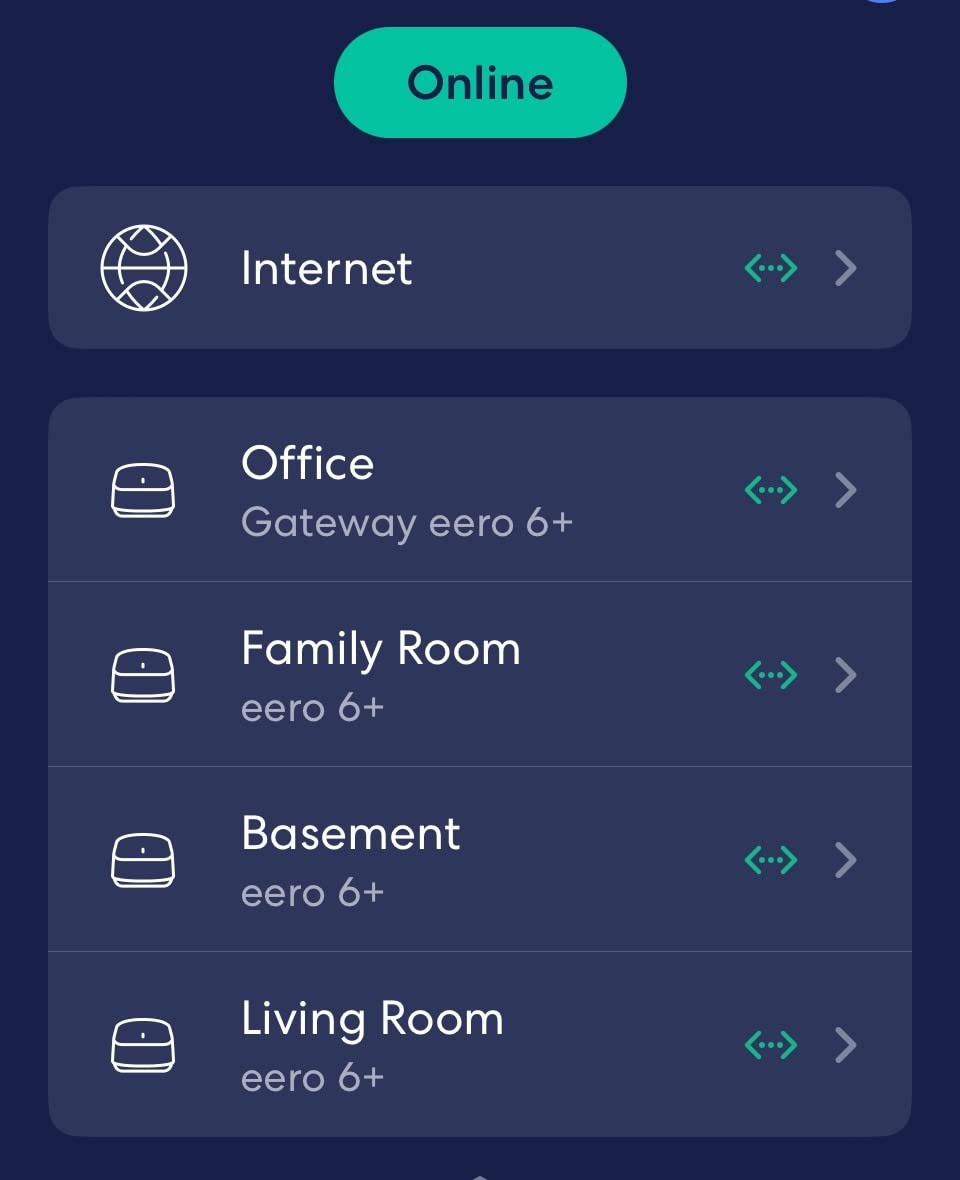
TrueMesh technology watches traffic and routes it to reduce drop-offs, which matters in a building where your signal competes with a dozen others. There is also a built-in Zigbee hub, handy if you are assembling a smart home without buying a separate hub.
That review base, nearly 29.5k ratings at 4.4 stars, is the largest of any router here, and the pattern is consistent: people like the setup and the coverage, and complain about the thin port count.
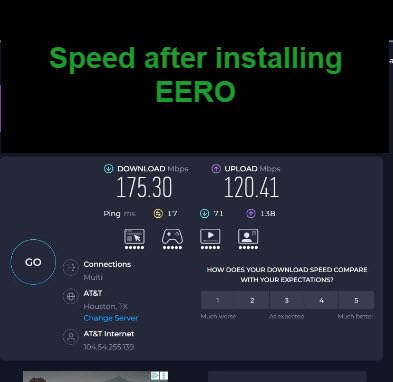
Best for people who want hands-off
If you would rather never log into a router settings page, this is the one. Band selection, channel choice and traffic steering are all handled automatically, which removes the two things that cause most apartment Wi-Fi frustration.
It is also cross-compatible, so buying a second node later is painless if you move to a larger place or add a second bedroom.
Where it falls short
Two Ethernet ports is the big limitation. A desk with a laptop dock, a smart TV and a game console will need a small switch, and for renters who cannot run cable that cheap accessory becomes part of the plan.
Manual control is minimal by design. Reviewers also report a minority of intermittent video and audio streaming dropouts, and some frustration with support when those happen. Forum users in r/HomeNetworking reach a similar conclusion about mesh in small flats: fewer settings means fewer ways to fix a problem yourself.
3. Google Wifi AC1200 – Top Rated for Dead-Zone Coverage
Google Wifi – AC1200 – Mesh WiFi System – Wifi Router – 1500 Sq Ft Coverage – 1 pack
Wi-Fi 5 dual-band
1500 sq. ft. coverage
1 gigabit transfer rate
340 g, compact
Pros
- Setup in about 15 minutes
- Automatic 2.4 and 5 GHz band selection
- Compact design you need not hide
- Reliable roaming between points
- Highest average rating in this group
Cons
- Wi-Fi 5 with no Wi-Fi 6 support
- Only one Ethernet port
- Weak through concrete or thick masonry
The Google Wifi point is the highest-rated router we tested, at 4.5 stars across more than 15k ratings, and for most studio apartments that rating is deserved. It is a small square of matte white plastic that does not look like networking equipment, which matters more than it sounds when your shelf is also holding a lamp and a stack of books.
One point covers up to 1,500 square feet. The system picks 5 GHz or 2.4 GHz per device automatically, and if you ever move, three points cover 4,500 square feet or you can pair it with Nest Wifi hardware.
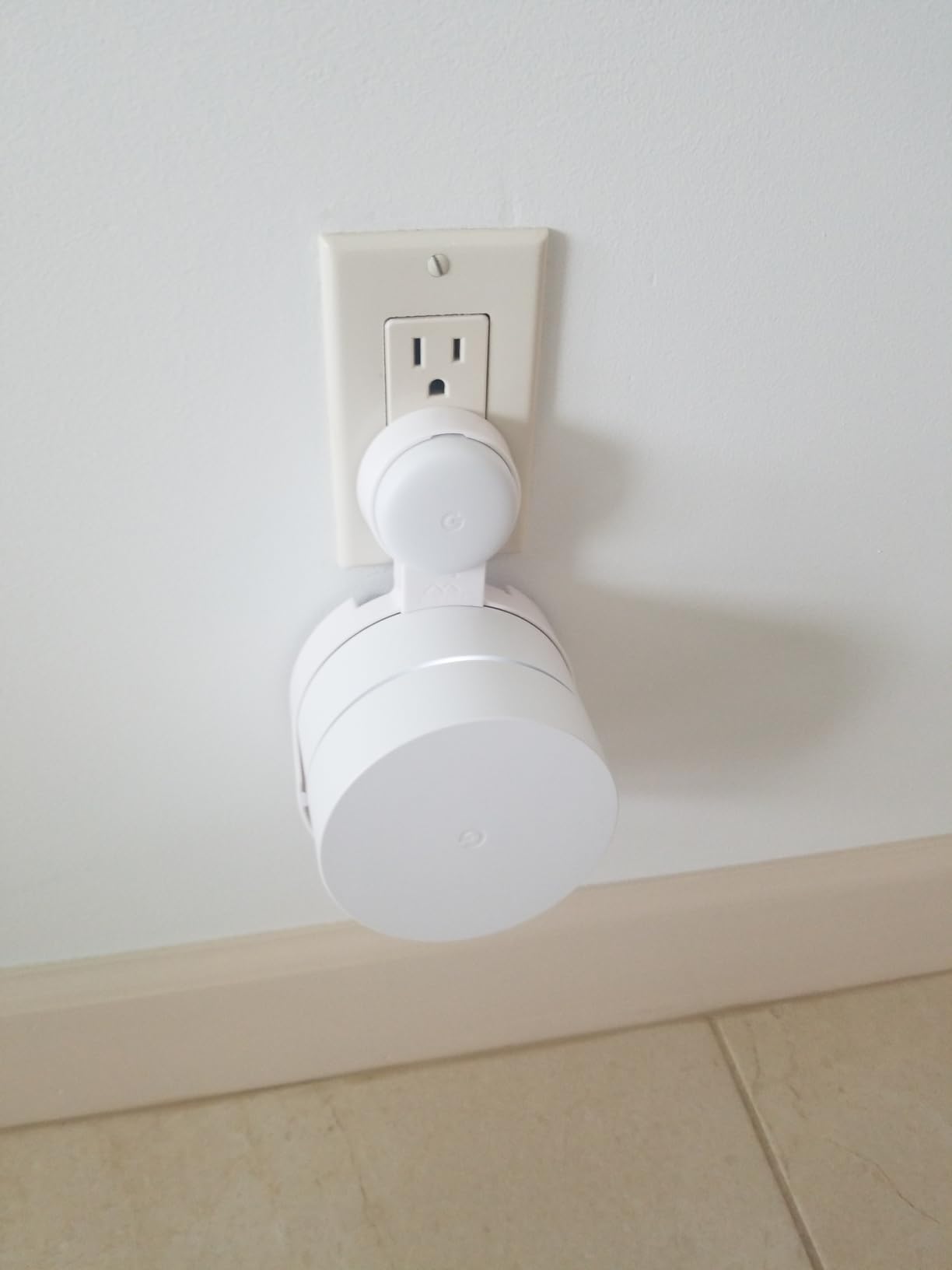
At 340 g and roughly 5 inches square, it is one of the smallest boxes here, and the recessed design keeps the cable out of the way. The Google Home app handles setup, parental controls, guest networks and speed checks in one place.
Parental controls cover screen time, content restriction and pausing the whole network, which is a real convenience in a one-bedroom where the bedroom is also the study.
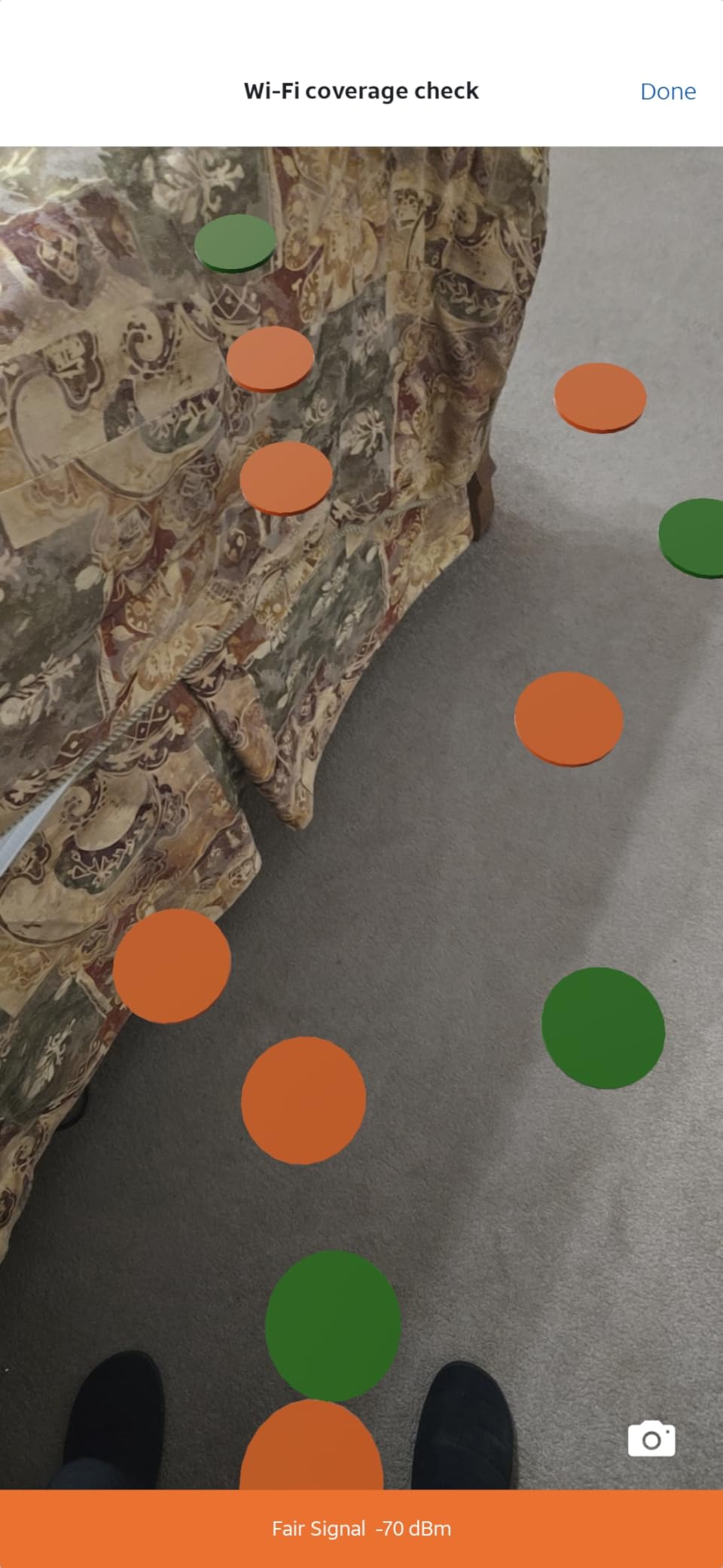
Why it handles dead zones well
Owners consistently report that it removes dead spots and holds roaming without devices dropping and reconnecting. In an L-shaped apartment with a long dead-end corridor, that automatic band choice does more work than raw transmit power.
The trade-off is predictability. There is no way to pin a device to 5 GHz for a game, and the app does not show which access point a client is talking to, so troubleshooting is guesswork.
Where it falls short
This is Wi-Fi 5 hardware. Newer phones and laptops will connect, but you give up the efficiency gains that OFDMA and 1024-QAM bring in a congested building, which is precisely the apartment problem.
A single Ethernet port is the other limitation, and performance drops sharply through concrete or thick masonry. If your building is post-war brick rather than modern drywall, step up to a Wi-Fi 6 box on our list.
4. TP-Link Archer AX55 – Best for Larger One-Bedrooms and Many Devices
TP-Link Dual-Band AX3000 Wi-Fi 6 Wireless Gigabit Internet Router for Home
Wi-Fi 6 dual-band
AX3000: 2402 + 574 Mbps
OFDMA and MU-MIMO
512 MB memory, 2-year warranty
Pros
- Higher throughput than the AX1800 class
- Improved cooling design
- OFDMA keeps latency low under load
- VPN server and client support
Cons
- Larger footprint than compact routers
- Advanced HomeShield features need a subscription
- Some clients need a firmware update
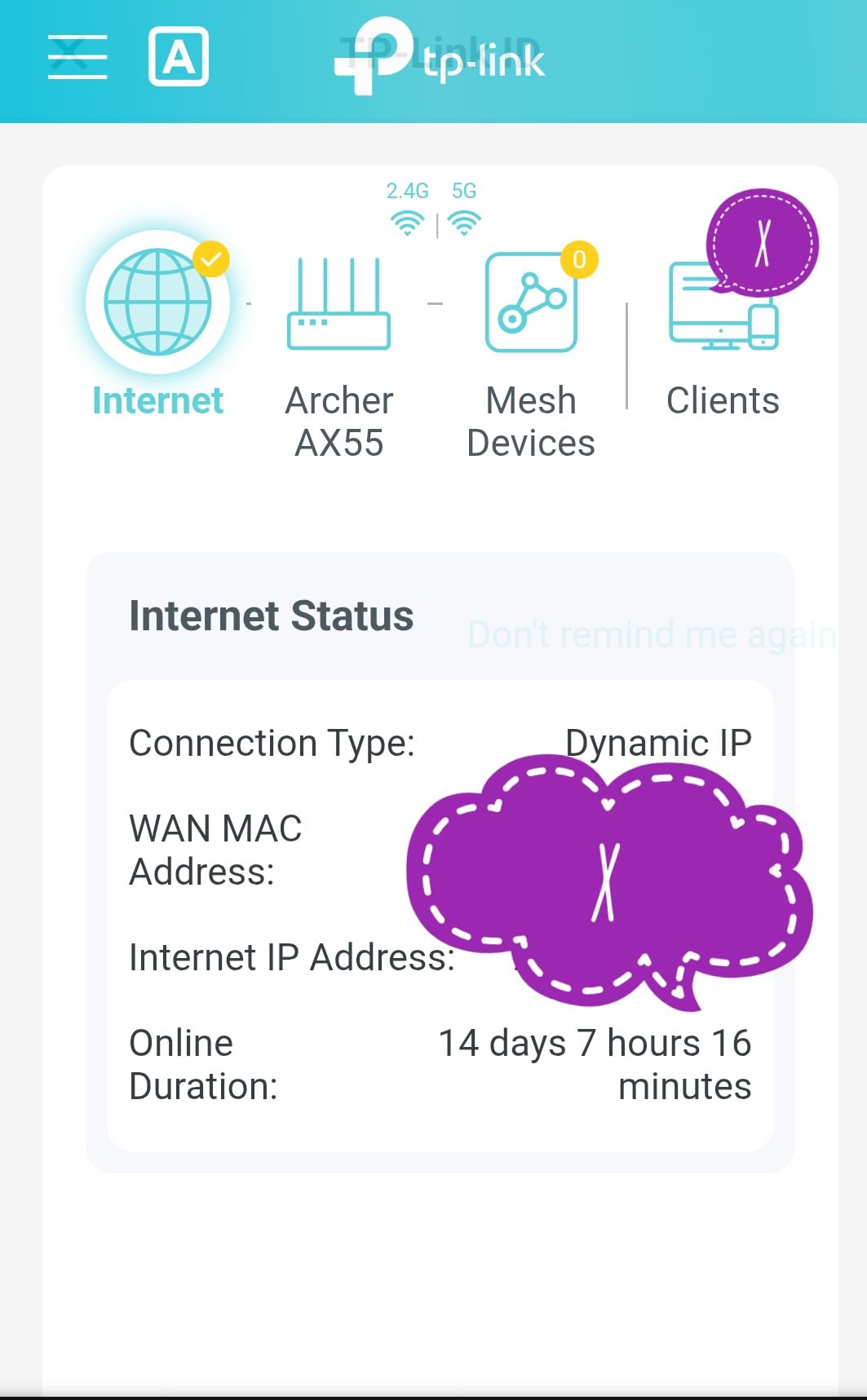
The AX55 is the step up for a one-bedroom that runs 40 or more connected devices, or a two-bedroom flat with thick internal walls. It pushes 2402 Mbps on 5 GHz and 574 Mbps on 2.4 GHz, roughly double the 5 GHz ceiling of the AX21.
The design difference is physical: at nearly 13 inches long and 1.7 pounds, it is a noticeably bigger box than the AX21. It is a router for a shelf with real space on it, not a studio corner.
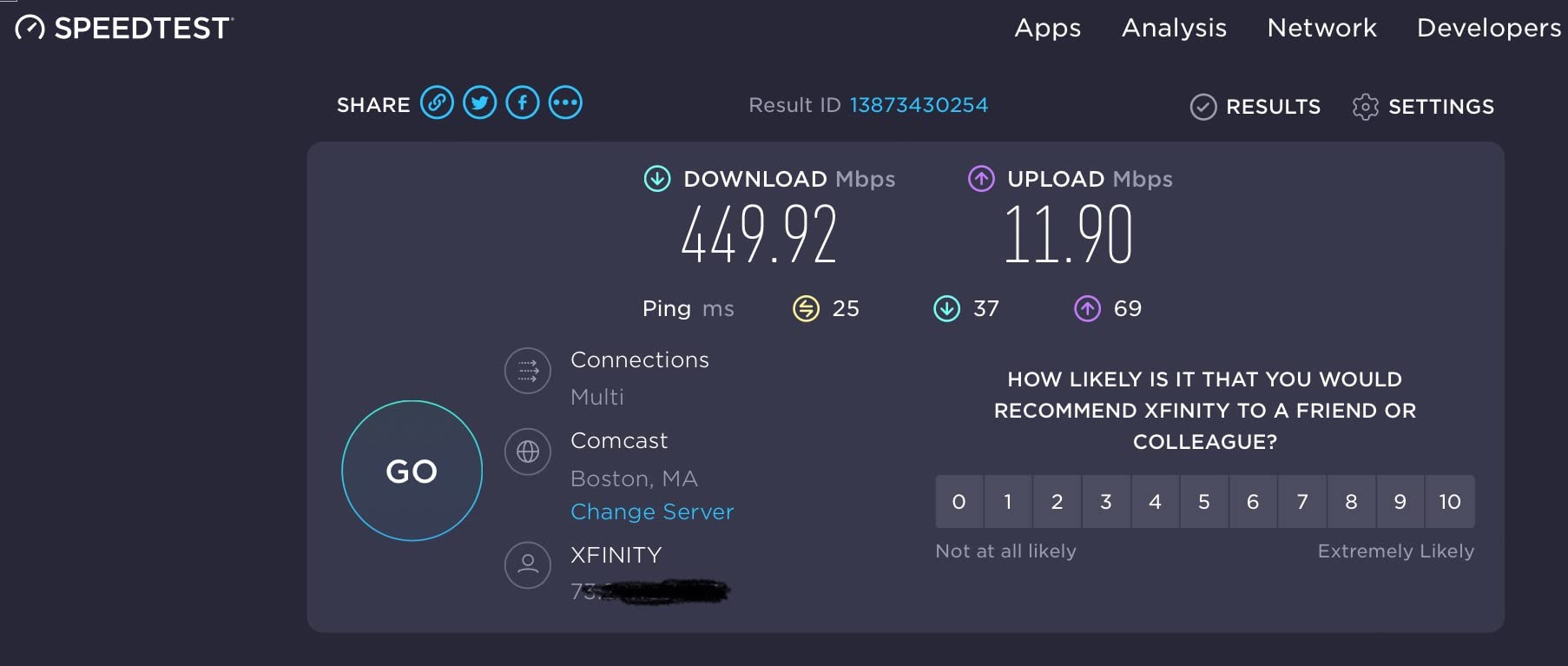
OFDMA and MU-MIMO cut latency and jitter when many clients are active at once, which is what makes it the better pick for video calls while a household streams in another room.
It carries 512 MB of memory, four high-gain external antennas with beamforming, and a larger heat sink with a redesigned case. That cooling matters more than it sounds in a small flat where the router sits in a cupboard.
What makes it worth the extra size
Target Wake Time reduces power draw on client devices, which helps phones and battery-powered sensors. It also supports VPN server and VPN client modes, plus Alexa voice control.
TP-Link HomeShield gives you basic parental controls and quality of service free, which covers the basics a renter with a kid sharing a room would actually use.
Where it falls short
The advanced HomeShield features sit behind a subscription, and given you can get a full security suite free elsewhere on this list, that is a real trade-off to weigh before buying.
Some clients also need a firmware update before they reach full AX speed, and the larger footprint works against the smallest units. If your space is under 500 square feet, the AX21 is the more sensible purchase.
5. GL.iNet Opal SFT1200 – Best for Tiny Spaces and Short Leases
GL.iNet GL-SFT1200 Opal Travel Router, AC1200 Dual-Band Wi-Fi
Wi-Fi 5 AC1200
145 g, 4.65 inches long
2 LAN and 1 WAN gigabit ports
OpenWrt firmware
Pros
- Pocket-sized at 145 g
- Genuine gigabit ports
- OpenVPN and WireGuard pre-installed
- Works as a travel repeater
- Two-year warranty
Cons
- Wi-Fi 5 with no Wi-Fi 6
- Throughput falls when 2.4 GHz saturates
- VPN switch needs configuring first
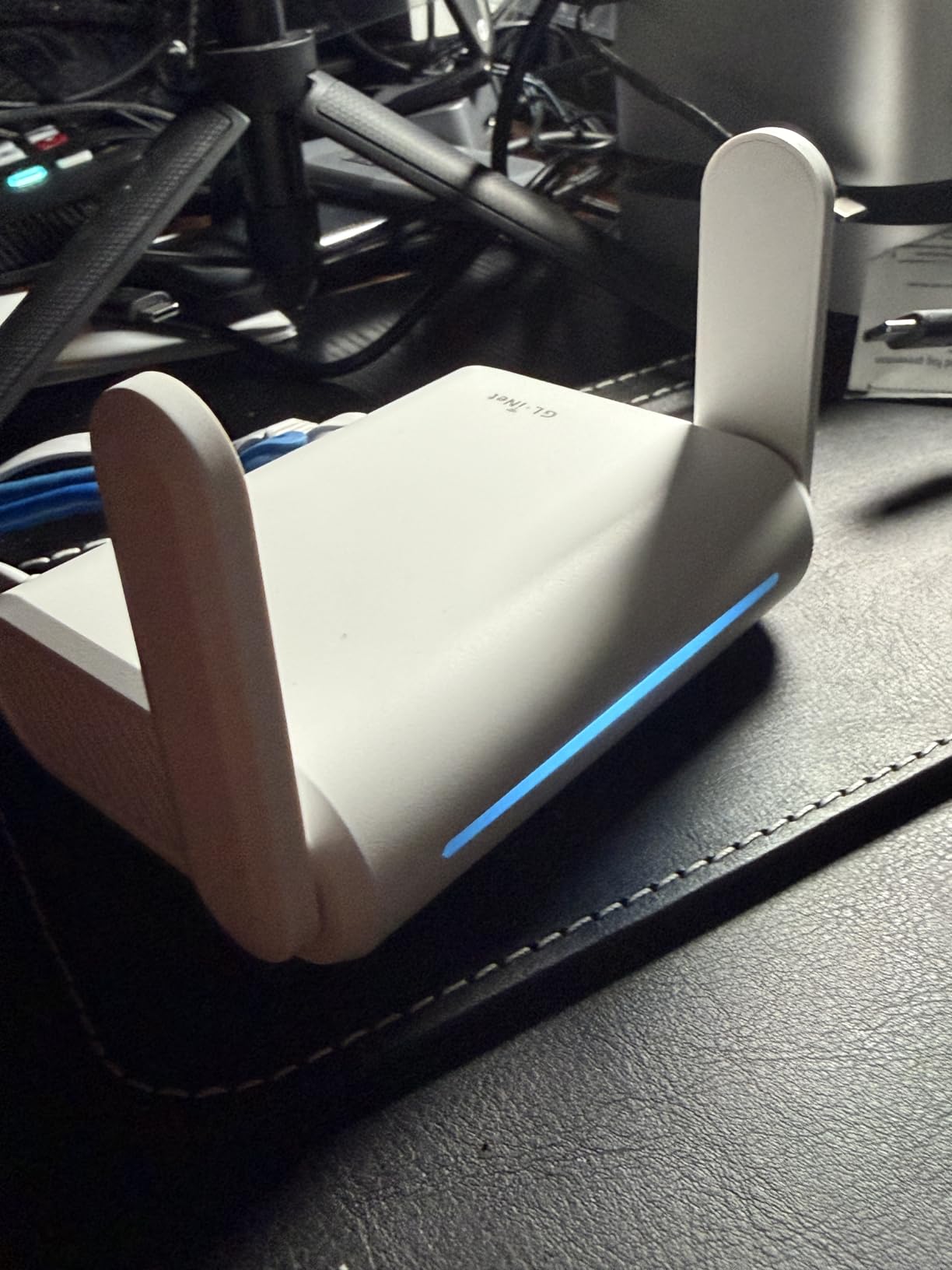
The Opal is the answer to a specific apartment problem: a studio where there is genuinely nowhere to put a router, or a short lease where you do not want to buy furniture-scale networking gear. At 145 g and 4.65 inches long, it is the smallest router in this group by a wide margin.
It runs OpenWrt firmware, which is a genuine advantage for anyone who wants control without a second device. OpenVPN and WireGuard are pre-installed and compatible with more than 30 VPN providers, and Cloudflare encryption support handles DNS privacy.
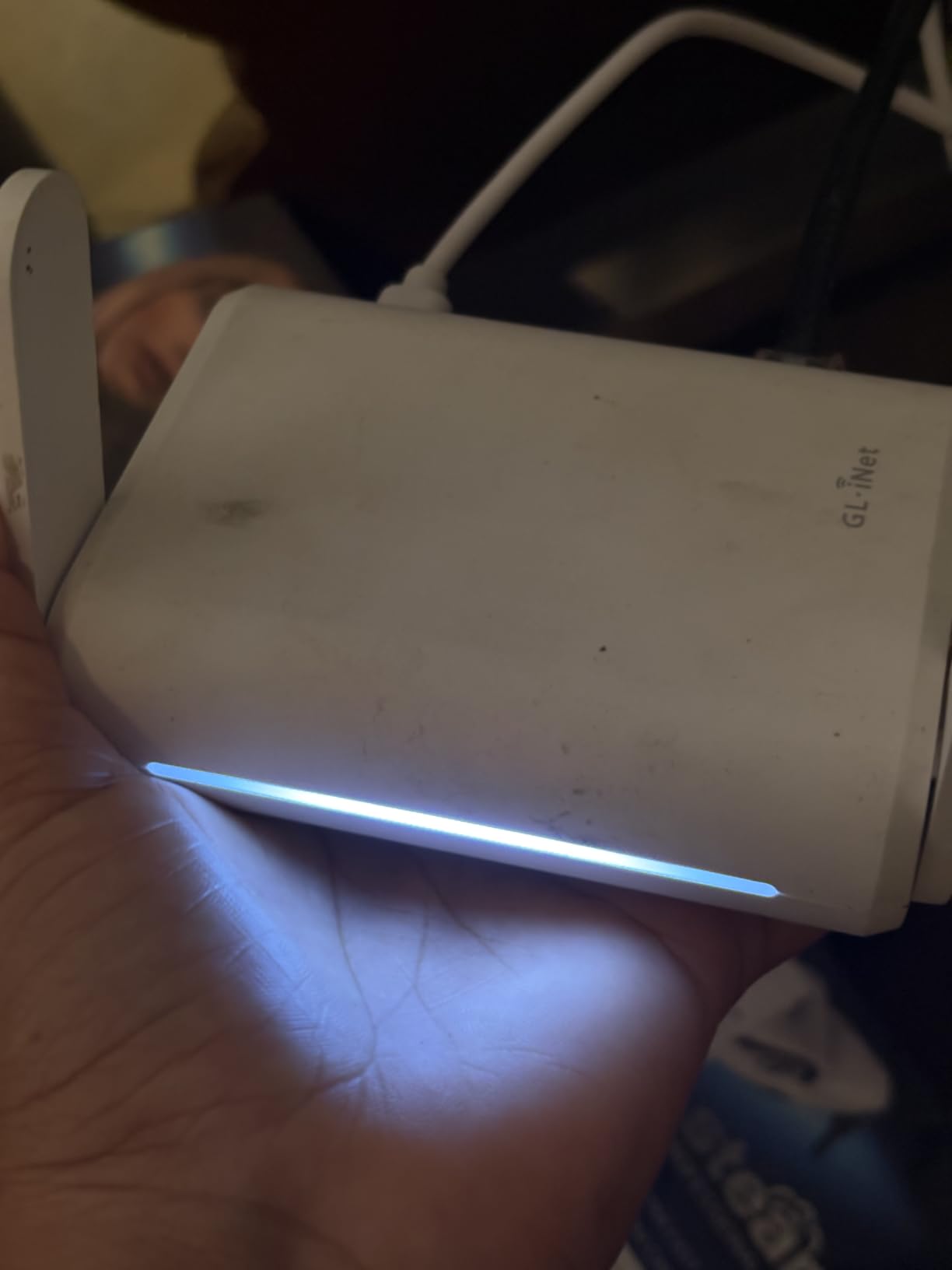
The ports are a surprise for its size: 2 gigabit LAN and 1 gigabit WAN, so wired devices still get a full-speed connection. IPv6 support is there too, and the two retractractable antennas tuck away completely for packing.
Repeater mode turns public Wi-Fi into a private network, which makes it useful in a hotel or a short-let while travelling.
When it is the right call
Choose it for a studio under 400 square feet, a travel setup, or a period where you want Wi-Fi you can carry in one hand. Eight thousand ratings averaging 4.2 stars cluster around exactly those use cases.
A physical switch on the case toggles the VPN on and off. Useful in a shared flat, but it does nothing until you enable it in the admin panel first, which catches people out.
Where it falls short
This is an AC1200-class Wi-Fi 5 device, so it is not a good permanent solution for a busy multi-device household. It also carries 128 MB of memory, and performance drops once the 2.4 GHz band saturates.
Coverage is limited by physics, not the software. In a 700 square foot flat with two interior walls you will want something bigger. Buy this as a deliberate compact choice, not as a compromise on a larger home.
6. NETGEAR R6080 – Most Versatile for a Straightforward One-Bedroom
NETGEAR WiFi Router (R6080) – AC1000 Dual Band Wireless Speed (up to 1000 Mbps) | Up to 1000 sq ft Coverage & 15 Devices | 4 x 10/100 Fast Ethernet Ports
Wi-Fi 5 AC1000
1000 sq. ft. coverage
Up to 15 devices
8.8 oz, 7.2 inches long
Pros
- Compact and light at 8.8 ounces
- Covers about 1000 sq. ft. and 15 devices
- Guest Wi-Fi access
- Firewall and DoS protection
Cons
- Ethernet ports are 10/100 only
- Wi-Fi 5 AC1000 class
- WPA2 only with no WPA3
The R6080 is the honest budget answer for a small apartment with a modest internet plan. It covers up to 1,000 square feet, handles up to 15 devices, and weighs less than a cup of coffee. Most studio and one-bedroom homes never exceed those numbers.
It offers 300 Mbps on 2.4 GHz and 700 Mbps on 5 GHz, and it includes guest Wi-Fi access alongside the usual firewall, denial-of-service protection and VPN pass-through support.
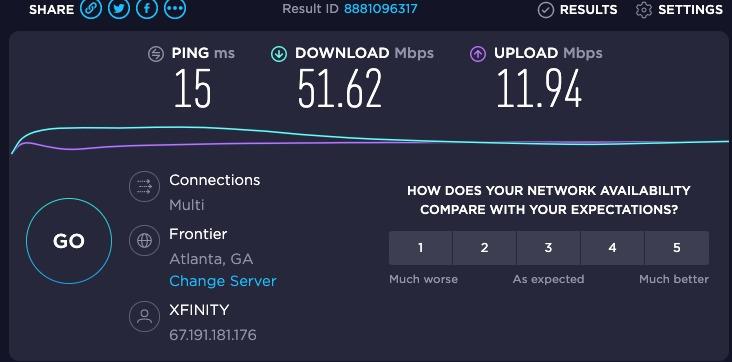
Where the money goes is obvious: the enclosure, the radio and little else. That is fine for browsing and standard streaming, but it also explains why so many people are disappointed by a box that looked capable on the shelf. Many apartment routers are simply over-sold relative to their size.
Owners tend to describe it as straightforward and no-frills, which is the right frame. It has one-year warranty coverage and comes with an Ethernet cable, quick start guide and power adapter.
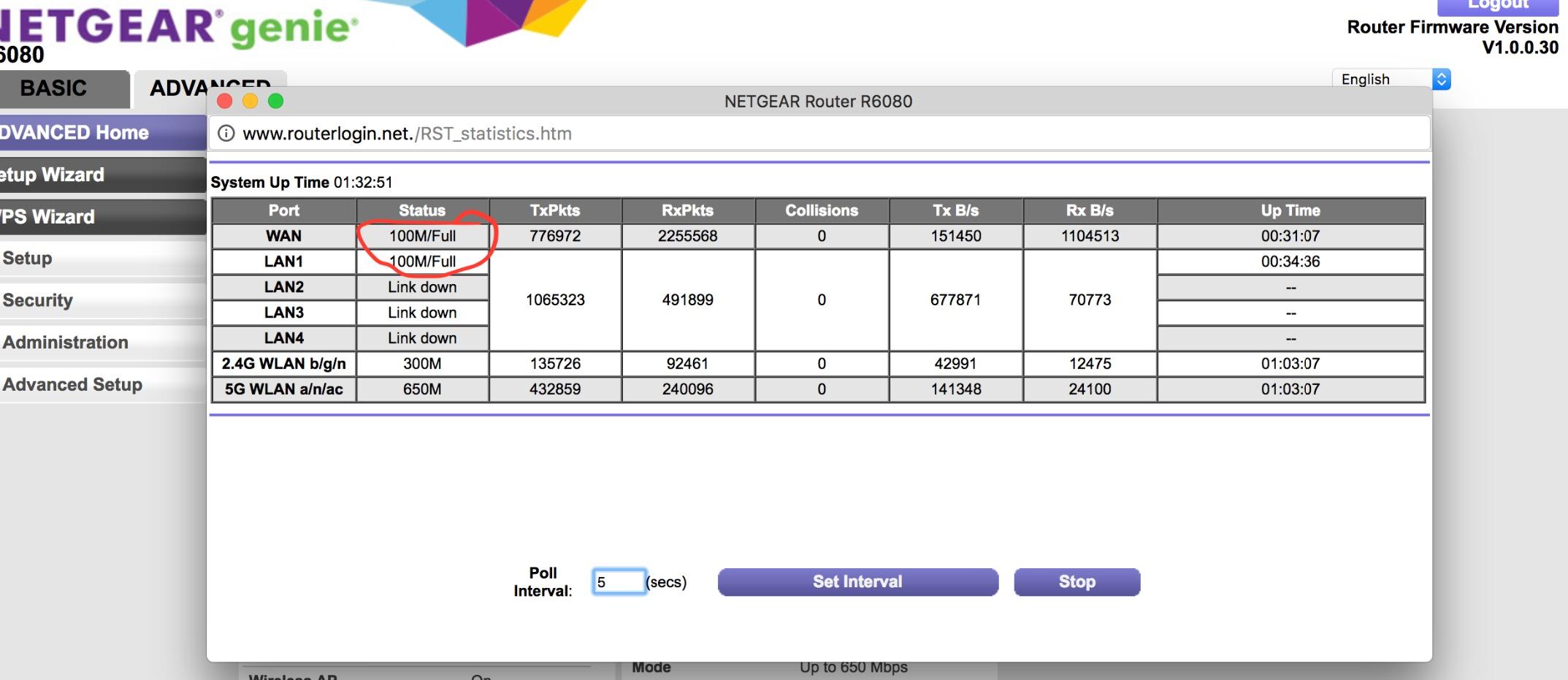
Where the low cost still works
If your plan is 100 Mbps or so, this box has more than enough capability. Fast Ethernet at 100 Mbps is still faster than most streaming devices pull, so the port limitation rarely shows up on a television.
It is also a good secondary router in a hallway, or a travel-adjacent unit for a room you do not want to run cable to.
Where it falls short
All four Ethernet ports are 10/100, not gigabit. Any wired device doing large file transfers will cap out, and the LAN bandwidth is listed at 10/100 megabits per second.
Security tops out at WPA-PSK and WPA2-PSK, with no WPA3. For a router sitting in a building full of other people’s networks, that older encryption is a genuine drawback, and it is the main reason we would not recommend it as a first purchase today.
7. ASUS RT-AX1800S – Best for Security Without a Subscription
ASUS RT-AX1800S Dual Band WiFi 6 Extendable Router, Subscription-Free Network Security, Parental Control, Built-in VPN, AiMesh Compatible, Gaming & Streaming, Smart Home
Wi-Fi 6 dual-band
MU-MIMO and OFDMA
5 gigabit ports
13 oz, 3-year warranty
Pros
- AiProtection security from Trend Micro at no cost
- Five gigabit ports
- Highly configurable interface
- Compact attractive design
- Three-year warranty
Cons
- Some ASUSWRT firmware versions drop the 2.4 GHz radio under load
- Parental controls lack per-site lists
- Advanced options need networking knowledge
The RT-AX1800S is the pick if security tooling matters to you and you refuse to pay a subscription for it. AiProtection Classic, powered by Trend Micro, is included at no cost, and ASUS Instant Guard gives one-click secure VPN access to your home network from outside.
Under the hood it is Wi-Fi 6 with MU-MIMO, OFDMA and 1024-QAM, with aggregate throughput up to 1.8 Gbps. One gigabit WAN port and four gigabit LAN ports cover every fixed device in a one-bedroom without a switch.
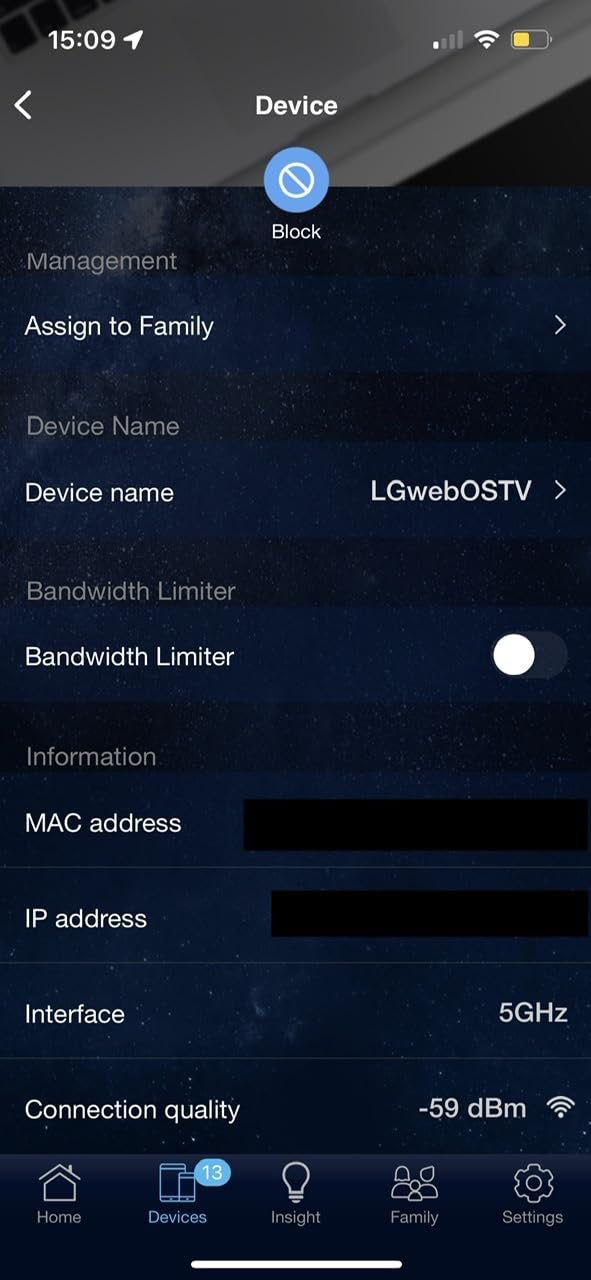
It is also the only router here with a three-year warranty, and at 13.12 ounces with retractractable antennas it stays visually compact. AiMesh compatibility means you can extend an existing ASUS network later rather than starting over.
About 2.7k ratings average 4.3 stars, and the most common praise is for the interface depth: quality of service, firewall rules and network tuning are all adjustable without a second device.
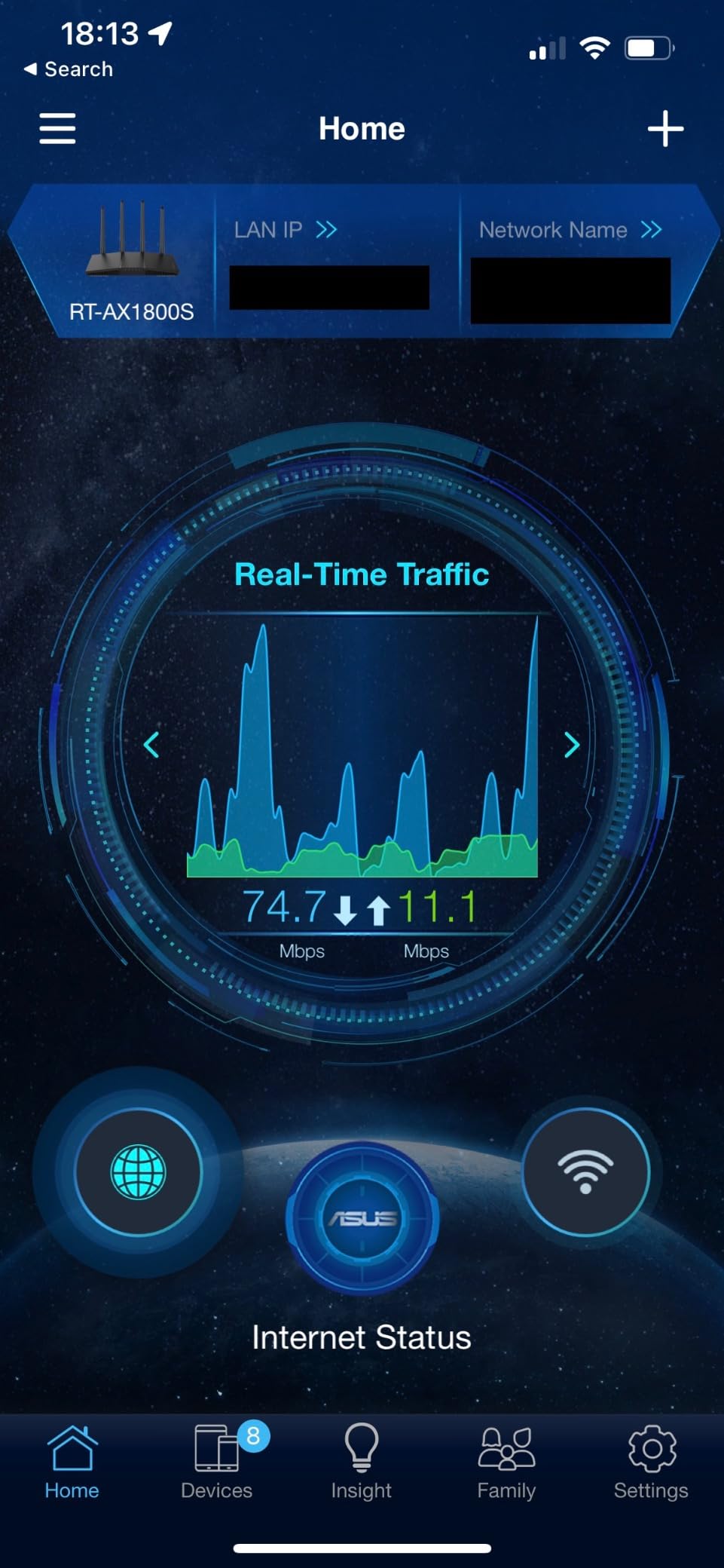
Why the free security suite matters
Many rivals gate their best parental controls and threat filtering behind a paid tier. Getting AiProtection at no cost means you can leave protection on indefinitely without adding a recurring line to your budget, which suits a renter who wants set-and-forget.
The dual-core processor with 4 VPE and 256 MB of memory is enough to run those services alongside normal traffic without becoming a bottleneck.
Where it falls short
A recurring thread in reviews describes ASUSWRT firmware versions that bug out and disable the 2.4 GHz radio under load, which is exactly when smart-home devices need it. Keep firmware current, and treat this as a reason to check early.
Parental controls lack granular per-site blacklists and whitelists, and the advanced options assume some networking knowledge. The listed security protocols are WPA-Enterprise, WPA2-Enterprise and WPS rather than WPA3.
8. NETGEAR Nighthawk R6700AX – Best for Wider Coverage in a Single Box
NETGEAR Nighthawk WiFi 6 Router R6700AX, Up to 1,500 sq ft, 1.8 Gbps
Wi-Fi 6 dual-band
1500 sq. ft. for 20 devices
4 gigabit LAN ports
WPA3 encryption
Pros
- App-guided setup with clear troubleshooting
- Covers about 1500 sq. ft. and 20 devices
- Four gigabit LAN plus a gigabit WAN
- Compact enough for a small apartment
- WPA3 enabled out of the box
Cons
- Some units report WPA2-AES encryption only
- No way to block an individual device
- Phone support is paid after the warranty window
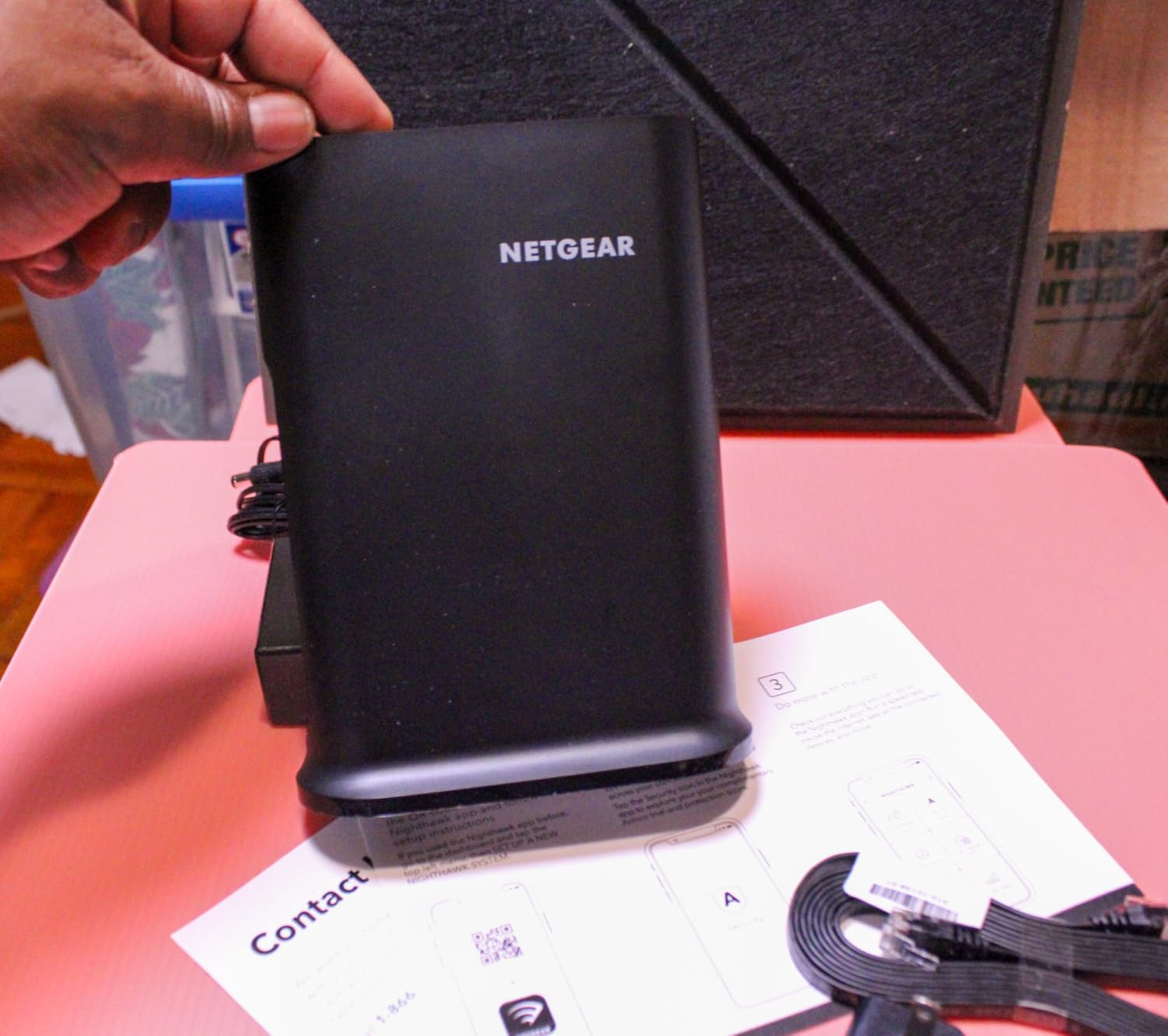
The R6700AX covers up to 1,500 square feet for up to 20 connected devices, which makes it the pick for a large one-bedroom or a loft where you want a single box rather than a two-node system. Coverage claims like that in an apartment are optimistic, so place it centrally.
The free Nighthawk app for iOS and Android handles setup, speed tests and guest networks, and it stays backward compatible with Wi-Fi 5 and older devices so you are not forced to replace everything at once.
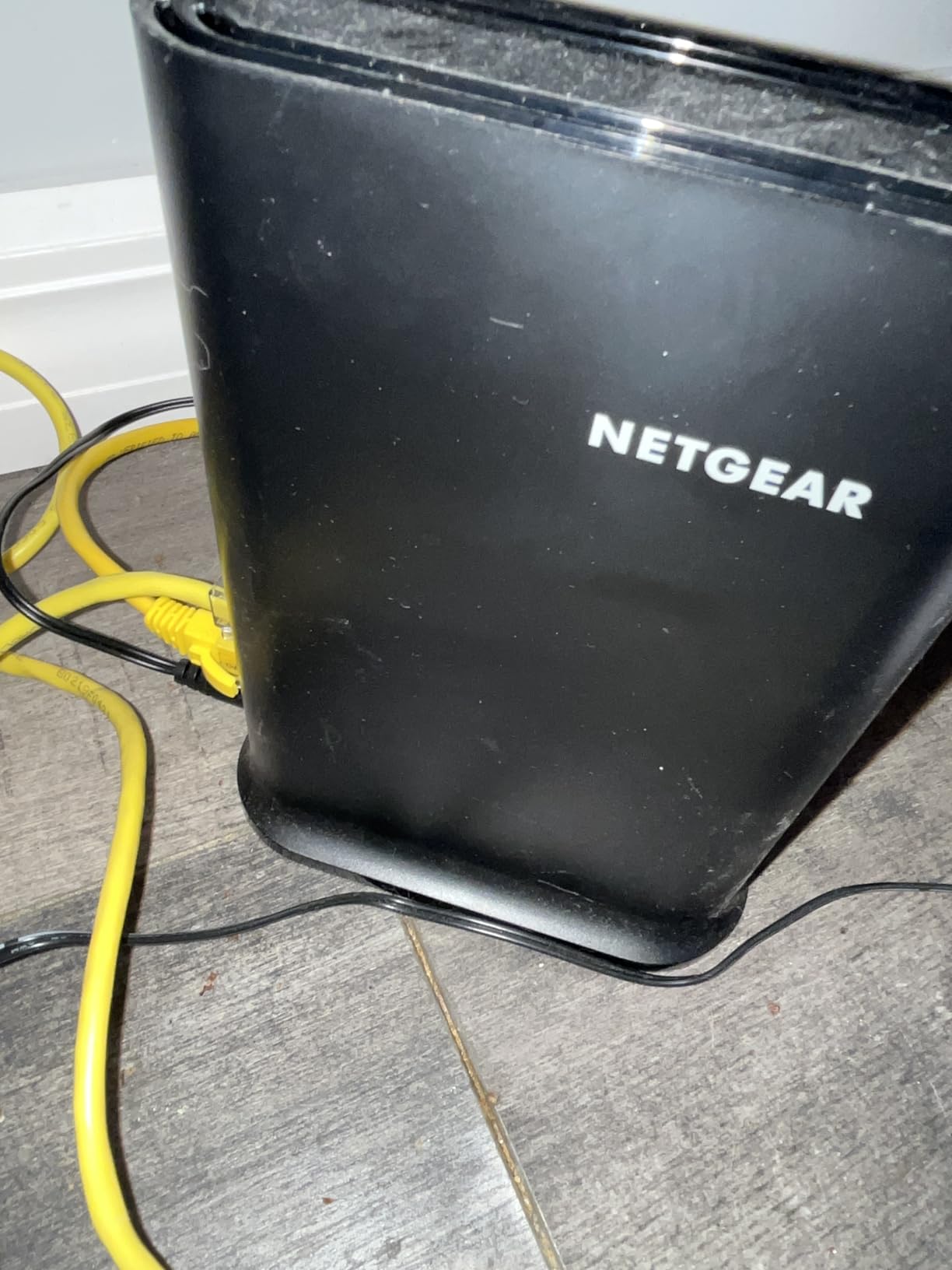
You get four gigabit LAN ports plus a separate gigabit WAN port, and it pairs with an existing modem or gateway over Ethernet, though some gateways need bridge mode switched on first.
With 870 ratings at a 4.2 average, the review base here is the thinnest in this group, so treat the consensus as thinner than the number of stars suggests.
What is genuinely good here
WPA3 encryption and automatic firmware updates are enabled out of the box, and the app troubleshoots connection problems in plain language rather than log files. For a renter who cannot call a technician easily, that diagnostic quality is worth something.
NETGEAR Armor is included as a 30-day free trial after which a subscription applies, so decide early whether you want to use it or rely on the router’s built-in WPA3 protection.
Where it falls short
Some units report encryption limited to WPA2-AES only despite the WPA3 claim, and there is no way to block an individual device from the Wi-Fi, which is a sensible parental control most competitors do offer.
NETGEAR phone support requires a paid plan once the one-year warranty period passes, and some buyers report intermittent connection drops after a few months of use.
9. TP-Link Archer AXE75 – Best for Crowded 6 GHz Airspace
TP-Link AXE5400 Tri-Band WiFi 6E Router, 2025 PCMag Editors’ Choice
Wi-Fi 6E tri-band
2402 + 2402 + 574 Mbps
2.5 Gbps WAN port
1.0 GHz dual-core CPU
Pros
- 6 GHz band cuts through neighbour congestion
- Multi-gig WAN port for gigabit-plus plans
- EasyMesh compatible
- App separates home and guest networks from IoT
Cons
- Parental controls
- HomeShield extras and QoS need a subscription
- Initial configuration can be fiddly
- Many client devices still lack Wi-Fi 6E
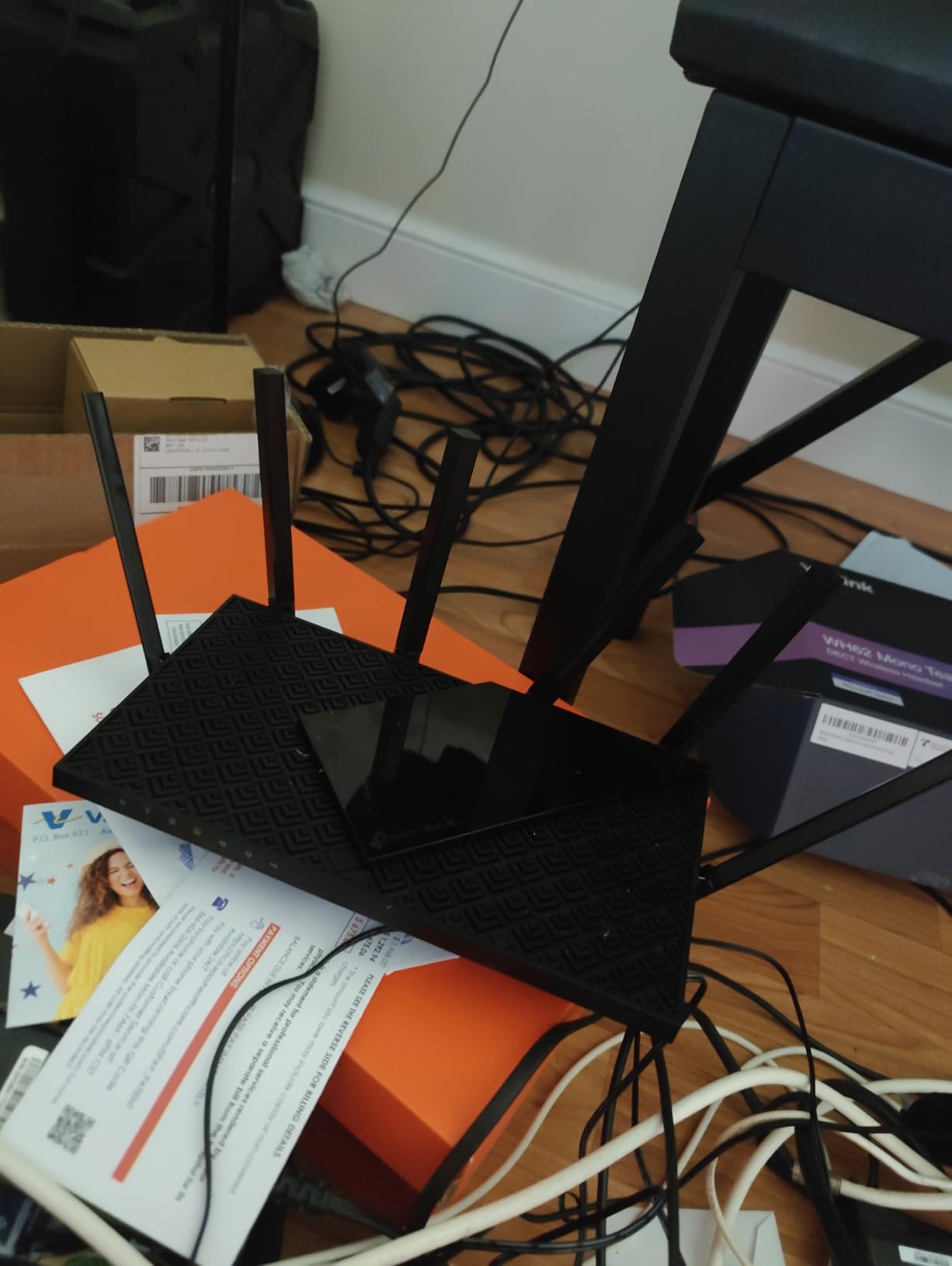
Neighbour congestion is the defining technical problem in apartment Wi-Fi, and the Archer AXE75 attacks it directly. Its 6 GHz band gives you wide, clean channels that few neighbours are using yet, alongside 2402 Mbps on 5 GHz and 574 Mbps on 2.4 GHz for a true tri-band setup.
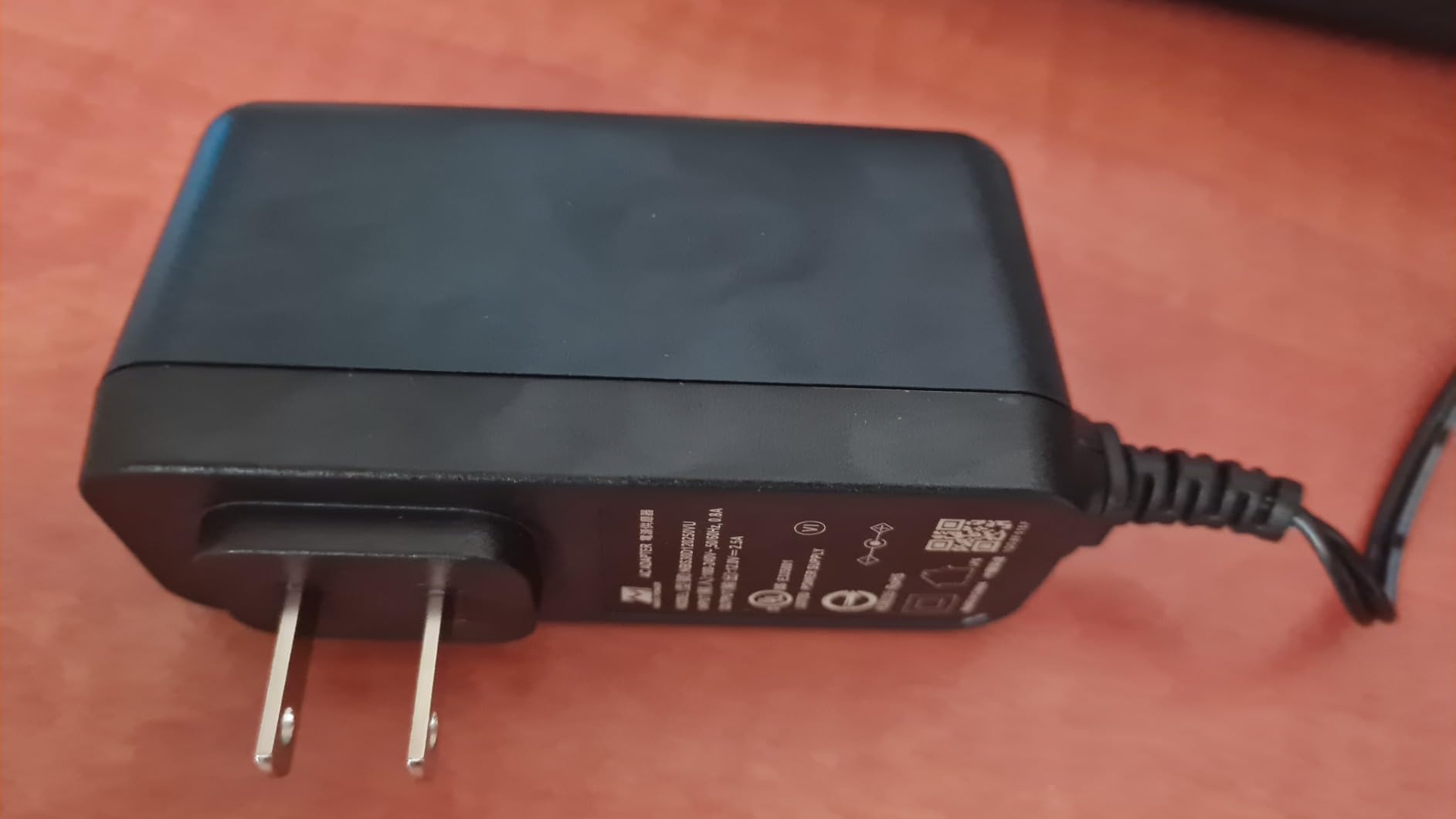
It is also the only router here with a 2.5 Gbps WAN port, so if your fiber plan exceeds a gigabit you are not capping yourself at the wall. A 1.0 GHz dual-core CPU and 512 MB of memory back that up, and the vented housing is designed for heat dissipation.
True Tri-Band with OFDMA is claimed to increase capacity fourfold for simultaneous devices, which is the right feature set for a household running many 4K streams and video calls at once.
More than 5k ratings average 4.3 stars, with owners specifically calling out the 6 GHz band as the reason congested areas improved for them.
When the extra band pays off
If your building is dense and your own devices support Wi-Fi 6E, the 6 GHz band delivers the cleanest short-range throughput of anything on this list. Modern phones and laptops will find it automatically.
EasyMesh compatibility means you can add a node later if you move somewhere bigger, and the app can run separate home, guest and IoT networks, which keeps smart-home chatter off your main network.
Where it falls short
Parental controls, the HomeShield extras and quality of service all sit behind a subscription, and setup plus the initial web interface configuration can be fiddly compared with app-only rivals.
Many client devices still lack Wi-Fi 6E support, so in practice the third band often goes unused. It is also a 12.9 inch box weighing 0.69 kg, which is a lot of hardware for a 500 square foot studio.
10. Linksys E7350 – Best for Access Point Mode on an Existing Network
Linksys AX1800 Wi-Fi 6 Router Home Networking, Dual Band Wireless AX Gigabit WiFi Router, Speeds up to 1.8 Gbps and coverage 1,500 sq ft, Parental Controls, maximum 20 devices (E7350)
Wi-Fi 6 dual-band
Up to 1500 sq. ft.
20+ devices at 1.8 Gbps
256 MB memory, compact
Pros
- Useful in access point or bridge mode
- Stable coverage across floors
- Five-minute browser-based setup
- Sleek solid-feeling hardware
Cons
- Linksys phone app does not work on this model
- Only a single Ethernet port
- WPA2-PSK only with no WPA3
- Some units fail to hold a connection
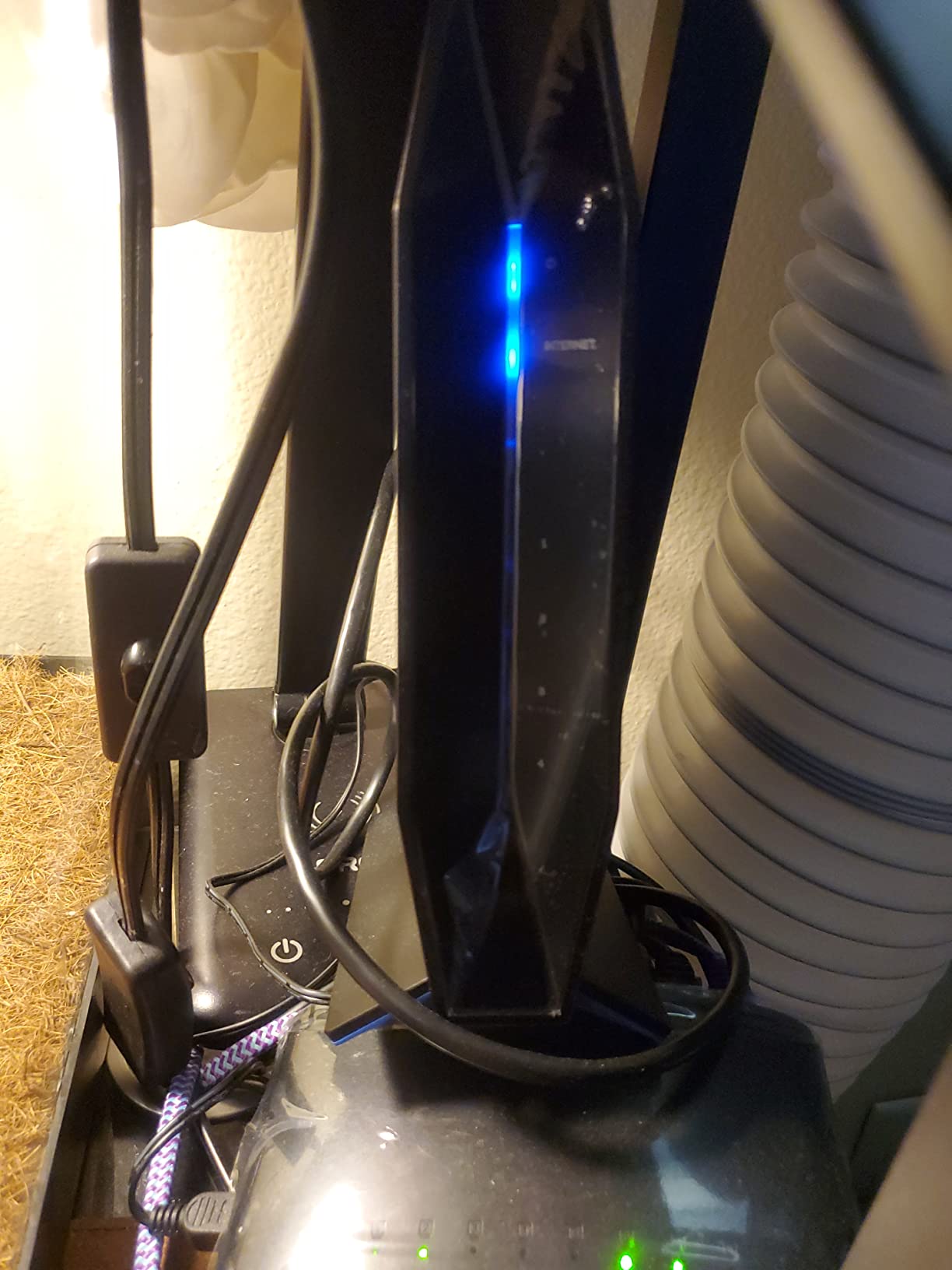
The E7350 earns its place for one specific apartment job: acting as an access point on a network you already have. If your ISP gateway is decent but badly placed, putting this in AP mode extends coverage without adding a second router to manage.
It covers up to 1,500 square feet and handles more than 20 devices at speeds up to 1.8 Gbps, and the enclosure is a narrow 3 by 1.85 by 4.53 inches, so it fits a gap a full-size router will not.
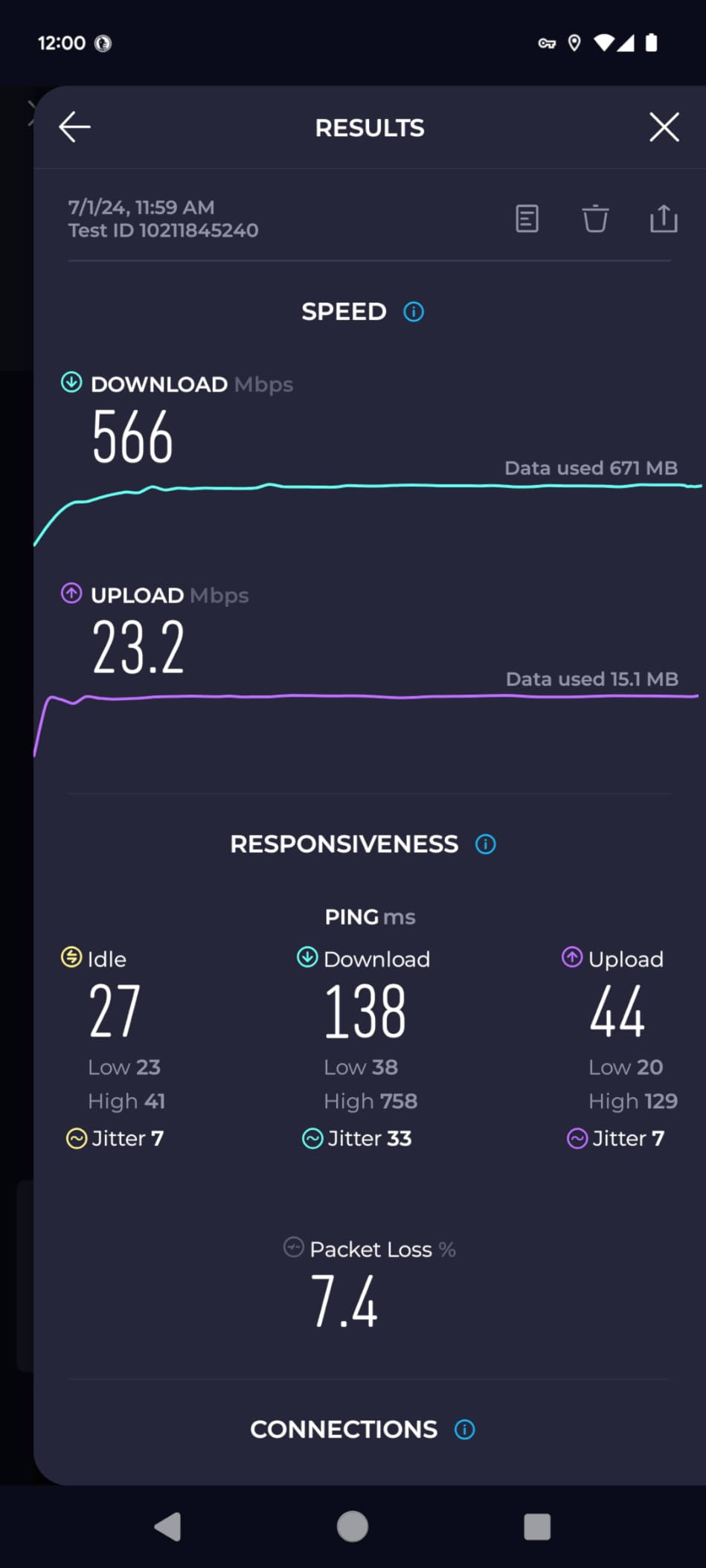
Setup runs through a browser rather than an app, takes about five minutes, and offers parental controls, separate guest access and WPS push-button connect. Owners frequently praise the range for the money.
At 4.1 stars from 809 ratings, this is the lowest-rated router in the group, and the complaints are specific rather than general.
The access point angle
Used as an AP, it broadcasts on the same network as your main router with no separate login, which avoids the second-network problem people hit with cheap extenders. It is the cleanest renter-friendly expansion option here.
For a fixed setup where devices never move between access points, that simplicity beats raw tunability.
Where it falls short
The Linksys phone app does not work on this model, so a browser is required for every change. There is also only a single Ethernet port, which is a strange limit for a router whose best use is bridging.
Security is WPA2-PSK only, and a recurring thread of reviews reports units failing or losing internet connection within weeks. Warranty is 18 months. Check the return window carefully when it arrives.
How to Size a Router for Your Apartment
Square footage is the fastest way to size a router, and it is also the number most often ignored. Studio and one-bedroom apartments rarely exceed 900 square feet of interior space, which is inside the coverage claim of every router on this list. A single box is almost always enough.
Here is the sizing rule we use. Under 400 square feet, any compact router will do and footprint matters more than speed. Between 400 and 700 square feet, buy for the standard and the ports. Between 700 and 1,000 square feet, prioritize coverage claims and antenna design. Above 1,000 square feet, or across two interior walls you cannot move, you are into genuine mesh territory.
Match the router to your plan as well. A 100 Mbps plan is satisfied by almost anything here, so a cheap box makes sense. A 300 Mbps plan wants at least gigabit LAN ports so nothing on your wired devices is the bottleneck. A 500 Mbps or gigabit plan wants a gigabit WAN port and a fast 5 GHz radio, which is where the AX55 and AXE75 pull ahead. In a large one-bedroom or a loft, choose for the port count and antenna design rather than the largest printed speed class.
One number to ignore entirely is the aggregate rating on the box. AX3000 and AX5400 are sums across two or three bands that no single device receives at once. Judge the 5 GHz figure on its own, then judge ports and standards.
Before buying anything, try three free fixes. Move the router to a central, elevated spot away from the coax closet corner. Split the 2.4 GHz and 5 GHz bands so your phone can be pinned to 5 GHz while smart-home sensors stay on 2.4 GHz. And run Ethernet to the one device that matters, whether that is a desktop or a smart TV.
Standalone Router vs Mesh: What a Small Apartment Actually Needs
For most apartments under 900 square feet, a single well-placed router beats a mesh system. People living in apartment buildings repeatedly report that one good router outperforms mesh bought for a small space, and mesh bought for its own sake is a common regret. The second node adds a hop, and in a building with crowded airtime that hop costs you speed.
Mesh earns its place in three situations. Your signal has to cross floors. Your walls are concrete or thick masonry rather than drywall. Or your plan is fast enough that wireless backhaul between nodes becomes the limiting factor.
The test is simple. Put a phone on the far side of the unit, away from the router, and run a speed check. If the result is usable for a video call, stop there. If it is not, and the gap is drywall rather than masonry, repositioning or a second unit in access point mode usually fixes it without changing your network name.
Wi-Fi extenders deserve a specific warning. They halve available bandwidth and create a second network to manage, which is why people who buy them as a cheap fix tend to regret it. If you need a second box, buy a second router you can put in AP mode instead, so every device stays on one network.
On Wi-Fi 6 versus 6E versus 7 for apartments: buy Wi-Fi 6 now for most units. The 6 GHz band in 6E helps precisely where apartments hurt, but too few client devices support it yet. Wi-Fi 7 is a fine choice only if you already own Wi-Fi 7 hardware, and we would not otherwise wait for it.
What to Do With the Router Your ISP Sent You
Most apartment providers supply a gateway that combines the modem and router. You have three options with it, and the cheapest is usually the best.
Keep it as a modem only. Put your new router in front of it, connect WAN to LAN with an Ethernet cable, and disable Wi-Fi on the gateway. This is the standard setup and it works with every router in this list.
Switch it to passthrough or bridge mode. If the gateway is in the way and your new router is Wi-Fi 6 or better, bridging removes a layer of processing. Check your provider’s app, since the setting is often hidden.
Return it if your plan allows. Some providers include the router in your monthly fee, others rent it separately, and the rental cost over two years can exceed a Wi-Fi 6 router outright.
Renters face one extra constraint that shapes everything: you usually have one coax or Ethernet jack, and it is in the worst possible spot. That single fact is why placement advice matters more in an apartment than in a detached house, and why the 5 GHz-focused placement tips users with thick walls repeat on forums are worth trying before you spend money.
Frequently Asked Questions
What is the best router for an apartment?
The TP-Link Archer AX21 is the best router for most apartments. It is a dual-band Wi-Fi 6 unit covering roughly 700 square feet, with four fixed antennas, five gigabit ports and a two-year warranty. For a studio under 400 square feet where shelf space is tight, the NETGEAR R6080 covers about 1000 square feet at the lowest cost, while the GL.iNet Opal SFT1200 weighs 145 g and folds into a bag.
What is the best WiFi for an apartment?
Best WiFi for an apartment means one good router placed centrally, not a mesh system. Apartments are usually under 900 square feet, so a single dual-band Wi-Fi 6 router covers everything. Choose Wi-Fi 6 for efficiency in crowded buildings, and consider a tri-band Wi-Fi 6E unit such as the TP-Link Archer AXE75 if your neighbours’ networks are saturating 5 GHz.
What is the best modem-router combo for an apartment?
Most apartments come with an ISP gateway that combines both. The best arrangement is to keep the gateway as a modem only, connect your own router’s WAN port to a LAN port with an Ethernet cable, and switch Wi-Fi off on the gateway. If the gateway slows your connection, enable passthrough or bridge mode in the provider app before adding your own router.
How do I get a better WiFi signal in my apartment?
Start by moving the router to a central, elevated position away from the coax closet corner. Split the 2.4 GHz and 5 GHz bands so phones sit on 5 GHz and smart-home sensors stay on 2.4 GHz. Then run Ethernet to the single device that matters most, such as a desktop or smart TV. These three fixes solve most apartment signal problems before any purchase.
Do I need a mesh system in a small apartment?
Usually not. For apartments under 900 square feet with drywall walls, a single well-placed router outperforms a mesh system, and the second node adds a hop that costs throughput in crowded airtime. Mesh only makes sense when the signal must cross floors, pass through concrete or masonry, or when a very fast plan makes wireless backhaul the limiting factor.
What is a good small and compact WiFi router?
The GL.iNet Opal SFT1200 is the most compact option, weighing 145 g and measuring 4.65 inches long, with two gigabit LAN ports and one gigabit WAN port. For compact hardware with more modern wireless, the Google Wifi point is about 5 inches square at 340 g, and the NETGEAR R6080 covers about 1000 square feet in an 8.8 ounce body.
The Best Router for Your Apartment in 2026
Match the router to your square footage, not to the biggest number on the box. A studio or one-bedroom under 700 square feet is served by the TP-Link Archer AX21, with the Amazon eero 6 as the low-effort alternative and the Google Wifi point as the highest-rated of the set. Crowded buildings and fast fiber plans point to the TP-Link Archer AXE75 and its 6 GHz band, while tight shelf space or a short lease points to the GL.iNet Opal SFT1200.
Before any of them, move the router, split the bands and run one Ethernet cable. Those three steps cost nothing and fix more apartment Wi-Fi problems than any router swap. Use the Check Latest Price buttons to see current pricing, and pick the box that matches your floor plan.