
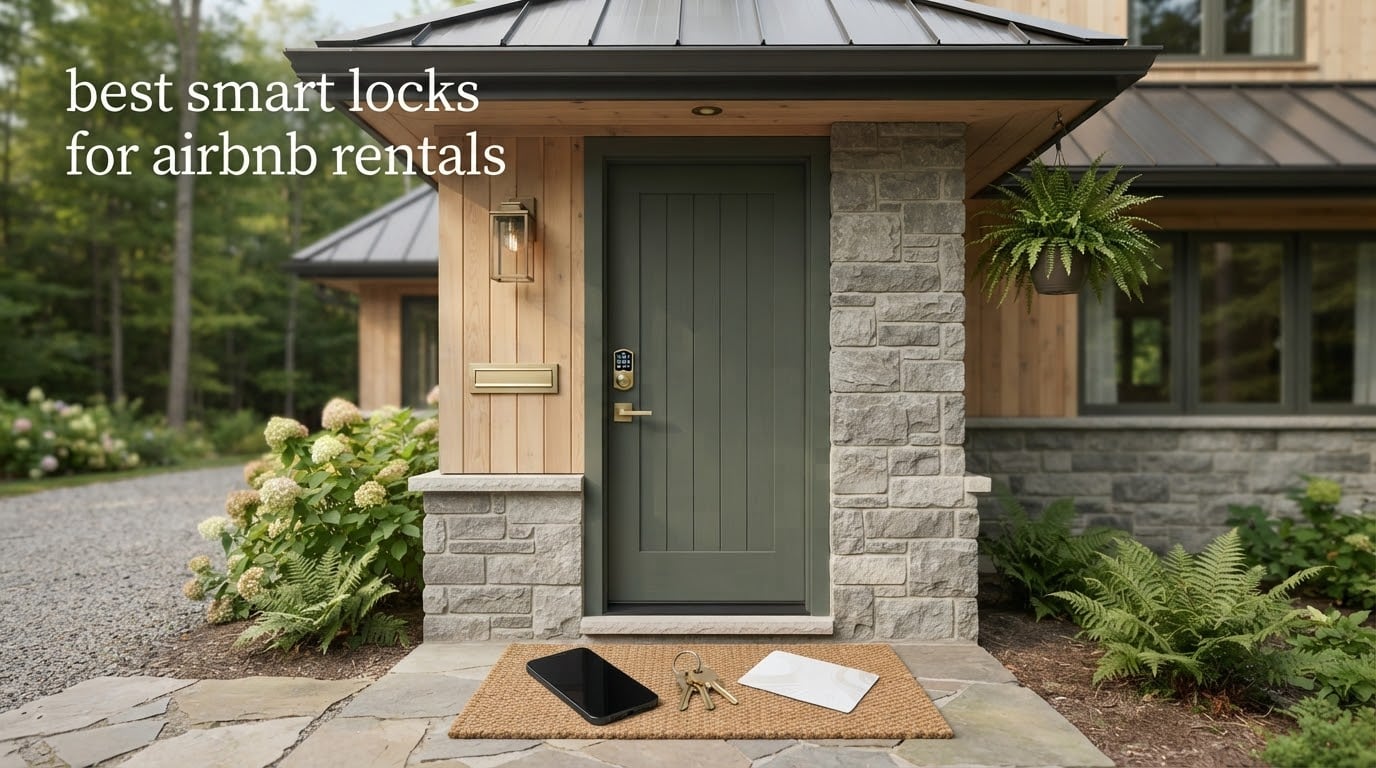
The best smart lock for an Airbnb rental is the Schlage Encode Smart WiFi Deadbolt. Built-in Wi-Fi means no hub to install, a BHMA certified security rating means it holds up to the standard a rental door needs, and scheduled guest codes start and expire on their own so you never hand over a physical key.
That single combination decides most purchases, because the failure modes on a rental door are operational rather than technical. A lock that needs a bridge in a closet is one more thing to fail. A lock with no low-battery warning is one more reason for a guest to stand on your doorstep at midnight. Our team compared eight smart locks over several weeks of install-and-recode cycles, leaning on what hosts report in r/airbnb_hosts and the official Airbnb Community discussion rather than on spec sheets alone.
This roundup covers the connectivity trade-offs, the door measurements that cause returns, and the backup plan for the one scenario every host fears, which is a dead battery with nobody on site.
If you also want the broader picture on keyless entry hardware for front doors, our guide to the best smart locks tested breaks down the sensing and security standards that matter most at the door.
Table of Contents
Top 3 Smart Locks for Airbnb Rentals in 2026
Three locks stand apart from the rest of this group. The Schlage Encode is the one most hosts converge on, the ULTRALOQ Bolt SE offers the widest connectivity range, and the Tapo DL110 removes AA batteries from your calendar entirely.

Schlage Encode Smart WiFi…
- Built-in Wi-Fi
- no hub
- Up to 100 access codes
- BHMA certified
- 4 AA batteries

ULTRALOQ Bolt SE Wi-Fi
- Wi-Fi plus Matter over Thread
- 50 codes and 50 prints
- Up to 18 months on Thread

Tapo Smart Wi-Fi Door Lock…
- Rechargeable pack rated about 1 year
- 100 stored fingerprints
- USB-C emergency port
8 Best Smart Locks for Airbnb Rentals (October 2026)
The table below carries the facts that decide most rental purchases: how each lock connects, what powers it, how long the batteries last, and whether it can report whether the door is actually open.
| Product | Specs | Action |
|---|---|---|
| Schlage Encode Smart WiFi Deadbolt |
|
Check Latest Price |
| ULTRALOQ Bolt SE Wi-Fi Smart Lock |
|
Check Latest Price |
 eufy Security Smart Lock C30 eufy Security Smart Lock C30 |
|
Check Latest Price |
 Philips Wi-Fi Smart Deadbolt Philips Wi-Fi Smart Deadbolt |
|
Check Latest Price |
 Wyze Auto-Lock Bolt v2 Wyze Auto-Lock Bolt v2 |
|
Check Latest Price |
 ULTRALOQ U-Bolt WiFi Smart Lock ULTRALOQ U-Bolt WiFi Smart Lock |
|
Check Latest Price |
| Tapo Smart Wi-Fi Door Lock DL110 |
|
Check Latest Price |
 Philips WiFi Keypad Deadbolt with Handle Philips WiFi Keypad Deadbolt with Handle |
|
Check Latest Price |
1. Schlage Encode Smart WiFi Deadbolt – Built-in Wi-Fi and 100 Codes
Schlage Encode Smart WiFi Deadbolt Lock with Century Trim, Satin Nickel
Built-in Wi-Fi, no hub
Up to 100 access codes
Fits 1-3/8 to 1-3/4 in doors
Four AA, up to 6 months
Pros
- Built-in Wi-Fi with no hub or bridge
- Up to 100 codes with scheduled expiry
- Direct Airbnb code sync reported by owners
- Lock history plus a built-in door movement alarm
- Limited lifetime mechanical warranty
Cons
- Keypad digits hard to read until the panel wakes
- No fingerprint reader
- Retrofit can need striker plate adjustment
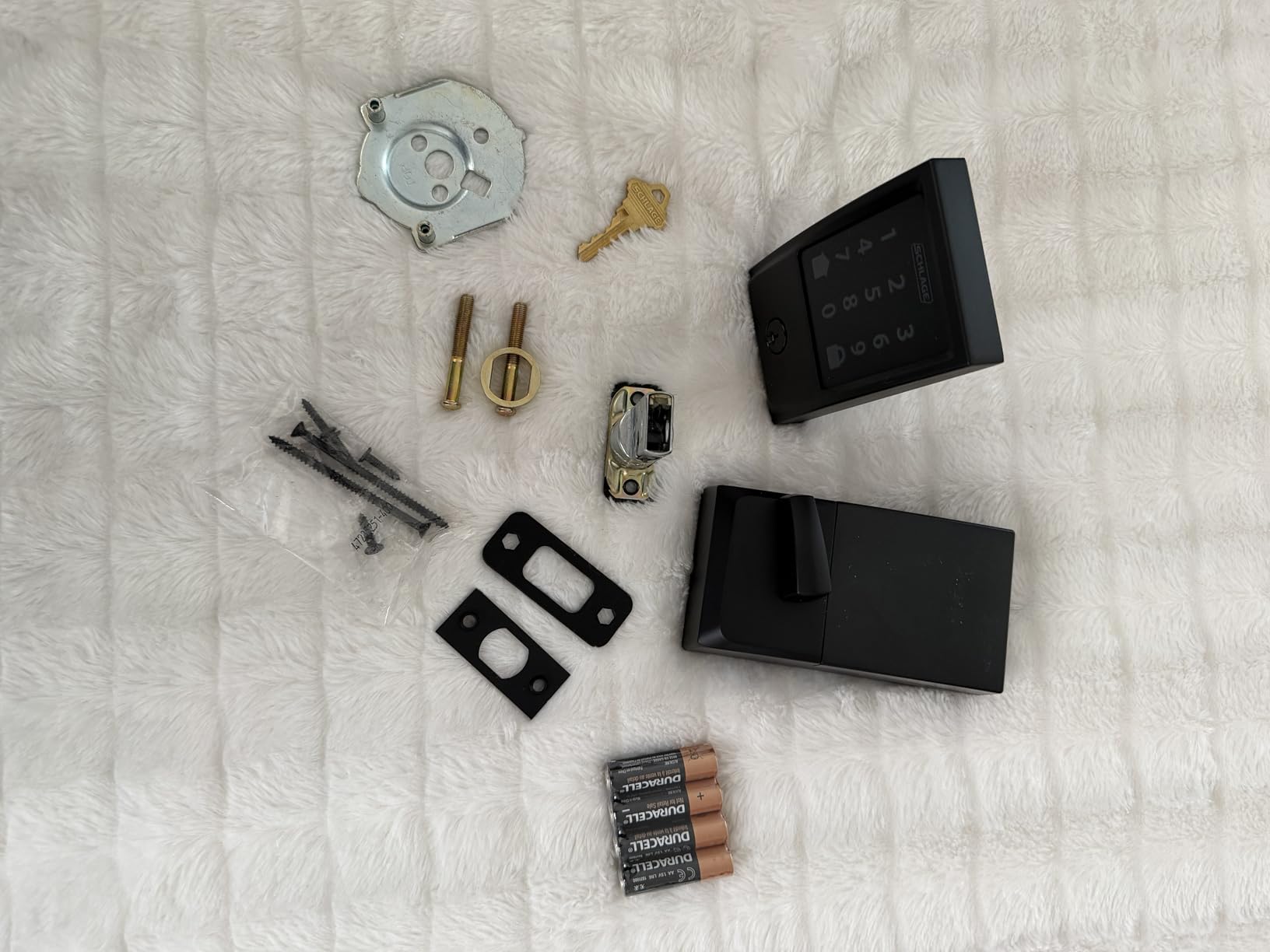
This is the lock most of the hosts we spoke to already run, and the reason is dull rather than exciting. It works. Installation is a screwdriver and a phone camera scanning a QR code, the keypad responds immediately, and the app has not dropped a connection in the reports we read.
The code system is what makes it the safe rental pick. You can store up to 100 access codes, each named and scheduled, so a guest code that starts at 4pm Friday and stops working at 10am Sunday costs you nothing to clean up. The lock also carries a built-in alarm for door movement and forced entry attempts, which is more than most locks at this level offer.
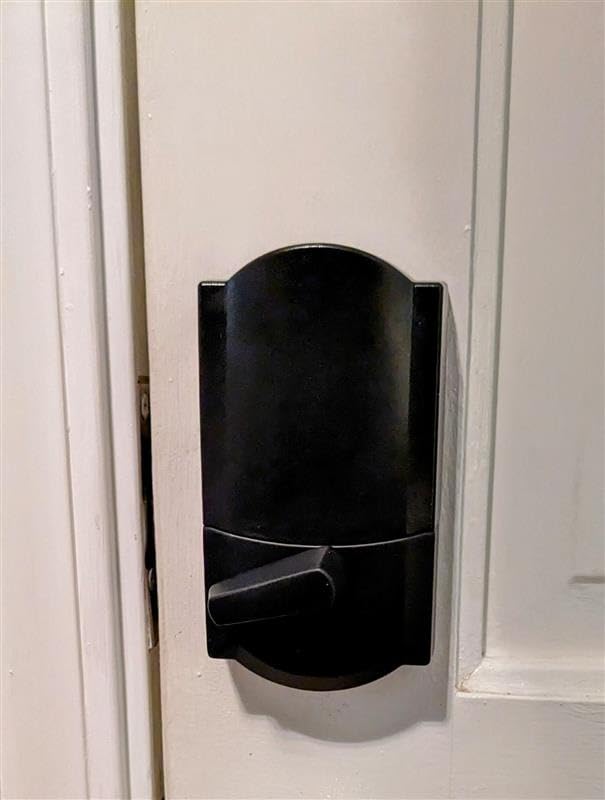
Hosts on r/airbnb_hosts name the Encode and the Encode Plus as their choice specifically for reliability, battery monitoring, and the notifications that tell them who just let themselves in. One host switched a rental away from a Kwikset Halo and reported being happy with the change, and hosts in the official Airbnb Community thread converge on this lock because of the keypad.
Fit is straightforward on a standard US door. It takes doors from 1-3/8 to 1-3/4 inches thick with either a 2-3/8 or 2-3/4 inch backset, which covers the overwhelming majority of rental entry doors in North America.
Real-world battery life lands around the vendor claim of up to six months on four AA batteries, and the low-battery indicator shows on both the lock and in the app. That alert is the single feature hosts mention most often as a deciding factor, and it is the reason we put this lock first.
How the guest actually gets in
A guest arrives, taps the home button to wake the panel, types a six-digit code, and is inside. No app download, no account creation, no cell signal required. For international travellers or anyone unwilling to install software, that is the whole experience.
You get the mirror image. From the app you can unlock the door remotely for a showing or a contractor, and the lock history records which code opened it and when.
Where it falls short for a rental
The keypad digits stay dark until you touch the home button, so a guest fumbling in the dark at 1am needs one extra tap. There is no fingerprint reader at this level, which means no instant re-entry for a cleaner returning mid-stay.
Retrofit is usually painless over an existing Schlage deadbolt, but some owners had to trim a door hole or adjust the striker plate. Measure before you order, and if your existing lock is a different brand, expect a little more work than the brand name suggests.
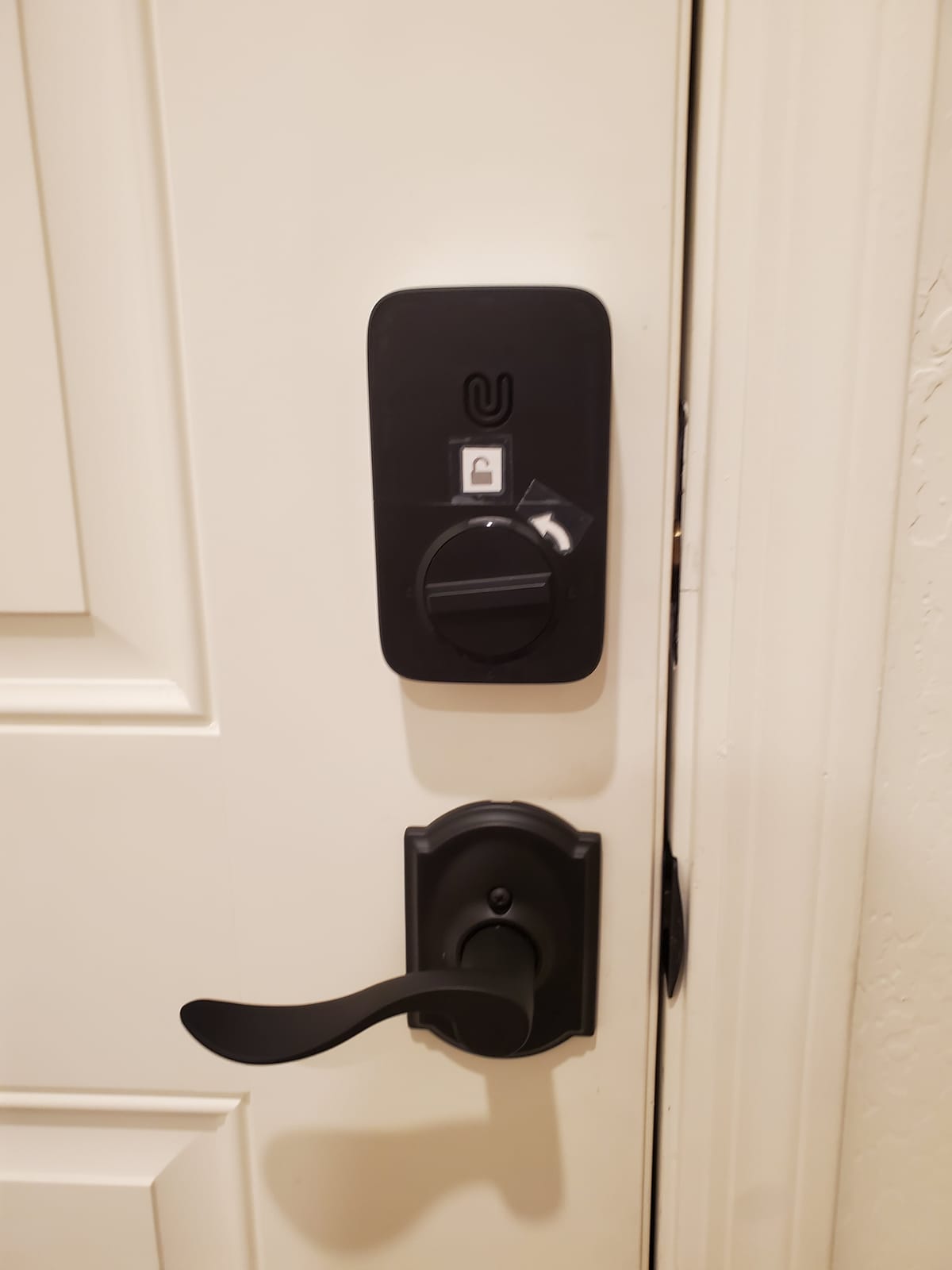
2. ULTRALOQ Bolt SE Wi-Fi – Best Connectivity Options
ULTRALOQ Bolt SE Wi-Fi Smart Lock, Matter Over Thread, App Remote Access
Wi-Fi plus Matter over Thread
50 codes and 50 prints
Up to 18 months
IP65 exterior
Pros
- Widest connectivity in this group with Wi-Fi and Matter
- 50 passcodes plus 50 stored fingerprints
- Zinc alloy body with IP65 weather resistance
- Ten minute screwdriver installation
- Lifetime mechanical warranty
Cons
- Matter over Thread needs a separate border router
- Wi-Fi is 2.4 GHz only within about 70 ft
- No door sensor included
This is the pick if your door needs to talk to a smart home rather than just to you. It carries built-in 2.4 GHz Wi-Fi for direct app control and Matter over Thread for Apple Home and other Matter ecosystems, which no other lock in this roundup offers in the same body.
For a host, that flexibility matters more than it sounds. Some properties sit inside a home that already has Apple Home, others sit on a guest network with a thread border router three rooms away. This lock works in both without changing hardware.
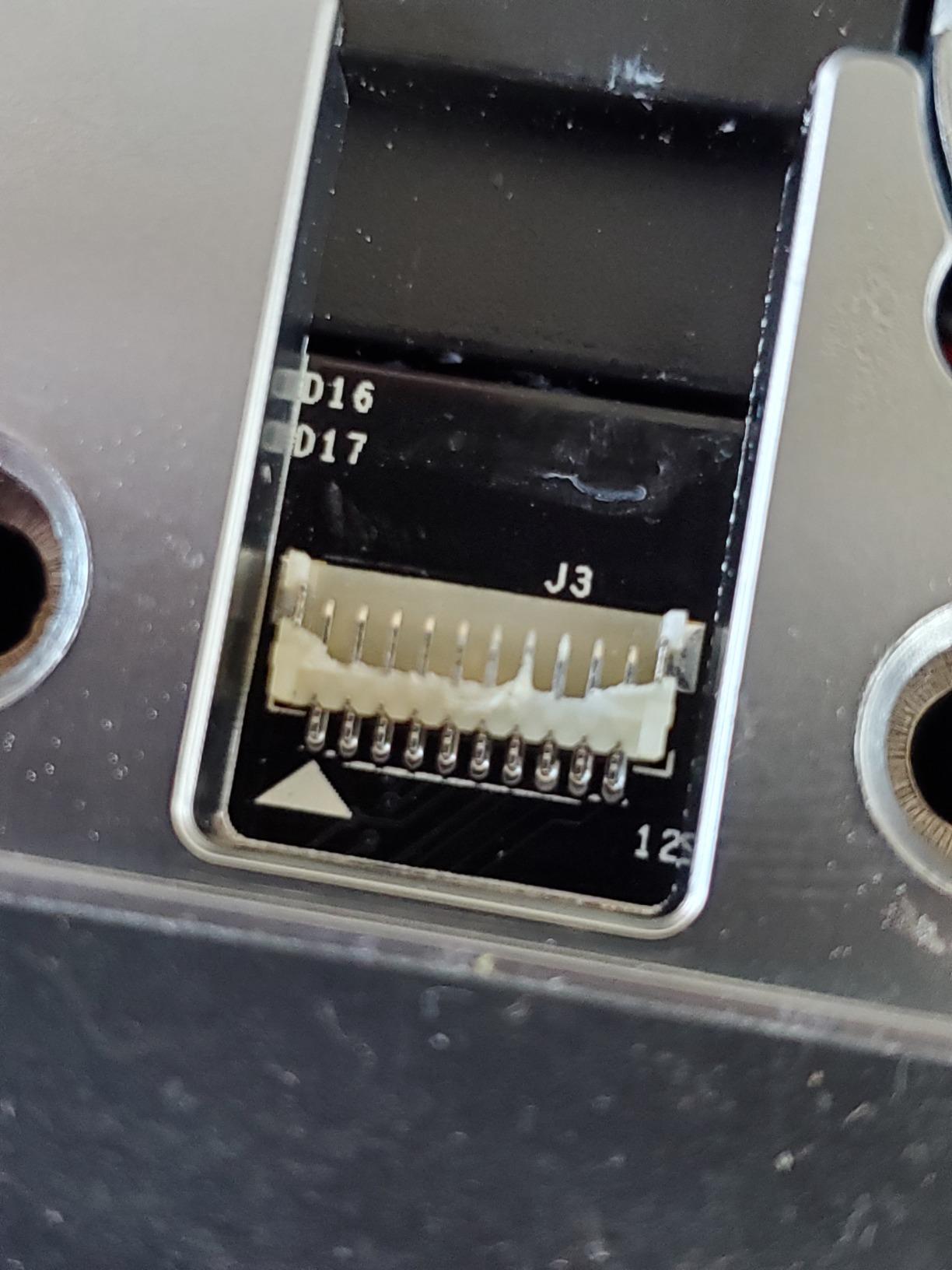
The code capacity is 50 passcodes and 50 fingerprints, each shareable as a permanent, scheduled, or temporary eKey. Fingerprint storage is the extra piece here, which helps when the same housekeeper returns across a dozen turnovers and you would rather not re-enrol their print each season.
Battery life is the headline claim at up to 18 months, achieved over the Thread low-energy mesh rather than Wi-Fi. Owners report real-world results that sit below the marketing figure on Wi-Fi but stretch considerably once the lock is running on Thread.
The self-healing Thread mesh reroutes the connection if a device drops off the network, which is genuinely useful in a rental where the router is a cheap one from an internet provider.
Where it earns its place on a rental door
It covers three unlock paths that most rivals skip: fingerprint, keypad, and phone. A guest who fumbles a code in the dark can press a finger instead, and a returning cleaner can be added once and forgotten.
It works standalone on Wi-Fi with no hub at all, which keeps the install to ten minutes and a screwdriver. That is the same no-hub promise the Schlage makes, with more radio options on top.
What to know before you order
Matter over Thread requires a compatible thread border router, so budget for that if you want the ecosystem features rather than plain Wi-Fi operation.
The Wi-Fi radio is 2.4 GHz only, and the vendor recommends staying within about 70 feet of the router. There is no door sensor, so you get lock status but not an alert when the door is propped open.
3. eufy Security Smart Lock C30 – Simplest No-Hub Setup
eufy Security Smart Lock C30, Keyless Entry Door Lock, Built-in WiFi, Black
Built-in Wi-Fi with no bridge
Fifteen minute install
Four AA for up to 5 months
IP53 and BHMA Grade 3
Pros
- Built-in Wi-Fi with no hub to buy or configure
- App setup is a simple guided flow
- Remote unlock without sharing a code
- No monthly subscription
- Keypad still works if the app is offline
Cons
- Rapid AA drain reported with no warning before failure
- No fingerprint reader
- No HomeKit support and Apple Watch unlock does not work
If you want the shortest path from an existing deadbolt to remote entry, this is the lock. Built-in Wi-Fi means no bridge, no hub, no pairing to a secondary device, and the install is genuinely a fifteen-minute job over most standard deadbolts with no drilling.
Remote unlock is the feature that hosts actually use day to day. When a guest texts at 9pm saying they cannot find the unit, you unlock the door from the app rather than driving across town or paying a locksmith.
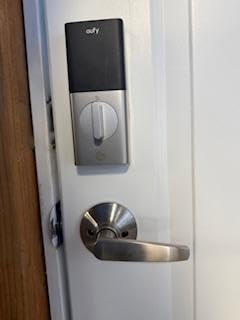
The app flow is the easiest here. Owners describe a one-two-three setup that pairs without friction, and there is no subscription fee, which matters across several doors.
Even with dead batteries or an offline app, the physical keypad still opens the door. That redundancy is a genuine safety net for an occupied stay.
The exterior is IP53 rated from minus 22 to 158 degrees, and it carries BHMA Grade 3 certification. Grade 3 is a durability and hardware-protection grade rather than the attack-resistance rating you would want on a main entry, which is worth weighing against the certified hardware in the Schlage.
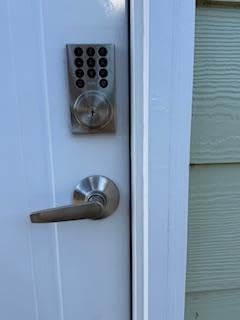
Best for a first rental door
This suits a single-property host who wants remote access on one budget door without building out a smart home. Everything is in one app with one account and no monthly cost.
It pairs with the eufy doorbell, so a visitor at the door can be let in from the same account rather than two separate apps.
The battery problem you need to plan for
This is the clearest weakness in the group. Owners, including short-term rental operators, report needing AA replacements every few weeks, and the common complaint is that there is no meaningful low-battery warning before total failure. That is precisely the scenario the rest of this roundup is designed to avoid.
It also has no HomeKit support, the Apple Watch unlock control does not work, and Alexa unlock means speaking a code aloud. The deadbolt also throws only when the door is fully shut, so a door that does not close cleanly can leave it unlatched.
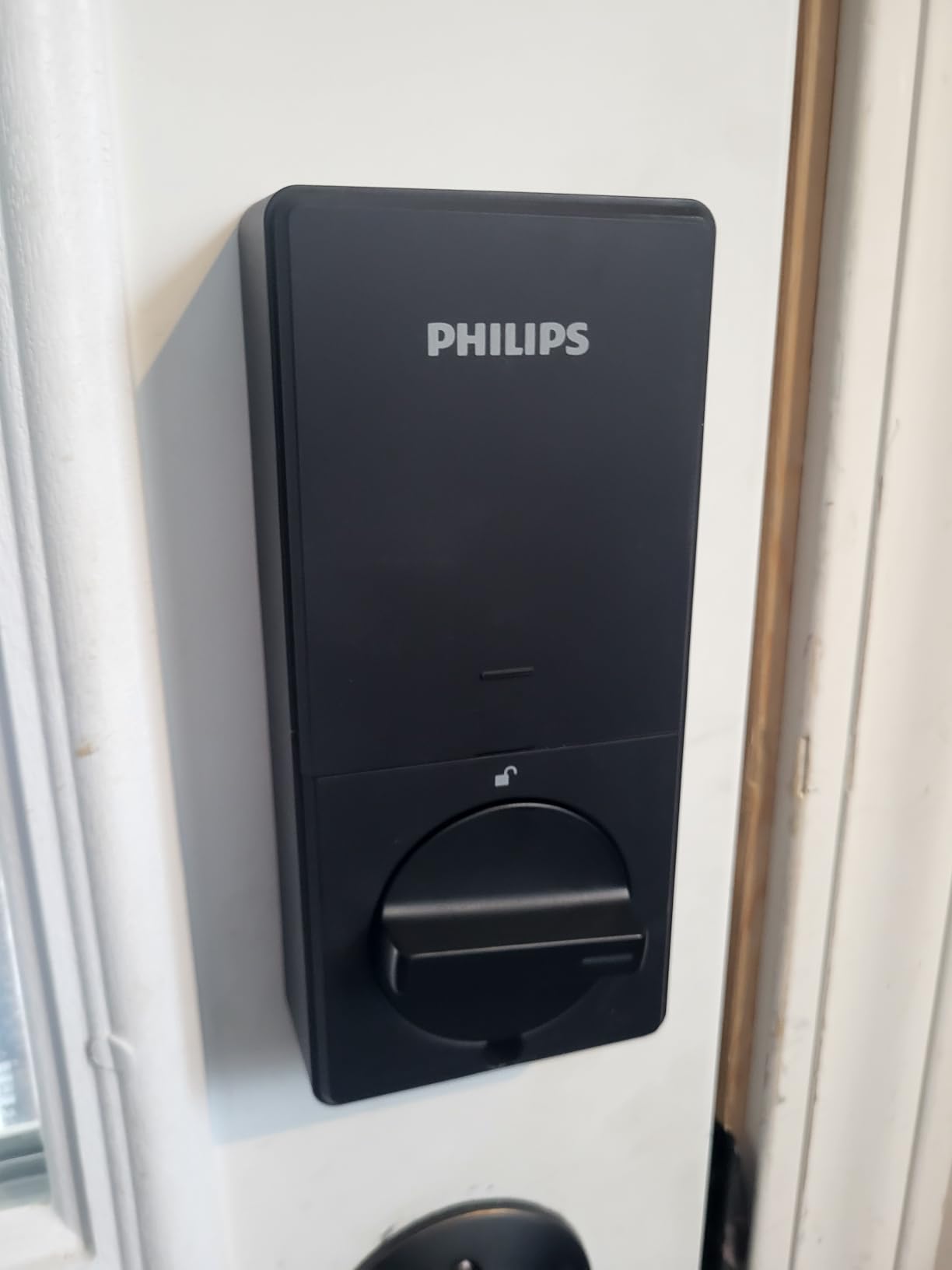
4. Philips Wi-Fi Smart Deadbolt – 100 Codes and Away Mode
Philips Wi-Fi Smart Deadbolt Lock, Keyless Entry Door Locks for Front Door
Built-in 2.4 GHz Wi-Fi
Up to 100 passcodes
Away Mode
Doors 1-3/8 to 2 in thick
Pros
- Up to 100 passcodes with unlimited one-time codes
- Away Mode disables every unlock method but the master code
- Remote app unlock with no hub required
- Real-time entry alerts plus full access history
- Fits doors up to 2 inches thick
Cons
- Wi-Fi is 2.4 GHz only within about 65 ft
- No door sensor included
- Batteries not included and alkaline only
This deadbolt packs an unusual security control for a rental. Away Mode disables every unlock method except the master code, so between bookings you can shut the door down without deleting the guest profile you still need for the next arrival.
The code system is the other reason to look here. It stores up to 100 custom passcodes with unlimited one-time and scheduled codes, which makes it easy to give a cleaner a recurring weekly code that never overlaps a guest stay.
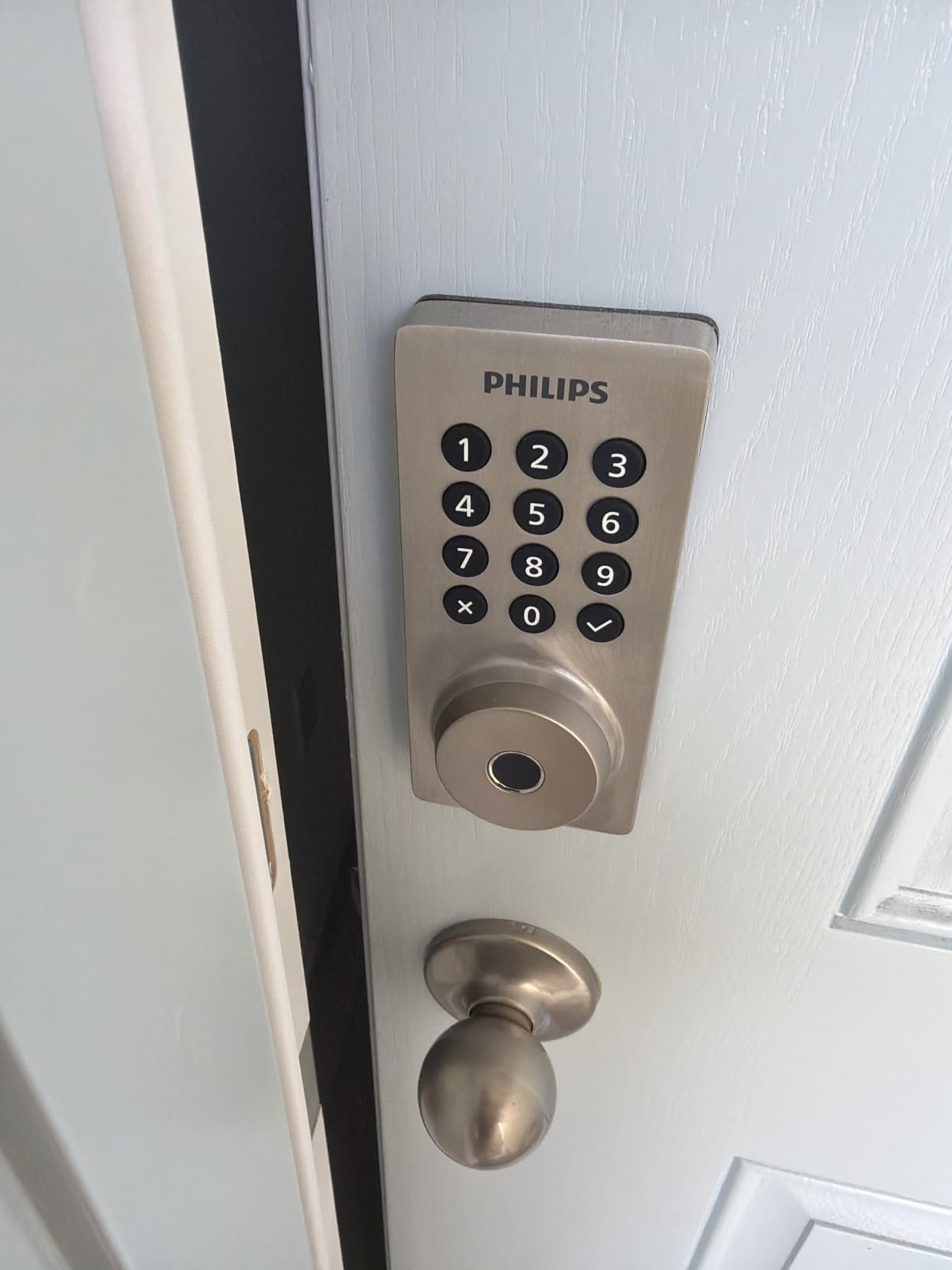
Fingerprint unlock stores multiple prints for family access and recognises them quickly, and you get a physical key as a third path in. Voice unlock works through Alexa or Google Assistant once you sign into the matching account.
The app sends real-time open and lock alerts and keeps a full access history, which is the audit trail you want when a guest or contractor disputes something that happened at the door.
Auto-lock is configurable from 10 to 180 seconds, so a guest who forgets to pull the door can be covered without the aggressive instant locking some cheaper locks impose.
Where it beats the alternatives
It fits doors from 1-3/8 up to 2 inches thick, a wider range than most deadbolts here, which matters on older rental properties with heavy doors. Installation is screwdriver only.
Away Mode plus scheduled codes means you can lock down between guests without touching the lock at all, which is the quiet convenience most hosts are looking for.
Limits worth knowing
The Wi-Fi radio is 2.4 GHz only and the vendor asks that the router sit within roughly 65 feet. There is no door sensor, so you are not told when the door is physically open.
Batteries are not included, and the manufacturer specifies alkaline AA only. Far fewer owners report long-term use on this model than on the Schlage, so it carries more uncertainty for an unattended door.
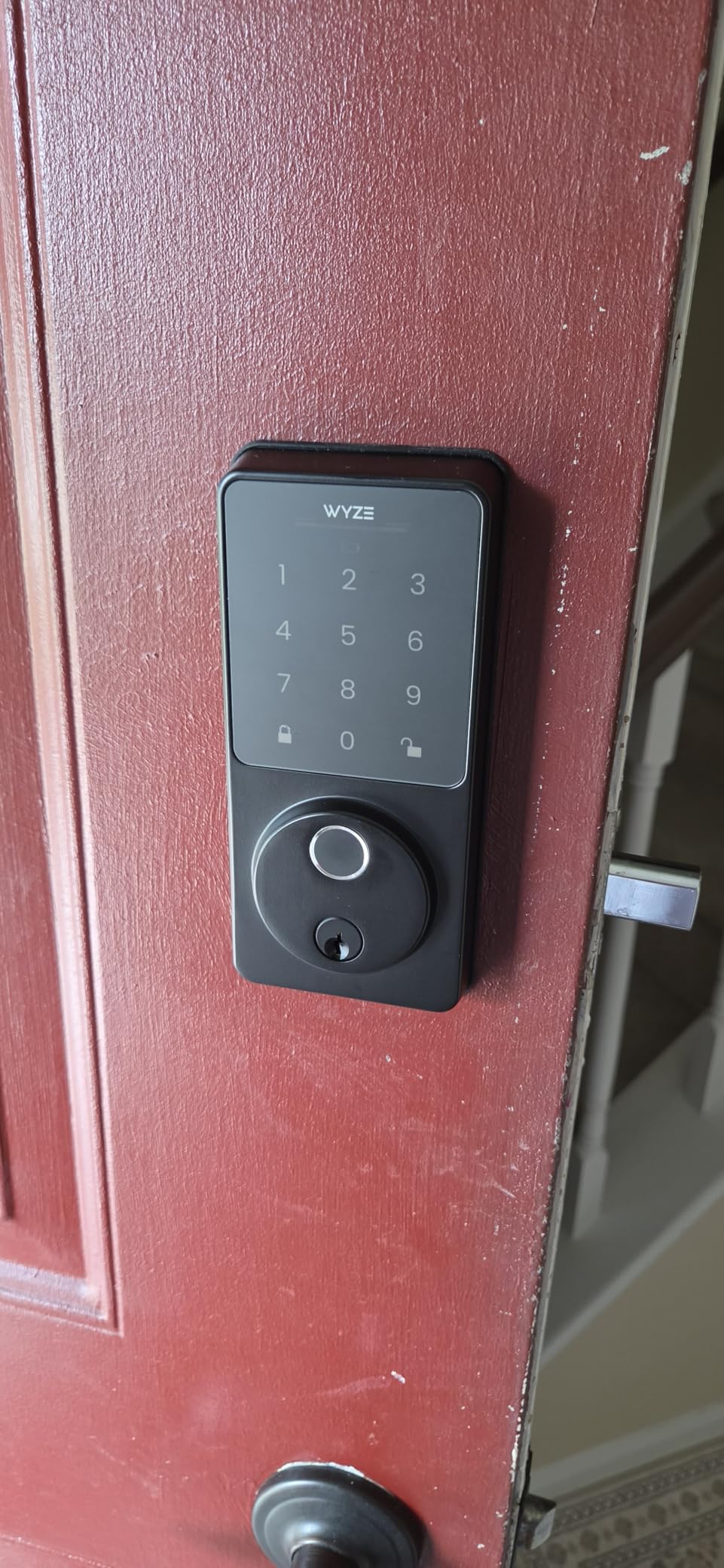
5. Wyze Auto-Lock Bolt v2 – Fingerprint Entry With Emergency Power
Wyze Auto-Lock Bolt v2, Fingerprint Keyless Entry Smart Lock, AI Learning Scanner with Wi-Fi Front Door Lock Deadbolt, Auto-Lock, 8 Months Battery, BHMA2, IP53, Anti-Peep Keypad, Backup Keys
Fingerprint unlock in about 0.5 seconds
Eight AA included
USB-C emergency port
BHMA Grade 2 and IP53
Pros
- Fingerprint reader gets more accurate with use
- Eight AA batteries included in the box
- USB-C port accepts a power bank in an emergency
- Built-in Wi-Fi with no hub
- Physical backup keys included
Cons
- Quiet keypad beep is hard to hear
- Auto-lock timer can throw a bolt into an open door
- Slow fingerprint enrolment for some older users
The standout here is the fingerprint scanner on scratch and smudge-resistant tempered glass, backed by an AI learning scanner that adapts to each user’s touch pattern. Owners report accuracy improving noticeably after the first week of use, which is the opposite of what typically happens with biometric sensors.
For a rental that is operationally useful. A housekeeper who arrives for eight turnovers can be enrolled once instead of being re-issued a code each week, and a guest returning from a walk can get back in without typing.
The USB-C emergency power port is the detail that should decide this for cautious hosts. If the batteries die, you can hold a common power bank against the port and unlock the door. That turns a potential lockout into a five-minute inconvenience.
Eight AA batteries come in the box, rated for up to eight months, and built-in Wi-Fi means remote checking and code management without a hub. Paired with a Wyze Video Doorbell, you can unlock straight from the live feed.
Certification is BHMA Grade 2 with IP53 weather rating, and installation takes roughly twelve minutes with the physical backup keys in the box.
Where it fits a rental workflow
It suits properties where the same small set of people recurs, such as a long-stay rental with weekly cleaners, because biometric enrolment replaces repeated code distribution. It also ranks #1 in Security and Surveillance Biometrics, which tells you where its strengths sit.
Remote app control with temporary code sharing covers the guest side, and the included keys give you a fallback you physically hold.
Where hosts should think twice
The keypad beep is quiet, which is a real problem for guests with hearing loss. The auto-lock runs on a timer rather than a door position sensor, so it can shoot the bolt while the door is deliberately open, such as when moving furniture in.
Fingerprint enrolment can be slow for older users with poor blood flow, which is the guest demographic most likely to need the keypad fallback. Smart home integration is also narrower than Matter-capable locks.
6. ULTRALOQ U-Bolt WiFi – the Pick With a Door Sensor
ULTRALOQ U-Bolt WiFi Smart Lock with Door Sensor, App Remote Access
Door sensor reports open or closed
2.4 GHz Wi-Fi with no hub
Up to 50 passcodes
BHMA Grade 1
Pros
- Only pick here that reports whether the door is actually open
- Lockout Mode disables electronic unlocking while away
- BHMA Grade 1 zinc alloy body with IP65 rating
- Auto lock on close and proximity auto unlock
- Two backup keys and batteries included
Cons
- Wi-Fi drops reported needing a full re-pair
- App layers are heavy for a single-property host
- No 9V emergency jump-start terminal
The included door sensor is the reason this lock is here. It reports whether the door is physically open or closed and can send an alert when it is still standing open, and no other pick in this roundup reports that state.
That is not a small detail on a rental. A door that never closes fully is how an empty property gets found unlocked by a walk-in guest or a passerby, and a sensor turns that from a worry into a notification.
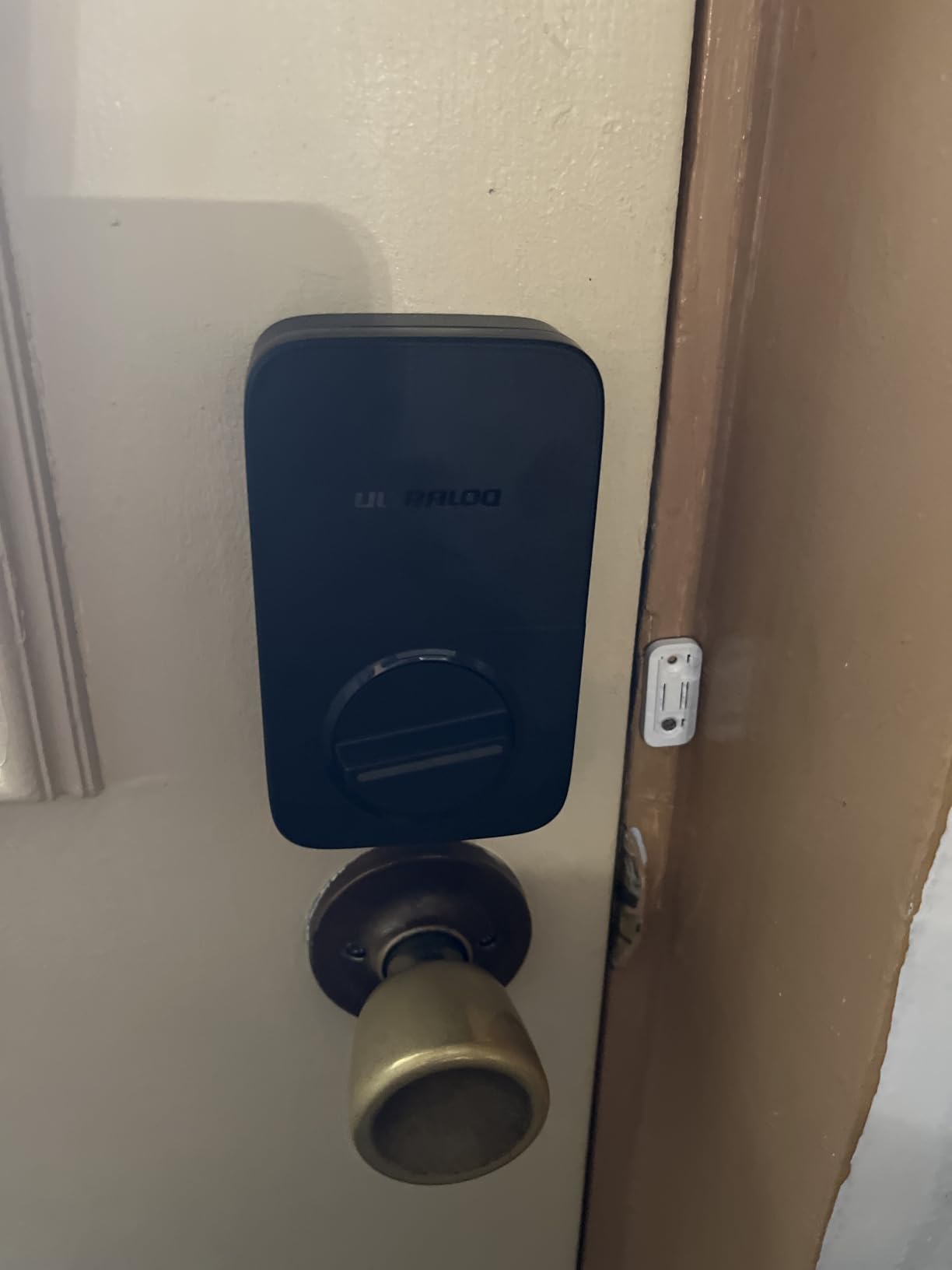
Lockout Mode is the second feature that earns a rental its place. It temporarily disables passcode and app unlocking while you are away, which is a clean way to freeze the electronic attack surface on an empty property between bookings without disturbing stored codes.
Security certification is the strongest in this group, with an ANSI and BHMA Grade 1 rating on a zinc alloy body and IP65 weather resistance. It supports up to 50 custom passcodes with one-time or scheduled windows, plus auto lock on close and Bluetooth proximity unlock.
Battery monitoring shows in the app and the vendor rates the four included AA alkaline batteries at up to eight months of performance.
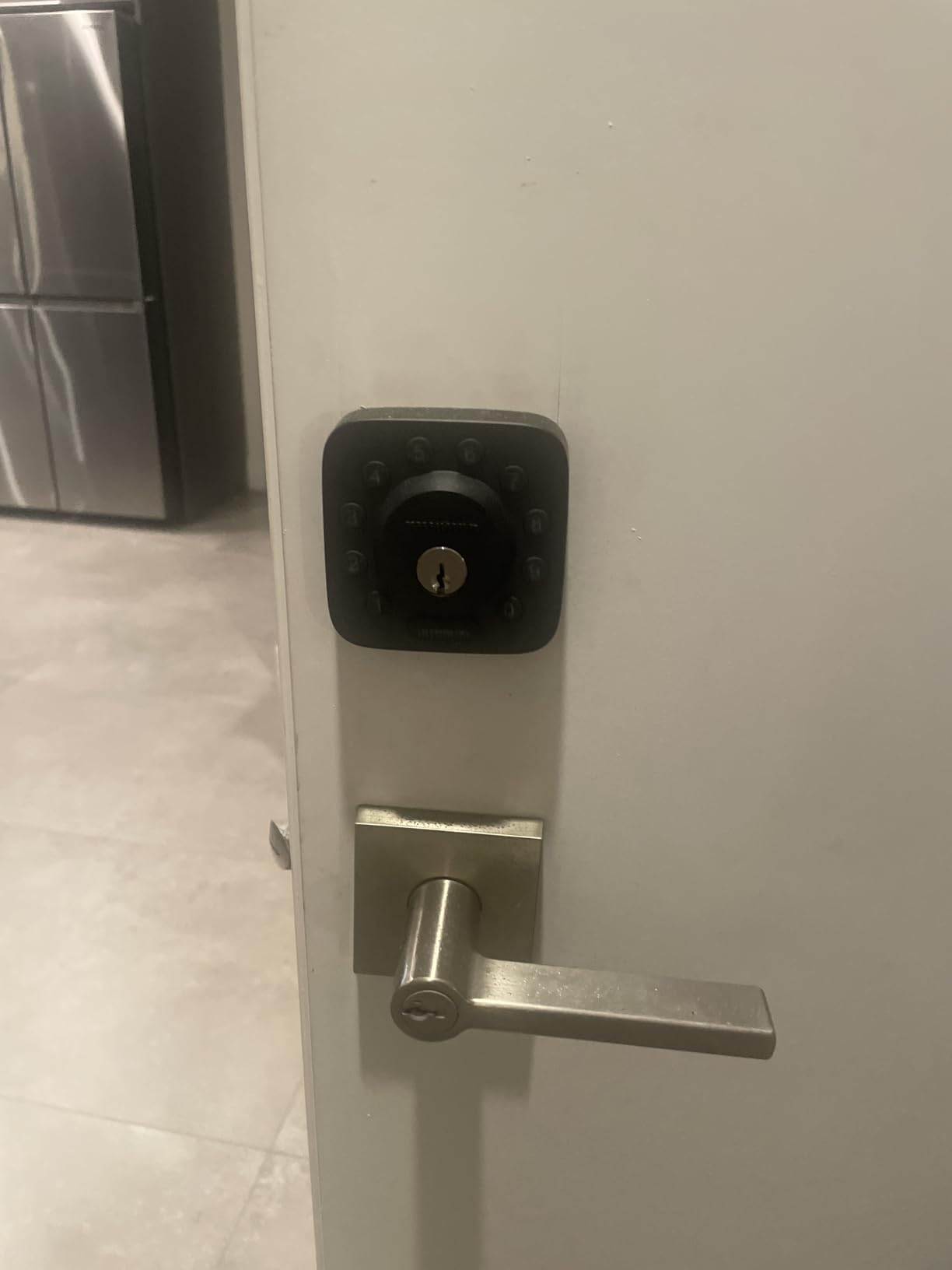
Best for an unattended property
Auto lock on door close plus a door sensor is the pairing you want when nobody is in the unit for days between bookings. You get the state of the door in the app without opening it.
It fits standard US doors from 1-3/8 to 1-3/4 inches thick, with handing reset for either swing direction and a screwdriver-only install. Battery level is visible in the app, which hosts consistently treat as a requirement rather than a nicety.
Where it frustrates hosts
Some owners report Wi-Fi connectivity dropping and requiring a full Bluetooth re-pair plus an app reinstall to recover. Firmware updates are also reported as failing repeatedly before succeeding, which is awkward on a door you cannot easily reach.
The app wraps everything in Addresses, Locations, and Devices layers, which feels over-built for someone running one unit. There is also no 9V emergency jump-start terminal on the lock, so if the batteries die while you are away, the physical keys must be with someone who can reach the door.
7. Tapo Smart Wi-Fi Door Lock DL110 – Year-Long Rechargeable Battery
Tapo Smart Wi-Fi Door Lock, Deadbolt, Fingerprint Recognition, DL110
Rechargeable pack rated about one year
100 prints read in 0.42 seconds
USB-C port
BHMA Grade 2
Pros
- Removable rechargeable pack rated for about a year
- Quietest deadbolt operation in this group
- 100 stored fingerprints with 0.42 second reads
- Rekeyable Schlage compatible keys hidden under a doorbell cap
- Rubber gaskets protect the door finish
Cons
- Keypad digits invisible until the screen wakes
- Doorbell button is easy to trigger by accident
- Cloud only with no Matter API or cross lock credential sharing
This is the pick that removes batteries from your hosting calendar. It comes with a removable rechargeable battery pack rated for up to one year of continuous operation, and it is the only lock here that runs on a rechargeable pack rather than disposable cells.
For a host with several doors, that is the difference between a once-a-year top-up and a recurring maintenance task. The pack is removable, so you can swap it without a locksmith, and the USB-C port on the lock doubles as an emergency power input.
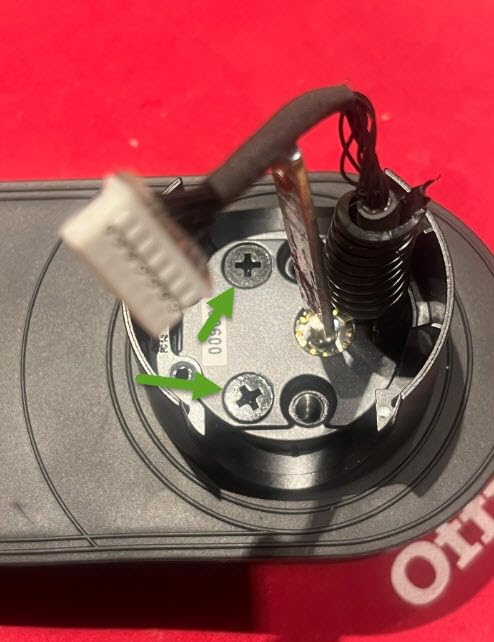
Fingerprint capacity goes to 100 stored prints with reads in about 0.42 seconds, and you can lock on departure by touching the sensor with any finger. The deadbolt operation is noticeably quieter than most smart locks, which matters in a unit where a 2am checkout should not wake the neighbours.
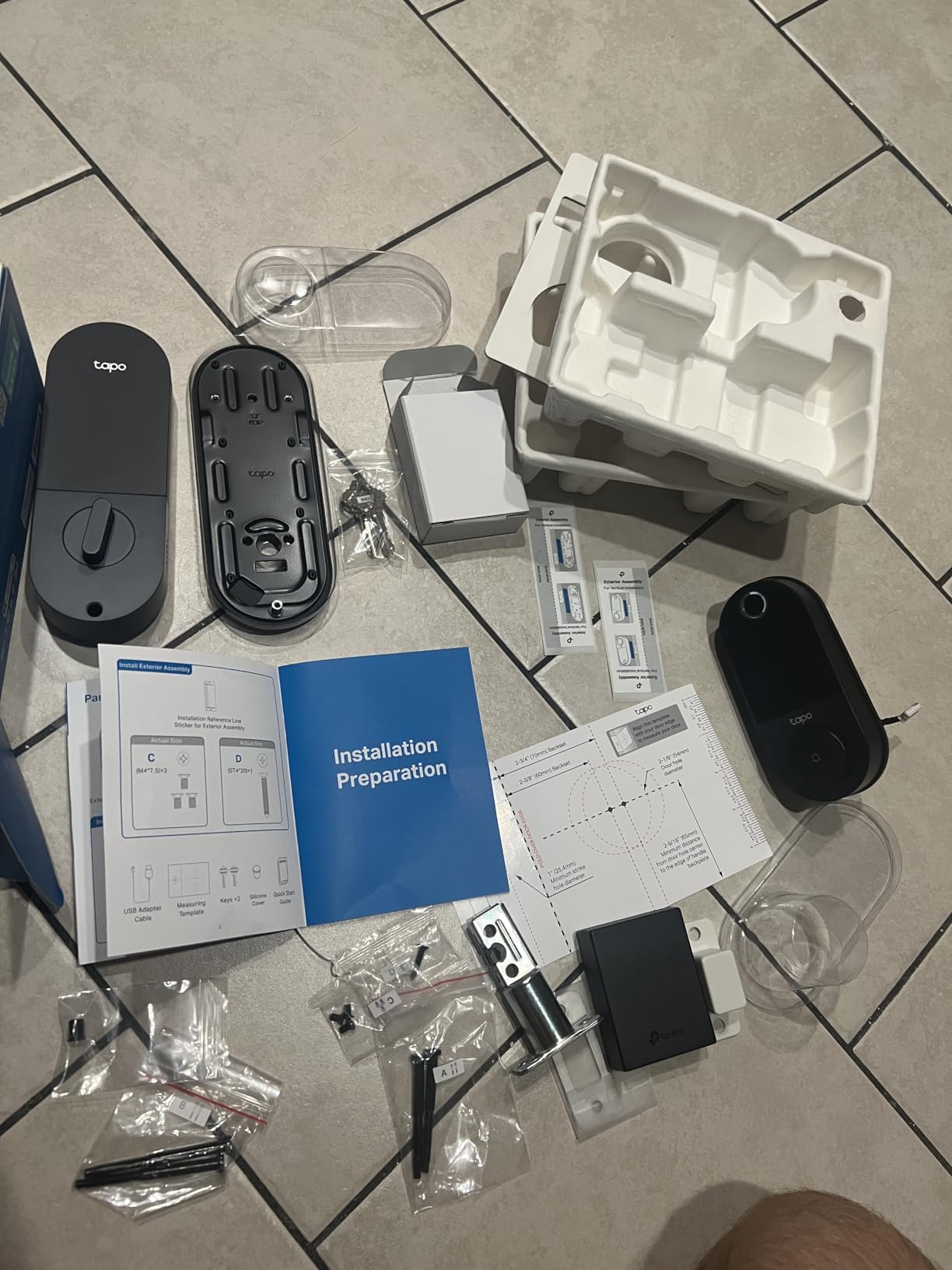
Two Schlage-compatible backup keys are included, and the keyhole sits beneath a doorbell button cap. The keys are rekeyable, so you can match it to your existing building rather than carrying one more key that nobody else holds.
Rubber gaskets on both sides dampen movement and protect the door finish, a small detail that shows up in reviews from owners running more than one property.
Where it suits a high-turnover rental
Six access methods cover fingerprint, keypad passcodes, app remote unlock, close-range Bluetooth, voice assistant, and the included keys. Resident profiles hold permanent codes while guests get one-time or scheduled codes, which keeps the permanent credentials separate from temporary access.
BHMA Grade 2 certification and roughly a ten to fifteen minute install make it a straightforward swap for an existing deadbolt.
Limits that matter for multi-door hosts
The keypad digits stay invisible until you touch the screen to wake it, which slows any guest not using the fingerprint sensor. The integrated doorbell button is also sensitive enough that guests trigger false notifications.
The most important limitation is the ecosystem. This lock is cloud-connected only, with no local network access, no third-party API, and no Matter support, so automation options are limited.
You also cannot share one fingerprint or code across multiple Tapo locks, which means a portfolio host manages each door individually. No spare battery pack is sold separately, which is worth noting on a lock whose main advantage is that battery.
8. Philips WiFi Keypad Deadbolt with Handle – Complete Door Set
Philips WiFi Keypad Deadbolt with Handle, Built-in WiFi, APP Remote Control
Handle set included
0.3 second fingerprint
Four PIN code types
Wi-Fi within 33 ft
Six months
Pros
- Matching handle set included so nothing else to buy
- Four PIN types including recurring booking windows
- 0.3 second fingerprint unlock
- Backlit keypad with anti-peeping password
- Built-in Wi-Fi with real-time access history
Cons
- Router must be within 33 ft which is the tightest here
- 2.4 GHz Wi-Fi only
- Batteries not included and auto lock off by default
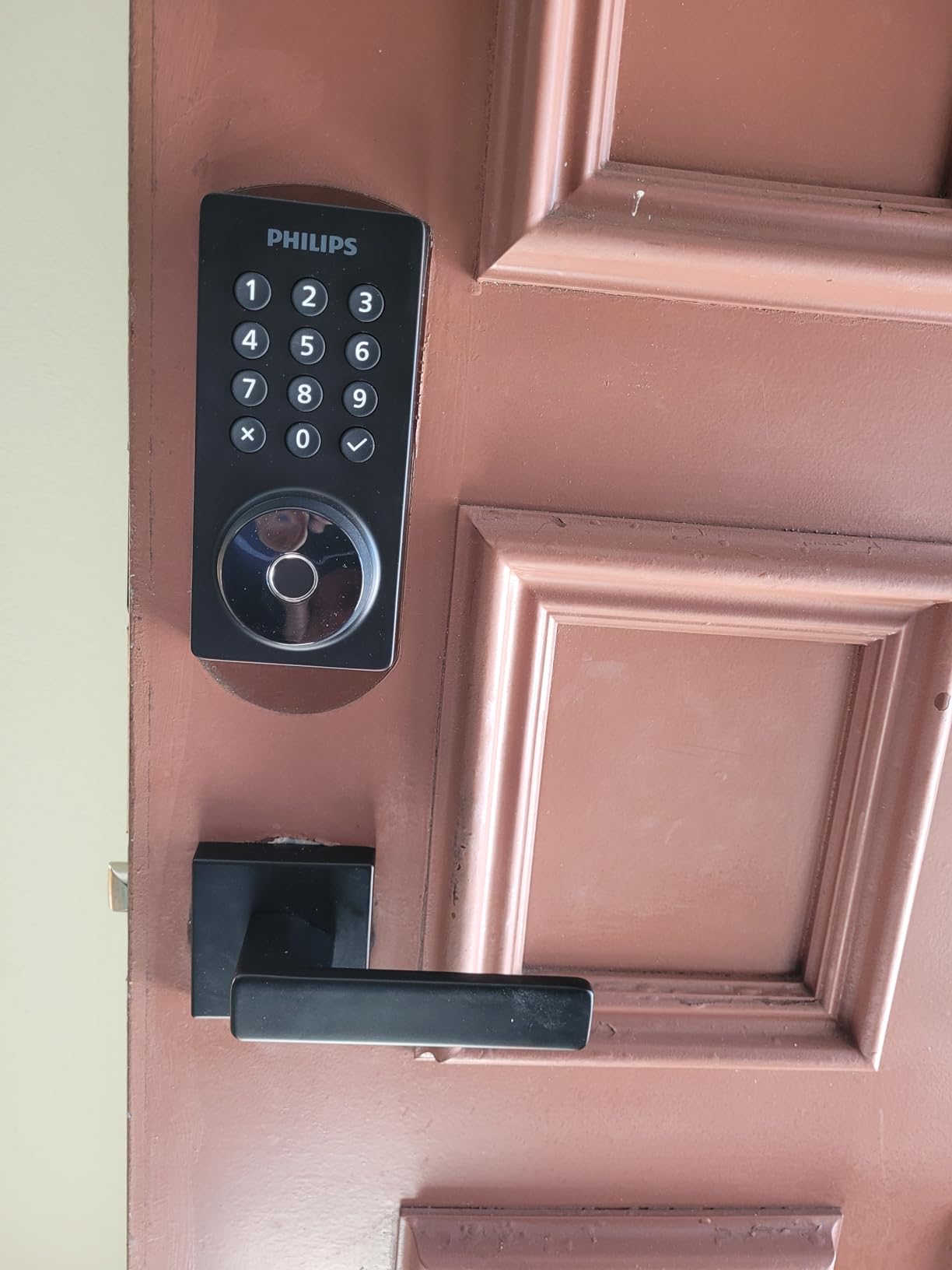
This is the pick if your rental door does not have a working interior handle and you do not want a second purchase. The matching handle set is included in the box, so one order covers the keypad deadbolt and the interior lever.
The four PIN code types are what map most cleanly onto a booking calendar.
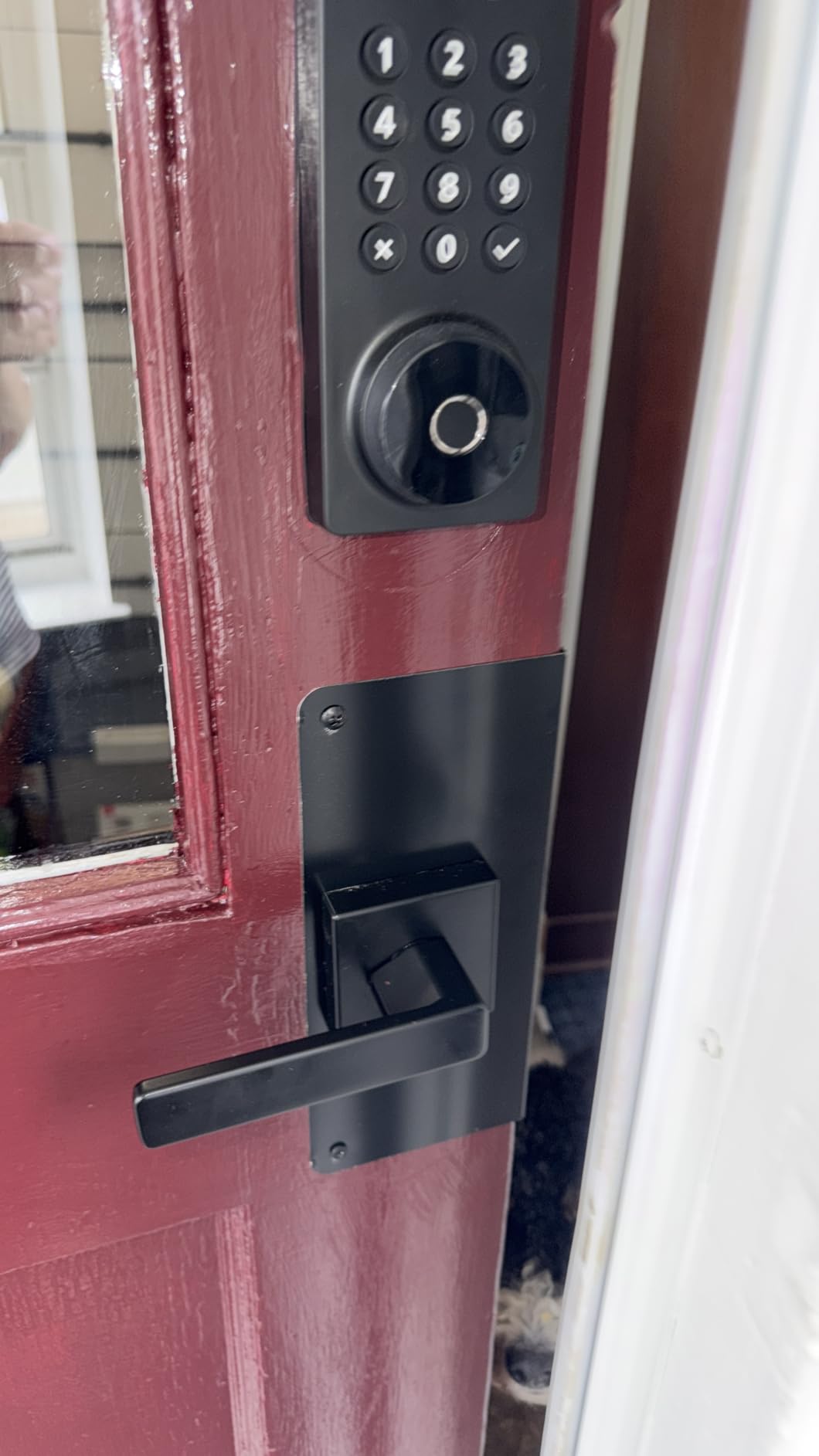
Fingerprint unlock reads in 0.3 seconds, which is the quickest in this roundup, and stores multiple prints for family and trusted visitors. The backlit keypad with an anti-peeping password mode addresses the guest who worries about shoulder surfing while typing.
Auto-lock is configurable from 0 to 180 seconds through the app, and the Philips Home Access app shows lock status plus real-time access history. It carries up to six months of battery life on alkaline cells with an intelligent low-battery alert.
Installation is screwdriver only and fits doors from 1-3/8 to 1-3/4 inches thick. This model ranks #4 in Deadbolts, the strongest sales position of the three Philips locks in this group.
Best for a full front door upgrade
It suits a rental where the interior side is unfinished or where the existing lever is worn out, since both pieces arrive together and share a finish. Anti-drill construction and the anti-peeping password are welcome on an exterior door.
Periodic and recurring codes make multi-week and repeat-booking hosts the clearest fit, because you can programme a window once instead of rewriting it each reservation.
Where the constraints bite
The vendor asks that the lock sit within 33 feet, or 10 metres, of the router, which is the tightest range requirement of any lock in this roundup. Check that before you order if the entry door is at the far end of a long building.
Batteries are not included and must be alkaline, there is no rechargeable option, and auto-lock is off by default so you have to enable it in the app deliberately. There is no door sensor, and the lock is set for right-opening doors by default with a reset procedure for the other handing.
How to Choose a Smart Lock for a Rental Property
Connectivity is the decision that causes the most returns, because hosts buy a lock that needs a hub and then discover the hub has to live somewhere the router signal reaches. Every pick in this roundup runs on built-in Wi-Fi with no bridge, so you can skip that decision entirely.
Choose built-in Wi-Fi when you want one device and one app with nothing else to maintain. Choose Matter over Thread when the property is already inside a smart home, accepting that you need a thread border router somewhere on the network. Choose a hub-based radio only if you already run Z-Wave or Zigbee gear and want the lock inside it.
The number that catches hosts out is the router distance. Two of these locks ask for roughly 65 to 70 feet, and the Philips handle set asks for 33 feet. All of them are 2.4 GHz only, so a dual-band router with 5 GHz and 2.4 GHz bands enabled is required. Walk to the front door with your phone before ordering and check the signal.
Code behaviour matters as much as code quantity. All eight here support scheduled or one-time codes, and the ones that add something are Away Mode on the Philips Wi-Fi Smart Deadbolt, which shuts down every electronic method but the master code, and Lockout Mode on the ULTRALOQ U-Bolt, which does the same thing. Both let you freeze an empty property without deleting the profiles you need for the next guest.
Fingerprint entry is a convenience rather than a rental necessity. Several locks here store prints alongside codes, and the Tapo DL110 holds 100, which suits recurring staff more than one-off guests.
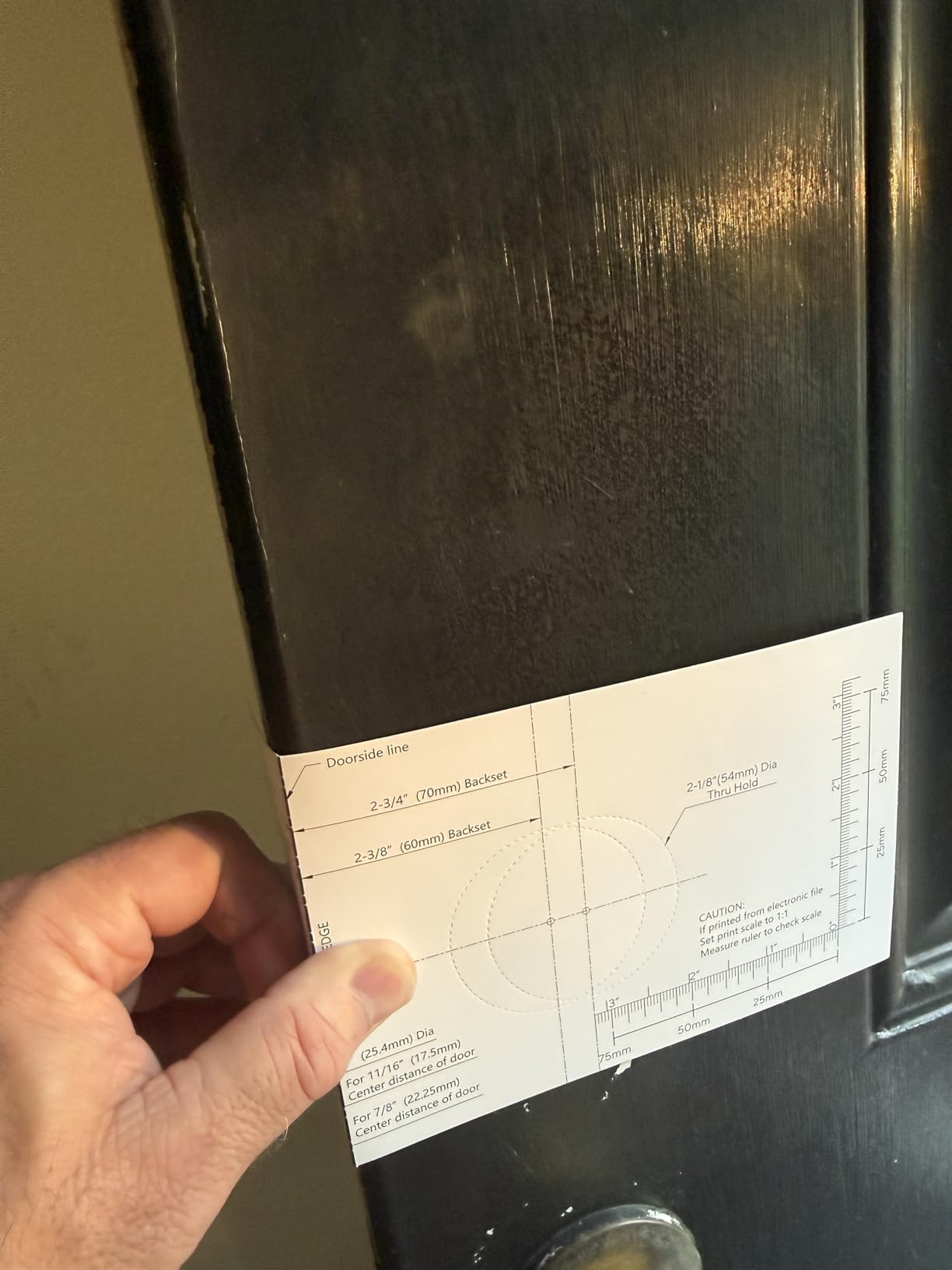
Before you order anything, measure three things. Door thickness from the face of the door to the interior trim, the backset measured from the door edge to the centre of the cylinder or latch bore, and the throw needed to fully engage the strike. Most standard US doors are 1-3/8 to 1-3/4 inches thick with a 2-3/8 or 2-3/4 inch backset, but heavier rental doors run thicker, and the Philips Wi-Fi Smart Deadbolt fits up to 2 inches, which covers the widest range in this group.
Retrofit versus full replacement is the second measurement question. A full replacement means the whole lock including the interior assembly comes out. A retrofit slides the new exterior onto your existing deadbolt, which is faster but can leave you with a door bore or strike plate that does not quite line up. Hosts report more retrofit friction when the existing lock is a different brand from the new one.
Battery planning is where the operational risk lives. Vendor claims in this group run from five months on four AA cells to eight months on eight, plus one rechargeable pack rated at about a year and an eighteen-month claim over Thread. Treat those as ceiling figures, because heavy guest traffic, cold exterior doors, and a door sensor all draw more power.
Four things protect you. A low-battery alert in the app, which the Schlage, both ULTRALOQ models, Tapo, and the Philips handle set all provide, while the eufy C30 is the pick here that owners most often report failing without warning. A physical backup key you hold a copy of, and an emergency power path such as the USB-C port that accepts a power bank on the Wyze and Tapo.
On top of that, keep a battery-free fallback such as a coded lockbox on a secondary door for the worst case. A dead battery on an occupied door is the one failure your guests cannot work around themselves.
Finally, think about scale. If you run one door, the app complexity differences here are minor. If you manage a portfolio, look hard at whether credentials can be shared across locks. The Tapo DL110 cannot share a fingerprint or code between units, which pushes a multi-door host toward a single-property model or a different brand. Our guide to biometric door locks for front doors goes deeper on fingerprint capacity if that is your deciding feature.
Frequently Asked Questions
What smart lock does Airbnb recommend?
Airbnb recommends a smart lock at the rental entrance so guests can check in without a physical key handoff, but it does not endorse a specific brand. In practice the most commonly recommended choice among hosts is a keypad or fingerprint deadbolt with built-in Wi-Fi and scheduled guest codes that activate at check-in and expire at checkout.
What is the best lock to use for an Airbnb?
The best lock for an Airbnb is a smart deadbolt with built-in Wi-Fi, no hub, scheduled per-booking codes, a low-battery alert, and a physical backup key. The Schlage Encode Smart WiFi Deadbolt meets all of those and is the pick we recommend, while the ULTRALOQ U-Bolt adds a door sensor and the Tapo DL110 runs on a year-long rechargeable pack.
Do smart locks work without Wi-Fi?
Yes. Every lock here has a physical keypad and a mechanical key that work with no network at all, so a guest can always get in even if the router is down. What you lose without Wi-Fi is remote unlock, entry notifications, access history, and automatic code scheduling, so set codes up before check-in rather than relying on creating them from the app on arrival day.
How do I give an Airbnb guest a door code?
Create a scheduled passcode in the lock app and set the start time to your check-in window and the end time to checkout. Each guest gets a different code rather than sharing one, so you always know who entered and when from the access history, and the code stops working on its own so there is nothing to delete at turnover.
How long do smart lock batteries last on a rental?
Vendor claims in this group run from about five months on four AA cells up to eight months on eight AA cells, roughly one year for the rechargeable pack in the Tapo DL110, and up to eighteen months over Thread on the ULTRALOQ Bolt SE. Expect less than the claim on a high-traffic door, and pick a lock that warns you in the app before the cells die.
Can I install a smart lock on my existing deadbolt?
Most of these locks are full replacements that include both the exterior and interior assemblies, but they install over an existing deadbolt with a screwdriver and no wiring in most cases. Measure door thickness and backset first, since most fit doors from 1-3/8 to 1-3/4 inches thick, and expect to adjust the strike plate when swapping between different brands.
The Verdict for Airbnb Hosts
The Schlage Encode Smart WiFi Deadbolt is the best smart lock for Airbnb rentals because it removes the three things that actually go wrong: the hub, the missing battery warning, and the code you forgot to delete. Built-in Wi-Fi, up to 100 scheduled codes, a low-battery indicator on both the lock and the app, and a physical key you hold a copy of.
Move to the ULTRALOQ U-Bolt WiFi if you need to know whether the door is standing open, or to the Tapo DL110 if you would rather charge a battery once a year than check AA cells between turnovers. Whatever you choose, keep a battery-free coded lockbox as your second path in.
Weigh up the full lineup in our general smart lock guide before you commit, then measure that door before it is ordered.